
How Audio Enhancers Make Business Videos More Trustworthy

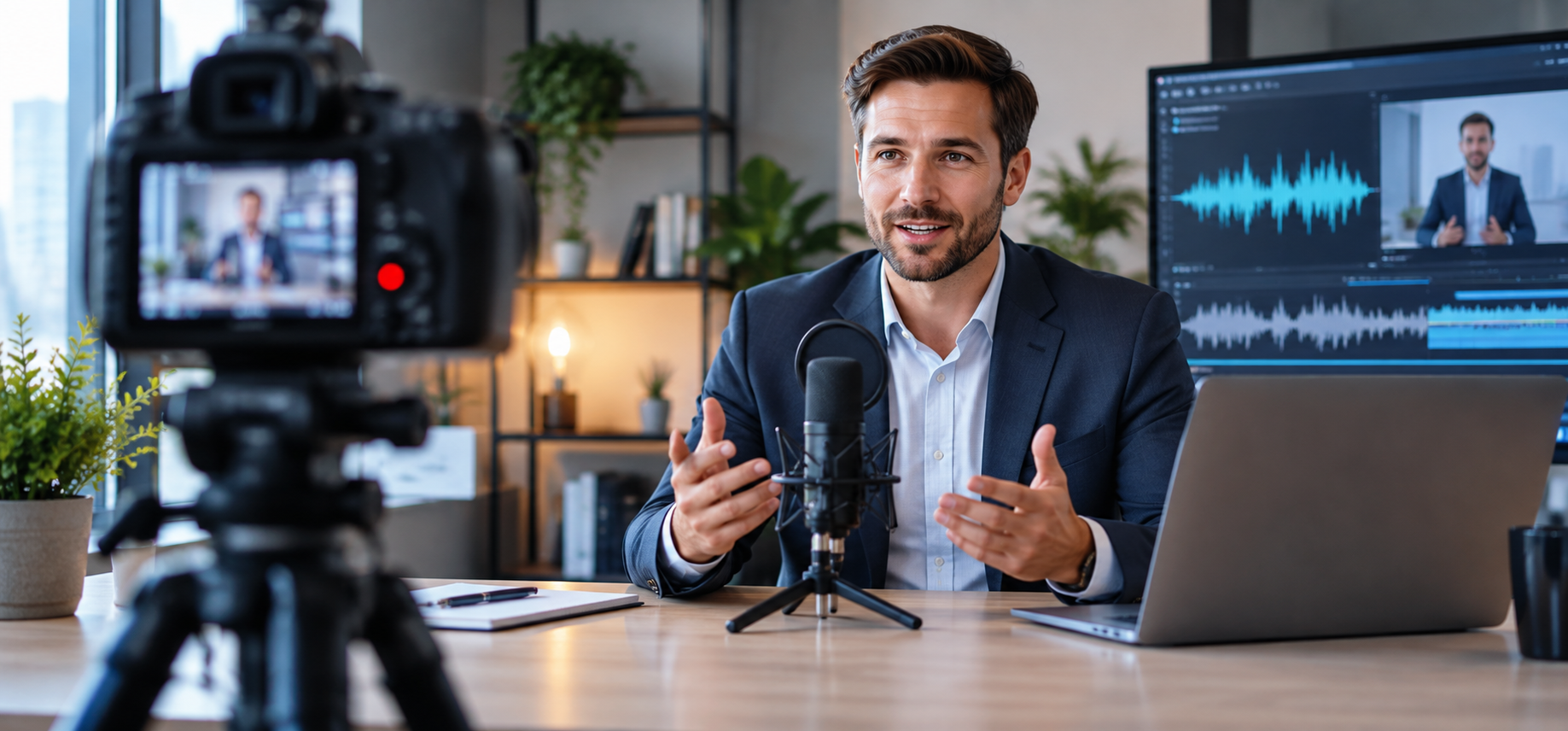
Why Business Videos Lose Viewers When Speech Feels Unclear
Business videos do not need Hollywood sound. They do need clear speech. A product demo, webinar clip, investor update, or customer training video can look polished and still feel hard to watch if the audio is muddy. People may not know exactly what is wrong, but they notice the friction quickly.
That is why an audio enhancer is useful for teams that create a lot of practical content. The goal is not to make every speaker sound like a studio narrator. The goal is to make the message easier to hear, especially on laptops, phones, and small speakers.
For a business audience, this matters because one recording often becomes many assets. A webinar may turn into short social clips, a blog embed, a sales enablement video, and a transcript. If the original sound is messy, every version carries that problem forward.
How Background Music Hurts Product Demos And Webinars
Background music can help a video feel more finished, but it becomes a problem when it competes with the speaker. This often happens in event recordings, older promotional clips, livestreams, and repurposed webinars where the music is already mixed into the same file as the voice.
Imagine a SaaS team editing a product launch video into three shorter clips. The speaker explains the feature clearly, but the intro music keeps playing underneath the first section. Turning down the whole track also turns down the voice, so the editor needs a cleaner way to separate the sound.
In that situation, Music Remover can help separate background music from speech, giving the team a better starting point for captions, edits, and new soundtracks. This is a practical step before using an audio enhancer, because speech cleanup works better when music is not fighting the voice.
When An Audio Enhancer Makes The Voice Easier To Follow
Once the music problem is handled, the voice may still need work. Business recordings are often made in normal places: meeting rooms, home offices, hotel rooms, conference halls, cars, and video calls. These spaces can add echo, wind, fan noise, uneven volume, or a thin microphone sound.
A Voice Enhancer can help improve speech clarity by reducing common distractions such as noise, echo, wind, and inconsistent volume. Used carefully, an audio enhancer can make a founder update, product walkthrough, training module, or interview easier to understand without making the speaker sound artificial.
The key is moderation. If the voice starts to sound metallic or overly smooth, the processing may be too strong. Clear speech should still sound like a real person talking.
A Simple Audio Workflow For Content Teams
A light workflow is usually enough for everyday business videos. First, listen to the raw file and name the biggest problem. If music is covering the speaker, deal with that first. If the voice is exposed but noisy, use an audio enhancer for speech clarity. Then export a short test and play it back on a phone, headphones, and laptop speakers.
This quick check is more useful than editing only through studio headphones. Many viewers watch business content while commuting, working, or scrolling between meetings. If the message stays clear in ordinary listening conditions, the edit is probably in good shape.
An audio enhancer should support the content, not become the content. Avoid chasing total silence. A little natural room tone is often better than a voice that feels flat or processed.
Why Cleaner Audio Helps Repurposed Content Perform Better
Cleaner sound does more than improve one video. It helps captions become easier to review, makes clips simpler to repurpose, and gives teams more confidence using older recordings. A good interview answer, webinar explanation, or product walkthrough should not be wasted just because the original audio was imperfect.
For global teams, this is especially useful. Viewers may be watching in different environments, with different accents, devices, and levels of background noise around them. Clearer speech makes the content more accessible without needing region-specific assumptions or heavy localization.
An audio enhancer is not a magic fix for every recording, and it cannot turn every rough file into a perfect studio take. But when used in the right order, it can remove enough friction for the idea to come through. For business videos, that is often the real win: a clearer voice, fewer distractions, and a message people can finish watching.







Comment