
Home Office Technology and Productivity Essentials for Remote Professionals

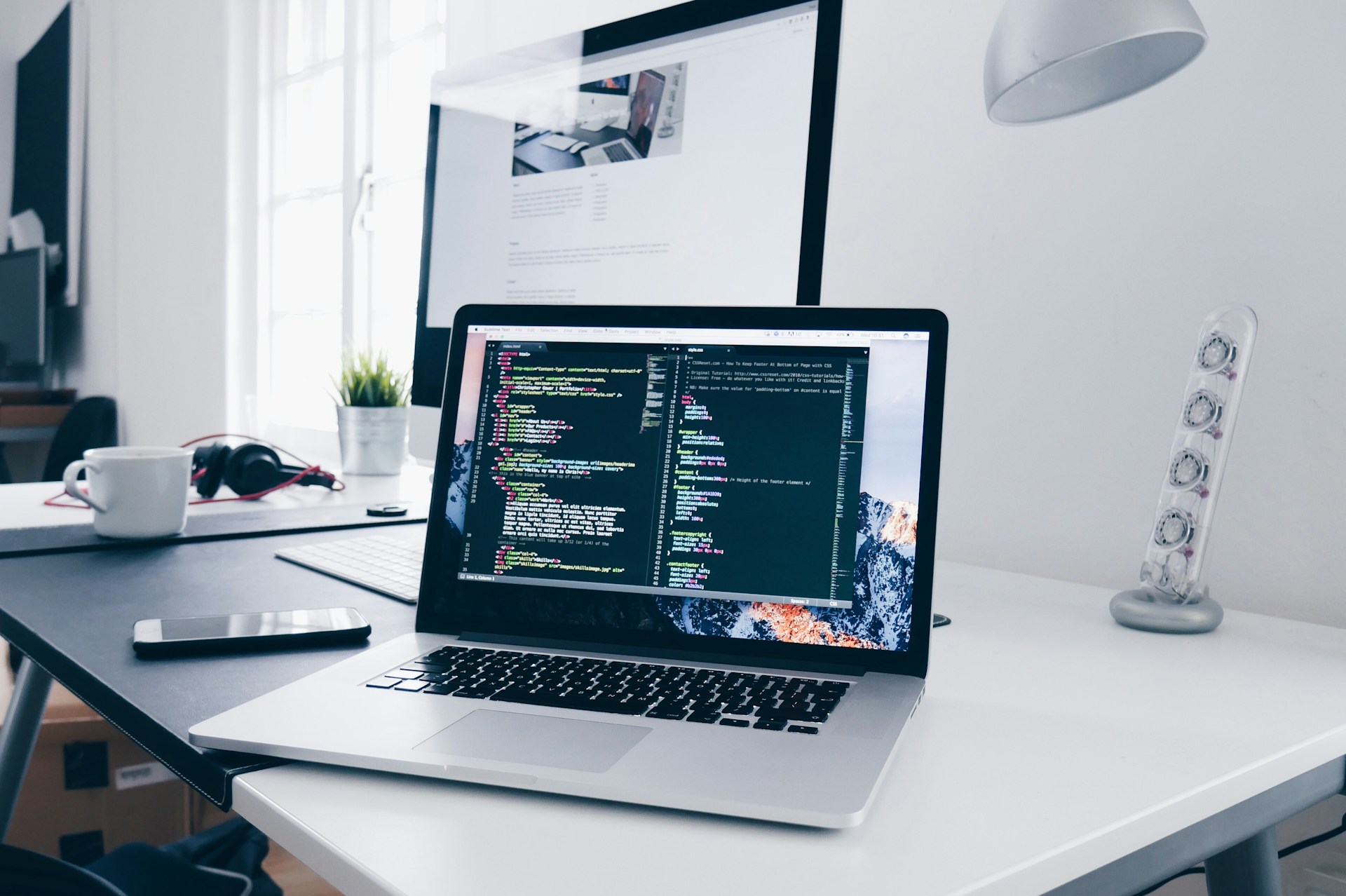
Discover the best home office technology and productivity essentials, including monitors, smart office solutions, and workspace upgrades for remote professionals.
Remote work has changed how professionals approach productivity, collaboration, and daily operations. A home office is no longer just a temporary workspace with a laptop on a kitchen table. It has evolved into a critical environment where entrepreneurs, freelancers, content creators, developers, and corporate employees spend a significant portion of their day.
The quality of a home office setup directly affects focus, comfort, efficiency, and even mental well-being. From high-performance monitors and ergonomic furniture to smart automation and cloud-powered infrastructure, modern professionals need technology that supports long hours of productive work without creating unnecessary stress or distractions.
As competition in digital industries grows, professionals who optimize their workspaces gain an advantage in performance, creativity, and time management. Investing in the right technology is no longer optional—it is essential.
Why Home Office Technology Matters
The average professional relies on multiple digital tools every day. Video conferencing platforms, project management software, cloud applications, content creation tools, and communication systems all demand a workspace that can support uninterrupted productivity.
A poorly designed home office can lead to eye strain, back pain, distractions, slow workflows, and reduced motivation. On the other hand, a well-equipped workspace improves concentration, workflow efficiency, and overall job satisfaction.
Modern remote professionals require:
- Reliable hardware
- Fast internet connectivity
- Efficient display systems
- Comfortable ergonomics
- Organized workspaces
- Smart automation tools
- Secure cloud infrastructure
Technology plays a major role in making all these elements work together smoothly.
Building a Workspace That Encourages Focus
One of the biggest challenges of remote work is maintaining consistent focus throughout the day. Household distractions, poor workspace design, and uncomfortable equipment can reduce productivity significantly.
A productive workspace should support both physical comfort and mental clarity. This includes proper desk placement, good lighting, minimal clutter, and efficient device arrangement.
Natural lighting is particularly important because it reduces eye strain and helps maintain energy levels. Noise-canceling headphones, smart lighting systems, and organized cable management also contribute to a cleaner and more focused environment.
Many professionals now integrate automation into their workspaces using voice assistants, app-controlled lighting, and productivity-focused accessories that eliminate repetitive manual tasks.
In addition to comfort, workspace customization also improves motivation. A personalized environment with efficient technology creates a professional atmosphere that encourages consistency and discipline.
The Importance of Choosing the Right Monitor
A monitor is one of the most important investments in any home office setup. Professionals spend countless hours staring at screens, so display quality directly impacts productivity and comfort.
Writers, developers, designers, marketers, traders, and video editors all require different monitor features depending on their workloads. Screen size, resolution, refresh rate, color accuracy, and connectivity options all influence the user experience.
Professionals who want to optimize their setups should carefully evaluate the best home office monitor for their specific work requirements.
Larger screens improve multitasking by allowing users to manage multiple applications simultaneously. High-resolution displays reduce eye fatigue and make reading easier during extended work sessions. Adjustable monitor stands also improve posture and ergonomic comfort.
For professionals who regularly attend virtual meetings or collaborate online, a quality monitor can significantly improve workflow efficiency and visual clarity.
Understanding What Makes a Great Monitor
Buying a monitor without understanding the essential specifications often leads to frustration and wasted money. Modern monitors include a wide range of features, and selecting the right combination is critical for long-term productivity.
Important monitor considerations include:
- Screen resolution
- Refresh rate
- Response time
- Panel technology
- Ergonomic adjustments
- Port selection
- Blue light filtering
- Curved versus flat displays
Professionals who work with spreadsheets, documents, and multiple browser tabs often benefit from ultrawide monitors or dual-screen setups. Creative professionals may prioritize color accuracy and high dynamic range support.
Connectivity is another major factor. Monitors that support multiple input options simplify workspace organization and improve compatibility with modern devices.
Before investing in a display, remote workers should review a detailed monitor buying guide to understand which features align best with their workflow needs.
Choosing the right display setup can dramatically improve efficiency, reduce physical strain, and create a smoother working experience.
Why USB-C Monitors Are Becoming Essential
Modern workspaces demand simplicity, speed, and flexibility. Traditional cable-heavy desk setups are gradually being replaced by streamlined configurations that reduce clutter and improve device compatibility.
USB-C monitors have become increasingly popular because they combine power delivery, video output, and data transfer into a single cable connection. This simplifies workstation management while improving convenience for professionals using laptops, tablets, and hybrid devices.
Professionals looking to understand the benefits of modern connectivity can explore this guide where USB-C monitor explained in detail.
USB-C technology offers several productivity advantages:
- Cleaner cable management
- Faster workstation setup
- Simplified docking capabilities
- Improved portability
- Better compatibility with modern laptops
- Reduced desk clutter
For professionals who frequently switch between devices or work in flexible environments, USB-C monitors provide a highly efficient solution.
Minimalist desk setups are becoming increasingly important because organized workspaces contribute to better concentration and reduced distractions.
Smart Office Technology That Improves Productivity
Technology-driven workspaces are evolving beyond basic hardware. Smart office accessories now help professionals automate routine tasks, improve organization, and maintain productivity throughout the day.
Many remote workers are integrating smart technologies into their daily workflows to create more responsive and efficient environments.
Popular smart office upgrades include:
- Smart lighting systems
- Wireless charging stations
- AI-powered assistants
- Smart thermostats
- Automated standing desks
- Noise management systems
- Wireless peripherals
- Smart scheduling tools
These technologies reduce friction during the workday and allow professionals to focus more on meaningful tasks.
Businesses and entrepreneurs looking to modernize their workspaces can explore practical smart office solutions that improve efficiency and comfort.
Automation is especially valuable for entrepreneurs managing multiple responsibilities. Small improvements in daily workflow can create significant long-term productivity gains.
Productivity Is More Than Just Technology
Even the best home office equipment cannot compensate for poor routines and unhealthy work habits. Productivity depends on both technology and lifestyle management.
Many professionals struggle with burnout because remote work often blurs the boundary between personal life and professional responsibilities. Long hours, screen fatigue, and constant notifications can negatively affect both mental and physical health.
Creating sustainable routines is essential for long-term performance. This includes:
- Taking regular breaks
- Maintaining healthy sleep habits
- Using time-blocking techniques
- Staying physically active
- Limiting digital distractions
- Following structured schedules
Healthy habits work together with efficient technology to create a balanced and productive workflow.
Professionals seeking better work-life balance can learn from these smart lifestyle habits for busy professionals that support productivity and wellness simultaneously.
When professionals combine optimized technology with intentional routines, they often experience greater focus, lower stress levels, and improved consistency.
The Role of Cloud Infrastructure in Remote Productivity
While hardware and workspace design receive significant attention, cloud infrastructure is equally important for remote professionals and online businesses.
Entrepreneurs, bloggers, agencies, developers, and eCommerce businesses rely heavily on website performance, cloud applications, and secure hosting environments. Slow-loading websites, server downtime, and poor scalability can negatively impact productivity and revenue.
Modern professionals need hosting platforms that provide:
- Fast performance
- Reliable uptime
- Scalable resources
- Strong security
- Simplified management
- Easy collaboration tools
Managed cloud hosting platforms have become increasingly popular because they eliminate many technical challenges associated with traditional hosting.
For professionals managing websites or online businesses, Cloudways offers a powerful managed cloud hosting solution that simplifies server management while delivering high performance and scalability.
Cloud-based workflows are especially important for distributed teams, freelancers, and digital entrepreneurs who require constant accessibility and reliable performance.
A fast and secure digital infrastructure ensures smoother operations, better collaboration, and improved customer experiences.
Ergonomics and Long-Term Comfort
Productivity is closely connected to physical well-being. Many professionals underestimate the importance of ergonomics until they begin experiencing discomfort from extended desk work.
An ergonomic workspace reduces strain on the body and improves comfort during long work sessions.
Important ergonomic considerations include:
- Adjustable chairs
- Proper monitor height
- Keyboard positioning
- Wrist support
- Standing desk options
- Footrests
- Adequate lighting
Investing in ergonomic equipment improves posture, reduces fatigue, and supports long-term health.
Professionals who work extended hours benefit significantly from workspaces designed around comfort and movement. Small ergonomic improvements often produce noticeable increases in productivity and energy levels.
The Future of Home Office Productivity
Remote work continues to evolve rapidly, and technology will play an even larger role in shaping future work environments. Artificial intelligence, automation, cloud collaboration, and smart workspace integration are already transforming how professionals operate.
Future home offices will likely become more intelligent, personalized, and automated. AI-powered scheduling systems, adaptive lighting, voice-controlled workflows, and immersive collaboration technologies may soon become standard features in professional environments.
However, the core principles of productivity remain consistent:
- Efficient technology
- Comfortable environments
- Reliable infrastructure
- Healthy routines
- Organized workflows
Professionals who invest in these areas position themselves for long-term success in increasingly competitive digital industries.
Final Thoughts
Creating an effective home office is about far more than aesthetics. The right technology setup directly influences productivity, creativity, comfort, and overall professional performance.
From choosing the ideal monitor and implementing smart office tools to building healthy routines and using reliable cloud infrastructure, every component contributes to a more efficient work experience.
Modern professionals need workspaces that support focus, flexibility, and long-term sustainability. Investing in high-quality home office technology is ultimately an investment in productivity, performance, and career growth.
As remote work continues to shape the future of business, professionals who optimize their environments will gain a significant advantage in both efficiency and innovation.







Comment