
GnuVPN for Cloud Gaming: What a VPN Protects When You Don’t Own the Hardware

Cloud gaming flips the usual setup. The game runs on a server in a data centre; your device just streams the picture and sends your inputs back. You do not own the machine, the GPU, or the connection between them.
So what is left to protect? More than you would think, and a VPN for cloud gaming guards a narrower set of things than most guides admit.
GnuVPN markets itself to gamers, so is GnuVPN good for gaming on cloud platforms specifically? It is a useful test case because it carries five protocols, including two that almost no rival offers. That matters more for cloud gaming than it sounds.
Here is what a VPN actually covers, what it costs you in latency, and where GnuVPN’s protocol range earns its place.
What a VPN Protects When the Game Isn’t on Your Machine
Three things still belong to you in a cloud session, and all three are exposed.
- Your IP address: The platform streams to your real IP. Anyone who obtains it, whether from a lobby, a Discord server, or a stream overlay, can point traffic at your home connection.
- Your relationship with your ISP: Every frame of that session crosses your provider’s network. They can see the volume, the pattern, and the destination.
- Your account region: GeForce NOW and Xbox Cloud Gaming are geographically limited. xCloud runs in roughly 28 countries. If you are outside them, the service simply does not exist for you.
A cloud gaming VPN encrypts the link between your device and the data centre. It cannot make the remote GPU faster, and it cannot fix a slow home connection. It changes what your ISP sees and where the platform thinks you are.
GnuVPN covers all three with a kill switch on top, so if the tunnel drops mid-session, your real IP does not surface while it reconnects. On a cloud platform, that is the difference between a dropped frame and an exposed home address.
The Latency Budget Nobody Mentions
Cloud gaming has a hard ceiling that ordinary gaming does not. Xbox Cloud Gaming needs roughly 15 to 30 milliseconds for a smooth session, and every hop between your device and the data centre spends part of that budget.
A VPN adds a hop. In one published test, Xbox Cloud Gaming ping rose from 28ms to 89ms through a VPN, which the tester called unplayable. Connecting from Algeria to a French server to reach xCloud lands around 40ms, the upper limit and playable with small lag.
| Platform | Latency target | VPN headroom |
| Xbox Cloud Gaming | 15 to 30ms | Very tight |
| GeForce NOW | Under 40ms preferred | Tight |
| Competitive FPS via cloud | As low as possible | Effectively none |
| Single-player and turn-based | 60ms is fine | Comfortable |
Cloud gaming latency VPN advice usually stops at “pick a fast protocol.” The more useful rule is this: if you are playing a competitive shooter through the cloud, a VPN will hurt. If you are playing a JRPG or a strategy game, the overhead disappears into gameplay you will not notice.
Where GnuVPN helps is that you are not locked to one protocol. WireGuard carries the lightest overhead for a tight budget, and you switch to something heavier only when you need to. Providers that ship a single proprietary protocol make that decision for you.
The exception cuts the other way. If your ISP routes badly to the data centre, a VPN can hand you a cleaner path than the default. That is a routing improvement, not a physics one, so test it before you assume it.
Where a VPN Genuinely Helps
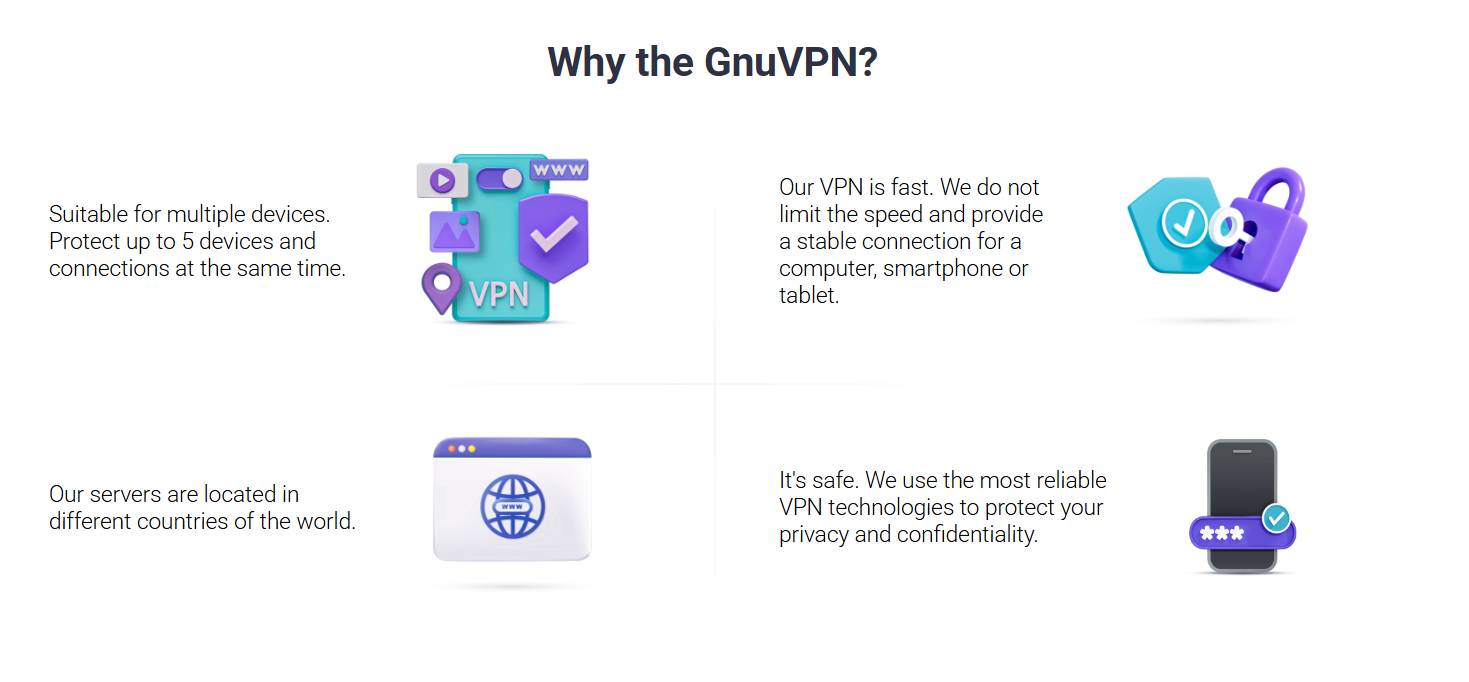
Three things, and none of them is your ping: it hides your IP from attackers, it blinds your ISP’s traffic shaper, and it puts you in a region the platform serves.
A VPN Hides the IP an Attacker Needs
Start with the IP. DDoS protection cloud gaming works because the attacker needs your real IP, and a VPN replaces it with the server’s. Someone who boots you offline mid-match is attacking your home connection, not the data centre. Hide the target and the attack has nowhere to land.
This matters most in ranked play and tournaments, where the incentive to knock an opponent offline is highest. It is also the one gaming claim a VPN can make that a ping reducer cannot, because those tools do not encrypt anything. GnuVPN pitches this directly at esports players, and it is the honest core of its gaming case.
Encryption Removes What the Throttler Targets
Some providers slow streaming traffic at peak hours, and cloud gaming looks exactly like video streaming to a traffic shaper. Cloud gaming ISP throttling is invisible from your end: the session degrades, the resolution drops, and nothing tells you why.
A shaper has to identify traffic before it can slow it. Encrypt the session, and your ISP still sees volume, but not what kind, so selective throttling has nothing to select on.
GnuVPN applies no speed cap of its own, so what you gain from bypassing the shaper is not handed back at the VPN.
Region Access: Pick the Nearest Supported Country
GeForce NOW region lock and the xCloud country list are the most common reasons people search for a VPN for GeForce NOW or a VPN for Xbox Cloud Gaming in the first place.
If the answer to xCloud not available in my country is a server in a supported region, a VPN is the only practical route.
The catch is the latency budget again. Pick the nearest supported country, not the cheapest server. France from North Africa works. Japan from Vietnam is playable for slow games and painful for fast ones.
GnuVPN’s 55+ countries matter here for one reason only: whether a supported region sits close enough to stay inside your budget.
The Problem Nobody Mentions: Cloud Platforms Block VPNs
Here is what every affiliate guide leaves out. The platforms actively resist VPN traffic.
GeForce NOW detects VPN connections and warns you about them. Its own support forums are full of users troubleshooting VPN notices, including some who were flagged with no VPN running at all, and shared VPN server IPs are a common trigger.
Microsoft may flag VPN traffic as suspicious on Xbox Cloud Gaming, and users bypassing region locks have reported account action.
VPN blocked cloud gaming is therefore a real and growing problem, and most providers have no answer for it. Their traffic announces itself.
This is where protocol choice stops being a specification and starts being the difference between a session and an error message. Obfuscation protocols disguise VPN traffic as ordinary web activity, which makes it substantially harder for a platform to identify and block.
GnuVPN is one of the few consumer providers carrying two of them. SoftEther wraps traffic in ordinary HTTPS, so a filter watching for VPN activity sees routine web browsing. AmneziaWG scrambles WireGuard’s traffic signature while keeping its speed.
Neither is available from NordVPN, Surfshark, Proton, or ExpressVPN, which is why a blocked session on those services usually stays blocked.
How GnuVPN’s Five Protocols Map to Cloud Gaming
Everything above comes down to two problems: the latency budget, and the block list. GnuVPN cloud gaming sessions get five protocols in one app, and they map directly onto both.
- WireGuard for the latency budget. The lightest overhead, the fastest connections, and the right default when nothing is blocking you.
- SoftEther when the platform blocks you. It wraps traffic in ordinary HTTPS, so a filter watching for VPNs sees normal web browsing instead.
- AmneziaWG as the middle ground. A modified WireGuard that scrambles its traffic signature while keeping WireGuard speed.
- OpenVPN and IKEv2 for compatibility and mobile stability.
The best protocol for cloud gaming is not a fixed answer. It is WireGuard until something stops you, then obfuscation. That switch is the whole argument for protocol choice, and it is why a five-protocol app suits cloud gaming better than a one-protocol one.
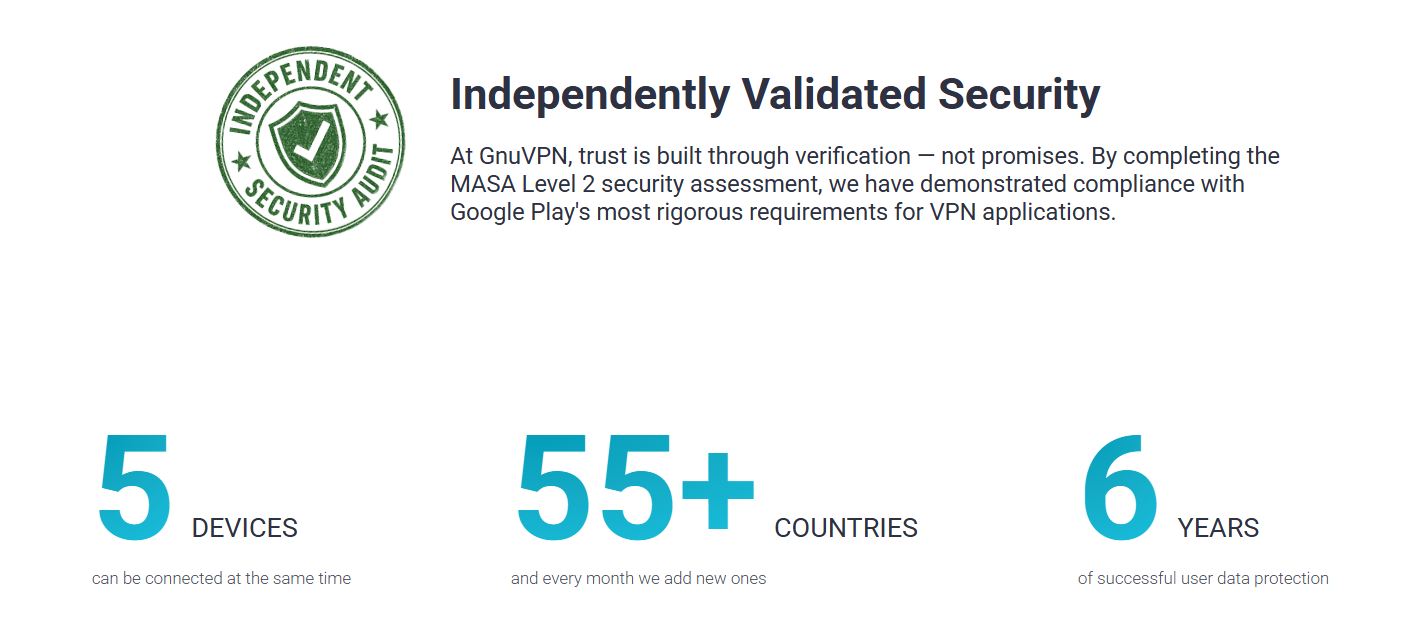
The rest is straightforward: servers in 55+ countries to reach a supported region, apps on Windows, macOS, Linux, iOS and Android, five simultaneous devices, and an Android app that has passed an independent security review under Google’s App Defense Alliance programme (MASA, assurance level 2). Plans start at $2.79 per month.
FAQ
Is GnuVPN good for cloud gaming?
It fits the two problems cloud gaming actually creates. WireGuard keeps overhead low inside a tight latency budget, and SoftEther or AmneziaWG get you through when a platform blocks standard VPN traffic. GnuVPN gaming protocols cover both cases in one app, at $2.79 per month across 55+ countries.
Does a VPN work with cloud gaming?
Yes, with a caveat. Does a VPN work with cloud gaming depends on the game. Slower titles absorb the added latency comfortably. Competitive shooters do not, because cloud gaming already spends most of its 15 to 30ms budget before a VPN adds anything.
Will a VPN lower my ping in GeForce NOW?
Usually not. A VPN adds a hop, and a hop costs milliseconds. The exception is a badly routed ISP, where a VPN can offer a cleaner path to the data centre. Test it against your normal connection before you assume an improvement.
Can GeForce NOW or Xbox Cloud Gaming detect a VPN?
Yes. GeForce NOW blacklists known VPN IPs, and Microsoft can flag VPN traffic on xCloud. Standard protocols are straightforward to identify. Obfuscation protocols such as SoftEther and AmneziaWG disguise the traffic as ordinary HTTPS, which is far harder to detect.
Disclaimer: This article is provided for informational purposes only. It is not offered or intended to be used as legal, tax, investment, financial, or other advice.




Comment