
From Outpainting to Image Fusion: A Three-Tool AI Workflow

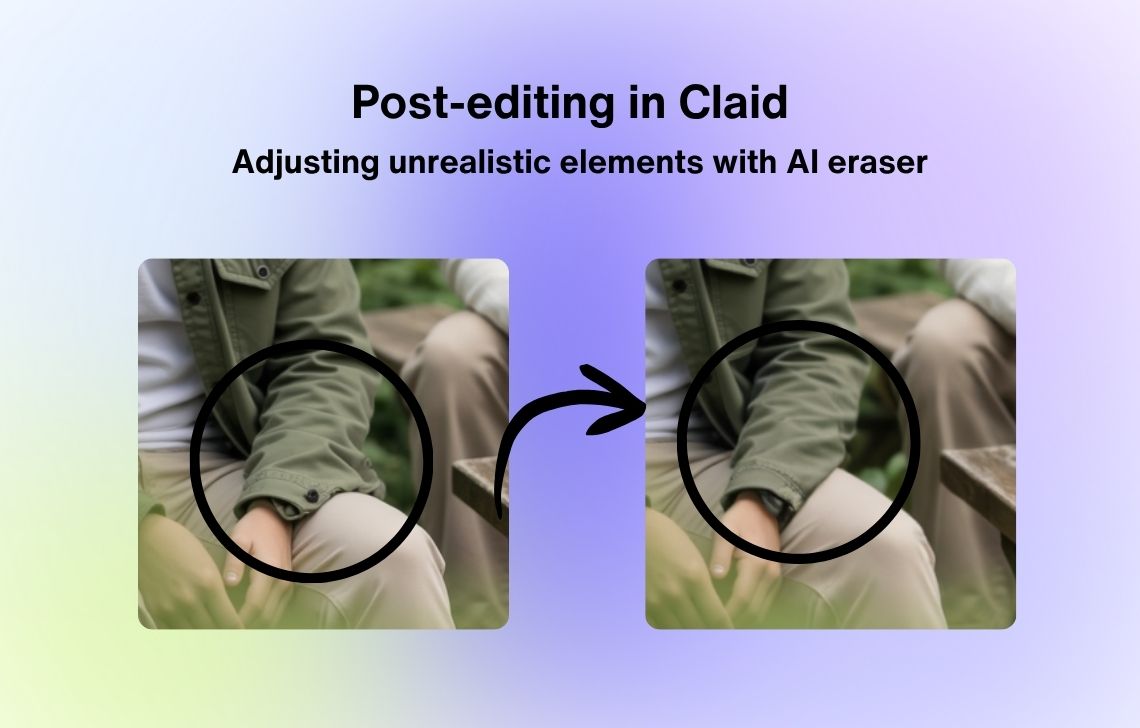
AI image editing now extends beyond one-shot generation. Creators can expand a frame, combine references, and refine a result with natural-language instructions. The challenge is assigning each task to the right stage.
Stage 1: Expand the Composition
An AI image extender adds new visual space beyond the original frame. This is useful when a landscape image must become vertical, a product photo needs room for copy, or a portrait requires a wider environment.
Outpainting is generative. New areas should match the original light, perspective, and texture, but they are not part of the source photograph. Review patterns, reflections, and objects near the old boundary. Expand only where the layout needs space.
Stage 2: Combine Visual References
An image blender can merge several uploaded images into a new composition guided by a written description. A team might combine a product shot, a location reference, and a color or lighting reference to explore a campaign direction.
Give each input a role: main subject, environment, or mood reference. Conflicting perspectives and lighting can create a busy result, so begin with two or three compatible images.
Stage 3: Refine With Language
Nano Banana AI provides text-directed image generation and editing. After selecting the strongest blended concept, a creator can describe a focused change such as adjusting the background, replacing an object, or revising the overall style.
Make one important change at a time. Broad instructions make it harder to identify which edit caused a face, logo, product detail, or lighting relationship to drift. Keep the previous version and compare the edited result at full size.
Add Human Review Between Every Stage
One tool’s output becomes the next tool’s input, so errors can compound. Check identity, text, hands, reflections, brand details, and rights after every export. Never present generated extensions as evidence or a synthetic composite as an untouched photograph.
Version control keeps experimentation reversible. Save the original, extended canvas, blended draft, and refined result as separate files, and record the prompt used at each stage. When an edit weakens the composition or changes an important detail, the creator can return to the last reliable version instead of attempting to repair a heavily transformed image.
This three-stage workflow is most effective for concept art, campaign exploration, mood boards, and social graphics where iteration is valuable. Expansion solves the canvas, blending explores relationships between references, and text-led editing refines the chosen direction. The tools contribute different capabilities; the creator remains responsible for the visual brief and the final truthfulness of the image.





Comment