
Business Internet Resilience for Remote, Rural, Mobile, and Temporary Locations

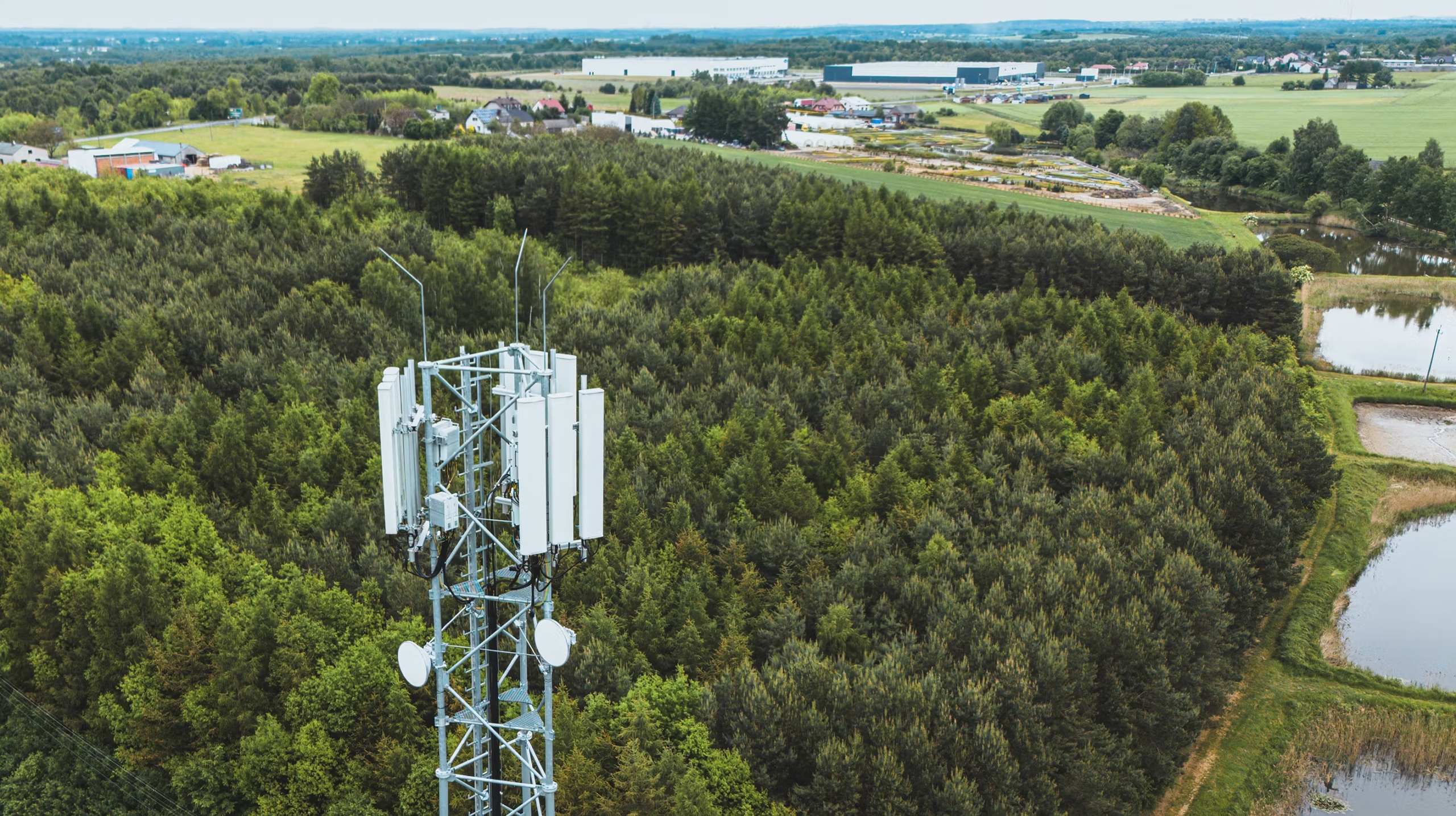
For a remote business, reliable internet is not simply a convenience. It supports payments, scheduling, cloud applications, customer communication, inventory, security cameras, dispatching, and collaboration. A practical continuity plan starts by recognizing that the fastest available connection is not always the most dependable one. In hard-to-reach locations, satellite internet service for business can be one part of a broader strategy when wired or cellular options are limited. Farms, rural clinics, construction sites, lodges, field crews, pop-up locations, and mobile service companies often face risks that a city office does not. A damaged cable, a weak cellular signal, severe weather, a utility outage, or an obstructed antenna can take an entire location offline. The goal is to identify those risks early and build a connection plan that keeps the most important work moving.
Why Internet Resilience Matters for Remote Businesses
An outage can quickly become an operations problem. Card terminals may stop processing transactions, staff may lose access to customer records, remote employees may be unable to communicate, and field teams may not receive updated work orders. Communications systems are critical to everyday operations across businesses and communities. Resilience means planning for failure instead of assuming it will not happen. A reliable design reduces single points of failure by combining separate access methods, such as wired broadband with cellular failover, or fixed wireless with a satellite backup. If both services depend on the same local cable route, tower, power source, or building equipment, they may fail simultaneously.
Assess Your Current Internet Setup
Before comparing new plans, document what is already in place. An outage risk assessment is more useful than shopping based on download speed alone.
- List every office, vehicle, job site, and temporary location that needs internet access.
- Record each provider, connection type, download and upload speed, equipment, contract term, and monthly cost.
- Identify which tasks stop during an outage, including payments, phones, cloud software, cameras, dispatching, and remote access.
- Review prior outages. Note how often they occurred, how long they lasted, and whether power, weather, construction, or provider issues caused them.
- Check for shared dependencies, including one electrical panel, one cable route, or equipment installed in the same exposed location.
Compare the Main Connection Options
No connection type is best for every business. Availability, workload, budget, installation timeline, and acceptable downtime all matter.
- Fiber: Often the strongest fit for data-heavy offices that need fast uploads, low latency, video meetings, cloud backups, and multiple simultaneous users. Rural availability can be limited.
- Cable: Common in urban and suburban areas, with solid performance for many small offices. Local capacity can be shared with nearby customers.
- Fixed wireless: Useful where a provider can reach the site without installing a new buried line. Signal quality, terrain, obstructions, and line of sight can affect performance.
- Cellular: Flexible for vehicles, temporary sites, and short-term failover. Coverage, congestion, indoor reception, and data allowances vary by location.
- Satellite: Offers broad reach for remote facilities, mobile teams, and backup scenarios. Antenna placement, weather, capacity, latency, and a clear view of the sky require careful review.
Broadband access has improved, but it is not uniform. Small-business broadband findings from the U.S. Small Business Administration show that terrestrial broadband availability rose substantially through 2024, while coverage gaps and technology choices still matter for many locations.
When Satellite Connectivity May Fit
Satellite can be a sensible option when physical networks are unavailable, slow to install, or too vulnerable to a single local failure. It may support remote offices, agricultural operations, outdoor recreation businesses, mobile clinics, emergency teams, construction projects, inspection crews, and disaster recovery sites. It is not automatically the right primary connection for every busy office. Businesses that rely heavily on real-time financial tools, hosted phone systems, large transfers, competitive gaming environments, or constant high-definition video should evaluate latency, traffic priorities, and actual performance at the intended location. Always check for trees, buildings, hills, or other obstructions before finalizing an installation plan.
Build a Practical Backup Plan
- Select a primary connection: Choose the most stable, capable service available for normal work.
- Choose a separate backup path: Use a different technology and, when possible, a different provider or physical route.
- Rank critical applications: Prioritize payment processing, voice communications, customer records, dispatching, and safety systems.
- Set failover rules: Decide whether every device receives backup access or only essential systems do.
- Assign ownership: Name a person who can check equipment, restart devices, review alerts, and contact support.
For example, a rural service company might use wired internet at its headquarters, cellular service for brief interruptions, and satellite equipment for extended outages or remote job sites. That layered approach avoids placing all operations on one connection.
Plan for Equipment and Power Needs
A backup connection only works when the supporting equipment works. Inventory modems, routers, firewalls, switches, antennas, mounting hardware, and failover devices. Outdoor equipment requires secure, weather-resistant mounting and an installation location with sufficient visibility. Also, plan for power loss. Use surge protection and calculate how long essential equipment must run during an outage. An uninterruptible power supply can bridge brief disruptions, while batteries or a generator may be necessary for longer events. Include the router, antenna, modem, and critical workstation or payment terminal in that calculation.
Secure the Backup Network
A quickly deployed backup network can create new security gaps. Change default passwords, enable multi-factor authentication for business accounts, update router and firewall software, separate guest Wi-Fi from business devices, and limit remote administration access. During failover events, review connected devices and confirm that staff are using approved systems.
Test Before an Outage
Test the plan quarterly during a quiet operating period. Disconnect the primary connection, confirm that backup service activates, and test payment systems, email, cloud tools, phones, cameras, and remote access. Record the time required to switch over, verify that employees know their responsibilities, reconnect the main service, and confirm that normal traffic returns. An untested backup is an assumption. A short practice outage can uncover weak passwords, failing batteries, poor antenna placement, missing support contacts, or software that does not handle network changes well.
Calculate the Real Cost of Resilience
Look beyond the monthly bill. Include installation, activation, equipment purchases or rentals, mounting, wiring, labor, backup power, extra data charges, managed support, maintenance, and replacement costs. Then compare that total with the likely cost of several hours without sales, customer access, payroll processing, field coordination, or productive staff time.
Business Internet Resilience Checklist
- Primary connection and provider details documented.
- Backup connection selected with separate dependencies reviewed.
- Critical applications ranked by priority.
- Failover rules configured and understood.
- Backup power installed for essential equipment.
- Router, firewall, and Wi-Fi security settings reviewed.
- Plain-language staff instructions stored offline.
- Provider and support contacts available offline.
- Quarterly outage test scheduled.
- Costs and service options reviewed annually.
Final Takeaway
Reliable business internet is not about choosing the most impressive speed on paper. It is about building a connection strategy that can continue supporting essential work when conditions change or the primary service becomes unavailable. By comparing available technologies, protecting network equipment, planning for power interruptions, securing backup access, and regularly testing the setup, remote and mobile businesses can reduce avoidable downtime and stay productive even when connectivity is unreliable. A practical backup plan should also consider how employees will access cloud applications, communicate with customers, process transactions, and access important files during an outage. Reviewing the setup periodically as the business grows can help ensure that the network remains dependable, secure, and capable of supporting changing work demands.







Comment