
Best 15+ WordPress Plugins for eCommerce Store Owners in 2026!

A WooCommerce store can do a lot out of the box, but once you start handling real traffic, orders, and customers, the limitations become clear. Simple tasks like offering flexible discounts, tracking shipments, recovering abandoned carts, or managing product data can quickly turn into time-consuming work. That’s where the right WordPress plugins step in and make day-to-day store management far more manageable.
This curated list of the best WordPress plugins for eCommerce store owners focuses on tools that solve real problems rather than adding unnecessary complexity. Each plugin included here supports a specific part of running a WooCommerce store, whether it’s improving conversions, streamlining operations, enhancing the shopping experience, or staying compliant with regulations.
The goal isn’t to install dozens of plugins, but to choose the ones that genuinely support your business as it grows. If you want a WooCommerce store that feels easier to run and more reliable for customers, the plugins below are a strong place to start.
1. Smart Coupons for WooCommerce
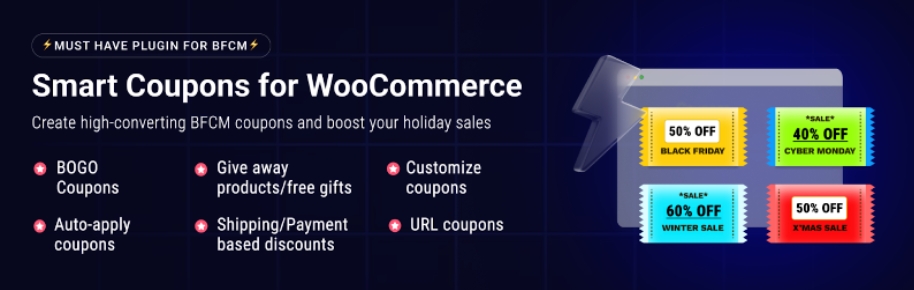
Smart Coupons for WooCommerce Coupons is built for store owners who want more control over how discounts actually work in WooCommerce. Instead of sticking to basic percentage or fixed coupons, this plugin lets you create smarter offers like buy-one-get-one deals, store credits, gift certificates, and conditional discounts.
It’s especially useful when you want to reward loyal customers, clear slow-moving inventory, or run targeted promotions without making things messy. The coupon rules are flexible, so you can control how often coupons can be used, which products they apply to, and more.
Smart Coupons also integrates cleanly with WooCommerce’s checkout flow, so customers don’t feel confused or overwhelmed. If coupons are a regular part of your sales strategy and you want them to feel intentional rather than random, this plugin gives you that extra layer of control.
2. Document Library Pro
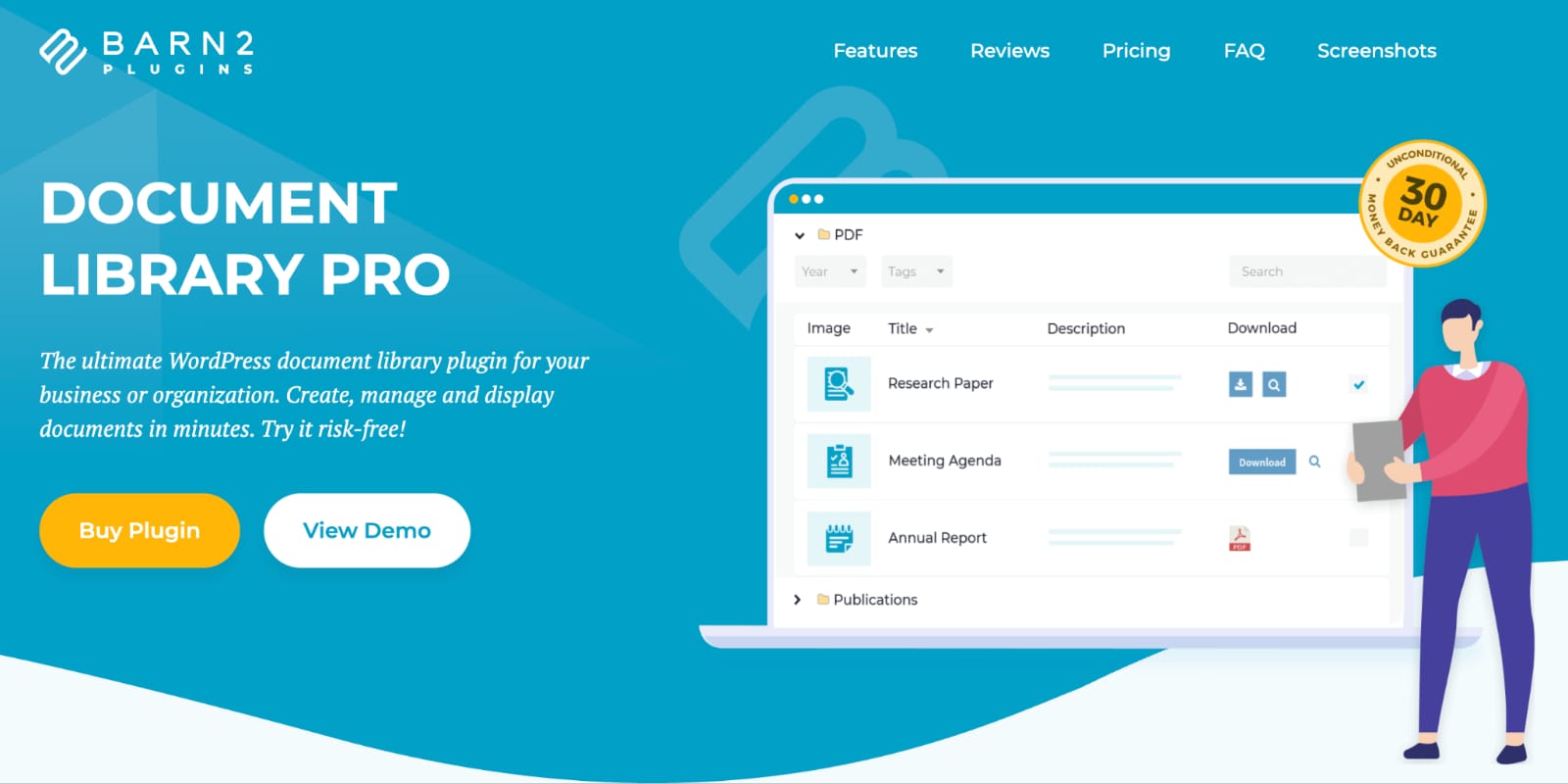
Document Library Pro is a WordPress plugin that helps you create and manage professional document libraries on your website. It’s ideal for sharing manuals, policies, reports, research papers, and other downloadable resources in a clear and organized format.
The plugin makes document management simple by allowing you to upload, categorize, and display files with ease. Visitors can quickly locate documents using built-in search, sorting, and filtering tools, making it perfect for websites with large collections of content.
Whether you’re running a business, school, nonprofit, government website, or membership site, Document Library Pro offers flexible customization options to match your branding. Its user-friendly setup ensures that anyone can create a professional, easy-to-navigate document library without technical expertise.
3. Advanced Shipment Tracking for WooCommerce
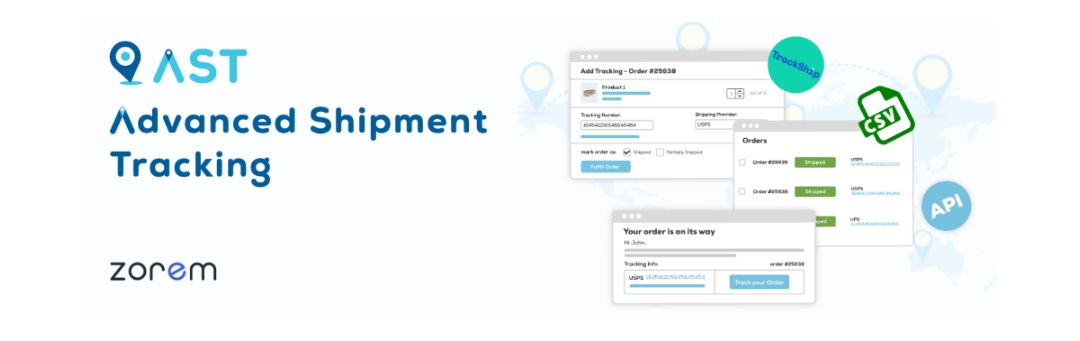
Advanced Shipment Tracking for WooCommerce helps you take a lot of friction out of the post-purchase experience. Once orders are shipped, customers naturally want updates, and this plugin makes that easy by allowing you to add tracking information directly to WooCommerce orders.
It supports multiple shipping carriers and automatically shares tracking details with customers via order emails and their account pages. You can also mark orders as completed only after tracking details are added, which helps keep fulfillment workflows clean.
For store owners dealing with frequent “Where is my order?” support tickets, this plugin quietly does a lot of heavy lifting. It keeps customers informed without manual follow-ups and gives your store a more polished, reliable feel after checkout, which is often overlooked but incredibly important for repeat purchases.
4. WooCommerce Gift Cards

WooCommerce Gift Cards is a solid option if you want to sell digital and physical gift cards without complicating your store setup. It allows customers to purchase gift cards for specific amounts and send them directly to recipients via email, making it ideal for seasonal sales, last-minute gifts, or customer rewards.
From the store owner’s side, managing gift cards is straightforward. You can track balances, control expiry dates, and customize email templates so the gift card experience feels on-brand. Gift cards also help bring in new customers who might not have discovered your store otherwise.
If you’re looking for a low-effort way to boost sales while giving customers flexibility in how they shop, this gift card plugin fits naturally into most WooCommerce stores without forcing big workflow changes.
5. WooCommerce Cart Abandonment Recovery

WooCommerce Cart Abandonment Recovery focuses on one of the most common problems in eCommerce: unfinished checkouts. The plugin captures abandoned carts and automatically sends follow-up emails to remind customers about the items they left behind. You can schedule multiple emails, add coupon incentives, and customize messaging based on timing. What makes it practical is how little manual work it requires once set up.
The plugin runs quietly in the background, recovering sales you’d otherwise miss without constant monitoring. For store owners who don’t want to invest in a full marketing platform but still want to reduce cart abandonment, this is a straightforward starting point. It’s especially helpful for stores with steady traffic where even small recovery improvements can add up over time.
6. WooCommerce Marketing Automation
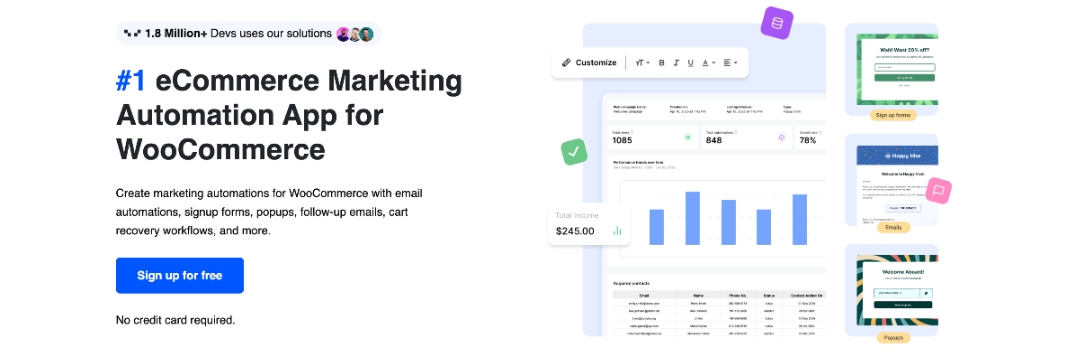
The WooCommerce Marketing Automation is built for store owners who want to run effective on-site campaigns and emails without relying on multiple plugins or external tools. It focuses on practical engagement features like signup forms, welcome popups, exit-intent popups, and cart abandonment popups that help capture attention at the right moment. You can also run interactive campaigns such as fortune wheel offers, along with upsell and cross-sell campaigns that encourage customers to add more to their cart.
On the email side, this AutomateWoo app supports welcome emails, post-purchase thank you emails, abandoned cart recovery emails, and winback campaigns to re-engage inactive customers. Seasonal banners, including BFCM-ready campaigns, make it easier to promote time-sensitive offers. For WooCommerce stores focused on improving engagement and conversions through popups and emails, this app keeps things simple and well-contained.
7. Variation Swatches for WooCommerce
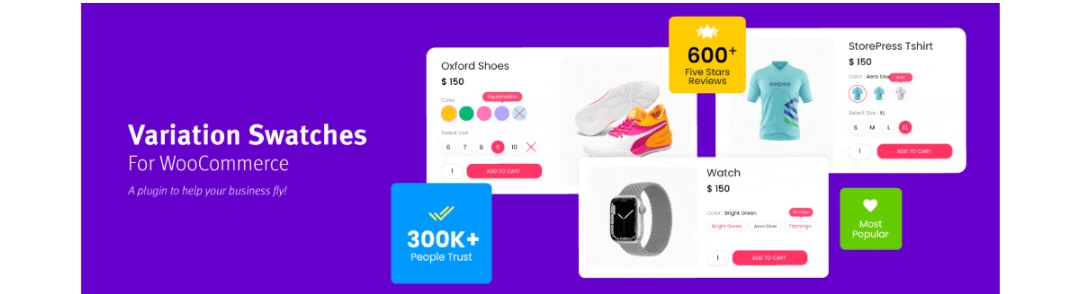
Variation Swatches for WooCommerce improves how product variations are displayed on your store, replacing dropdowns with visual swatches like colors, images, or labels. This makes a noticeable difference for products where appearance matters, such as clothing, accessories, or home decor. Customers can see available options at a glance, which often reduces confusion and speeds up purchasing decisions.
The plugin integrates smoothly with existing variable products, so you don’t need to rebuild your catalog. From a store owner’s perspective, it’s an easy upgrade that improves usability without affecting performance or checkout flow. If you’ve noticed customers struggling to select variations or abandoning product pages early, this plugin helps make those interactions feel more intuitive and less frustrating.
8. Product Import Export Plugin For WooCommerce
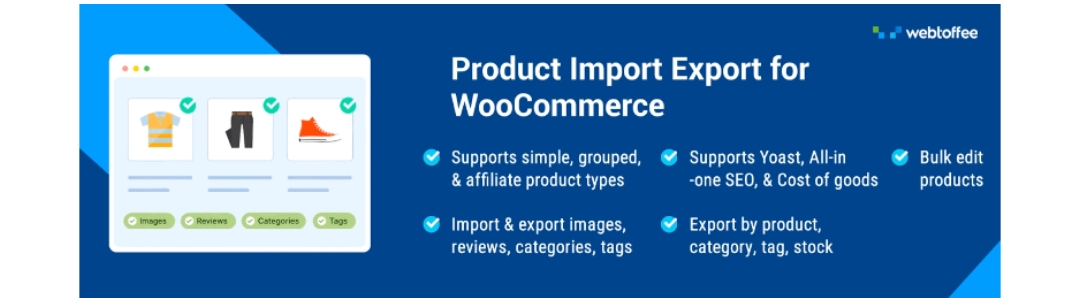
The WooCommerce Product Import Export Plugin is designed for store owners who need a reliable way to manage large product catalogs without handling updates one product at a time. It lets you import and export WooCommerce products in bulk using a single file, making it easier to handle pricing updates, stock changes, categories, and other product data efficiently. The plugin supports all product types, including simple, variable, grouped, affiliate, custom, and subscription products, so it works well even as your catalog grows more complex.
You can export products using advanced filters based on title, category, tags, stock status, and more, and work with multiple file formats such as CSV, XML, Excel, and TSV. product import and export also supports exporting product images, custom meta fields, and even product reviews, which is especially helpful during migrations. For ongoing maintenance, scheduled imports and exports via FTP keep data in sync. The optional ChatGPT API integration helps generate missing product descriptions during imports, reducing manual cleanup work.
9. GDPR Cookie Consent

GDPR Cookie Consent is built for WordPress websites that need a clear and reliable way to collect valid user consent without disrupting the browsing experience. The plugin lets you display a customizable cookie consent banner to meet GDPR requirements and ensures cookies are handled properly from the moment a visitor lands on your site. With built-in support for Google Consent Mode v2, you can manage consent for Google services with minimal setup while keeping analytics and ads aligned with user choices.
This WordPress cookie consent plugin is a Google-certified CMP and its automatic cookie blocker prevents third-party scripts from loading before consent, and you can decide exactly which services are blocked. The advanced cookie scanner identifies all cookies used on your site and groups them by purpose, making transparency easier. Features like granular cookie category consent, consent logs with export options, GeoIP-based banners for EU visitors, and a built-in cookie policy generator help cover compliance needs without unnecessary complexity.
10. WPForms
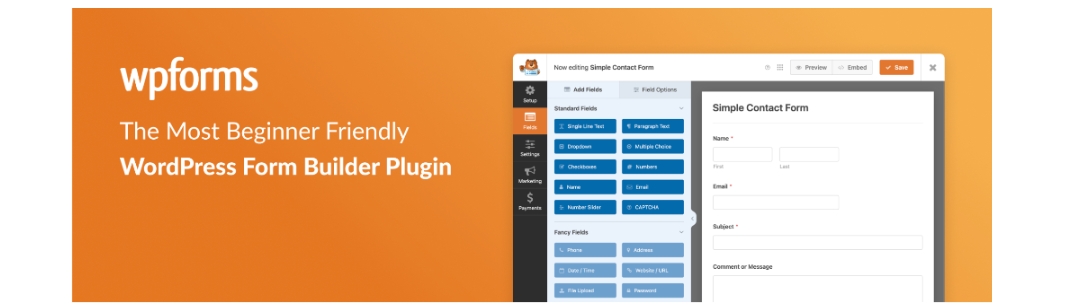
WPForms is a flexible form builder that works well for WooCommerce stores needing contact forms, feedback forms, or basic surveys. It uses a drag-and-drop interface, so you don’t need technical knowledge to build or modify forms. For store owners, this means faster setup and fewer dependencies on developers. WPForms integrates smoothly with WordPress and works alongside WooCommerce without conflicts.
Whether you’re collecting customer inquiries, pre-sale questions, or post-purchase feedback, it keeps communication organized. The forms load quickly and adapt well to mobile devices, which matters when a large portion of your traffic comes from phones. If you’re looking for a dependable form solution that doesn’t add unnecessary complexity, WPForms fits comfortably into most WooCommerce workflows.
11. WooCommerce Product Recommendations
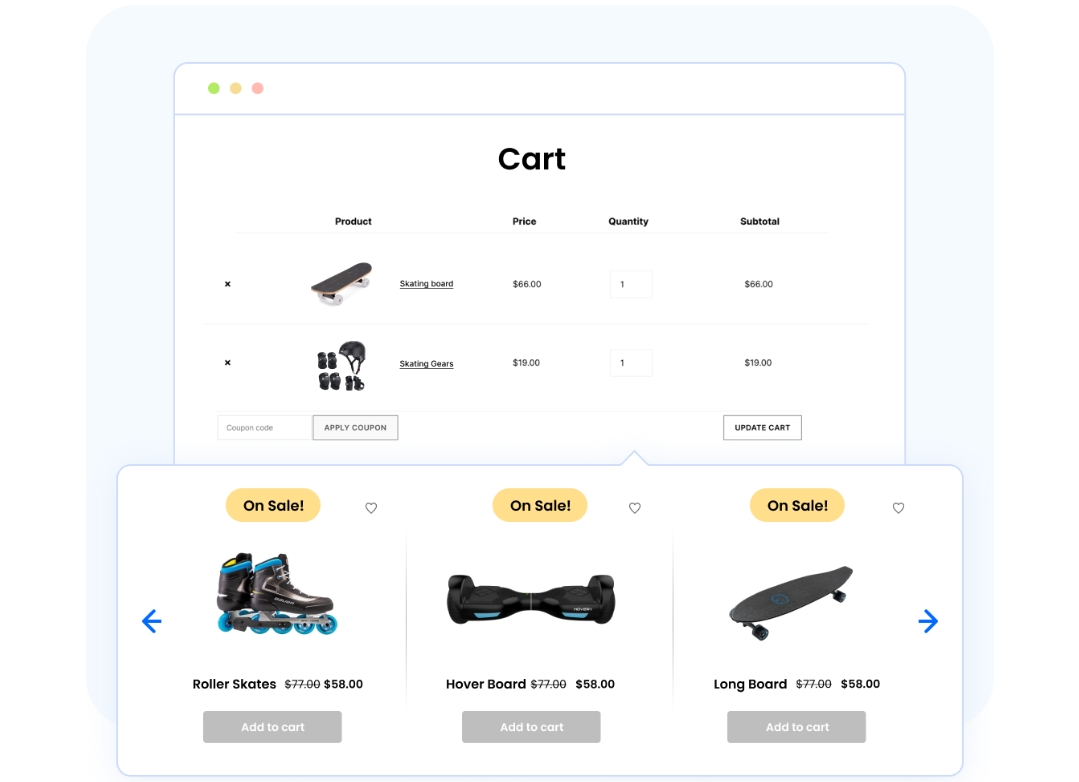
WooCommerce Product Recommendations helps you show relevant products to customers based on how they browse and shop. You can create recommendation rules for upsells, cross-sells, related products, frequently bought together items, and more. Instead of relying on guesswork, the plugin lets you display suggestions at key points like product pages, cart pages, and checkout.
This product recommendations plugin helps increase average order value without being pushy. From a store owner’s perspective, it’s useful because you stay in control of what gets recommended and where. You can tailor recommendations based on categories, purchase history, or cart contents. If you want to encourage customers to explore more of your catalog naturally, this plugin gives you structured tools to do that.
12. WooCommerce Product Feed Plugin
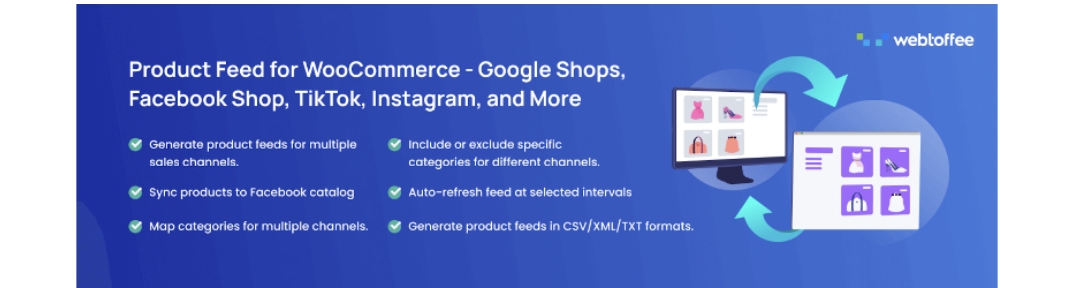
Product Feed for WooCommerce is built for store owners who list products on 20+ external channels like Google Shopping or Facebook. The plugin helps generate structured product feeds directly from your WooCommerce catalog, keeping listings accurate and up to date. You can control which products are included, map attributes correctly, and update feeds as your inventory changes
This WooCommerce product feed plugin reduces manual work and prevents mismatches between your store and advertising platforms. For WooCommerce stores running paid campaigns or marketplace listings, product feeds are essential, and managing them manually doesn’t scale. This plugin simplifies that process and keeps your marketing channels aligned with your actual store data.
13. OptinMonster
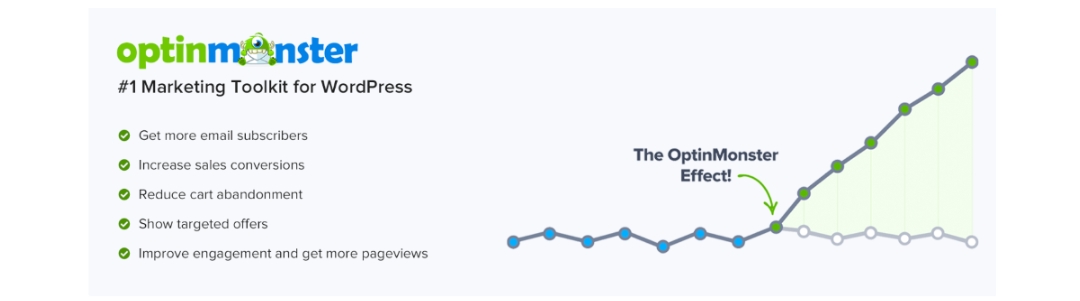
OptinMonster is often used by WooCommerce store owners who want to convert visitors into subscribers or customers through targeted opt-in campaigns. It allows you to create popups, banners, and slide-ins based on user behavior, such as exit intent or time spent on a page. This helps capture attention without interrupting the shopping experience too aggressively.
Store owners commonly use it to promote discounts, grow email lists, or highlight limited-time offers. The targeting options make it easier to show the right message to the right audience segment. If you’re actively working on conversion optimization and want more control over on-site promotions, OptinMonster gives you practical tools to test and refine your approach.
14. WooCommerce PDF Invoices & Packing Slips
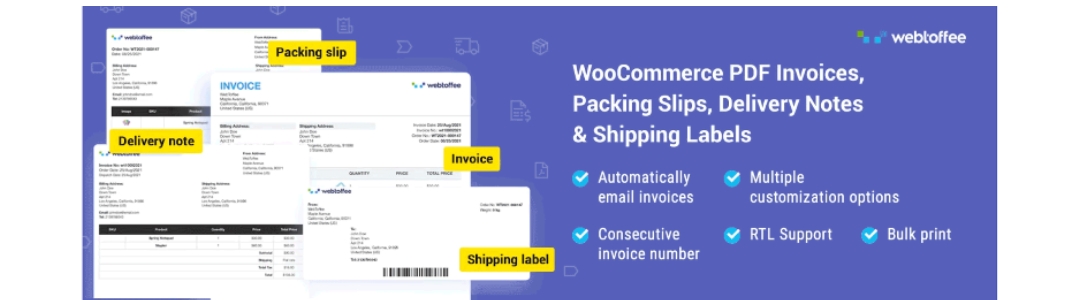
WooCommerce PDF Invoices plugin handles essential order documents without adding complexity to order management. It automatically generates PDF invoices, packing slips, and credit notes for WooCommerce orders and attaches them to order emails. Store owners can customize document layouts, include tax details, and maintain consistent branding.
This PDF invoices and packing slips plugin is especially useful for businesses that need proper documentation for accounting or shipping. Instead of sending basic invoices or relying on external tools, everything stays inside WooCommerce. The plugin fits naturally into daily workflows and reduces the chances of missed or incorrect paperwork. If your store processes a steady volume of orders, having reliable, automated documents makes operations smoother.
15. Mollie Payments for WooCommerce

Mollie Payments for WooCommerce adds a range of popular payment methods to WooCommerce, making checkout more convenient for customers in supported regions. It integrates directly with WooCommerce’s payment system, allowing store owners to accept payments like credit cards, local bank transfers, and region-specific options through a single provider.
The setup process is straightforward, and payments are handled securely. For store owners selling internationally or targeting European customers, offering familiar payment options can reduce checkout friction. Mollie’s plugin keeps payment management centralized and works smoothly with WooCommerce order statuses, refunds, and confirmations. If expanding payment flexibility is part of your growth plan, this plugin makes that transition easier.
16. Order Import Export for WooCommerce
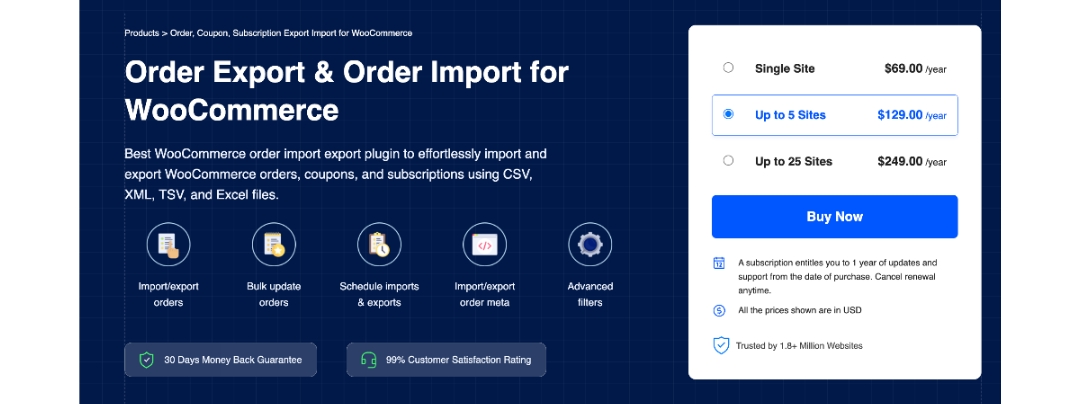
Order Import Export for WooCommerce is helpful for store owners who regularly need to move order data in and out of WooCommerce without manual effort. It supports importing and exporting WooCommerce orders, coupons, and subscriptions, making it useful for store migrations, backups, or syncing data with external systems. You can choose between quick exports for speed or advanced exports when you need precise control using filters.
The order import export plugin allows bulk updates to existing orders during import and supports custom order meta, which is helpful when working with complex data or third-party integrations. Multiple file formats, including CSV, XML, TSV, and Excel, are supported, giving you flexibility based on your workflow. Automated import and export schedules using FTP or SFTP help keep data in sync without constant oversight.
17. WebYes Accessibility Tool

The WebYes Accessibility Tool provides your WordPress and WooCommerce store with better accessibility because it creates equal access for all website visitors including users who have disabilities. The plugin enables organizations to demonstrate compliance because it supports main accessibility standards which include WCAG 2.1 and ADA. The solution establishes genuine accessibility because it resolves back-end code problems while maintaining website performance unlike front-end accessibility widgets which use overlay systems.
WebYes Accessibility Checker Chrome Extension provides developers and testers with a free tool which enables them to perform fast accessibility tests on any website based on WCAG standards.
18. YITH WooCommerce Wishlist
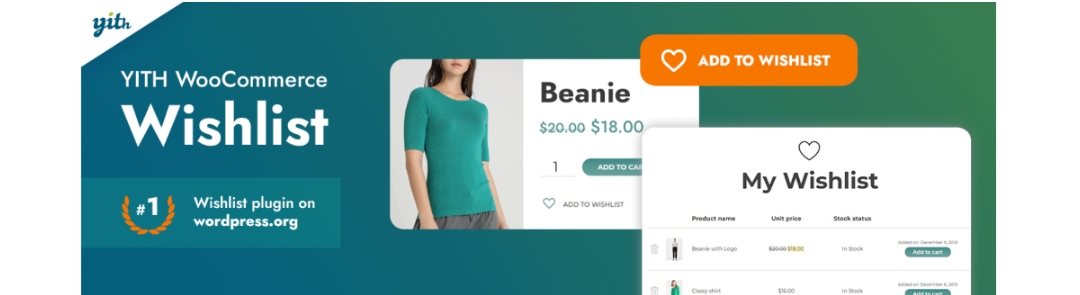
YITH WooCommerce Wishlist lets customers save products they’re interested in for later, which can lead to higher engagement and repeat visits. Shoppers can add items to a wishlist and revisit them when they’re ready to purchase. For store owners, this creates another touchpoint to understand customer interests and encourage future conversions.
Wishlists are especially useful for stores selling higher-priced or comparison-heavy products. The plugin integrates cleanly into product pages and doesn’t interfere with checkout flows. It adds a subtle but effective layer to the shopping experience, helping customers stay connected to your store even if they don’t buy immediately.
Conclusion
The plugins covered in this list address some of the most common challenges store owners face, from managing discounts and payments to improving product discovery, handling compliance, and recovering lost sales.
What’s important is how these plugins work together. For example, better coupons and product recommendations can lift average order value, while shipment tracking, invoices, and wishlists improve trust and post-purchase experience. On the operational side, import-export tools and automation plugins save time that’s better spent on strategy instead of repetitive tasks.
You don’t need all of them on day one. Start with what solves your biggest bottleneck right now, then build from there. A well-chosen plugin stack doesn’t just add features, it makes running your WooCommerce store feel more manageable and far less chaotic as you scale.







Comment