
A Practical Decision Framework for Choosing a Cross-Platform Messaging App


Messaging apps are now part of the operating layer of daily work. A single service may carry project updates, client messages, community discussions, documents, voice notes, and login notifications across phones and computers. That makes app selection less about finding the longest feature list and more about choosing a system that fits the way people actually communicate.
A useful evaluation process should answer three questions: Will the app work reliably across the devices people use? Can users understand and control the security and privacy model? And will the platform remain manageable once conversations, files, groups, and notifications begin to scale?
The framework below treats messaging software as a workflow decision rather than a popularity contest. It can be used by individuals, small teams, community managers, and multilingual users comparing several cross-platform options.
1. Start With the Workflow, Not the Brand
The first mistake in software selection is comparing products before defining the job they need to do. A family chat, a client-support channel, a distributed project team, and a large public community all place different demands on a messaging platform.
Before comparing apps, write down the highest-frequency use cases. Typical requirements include:
- One-to-one conversations and small group chats
- Fast handoff between phone and desktop
- Large file or media sharing
- Public or private community management
- Cross-border communication across time zones
- Multiple interface languages
- Administrative controls, bots, or integrations
This prevents a common selection problem: choosing an app because one feature looks impressive, then discovering that the everyday workflow is awkward. The best option is usually the one that removes friction from the tasks users perform most often.
2. Test Cross-Device Continuity as a Core Requirement
Cross-platform availability is more than a checklist of operating systems. What matters is continuity. A service can technically support mobile and desktop while still making users repeat logins, re-download files, or hunt for conversations that do not behave consistently between devices.
A practical test is to start a conversation on a phone, continue it on a laptop, open a shared file on a tablet, and then review account sessions from another device. That simple sequence reveals more about day-to-day usability than a feature page does.
Users researching Telegram client options, for example, may consult a Telegram 下载资源 when comparing device compatibility and setup considerations. Such a resource can be useful as background information, while the actual software source should still be verified independently before installation.
When evaluating any messaging app, pay attention to whether drafts, contacts, media, read state, notifications, and account settings remain coherent across devices. That continuity becomes especially important for people who alternate between personal and work hardware throughout the day.
3. Separate Product Research From Software Acquisition
Research pages, tutorials, software directories, app stores, and official product websites can all appear in the same search results, but they serve different purposes. A useful guide can explain a product without being the place from which software should be installed.
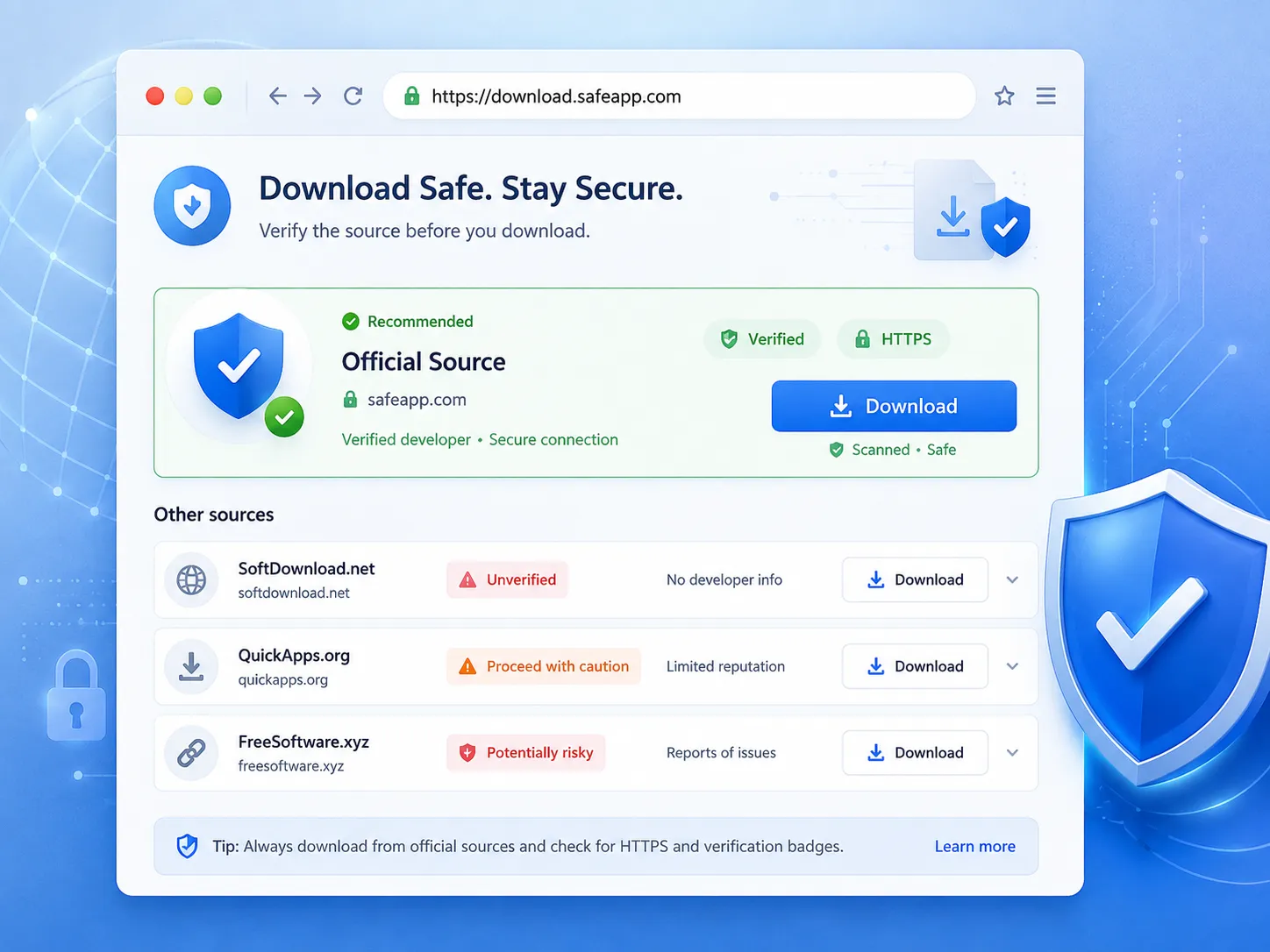
The distinction matters because the risk profile changes at the moment a user downloads an installer, APK, or update package. Before installing anything, verify the publisher, domain, store listing, package details, update history, and, where available, the digital signature or platform verification information.
When researching Telegram-related sources, a Telegram 官网安全访问指南 can provide contextual guidance for distinguishing official platform information from tutorials and third-party pages. It should be treated as an informational resource rather than as the official Telegram website or software distribution channel.
This separation between “research” and “installation” is a useful habit for any software category. It reduces the chance that a helpful article, mirror page, advertisement, or look-alike download button is mistaken for the publisher itself.
4. Evaluate the Account Model and Recovery Path
A messaging app is easy to use when everything is working. The more revealing test is what happens when a phone is lost, a number changes, a laptop is replaced, or a suspicious session appears.
Before adopting a platform, determine how identity and account recovery work. Look for controls such as:
- Two-step verification or an additional account password
- A clear list of active sessions and connected devices
- A recovery method that the user can keep current
- Controls for signing out old or unfamiliar devices
- Reasonable protection against social-engineering attempts involving login codes
Recovery should be understandable before it is urgently needed. For teams, it is also worth documenting a basic process for lost devices and role changes so that former or compromised devices do not remain connected indefinitely.
5. Look Beyond the Word “Privacy”
Privacy is often discussed as a single feature, but in practice it is a collection of defaults and controls. The relevant questions are operational: What information is visible to strangers? Can users limit who adds them to groups? Can profile details be restricted? How are public communities separated from private conversations?
A strong evaluation should examine at least phone-number visibility, profile visibility, last-seen or presence settings, group invitation controls, forwarding behavior, block/report tools, and session management. The goal is not to find a platform with the most switches; it is to make sure the available controls match the user’s exposure level.
Large communities and public-facing accounts generally need more deliberate settings than private family chats. The same app can therefore be appropriate for one user and poorly configured for another.
6. Treat Files, Storage, and Data Use as Workflow Costs
Messaging platforms increasingly double as lightweight file systems. Project documents, images, videos, voice notes, compressed archives, and links accumulate quickly. The experience can become expensive in storage and mobile data if media behavior is left on default settings.
Useful controls include automatic-download rules by network type, cache management, media retention, file-size limits, and cloud synchronization. Travelers and users on limited data plans may want video and large-file downloads restricted to Wi-Fi, while teams that exchange large assets may prioritize flexible file limits and predictable desktop access.
This category is easy to underestimate because storage problems appear gradually. A short test with an active group and several large files can reveal whether the app remains manageable after weeks or months of use.
7. Decide Whether You Need Communication or Community Infrastructure
A messaging app for personal chat has a different job from a platform that hosts large communities. Once groups become large, administrative tools can matter as much as the core chat experience.
Community-oriented requirements may include:
- Granular administrator and moderator roles
- Broadcast or announcement channels
- Pinned information and topic organization
- Join controls and anti-spam tools
- Bots, APIs, or workflow automation
- Searchable history and file access for new members
For businesses, integrations can also influence the decision. A team may value an API, automation hooks, or compatibility with a support workflow more than consumer-facing features. The right choice depends on whether the app is merely carrying messages or functioning as part of a wider operating system for the group.
8. Include Localization and Accessibility in the Evaluation
Language support is not simply cosmetic. Interface labels often contain security, recovery, permission, and storage terminology. If users do not fully understand those settings, configuration mistakes become more likely.
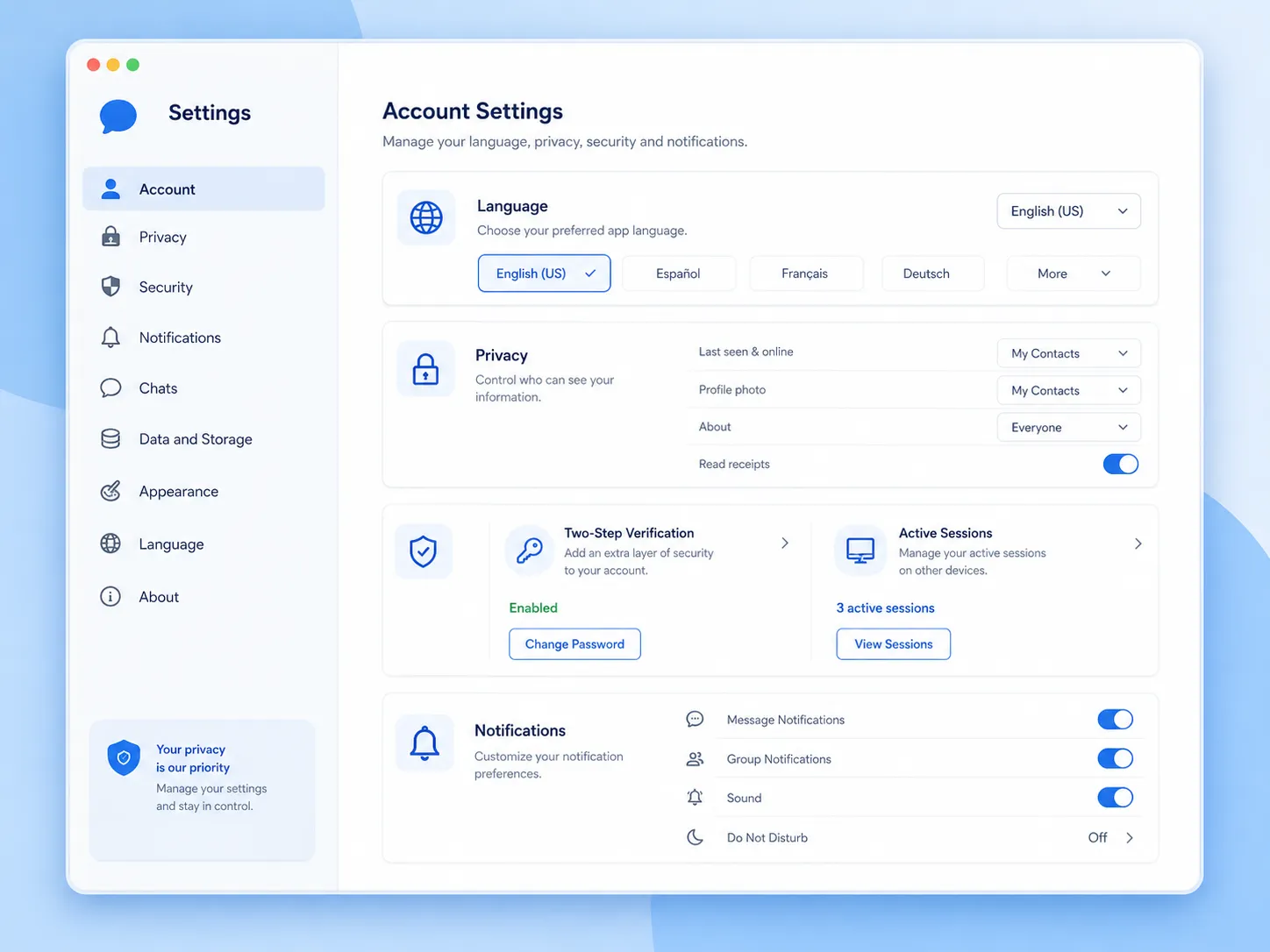
For multilingual teams and international communities, evaluate whether the interface, help materials, keyboard input, font rendering, screen-reader behavior, and translation features are usable in the languages people actually need. Regional nicknames and translated product terms can also change how users search for support information.
Accessibility belongs in the same category. A platform that works well for most users but fails with larger text, keyboard navigation, or assistive technology can create avoidable barriers inside a team or community.
9. Measure the Attention Cost of Notifications
The cost of a messaging platform is not limited to subscription fees or storage. It also consumes attention. As groups and channels multiply, poor notification controls can turn an otherwise capable app into a constant source of interruption.
Useful controls include per-chat muting, mention-only alerts, scheduled quiet periods, separate desktop settings, custom notification rules, and clear badges for unread priorities. Teams should test whether urgent direct messages can remain visible without making every low-priority update equally disruptive.
A product that is slightly less feature-rich but easier to tune may produce a better long-term experience than a platform that generates constant alert fatigue.
A Simple Weighted Decision Matrix
For a more disciplined comparison, score each candidate from 1 to 5 and apply weights based on the actual use case. The example below is a starting point rather than a universal formula.
| Criterion | Suggested Weight | What to Test |
| Cross-device continuity | 20% | Chats, files, sessions, and settings across phone and desktop |
| Account security and recovery | 20% | Two-step verification, session control, recovery process |
| Source and update trust | 15% | Publisher verification, official channels, update path |
| Privacy controls | 15% | Visibility, group permissions, blocking and reporting |
| Files and data management | 10% | File limits, cache, auto-download and storage controls |
| Groups and administration | 10% | Roles, channels, moderation, bots or integrations |
| Language and accessibility | 5% | Localization, assistive technology, translated help |
| Notification control | 5% | Mute rules, quiet hours, priority alerts |
The matrix forces trade-offs into the open. A privacy-conscious individual may increase the weight of account security and privacy, while a community operator may give more weight to administration, automation, and notification control. The important part is to score products against the same criteria instead of changing the standard for each app.
Final Thoughts
Choosing a cross-platform messaging app is ultimately a systems decision. The platform sits between people, devices, files, identities, and notifications, so small usability or security problems can compound once the app becomes part of everyday communication.
A good selection process starts with the workflow, tests cross-device continuity, separates research from software acquisition, reviews account recovery and privacy controls, and then considers storage, community features, localization, accessibility, and attention management.
No single score can identify the best app for everyone. But a consistent decision framework makes it much easier to identify the option that fits a specific user, team, or community, and to understand the compromises before those compromises become operational problems.






Comment