
Why Software Rollouts Need More Than a Demonstration


The demo runs perfectly. A trainer is on screen, walking through the new software, answering a few questions. By the end of it the team have seen how everything works.
Then the staff go in and try it themselves.
One person can't find the right customer record. Another picks the wrong workflow. A third gets most of the way through the task and then fails to do the step that sends it on to the next person.
These are quite different issues, but an attendance report would be unable to tell the difference. For a business introducing a new piece of software, that question becomes very practical. What should training cover before staff start using the system in their normal day-to-day work?
A Demonstration Is Only Part of the Job
A demo is a good way for a trainer to go through a process and explain it in a consistent way to a group. The team can see the correct sequence, hear the rationale for each step and can then ask questions as they go.
However watching someone do it gives you a very different set of information to doing it yourself.
During the demo the trainer will be making the decisions. They'll pick the right record, they'll know what fields are relevant and they'll know what a good outcome looks like. The employee may well understand that explanation without necessarily being ready to make those decisions themselves.
A rollout plan should therefore incorporate some time for staff to work through real tasks, with support available as they go.
That's not just about tacking on a Q&A at the end of a presentation. It's about working out what employees are required to demonstrate and then giving the trainer a way to check that they have actually done so.
Start With One Recognizable Work Task
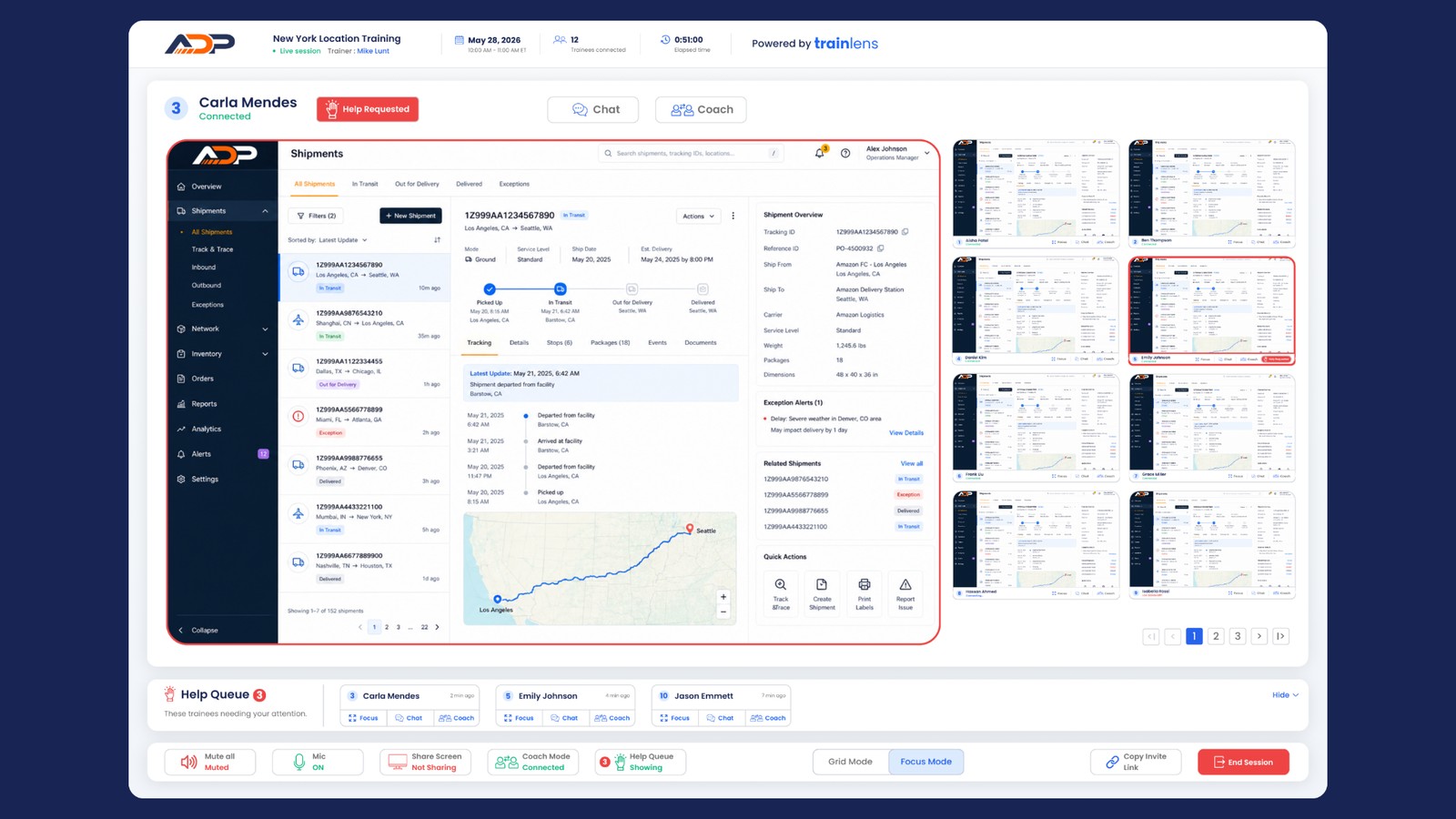
Think of a sales team learning a new CRM system.
The trainer shows them how to create the opportunity, who the owner is, what stage of the pipeline it's in, and when the next activity is scheduled. The team then gets a sample customer scenario and walks through the whole process in the training environment.
The exercise has a very clear outcome: a properly configured opportunity with an owner assigned and a follow-up task.
That outcome gives the session a real focus. Rather than asking whether people can remember where every menu is, you can ask whether they can actually do the job.
The exercise can also reveal where the demonstration falls short. One employee may be perfectly able to select the right pipeline stage but completely miss which stage is appropriate for the customer. Another may have found the right opportunity but attached the next activity to the wrong record.
All of them require feedback, but the nature of the feedback will be different.
Make Progress Easier to Check
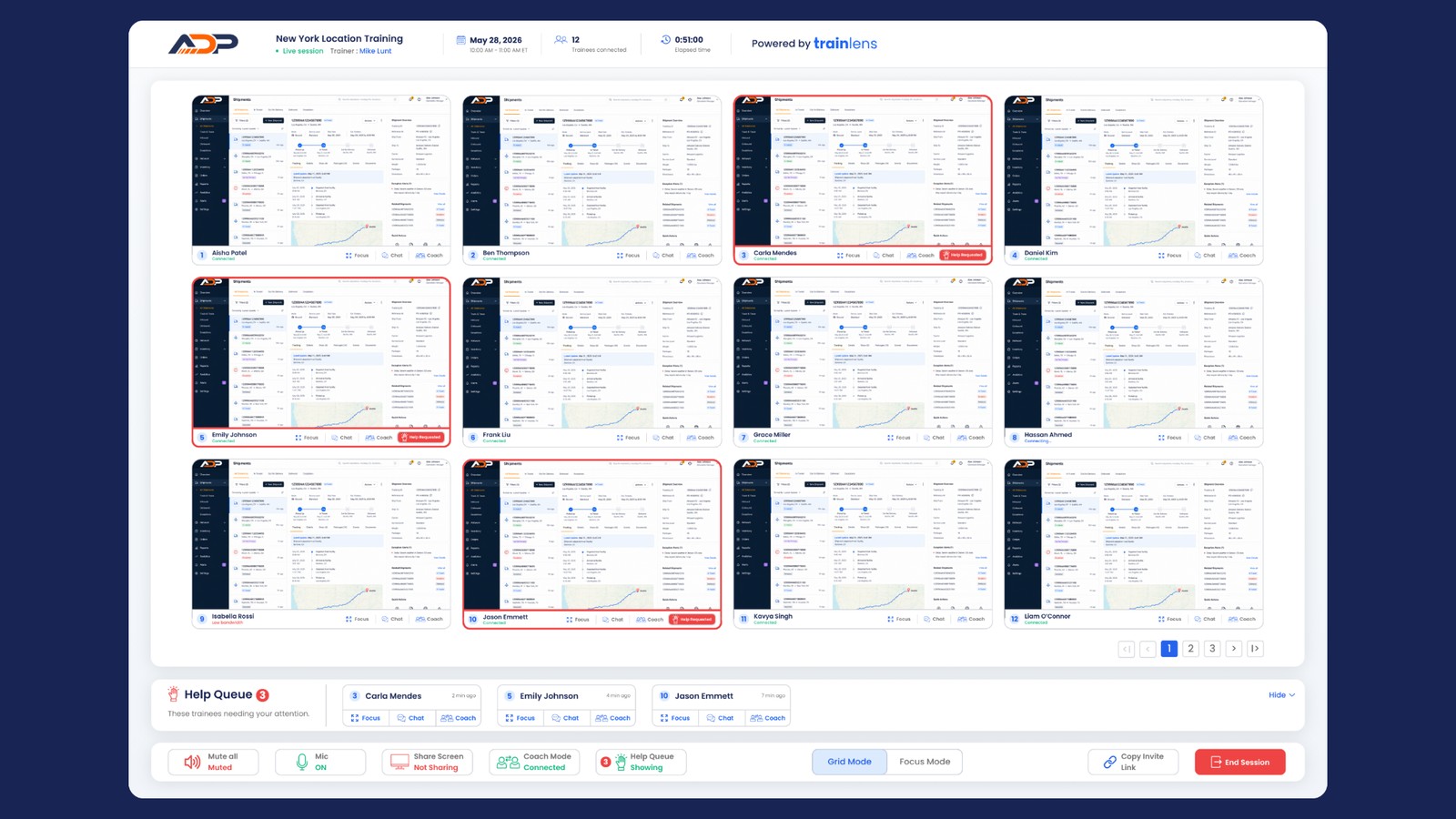
A fairly general question like "Is everyone keeping up?" is one that gets the staff to assess their own level of understanding and then speak up in front of the group. To determine whether the trainees are keeping up in a software training environment you need far more specific evidence of their progress.
A more tangible checkpoint gives the trainer something concrete to look at.
For the CRM exercise, the trainer could stop after the opportunity has been created and check three things: the customer record, the owner, and the stage. Employees can then move on to the follow-up.
Where the training setup allows it, watching employees as they work through the exercise is another way to identify problems.
Designed for hands-on software training, Train Lens enables this by allowing the trainer to view the trainee's screen(s), zoom in on an individual screen for a closer look, and provide private one-to-one voice coaching. The trainee can also request assistance, and only the trainer can see their shared screens.
The practical purpose is to give the trainer enough context to decide what assistance is required as the task is still being undertaken.
Match the Support to the Problem
Not every problem requires a group explanation.
If one individual has opened the wrong record then a very brief chat with them may be all that's required to get them back on track. The rest of the group can then carry on with their practice.
If some staff make the same mistake, the trainer has a justification to stop and go back to that part of the process. The exercise may need clearer instructions, or the decision itself may require another example.
This makes practice a useful tool for assessing the training itself. A recurring error is a sign you need to go back and review what the employee is being asked to understand and how it is worded.
Training environments also need to be prepared. Sample records, appropriate account permissions, and clear instructions on screen sharing all go a long way to keeping the session focused on the workflow.
Finish With Evidence of Readiness
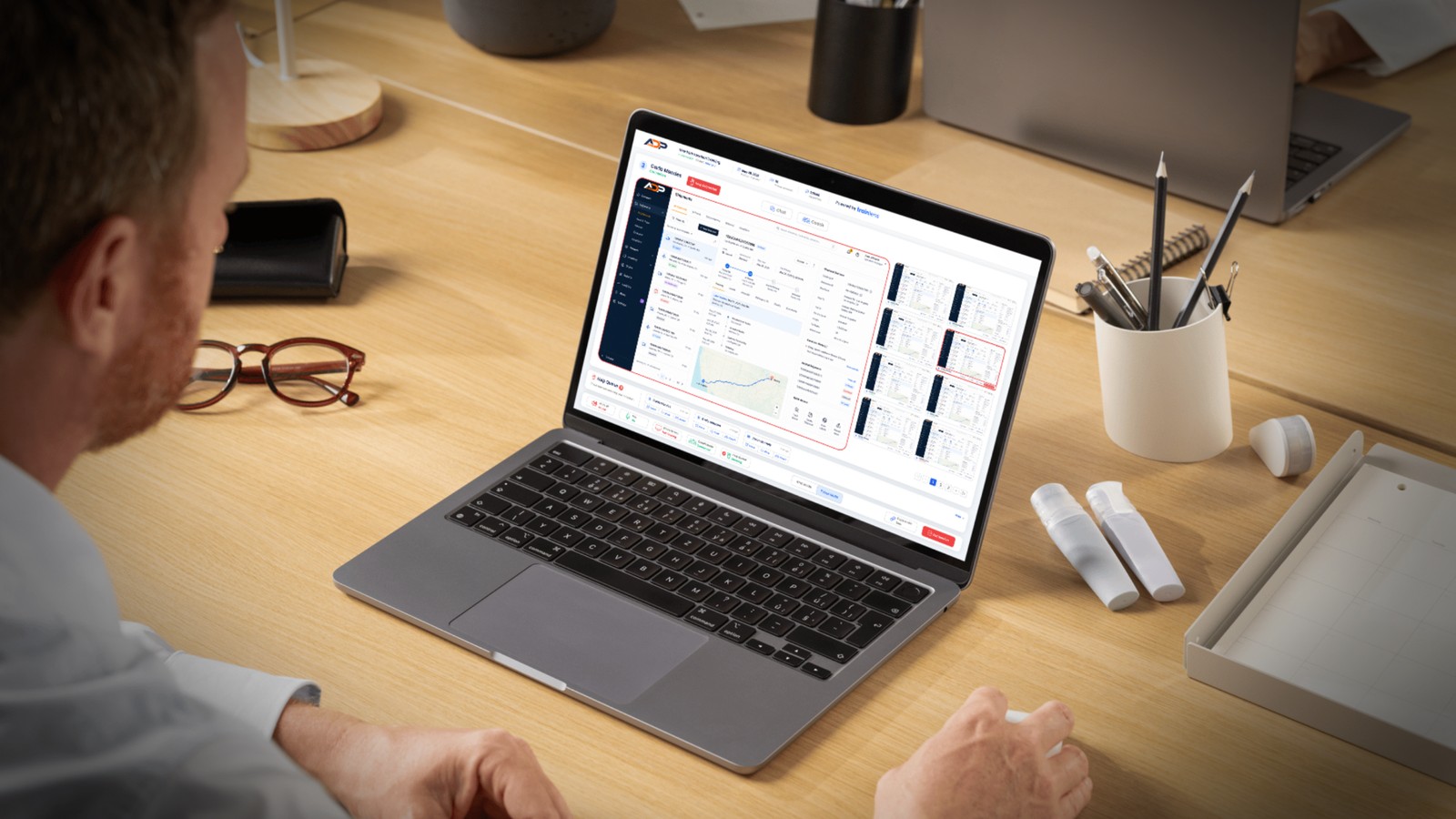
Before the session ends, the staff should have a chance to complete the core task with a bit less supervision.
A second sample customer can be used as a simple check. The details are different, but the required outcome is the same: create the opportunity, assign it correctly, and schedule the next activity.
The trainer can then identify who is ready to move on, who needs another go, and who needs follow-up.
A useful handover would include a brief task guide, a named support contact, and a clear way to flag access issues.
The demo is still a key part of the rollout, and adding some real practice and timely feedback gives the business a much better understanding of whether people can actually apply what they've learned.
Previously in Business news: Speco Grinder Plates and Knives: Why Precision-Engineered Meat Grinder Parts Are Critical for Product Texture







Comment