
How to Cancel Your PublicRecords.us Account: A Step-by-Step Guide

Whether you ran one search or signed up for a plan, closing your PublicRecords.us account takes a few minutes. Here is how to review your account, choose a cancellation route and confirm everything is wrapped up.
Most people sign up for a public records service with a specific task in mind. They want to check out a landlord, look up who owns a vacant lot down the street or track down a relative’s old address. Once the answer is in hand, many prefer to close the account and move on.
PublicRecords.us, an online service that consolidates publicly available records into a single search, gives account holders four ways to do that: a self-service Close Account page, a toll-free phone line, email and live chat. This guide covers what to check first, how each route works and how to confirm the account is closed.
Step 1: Review Your Account Before You Close It
A quick review now saves a follow-up call later.
- Sign in to the dashboard. Log in at dashboard.publicrecords.us with the email address you used at sign-up.
- Save any reports you need. Download or note anything you want to keep before closing. Under the service’s Terms, users agree to delete information obtained through the service within 90 days of receiving it, so plan to use saved reports promptly.
- Check your plan. Look at whether you made a one-time purchase or chose an installment plan, and note the payment schedule shown in your order confirmation.
- Find your confirmation email. Having the email address and order details on hand makes any support request faster.
Step 2: Choose How You Want to Cancel
PublicRecords.us offers four routes. Each one reaches the same support team, so pick whichever is easiest for you. Closing your account ends future payments; if you are on an installment plan, no further installments are charged once the account is closed.
- Close Account page. Scroll to the bottom of any page on PublicRecords.us and click Close Account. This opens a self-service page in the dashboard where you can submit the request directly.
- Phone. Call the toll-free line at 1-888-700-8184. Agents are available every day, 24 hours a day.
- Email. Write to [email protected] from the address linked to your account. Include your full name and a clear request to close the account.
- Live chat. Open the chat window on the website for a real-time conversation with a support agent.
If you would rather delete your account data entirely, the site’s privacy choices page also accepts a deletion request online. Account holders can submit one there or call the same toll-free number.
Step 3: Ask About a Refund if You Need One
The Terms of Service state that a customer who is unsatisfied with an order may request a refund for any reason by contacting support by email, phone or live chat. The FAQ adds that users who could not find the records they were looking for can contact the team for a refund.
If a refund applies to your situation, mention it in the same request as your cancellation. Handling both at once keeps everything in one conversation.
Step 4: Confirm the Account Is Closed
Once the request is in, a few checks confirm everything is settled.
- Watch for a confirmation. Keep the email or chat transcript that confirms the account was closed.
- Review your next statement. Charges from the service appear as “PublicRecords.us” or a similar identifier. If you see one you did not expect after closing, contact support with the date and amount.
- Keep your records. Hold on to your confirmation until your next billing cycle has passed.
A Note on Your Own Listing
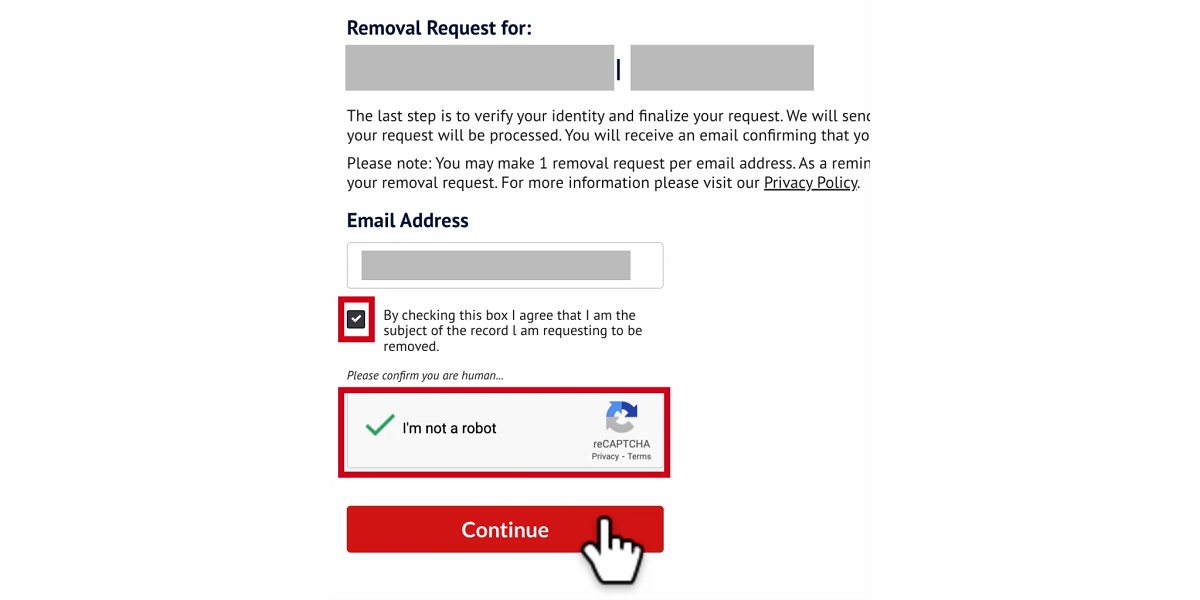
Closing an account and removing your own information from search results are two separate things. Closing the account ends your access as a user. If you also want your personal listing suppressed, use the free Remove My Info page. It lets anyone find and suppress their listing by name and state, phone number or street address, with or without an account.
The Takeaway
Canceling a PublicRecords.us account is a short process with several ways in. Review your account, save what you need, choose the route that suits you and keep your confirmation. With support available around the clock by phone, email and live chat, PublicRecords.us makes it easy to leave as cleanly as you arrived.







Comment