
Your First AI Game Can Be Much Smaller Than You Think

You sit down to make a little game, and suddenly it needs a village, an inventory, a crafting system, and a character who remembers every conversation. It's easy to get carried away before there's anything to play. For a first project, give yourself a smaller job: make one short round that someone can finish and want to try again.
You could start with OhMyGame, an open-source AI Game Maker, and describe a game that takes a minute to play. Its agent can write the code and help check the result. You can bring in artwork as the idea develops, but you don't need to settle the whole game's look before finding out whether the basic idea works.
Pick something the player does repeatedly
Take a delivery game. You collect a parcel, dodge a few obstacles, and reach a doorway before the timer runs out. That gives you enough to build a round without deciding how an entire town works. You can always add more streets later.
Write down what a successful round looks like. The player can move, pick up the parcel, find the destination, and deliver it. If time runs out, the game explains what happened and lets them restart. Keep this description somewhere you can refer to while asking for changes.
Choose a camera and a control scheme early. A top-down view with WASD movement is a manageable starting point for this example. Mixing camera styles or adding touch controls halfway through will give you extra work before you've tested the delivery idea itself.
There's also something useful about choosing a clear stopping point. If you know the first version ends after one delivery, you can finish it. A request for an endlessly expanding world gives you very little help deciding what to work on next.
Give the agent a brief you can play through
Try a prompt along these lines: "Make a top-down delivery game. Move with WASD, collect one parcel, and carry it to a marked doorway within thirty seconds. Add a win screen, a loss screen, and a restart button. Use simple shapes for the first version."
Read it back as a set of things you can try. Collect the parcel. Walk past the door. Let the timer expire. Restart after winning. You'll soon find out which parts are working and which need another pass.
When something goes wrong, describe what you did. "I reached the doorway with the parcel, but the timer kept running" is a useful report. "Make it better" leaves the agent to guess whether you mean the rules, the controls, or the artwork.
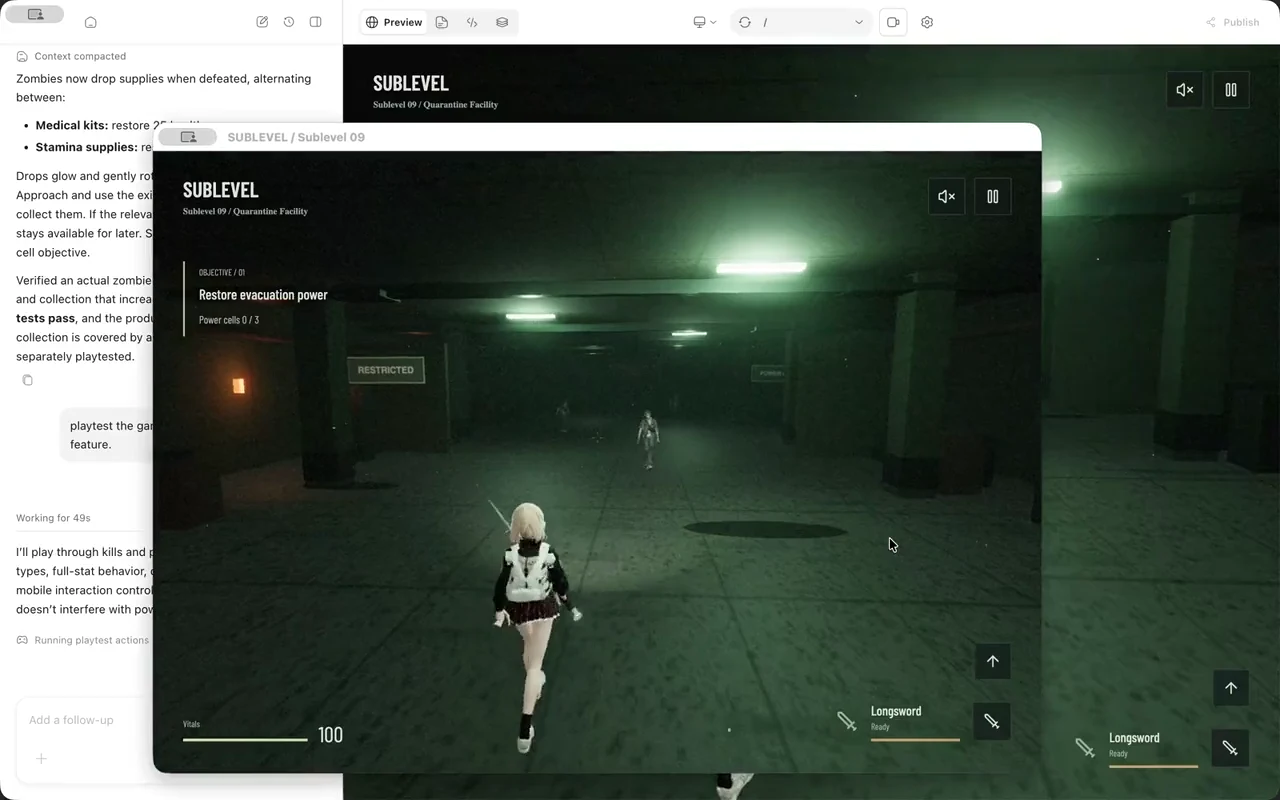
Keep the working version before making a large change. OhMyGame stores the game as a local project, so you can keep editing it with the agent or inspect the code yourself. Save a copy or use version control when you reach a version you'd be annoyed to lose.
Play a few rounds before adding another feature
The temptation after the first successful delivery is to add a shop, a new character, and five more destinations. Spend a little longer with the existing round first. Try reaching the door from different directions. Take the awkward route around an obstacle. See what happens if you hold a movement key while restarting.
You may discover that the timer makes the game stressful in a good way, or that it mostly punishes players for misunderstanding the controls. Those lead to different changes. Add time if the route is too demanding; improve the instructions if players don't know where to go.
Change one thing and play again. If you speed up the character and widen the paths together, it'll be harder to tell which change helped. A quick note is enough: "Movement feels better now, but it's too easy to overshoot the door."

Make the important things easy to see
Once the round holds together, choose a few assets that suit it. Start with the player, the parcel, and the doorway. They need to stand out from each other and from the background. A beautiful courtyard won't help if the destination blends into the scenery.
Look at the artwork inside the game window. A character may lose all its detail at the size you're actually using. A delivery marker may need a different color or a simple animation. You can generate media through providers connected to OhMyGame, or use art you already have.
Stick with a small set of visual decisions while you work: the same viewpoint, similar lighting, and a limited palette. You can spend a lot of time replacing images that were attractive on their own but never belonged together.
Let someone try it without explaining every step
Send the game to a friend and watch where they hesitate. Give them enough information to start, then let them figure out the round. If you keep pointing out the doorway, you won't find out whether the game makes the objective clear.
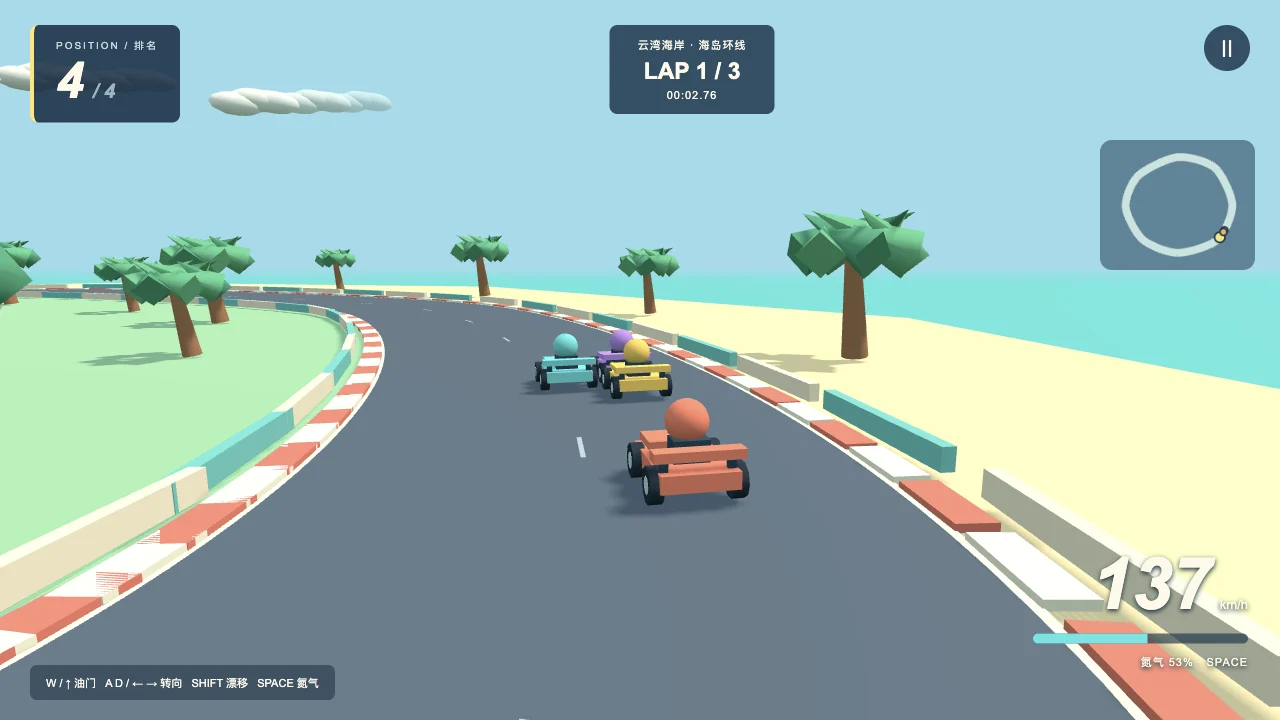
Ask what they thought they were supposed to do. You may hear something quite different from what you intended. Fix the biggest misunderstanding, let them try again, and pay attention to whether they choose another round. That's a good point to start planning a second level.






Comment