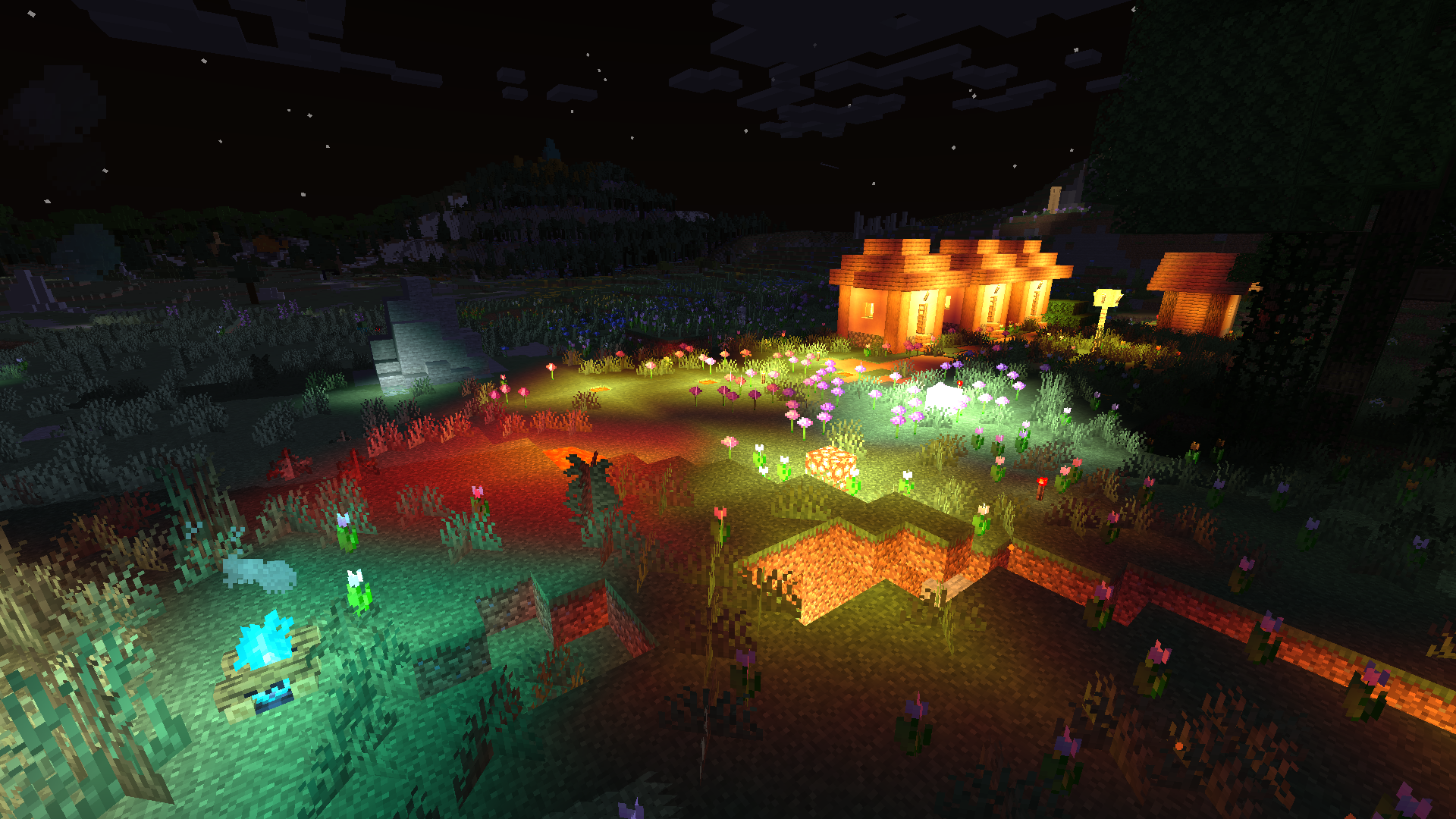
If you saw “Minecraft 26.1” and your first thought was “did I miss twenty updates?”, same. We’re used to the 1.20 / 1.21 style, so the new label looks dramatic. The good news: it’s mostly a naming shift. Mojang is tying Minecraft’s major number to the year (so “26” = 2026), and “.1” is the first big release line in that year.
That sounds like trivia… until you’re the kind of player who cares about two things: the game looking great, and the game staying smooth. Once you run shaders, performance stops being abstract. You feel it in the first ten seconds: chunk stutters, weird frame pacing, fans ramping up, and that classic moment where you lower settings and still don’t get your old FPS back.
So here’s the practical translation: a new label like 26.1 is a sign that Minecraft has moved into a new release cycle, and the whole “stuff on top of Minecraft” ecosystem needs a moment to catch up—mods, mod loaders, servers, performance tools, and shader support.
Why version numbers suddenly matter when you’re not playing vanilla
Vanilla players can usually update on day one and be fine. But as soon as you install anything extra, you’re relying on layers that have their own timelines. Mods depend on loaders (Forge/Fabric/Quilt), which depend on APIs, which depend on internal game changes. Shader support depends on rendering behavior and performance tweaks, plus whatever optimization tools you’re using to keep things stable.
Even if you “only use shaders,” you still rely on extra tools. Updates can shake that stack for a bit.
The question isn’t “what is 26.1,” it’s “when should I move?”
If your goal is stable FPS, the best upgrade strategy is boring on purpose. Don’t be the first person to update unless you enjoy testing. Let the early adopters find the edge cases. Then move once the tools you rely on stop changing every other day.
A good rule of thumb: if your current version is stable, your shaders look right, and your frametimes are consistent, there’s no prize for upgrading immediately. Wait for a couple of maintenance releases, wait for your favorite mods to confirm compatibility, and let shader packs get their “okay, this is fine now” updates.
Okay, but I want mods for 26.1… what do I download right now?
Right now, you download what matches the version you are actually running. If 26.1 is still new (or you’re seeing it in announcements more than in real servers), most creators will still target the latest widely-used stable build first. That’s normal. Compatibility doesn’t appear instantly; it settles.
So instead of hunting random posts that promise “26.1 ready” downloads before the dust is even down, look for something that’s clearly maintained and version-focused—like a page that tracks a constantly updated list of shaders for 26.1. That way you’re checking what works as it changes, not trusting a one-and-done list that quietly goes stale. (Example: a constantly updated list of shaders for 26.1.)
For mods, the logic is the same: watch your loader ecosystem. When Forge/Fabric builds and the mods you consider “must-have” are stable on 26.1, that’s your green light. Until then, updating early is basically signing up to troubleshoot.
What usually breaks first for shader players
It’s rarely one single dramatic failure. It’s more like death by small annoyances: lighting artifacts, water looking wrong, shadows flickering, a new setting default that tanks performance, or a performance tweak that used to help but now causes stutters.
Also, “FPS” is only half the story. Frame pacing matters just as much. A locked 90 that spikes down to 40 every few seconds feels worse than a steady 70. Updates can change chunk loading behavior, shader compilation timing, and how your GPU load behaves in busy scenes, and that’s where the stutters come from.
The simple checklist for a smooth 26.1 upgrade
Keep a backup profile for your current stable setup. When you test 26.1, change one thing at a time: update the game, then update your loader/tools, then add your mods, then enable shaders, then tune settings. If something tanks performance, you’ll actually know what caused it.
And if you play multiplayer, remember the social reality: servers update on their own schedule. Sometimes the smartest move is staying one version behind until your server, your mods, and your shader setup all line up.
Bottom line
26.1 doesn’t mean Minecraft suddenly became a completely different game. It means the numbering is now clearer about “which yearly cycle you’re in.” For players who just want nice lighting and steady performance, the real takeaway is timing: update when your tools are ready, not when the label changes. Do that, and 26.1 becomes just another smooth step forward instead of a weekend spent staring at crash logs.