
Wan 3.0 vs. Wan 2.7: What’s Improved?

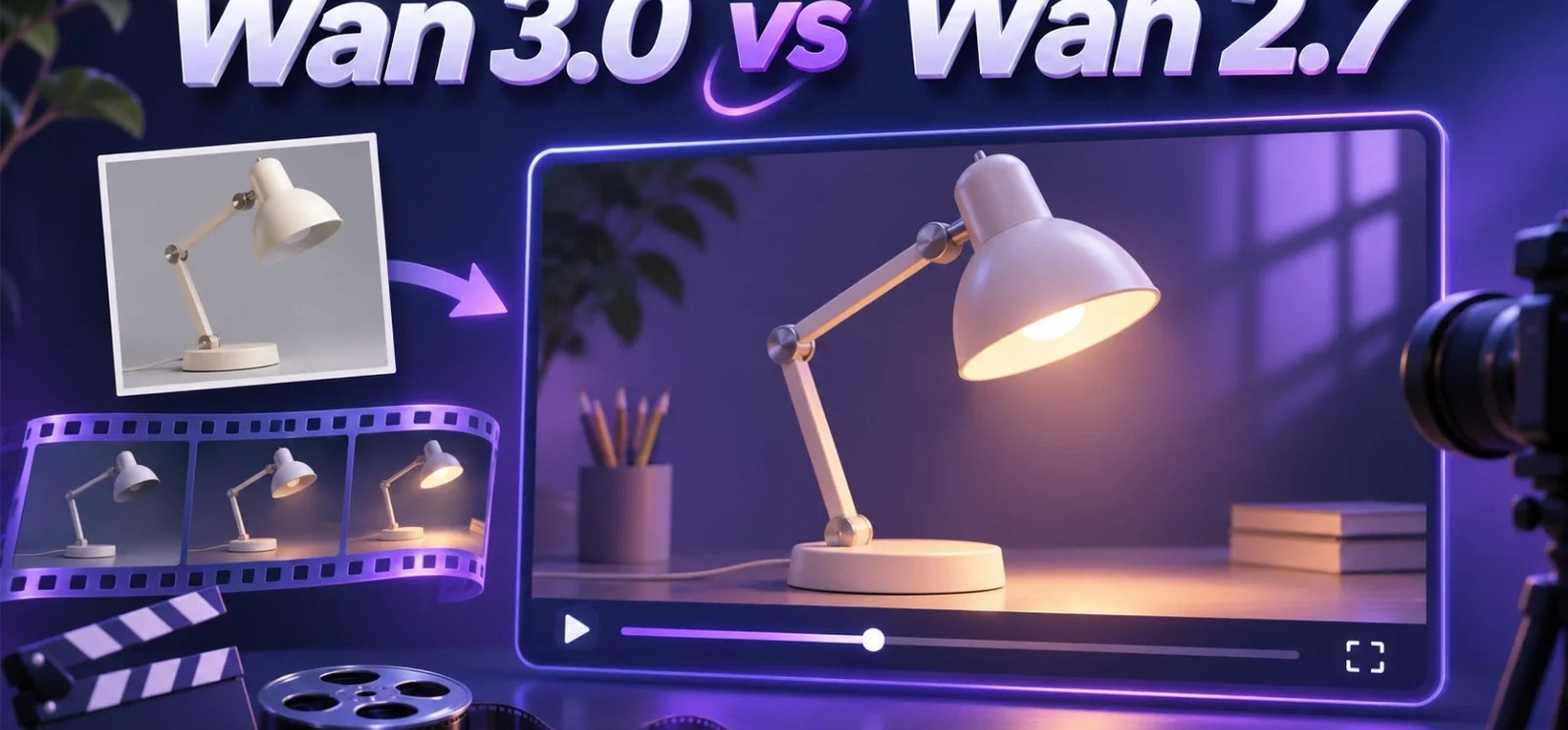
Imagine an online shop has one good photo of a desk lamp. For a short video, the team wants the camera to move gently past the lamp so viewers can see its shape. A clear photo and a sentence describing that movement are enough to start with either Wan 2.7 or Wan 3.0. The difference becomes clearer if the team already has a short clip that shows exactly how it wants the camera to move.
Wan 3.0 can take that clip as a reference. On Wave AI, its reference mode can use video and other material to guide a new generation. Wan 2.7's page describes a simpler starting point: write a prompt or supply a still image. Both versions support output up to 1080p, so a higher resolution is not the main difference between them.
What both versions can do
Wan 2.7 and Wan 3.0 both let you describe a scene and generate a video from it. Both also let you start with a photo. For the lamp, the photo can show the shape of the shade, the finish of the base and how the product sits on a desk. The prompt can focus on what should happen next.
A simple instruction might read: “The lamp stays still on the desk. The camera moves slowly from left to right, keeping the whole lamp in view. Keep the light steady.” There is no need to tell the model to make the lamp rotate if the camera is the only thing that should move. That distinction matters on either version.
Wan 2.7's product page also lists multi-shot support. In other words, connecting several shots is not an entirely new idea in Wan 3.0. The more useful comparison is what you can give the generator to explain how those shots should look and move.
A video reference can show the camera move
“Move slowly from left to right” is easy to write, but it leaves room for interpretation. Should the camera slide parallel to the desk or move around the front of the lamp? Should it stop briefly at the end? If the team has a clip with the movement it wants, the clip can convey those details more directly than a longer paragraph.
Suppose that clip shows the camera moving past a plain box, not a lamp. The lamp photo and the box video have different jobs. The photo shows what belongs in the new scene. The video shows how the viewpoint should change. A prompt can spell that out: use the lamp in the photo as the subject; use the other clip only as a guide for the camera movement.
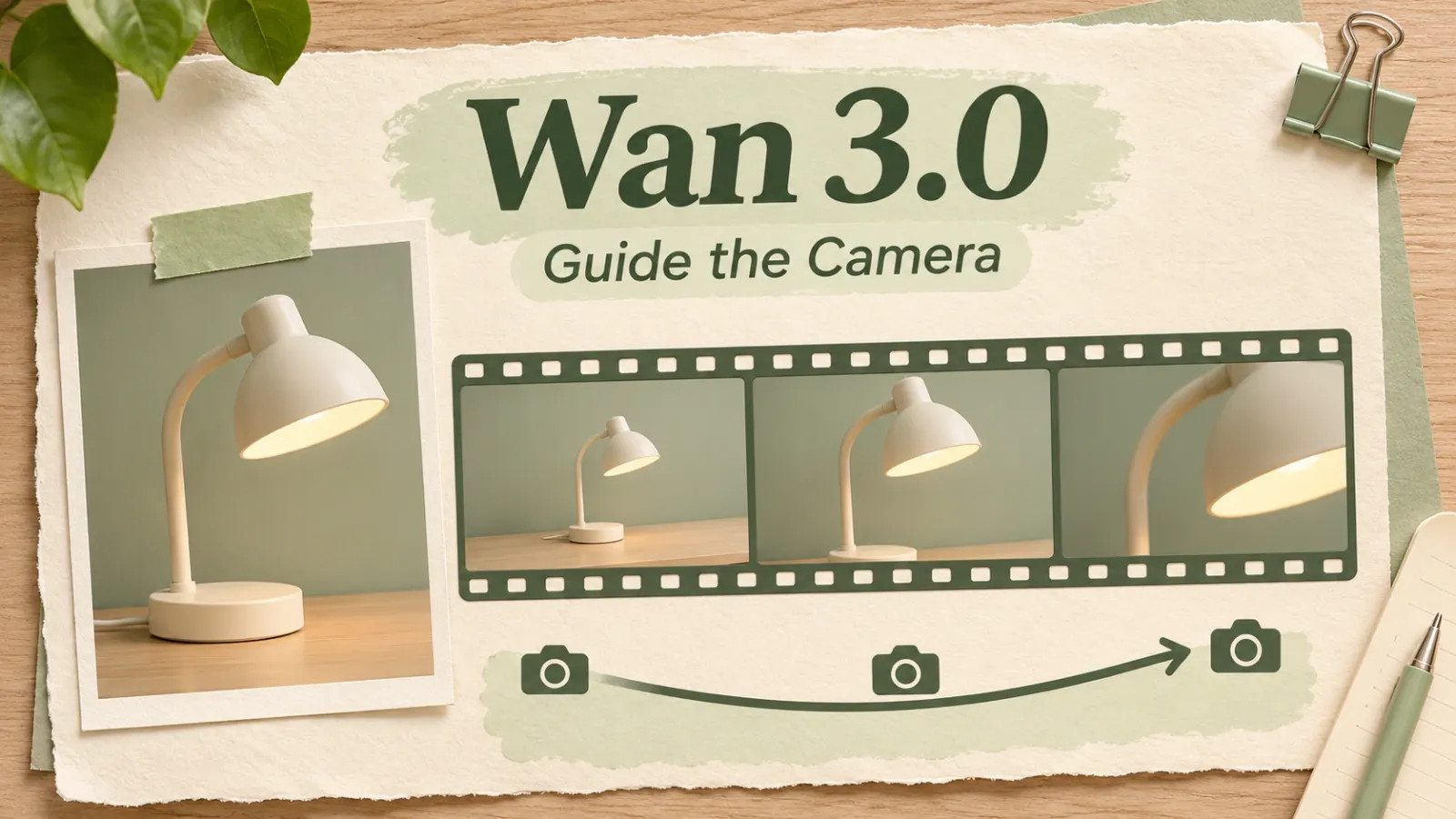
Wan 3.0 reference-to-video supports that approach. The platform lists images, video and audio among the material the mode can accept. The lamp example needs only a photo and a motion reference. Adding music or more pictures would not help explain the camera move, so there is no reason to include them.
A reference helps communicate intent; it does not guarantee an exact copy of the movement. In the preview, check whether the camera takes the intended route and whether the lamp is still recognisable from the new angle. A shade that changes shape halfway through is a problem even if the camera move looks right.
You can make the motion reference yourself with a phone and any plain object on a table. Keep the move short and steady. That gives the generator a clear example without borrowing footage you may not have permission to upload.
A clip has more room to unfold
Wave AI lists a maximum of 30 seconds for Wan 3.0. That gives the team room to plan a clip that opens on the whole lamp, moves in for a look at the shade and finishes on a view that shows how the lamp sits on the desk. The platform describes longer clips as an improvement, but the two product pages do not give a clear like-for-like duration limit for Wan 2.7.
The useful part of a longer clip is the extra room for a viewer to notice something. The first view can establish scale, while the second can show the shade's shape. A slow camera move that merely repeats the opening view adds seconds without showing anything new. Planning the views first keeps the length tied to the job the clip is meant to do.
What to check across several views
The platform also describes Wan 3.0 as better at keeping several subjects consistent. For the lamp clip, think of the lamp and a small notebook on the same desk. As the camera moves, the notebook should stay beside the base and the lamp should keep the same shade and finish. Those are easier things to check than whether the video simply looks more polished.
This is a stated improvement, not a measured result for every prompt. A generated product clip may still change a switch or invent a detail that was never in the photo. Use the actual product photos or filmed footage for details a customer needs to see accurately. The generated version is useful for exploring a camera move or planning a shot before filming.
The desk-lamp example makes the difference concrete. Either version can take a still photo and a written motion instruction. Wan 3.0 adds a way to show that motion with a separate reference, and its 30-second option gives several planned views room within a single clip. The extra control is in the instructions you can give the generator, not in a new maximum resolution.




Comment