
TikTok™ Video Reels for PC: Watch and Save TikTok Content Straight From Chrome

Browsing TikTok on a desktop has always felt clunky — oversized layouts, no mobile-style scroll, and no easy way to save clips. TikTok™ for PC – Video Reels, a free Chrome extension, fixes that by turning your browser into a mobile-style TikTok emulator for videos, music, and Reels.
Why It’s Useful
Perfect for creators, marketers, or anyone who lives at a desktop, this extension brings the vertical scrolling feed into Chrome without interrupting your workflow.
Key Features
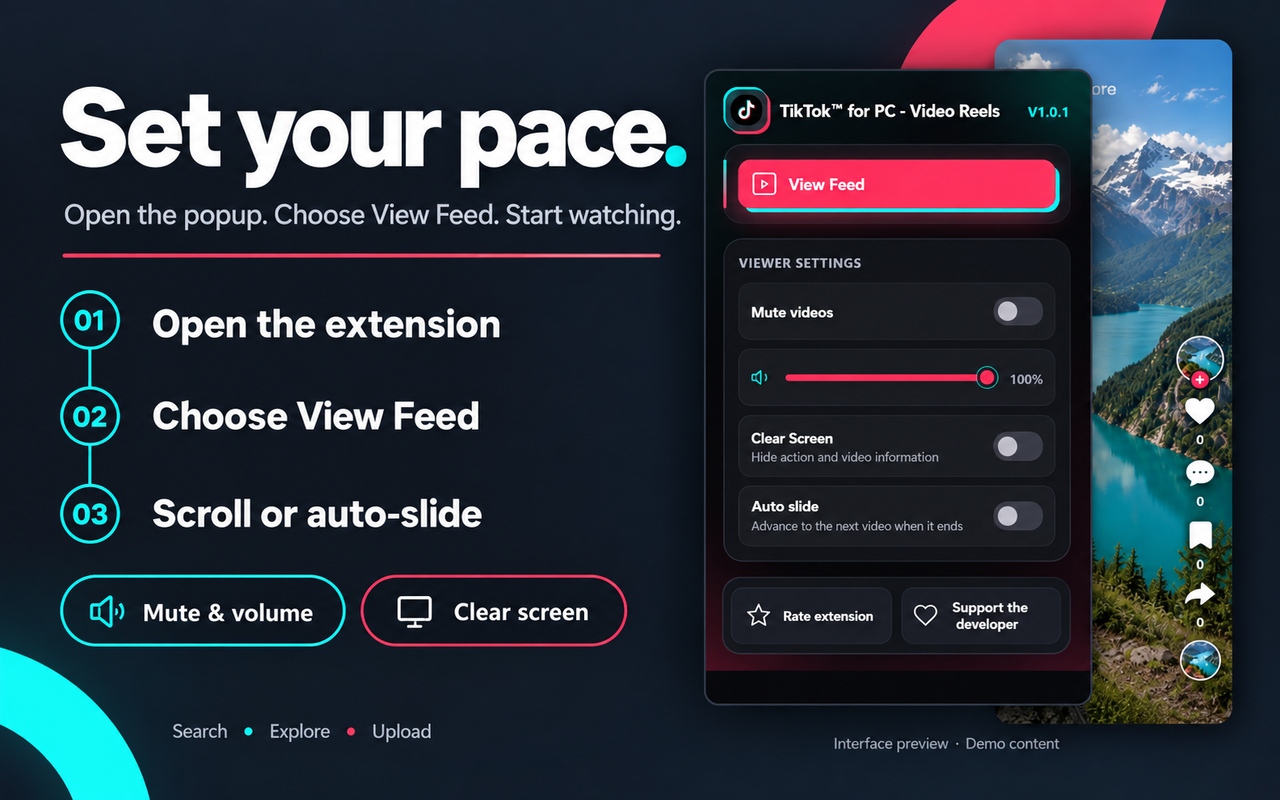
– Popup Feed Viewer – Launch a mobile-style feed with one click.
– Playback Control – Mute, adjust volume, or enable a clean view without overlays.
– Auto-Advance – Videos move to the next clip automatically.
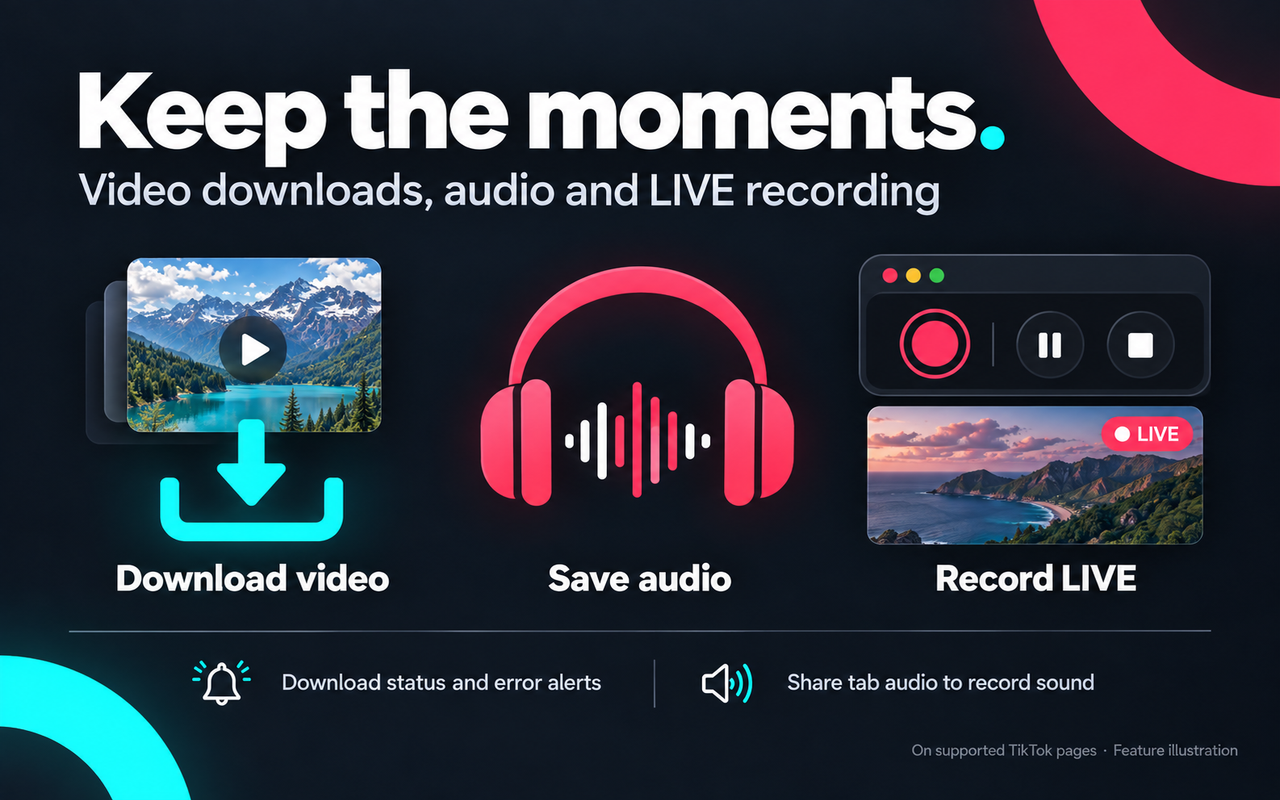
– Video & Audio Downloads – Save content from supported TikTok pages, with a loading indicator and completion alert.
– Bulk Profile Downloads – Use “Download All” to grab every loaded video on a profile, plus a total view count.
– LIVE Recording – Record, pause, resume, and save TikTok LIVE streams (tab-audio sharing required for sound).
Quick Setup
1. Install the extension and click its icon.
2. Set sound, volume, clean view, or auto-advance in the popup.
3. Click “View Feed” to open Video Reels.
4. On TikTok, use “Download Video” or “Download Audio” on supported clips.
5. On profiles, click “Download All.”
6. On a LIVE, hit “Record,” share tab audio if needed, then “Stop” to save.Use Responsibly
Always respect copyright, TikTok’s terms, and creator permissions before saving or reusing content.
Final Take
TikTok™ for PC – Video Reels offers a smoother, more customizable way to browse and download TikTok content on desktop.
👉 Get it on the Chrome Web Store*







Comment