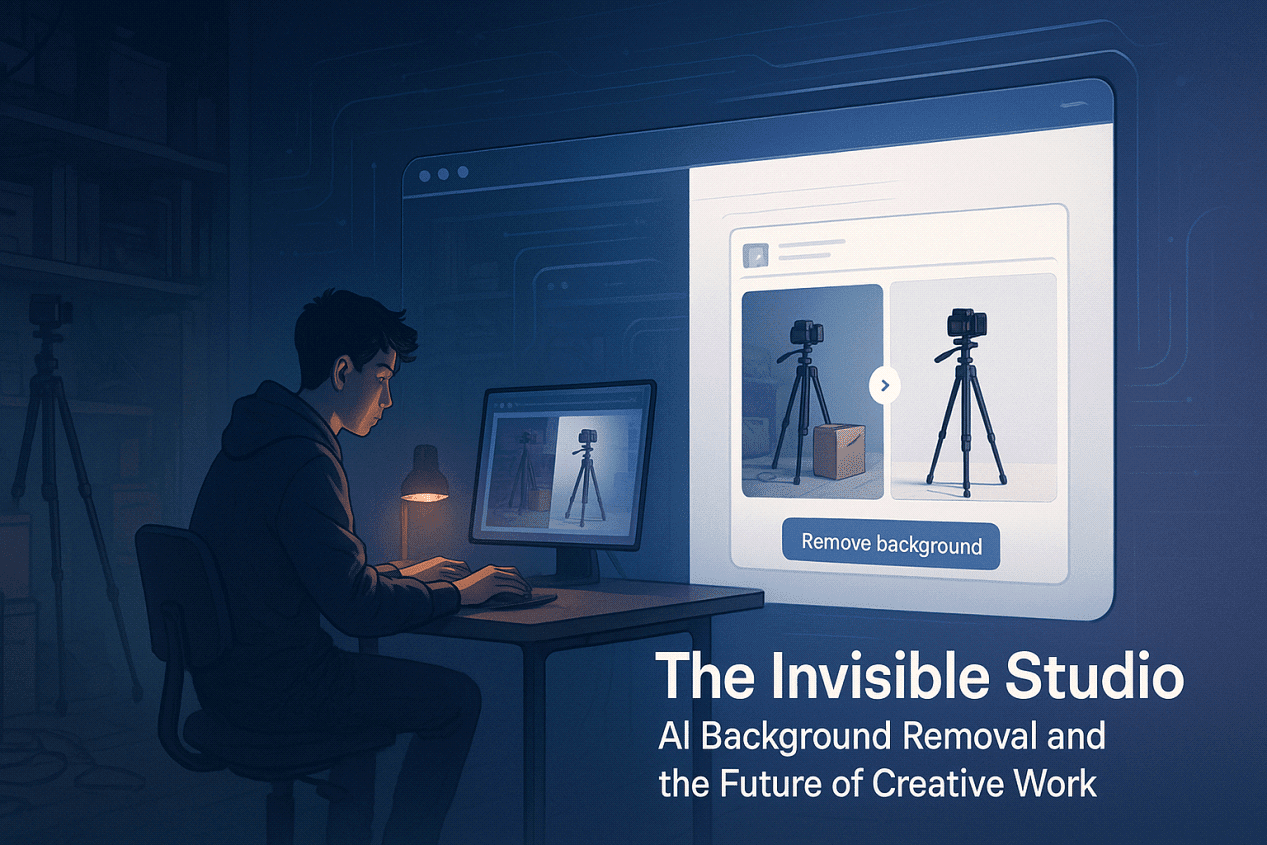
For most of digital history, cleaning up a single product photo meant opening Photoshop, zooming in until pixels looked like Lego bricks, and tracing clipping paths around every edge. It was invisible labor necessary, repetitive, and largely uncredited. The final image looked effortless; the hours behind it did not.
By the mid-2020s, that invisible work has begun to move into invisible tools.
Auto-masking, smart selections, and AI background removal now turn cluttered desks into clean studios, extract products with pixel-level precision, and create the illusion that every creator owns a fully equipped photo setup. It’s not the flashiest kind of AI, but it is one of the most quietly transformative.
The future of creative work is being rewritten here not only in what we make, but in how we make it.
From Apps to Infrastructure: When AI Becomes the Studio
The “creator economy” is no longer a side note. It’s Etsy shop owners, indie developers, newsletter writers, TikTok editors, and small e-commerce teams, all producing visual content at industrial volumes. A single launch might demand:
- Marketplace product photos
- Vertical clips for TikTok, Reels, and Shorts
- Thumbnails, banners, ad variations, story frames
- Localized and A/B-tested versions for different audiences
Under that pressure, creative software stops feeling like a one-off tool and starts behaving like infrastructure. Assets are expected in hours, not weeks.
This is where AI background remover tools sit. They’re less like a special effect and more like the electricity in a studio: always on, mostly invisible, and only noticed when they fail. They live in browsers, plug into design tools and marketplaces, and hide behind a simple “Remove Background” button inside mobile apps.
The future studio is not just a room; it’s a stack of services.
Background Removal as a Foundation Layer
Most headlines still focus on full image generation type a prompt, get a cinematic scene. But if you talk to working creators and marketers, the real bottlenecks are more mundane:
- Cleaning up busy shooting environments
- Making backgrounds consistent across SKUs
- Preparing transparent PNGs for shops and templates
- Resizing and exporting into endless aspect ratios
That’s where AI background removal becomes a foundation layer in the creative stack.
Modern platforms, including tools like Pixflux.AI, are optimized to remove friction rather than chase novelty. They help you:
- Isolate products, artwork, or people with clean edges
- Export transparent PNGs for use in any layout or template
- Generate neutral, brand-color, or simple scene backgrounds
- Batch-process whole folders instead of editing one-by-one
Owning lights and seamless backdrops is no longer mandatory. What matters is owning a workflow that turns “I just shot this” into “I can publish this anywhere” in a single pass.
A Near-Future Workday in the Invisible Studio
To see where this is heading, imagine a fairly normal workday around 2027 for a hybrid creator who sells products and publishes content.
Capture
You sketch, photograph, or scan new work. Files land in a synced folder watched by a background service no manual imports, no SD cards.
Automated Triage
A visual AI agent sorts the batch:
- Flags images with motion blur or technical issues
- Suggests crops for 9:16, 1:1, and landscape formats
- Bundles similar shots for A/B testing
- Sends “messy but fixable” images to the background removal queue
AI Background Removal
An Pixflux.AI background remover perhaps through an API from a service like Pixflux.AI — takes over:
- Cuts cleanly around hair, glass, and reflective materials
- Produces transparent PNGs for marketplaces and mockups
- Generates white or neutral backgrounds for catalog use
- Creates brand-color gradients for social feeds and email headers
What used to be an afternoon of masking now finishes while you draft a caption or answer a client.
Contextual Background Generation
Another model adds context rather than just emptiness:
- Minimalist desk scenes for newsletters
- Cozy room setups for fan communities
- Bold graphic backdrops tuned to your typography and logo
- Seasonal variations that can be scheduled in advance
Here, AI is less about surprise and more about system matching your brand colors, contrast preferences, and negative space habits.
Feedback Loop and Human Curation
Over time, performance data feeds back into the system:
- Marketplace clicks are higher on clean studio-style images
- Social posts perform better with textured, high-contrast backgrounds
- Email campaigns get more engagement when visuals feel calmer
You still make the final call: rejecting anything that feels off-brand, choosing which imperfections to keep, and adding narrative context that AI cannot responsibly invent.
In this workflow, background removal is no longer a task on your list. It’s an always-on service powering everything else.
New Aesthetics, New Friction
When almost everyone has access to the same invisible studio, new questions appear.
The Risk of Visual Sameness
If background generators converge on the same safe defaults white floors, soft shadows, gradient blobs visual ecosystems start to flatten. Product grids look interchangeable. Feeds feel templated. Marketplaces become walls of near-identical thumbnails.
The opportunity is to treat AI output as draft, not destination:
- Use AI backgrounds as a base, then tweak color, grain, and shadow
- Combine AI-generated texture with distinct typography or iconography
- Build a recognizable “house style” inside your tools that’s clearly yours
The future challenge isn’t “Can I get a clean cutout?” It’s “Can I keep my visual identity while using the same infrastructure as everyone else?”
Trust as a Creative Resource
Invisible tools also raise less visible questions:
- How were the models trained?
- What happens to the images you upload?
- Can the same systems be used to fabricate scenes or mislead clients?
As AI becomes infrastructure, trust becomes a differentiator. Creators and teams will increasingly choose platforms Pixflux.AI or any competitor not only for speed and price, but for:
- Clear data-retention and training policies
- Transparent terms on commercial usage
- Predictable behavior for client work and sensitive content
In a world of infinite images, how a tool treats your finite attention and assets may become its strongest feature.
Designing a Future-Ready Creative Workflow
Futurism is often framed as prediction. For working creators, it’s more useful to treat it as workflow design. The question is less “Which AI will exist in five years?” and more “What should my creative stack look like as these tools mature?”
A practical starting point:
Let AI handle:
- Background removal and foreground isolation
- Bulk resizing, format conversion, and basic enhancement
- First-pass scene generation for mockups
- Repetitive variants for marketplaces and ads
Reserve your own time for:
- Story, concept, and positioning
- Deciding what notto publish
- Building a recognizable visual language
- Actual conversations with clients and audiences
When evaluating tools, look beyond features lists. Ask:
- Can it handle batch processingreliably?
- Does it export in flexible formats (transparent PNG, layered files, API hooks)?
- Can I adjust how “clean” or “real” the outputs should be?
- Is the data and privacy story something I’m comfortable attaching my brand to?
Choosing an AI background remover is starting to look less like choosing a filter and more like choosing part of your studio’s wiring.
A One-Week Experiment with Your Own Invisible Studio
You don’t need to wait for 2027 to feel this shift. You can run a small experiment this week:
Pick 10–15 “messy but usable” photos products, artwork, or props on real desks, floors, or shelves.
Run them through an AI background remover such as Pixflux.AI and export two or three versions of each:
- Transparent PNG
- Clean white or light neutral background
- Brand-color or lightly textured background
Publish and compare on similar posts, listings, or emails, tracking simple signals: click-throughs, saves, replies, or sales.
You’re not just testing whether AI can cut out a subject. You’re testing how much of your workload consists of tasks that no longer need your direct involvement — and what you could do with that reclaimed time.
The invisible studio is already here. The real creative decision now is how deliberately you’ll design what stays human, visible, and unmistakably yours.