Digital Marketing
Instagram Story Viewer: Watch and Download Stories Anonymously
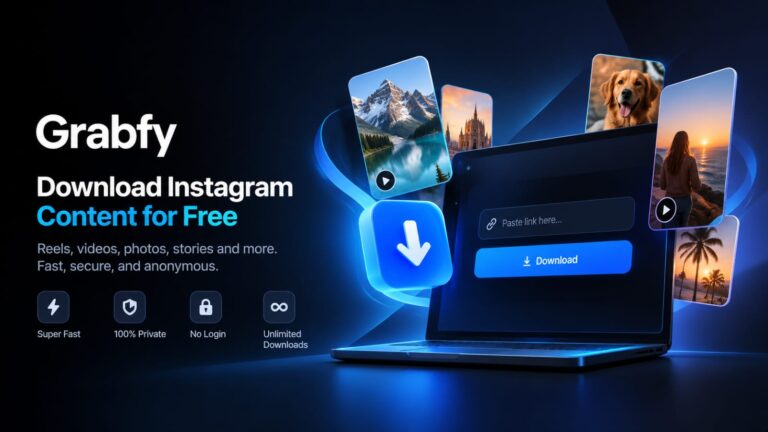
An Instagram story viewer gives you a convenient way to watch public Instagram Stories without signing in or appearing in the account owner’s viewer list. Whether you are researching a competitor, collecting creative inspiration, or simply prefer to browse privately, an anonymous viewer can help you access public content without connecting your Instagram account. Grabfy is a browser-based Instagram viewer and downloader for publicly available content. There is no application to install and no Instagram login required. Enter a public username or profile link to view available Stories and highlights, then download supported photos or videos directly to your device. What Is an Instagram Story Viewer? An Instagram story viewer is a third-party tool that displays active Stories from public Instagram profiles. Instead of opening a Story through your logged-in Instagram account, you access it through the viewer. Because your personal Instagram session is not used, your username is not submitted as the viewer. This makes it possible to browse available public Stories without your account appearing in the creator’s viewer list. An anonymous viewer cannot unlock private profiles, Close Friends Stories, or other restricted content. Legitimate tools only provide access to material that is already publicly available. Why Use Grabfy’s Instagram Story Viewer? Grabfy combines anonymous Story viewing with tools for downloading different types of public Instagram content. With Grabfy, you can: View active Instagram Stories from public accounts Browse without logging into Instagram Download supported Story photos and videos Access public highlights, posts, Reels, and carousels Use the service from a phone, tablet, or computer Avoid installing an application or browser extension The tool is designed to keep the process simple: enter a username, browse the available content, and choose what you want to view or save. How to View Instagram Stories Anonymously Using Grabfy takes only a few steps: Open Grabfy in a modern browser on any device. Find the username or profile link for the public Instagram account. Simply enter a public username or profile link in Grabfy’s search bar....