
Smart TV or Streaming Stick? What UK Homes Should Choose in 2026

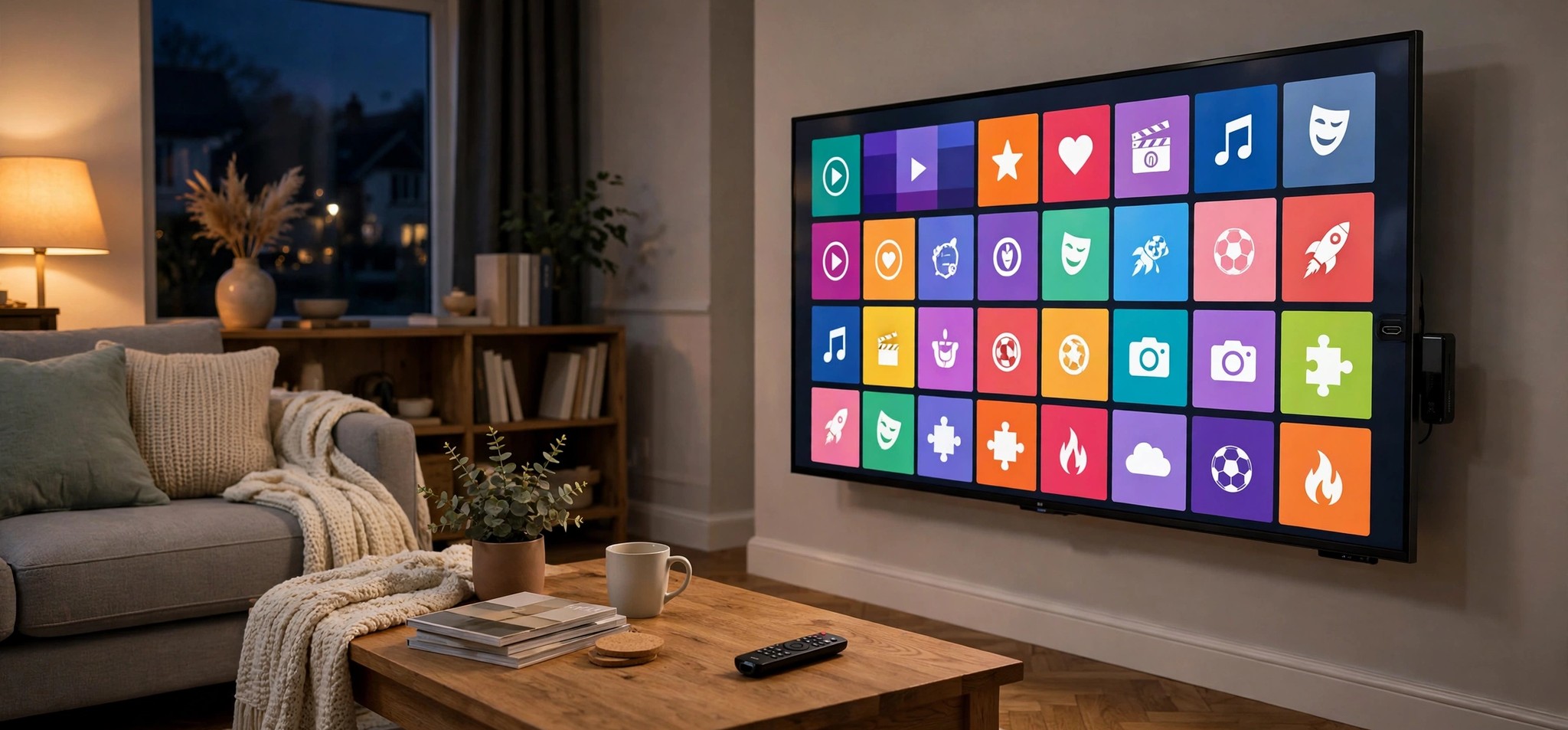
Most televisions sold in the UK today are smart TVs. They connect to the internet, run their own apps and promise everything in one box. So why do so many households still plug a small streaming stick into the back of a brand-new TV?
The answer is that "smart" covers a wide range of experiences. Some built-in platforms are fast and well supported for years. Others slow down after a couple of updates or stop receiving new app versions long before the screen itself wears out. For anyone who streams live TV, films and series every day, that difference matters more than the panel or the speakers.
This guide compares the two approaches on the points that actually affect daily viewing.
How the two options differ
A smart TV runs an operating system built into the television. Samsung uses Tizen, LG uses webOS, and many other brands ship Google TV, Fire TV or their own platforms. Apps are installed from the TV's own store.
A streaming stick or box is a separate device that plugs into an HDMI port. It has its own processor, memory, Wi-Fi and app store, and it simply uses the television as a screen. Popular options in the UK include Amazon Fire TV sticks, Google TV devices and Android TV boxes.
Both can play the same kinds of content. The differences show up in speed, app choice, updates and how well they cope with your home network.
App availability
This is often the deciding factor. Platforms such as Android TV, Google TV and Fire TV have very large app stores, so most streaming and IPTV player apps are available there first. Tizen and webOS have improved, but some player apps are missing or appear later, and features can differ between versions.
If you rely on a particular player app, check that it is available on your TV's platform before deciding. Services such as One IPTV publish device guides that show which players work where, which saves a lot of trial and error.
Speed and menu performance
Television makers have to balance cost across the whole set, so the processor running the smart platform is not always generous. That is fine for occasional use, but large channel lists, TV guides and on-demand libraries can make menus feel sluggish.
A dedicated stick puts all of its processing power into streaming. Mid-range and newer models usually scroll through long lists and load guides more smoothly than the built-in apps on budget or older televisions.
Software updates and lifespan
A TV is often kept for many years. The smart platform inside it, however, may stop receiving app updates well before then. When that happens, apps can become unstable or disappear from the store.
A streaming stick is cheap to replace. If it falls behind, you swap a small device rather than the whole television. For many households this is the strongest argument for keeping streaming separate from the screen.
Wi-Fi and network performance
Streaming quality depends heavily on the connection between the device and the router. Smart TVs are often mounted on a wall or placed in a corner, with the Wi-Fi antenna behind a large metal panel. Sticks hang directly off the HDMI port, which can be an awkward spot too, but many come with an HDMI extender that moves them into a clearer position.
The most reliable option for either is a wired connection. Many smart TVs have a built-in Ethernet port, and most sticks can use an inexpensive Ethernet adapter. If evening buffering is a problem, a cable usually helps more than any change of device.
Remote, voice and ease of use
Using the TV's own apps means one remote and no extra input to select, which suits less technical family members. A stick adds a second remote, although most can control the TV's power and volume through HDMI-CEC once set up.
For homes with grandparents or young children, simplicity can outweigh raw speed. A well-arranged home screen with a few favourites matters more than which platform is underneath.
Side-by-side comparison
| Factor | Smart TV apps | Streaming stick or box |
|---|---|---|
| Upfront cost | Included with the TV | Small extra purchase |
| App choice | Depends on the TV platform | Usually wider |
| Menu speed | Varies by model and age | Generally consistent |
| Updates over time | Can stop while the TV still works | Replace the stick when needed |
| Wired connection | Often a built-in Ethernet port | Usually needs an adapter |
| Ease of use | One remote, one input | Extra remote and input |
Which should you choose?
Use the built-in smart TV apps if your television is recent, its platform supports the apps you need, menus feel responsive, and you value having a single remote.
Add a streaming stick if your TV is a few years old, a key app is missing or unstable, menus are slow, or you want the option to upgrade cheaply later.
Many UK households end up using both: the smart TV in a bedroom where viewing is light, and a stick on the main living-room TV where it gets the heaviest use.
Getting set up properly
Whichever route you choose, a careful first setup avoids most problems. Update the device software first, install apps only from the official store, connect by cable where you can, and enter login details slowly and precisely.
For Samsung and LG owners, a guide to setting up a player app on Samsung and LG TVs walks through the platform-specific menus. If you go down the stick route, a step-by-step Firestick setup guide covers preparing the device, installing a player and the first settings worth changing.
The bottom line
There is no single right answer for every home. A modern smart TV can be perfectly good on its own, while a streaming stick remains the simplest way to keep an older screen fast, up to date and compatible with the apps you rely on. Check app support first, use a wired connection where possible, and remember that the cheapest upgrade to a slow smart TV is often a small device that plugs into the back.





Comment