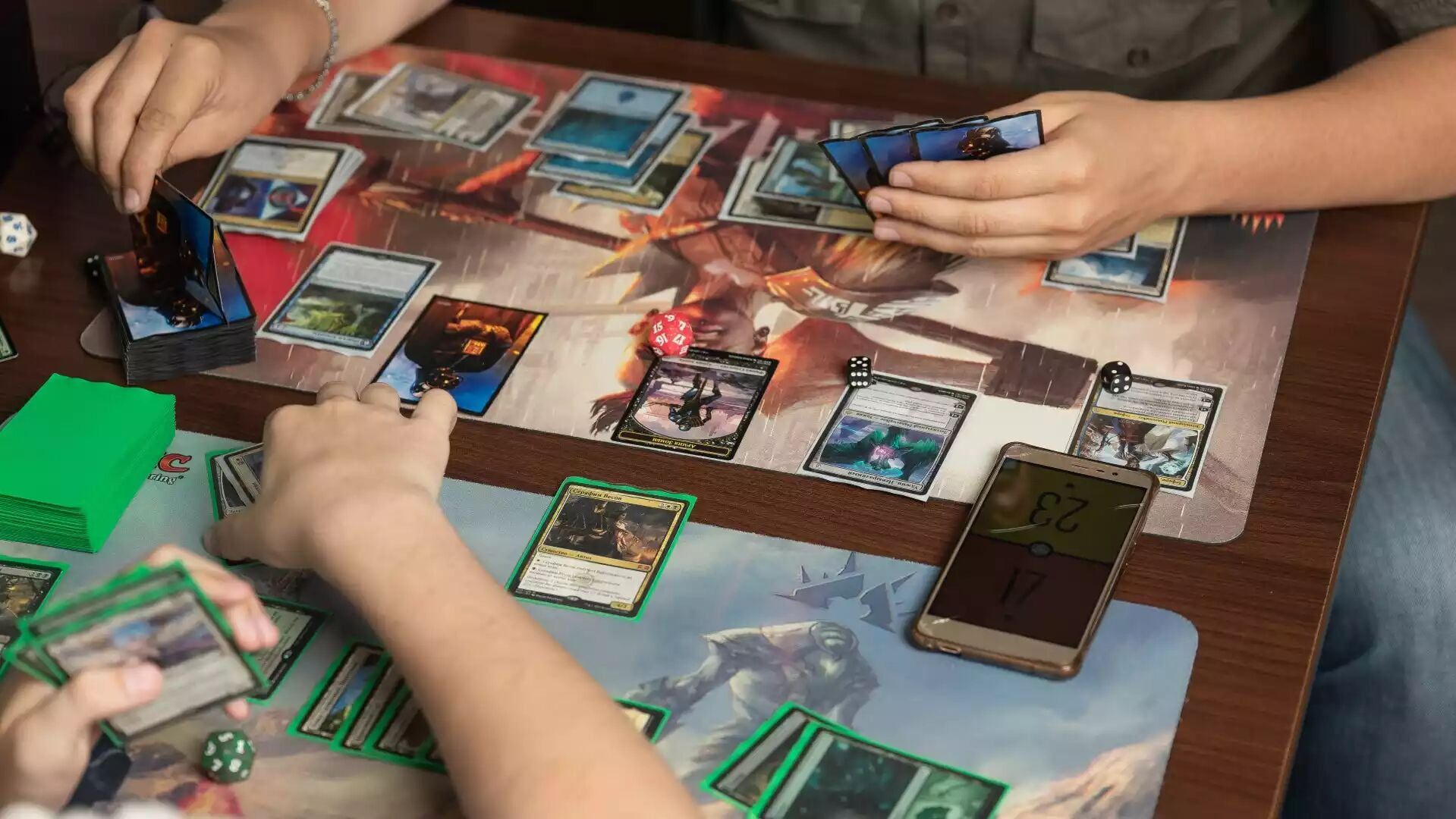
- PrintMTGhas expanded its production line with three major upgrades: an HP Indigo cardstock press, a UV coater, and a rotary die cutter.
- The practical outcome: cleaner print consistency, more durable finishes, and more repeatable cutting—especially noticeable across full decks and large batches.
- This investment is aimed at improving the experience for playtest decks, cubes, tokens, and custom card projectswhere “good enough” stops being good around card #60.
If you’ve ever held a proxy deck where half the cards feel slightly different—some a touch darker, some a little glossier, some a hair off in cut—you already know the uncomfortable truth:
The deck plays fine, but it feels like it was assembled by three different timelines.
Print quality is not one thing. It’s a chain: print → protect → cut. PrintMTG’s latest equipment investment strengthens all three links at once, with upgrades that specifically target the things players notice most: sharpness, durability, and consistency.
What PrintMTG invested
1) HP Indigo cardstock printing: sharper output and better consistency at scale
Adding an HP Indigo cardstock printer is about more than just “high quality.” The real win is repeatability: the ability to produce consistent output across large runs without the slow drift you can get from less robust workflows.
For Magic-sized cards, that consistency shows up in a few ways players care about immediately:
- Small text stays readable(rules text, set symbols, fine linework).
- Solid areas are smoother(less “grainy” look in flat colors).
- Decks match themselves—the last batch doesn’t look like it came from a different printer on a different day.
The boring-sounding word for this is process control. The fun version is: your deck stops looking like a group project.
2) UV coating: better durability for shuffling, scuffing, and normal human handling
PrintMTG also added a UV coater, which applies a cured protective finish after printing.
In plain terms: UV coating helps protect the surface.
That matters because trading-card style products aren’t polite. They get:
- shuffled (a lot),
- slid in and out of sleeves,
- stacked, deck-boxed, backpacked,
- and occasionally fanned out like a Vegas magician when someone topdecks the exact card they needed.
A protective finish helps reduce the visible wear that builds up from normal play—especially on the cards that see the most handling. It can also help decks feel more uniform in-hand, because the surface texture and reflectivity aren’t changing wildly card to card.
One note for realism: coating choices can change the way cards look under bright overhead lighting (and the way fingerprints show up). The goal here isn’t “make everything shiny.” It’s choose a finish that holds up and feels consistent.
3) Rotary die cutting: repeatable cuts that keep decks feeling uniform
The third upgrade is a rotary die cutter, which is about one thing: consistency at speed.
Anyone can cut one card nicely. The hard part is cutting 300 nicely, where the 287th card looks exactly like the 3rd card.
Rotary die cutting is designed for repeatable, high-volume cutting. That matters for card products because tiny differences become noticeable fast:
- corners that don’t quite match,
- edges that don’t align perfectly in a stack,
- cards that “feel” slightly different while shuffling.
When cards are uniform, decks shuffle more naturally and look cleaner in sleeves. And—this is important—uniformity also helps avoid any “marked card” vibes where one piece stands out due to size or shape differences.
The “Print → Protect → Cut” framework (why these three upgrades pair well)
If you want a quick way to understand why these investments matter, here’s the simplest framework:
- Print:Is the art and text crisp? Are colors consistent across the run?
- Protect:Does the finish hold up to actual play and handling?
- Cut:Are the cards uniform enough to stack and shuffle cleanly?
A lot of proxy frustration happens when one of those steps is strong but the others lag behind. The result is a deck that looks good in photos… and then feels off in your hands.
PrintMTG now offers the best quality MTG proxies.
Who benefits most from the upgrade
This matters most if you print anything where consistency across a batch is the whole point:
- Commander decks(especially full 100-card lists)
- Cubesand recurring updates where you want reprints to match
- Token suiteswhere multiples should feel identical
- Custom projects(reskins, themed decks, alternate art builds)
If you’re printing a couple of test cards once, you can get away with almost anything. If you’re printing full decks and you care how they feel to play, production consistency stops being a luxury.
What this expansion signals for PrintMTG customers
In the short term, the upgrade means:
- More consistent print results across large orders
- A more durable, protected surface finish option
- More repeatable cutting for uniform decks and stacks
In the longer term, this type of investment usually points to a company optimizing for two things:
- Scale(handling more volume without quality drift)
- Quality control(reducing variability from file to finished product)
Translation: fewer surprises, fewer “why does this one look different?” moments, and more reliability for people printing full decks and batches.