
Live Streamer: How to Start Streaming

Live Streamer: How to Start Streaming
Introduction
A live streamer broadcasts video or audio content to an online audience in real time. Unlike prerecorded videos, live streams allow creators and viewers to interact immediately through comments, questions, and other platform features.
Live streaming is used for gaming, education, product demonstrations, interviews, entertainment, and community discussions. Businesses also use live broadcasts to introduce products, answer customer questions, and communicate with their audiences.
Starting a live-streaming channel does not require a professional studio. With careful planning and suitable equipment, beginners can create useful and engaging broadcasts from home.
Decide What to Stream
The first step is choosing a subject that matches your interests and audience. Popular categories include gaming, technology tutorials, cooking demonstrations, educational lessons, creative activities, and live discussions.
A specific topic can make your channel easier to understand. For example, a technology streamer might demonstrate software features, explain beginner programming concepts, or discuss new devices.
Before starting, consider what viewers might learn, experience, or enjoy during a broadcast. A clear purpose helps make planning more effective.
It is also useful to research existing content in the chosen category. This can reveal common audience questions and opportunities to provide a different perspective.
Choose a Streaming Platform
Different streaming platforms serve different audiences and content styles. YouTube offers live streaming alongside recorded videos, while Twitch is strongly associated with live gaming and interactive communities.
Creators should compare platform features, audience preferences, content restrictions, privacy settings, and monetization policies before making a decision.
Account setup should include a suitable channel name, a clear description, and appropriate visual branding. A recognizable profile image and consistent presentation can help viewers identify the channel.
Prepare Your Streaming Setup
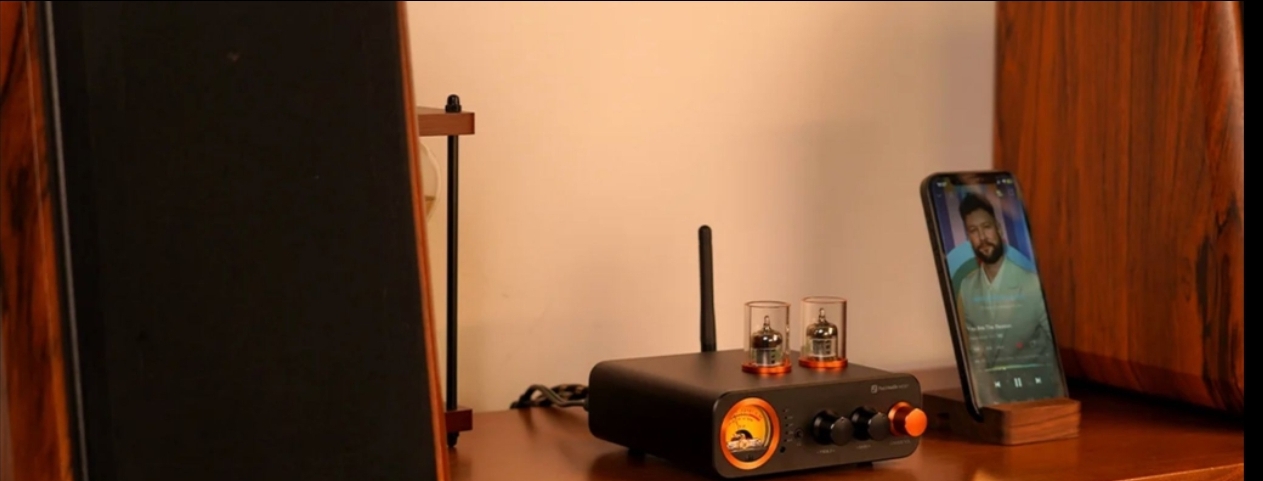
A basic live-streaming setup includes a compatible device, a reliable internet connection, a microphone, and streaming software or a platform’s built-in broadcasting tools.
The microphone deserves particular attention because unclear audio can make a stream difficult to follow. Testing sound levels and reducing background noise can improve the experience.
Lighting and camera positioning also matter when video is included. Natural light or a simple lamp may be sufficient for a beginner.
Before broadcasting, check the internet connection, close unnecessary applications, and confirm that the correct audio and video sources are selected.
Plan Your First Broadcast
Planning helps reduce nervousness and prevents long periods without meaningful content. Write down a short introduction, the main topics, and a few questions or activities that can keep the session moving.
A first stream does not need to be long or complicated. A short demonstration or focused discussion may be easier to manage than an unstructured broadcast.
Practice beforehand to become comfortable speaking while monitoring the stream. Recording a private test, where supported, can help identify audio or video problems.
Prepare a backup plan in case the internet connection fails or the selected software stops responding.
Interact With Viewers
Audience interaction is one of the main advantages of live streaming. Responding to relevant questions, acknowledging constructive comments, and explaining decisions can make viewers feel included.
However, creators should not feel pressured to answer every message immediately. Clear community guidelines and moderation tools help maintain a safe and respectful environment.
Streamers should never share sensitive personal information simply to attract attention. Protecting privacy is especially important when broadcasts are publicly accessible.
Improve Through Analytics
After a broadcast, review available statistics such as watch time, audience retention, and viewer engagement. These measurements can help identify which topics attracted interest.
Feedback should be considered alongside personal goals. A smaller audience can still provide valuable interaction and learning opportunities.
Make gradual improvements rather than changing the entire channel after every session.
Conclusion
Live streaming offers a practical way to share knowledge, entertainment, and creativity with people around the world. By selecting a clear topic, preparing equipment, planning broadcasts, and engaging respectfully with viewers, beginners can develop their skills and create more enjoyable live-streaming experiences.





Comment