In today’s fast-moving world, small businesses need tools that are easy to use, affordable, and actually help them grow. Many business owners start with just one idea and a few customers. As they grow, managing those relationships becomes harder. That’s where OnePageCRM comes in, not as a complicated system full of jargon, but as a clean, smart way to keep track of customers, leads, and sales.
It’s designed for people who don’t want to spend hours learning how to use software. Whether you’re running a solo startup or a small team, OnePageCRM makes customer management feel natural, not overwhelming.
This article dives into what makes OnePageCRM special, from its simple design to powerful features like automatic follow-ups and smart web forms. We’ll explore why so many entrepreneurs around the world trust it to manage their business relationships.
What Is OnePageCRM?
OnePageCRM is a customer relationship management (CRM) tool built specifically for small businesses and independent professionals. It helps users organize customer data, track sales, and stay on top of follow-ups, all in one place.
Unlike big, complex CRMs that require training and IT support, OnePageCRM keeps things light. You can get started in minutes, without needing to hire a tech expert or spend weeks setting up workflows.
The name itself says it all: everything you need is on one page. Each customer has a full profile with notes, emails, tasks, and deals, all visible at once. No digging through tabs or menus. Just clear, useful information.
And because it’s used by companies in over 80 countries, it’s clearly solving real problems for real people, from freelancers to service-based businesses and online stores.
Why Do Small Businesses Love OnePageCRM?
Small teams often have limited time and resources. They can’t afford expensive tools or systems that take forever to learn. That’s exactly the gap OnePageCRM fills.
Here’s why so many small business owners choose it:
- Simple interface: No confusing dashboards or hidden settings.
- Fast setup: Get going within minutes.
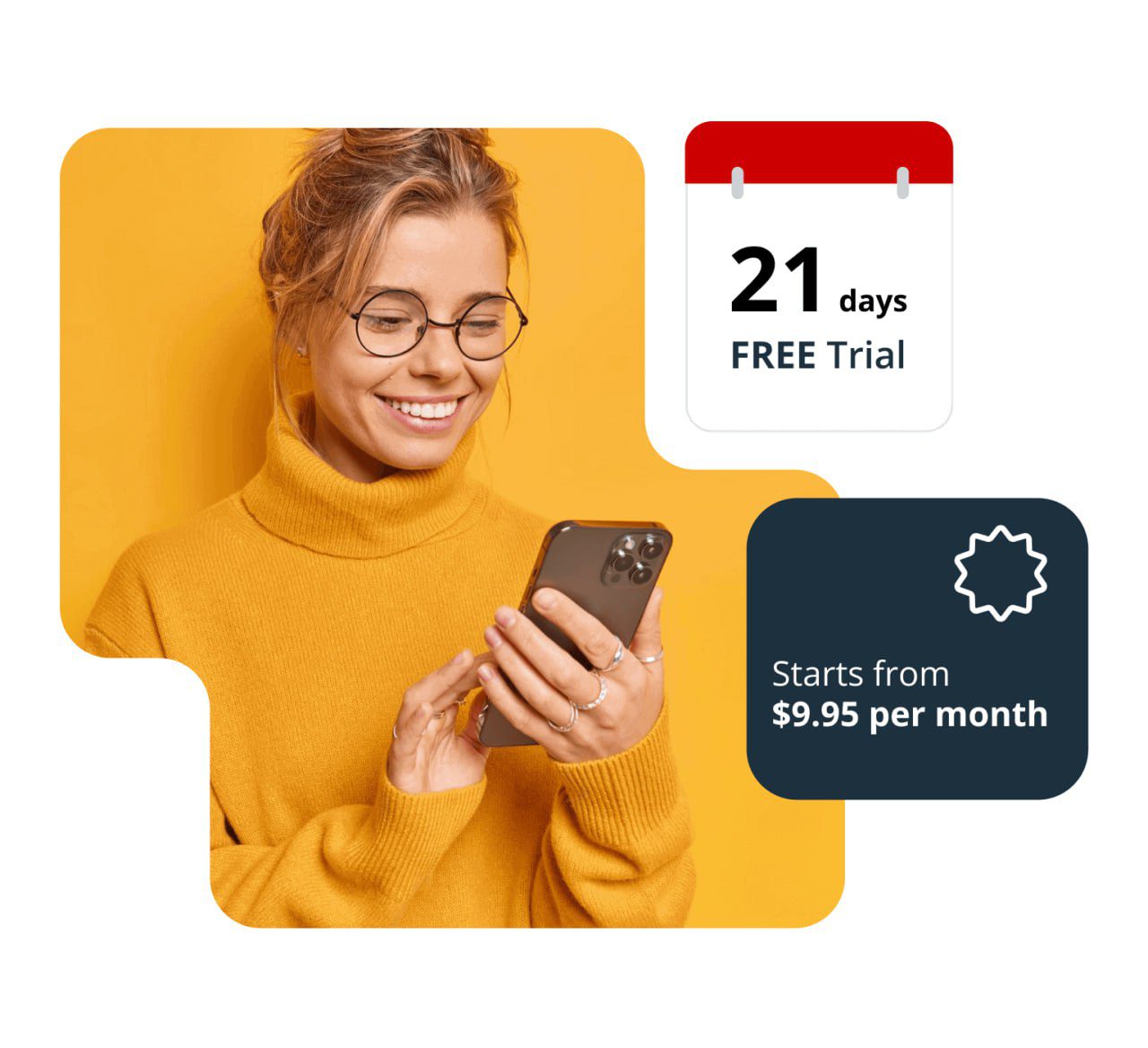
- Affordable pricing: Starts at just $9.95 per user per month.
- Free trial: Try it risk-free for 21 days, no credit card needed.
- No hidden fees: Everything you need is included in your plan.
But beyond price and ease, what really sets OnePageCRM apart is how it helps users build better habits, especially when it comes to following up with customers and leads.
The Power of “Next Action” A Simple Way to Stay On Track
One of the most unique things about OnePageCRM is its “Next Action” feature. This isn’t just another reminder, it’s a mindset shift.
Every contact in the CRM gets a task with a due date. For example:
- “Call Sarah tomorrow to discuss her project.”
- “Send a quote by Friday.”
- “Follow up after the meeting.”
When you complete that action, you simply add a new one. This creates a continuous flow of activity, turning passive contact lists into active engagement plans.
Imagine having 50 leads. Instead of forgetting half of them, each one has a clear next step. You know exactly who to talk to, when, and what to say.
This simple system stops the chaos. It turns scattered thoughts into consistent actions. And that’s how small businesses turn leads into long-term customers.
Many users say this “Next Action” approach changed how they think about sales. Instead of hoping they’ll remember something, they now rely on a system that gently guides them forward.
Capture New Leads Without Lifting a Finger
Getting new leads is great, but what matters more is what happens after someone submits their details.
That’s where Smart Web Forms come in. These aren’t just plain forms to collect email addresses. They’re intelligent tools that automatically create a new contact in your CRM and assign a Next Action right away.
For example:
- A visitor fills out a form on your website asking for a free consultation.
- OnePageCRM adds them to your database.
- It assigns a task: “Call John within 24 hours.”
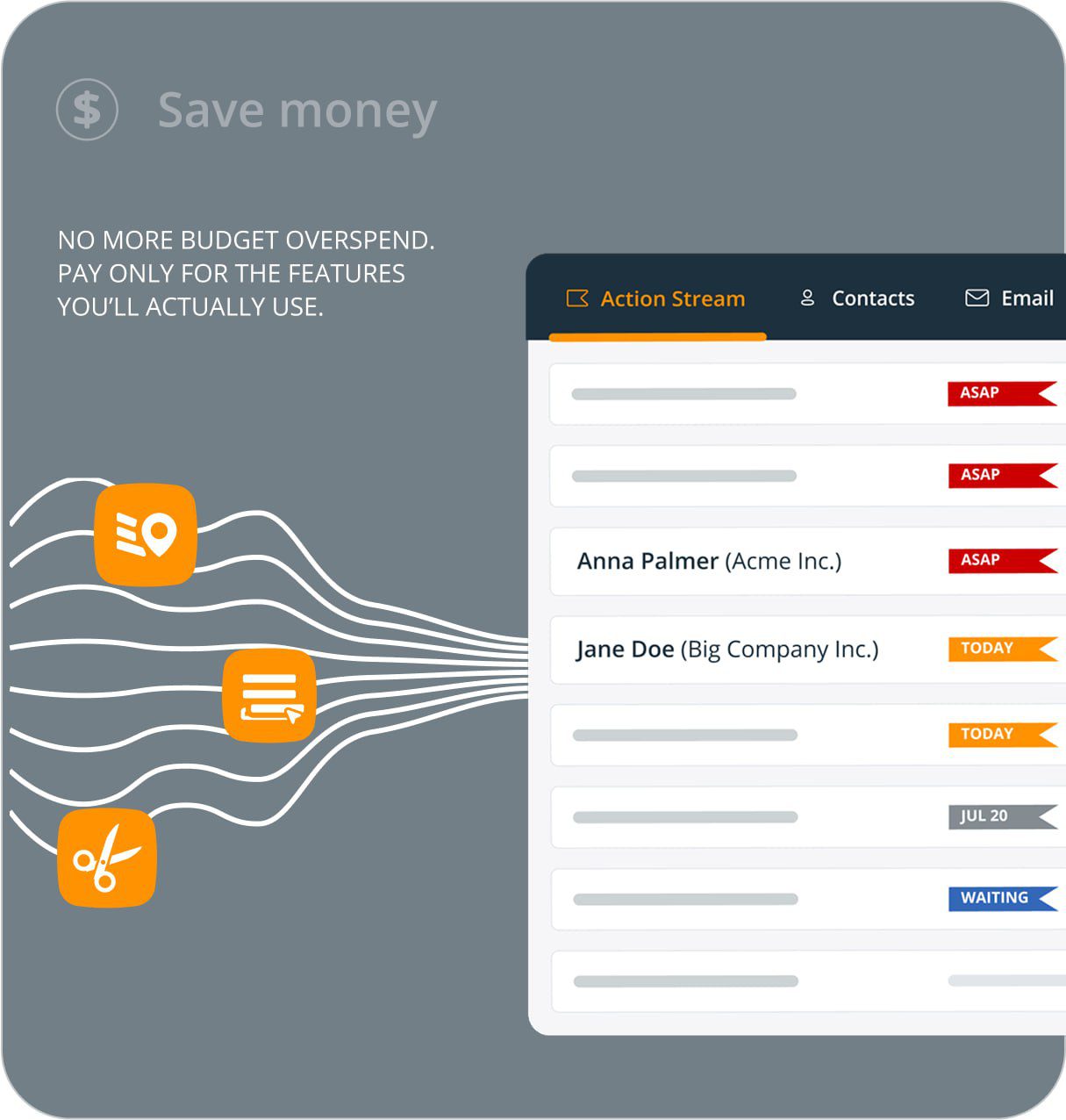
- That task appears in your Action Stream, sorted by urgency.
You never miss a lead again.
These forms are also super easy to set up. You can customize colors, fields, and messages. Add dropdowns, checkboxes, or text areas depending on what info you need. And best of all? They’re free, even on the basic plan.
You can share the form link via email or social media, or embed it directly on your website. Once someone submits it, you’re notified instantly, either by email or inside the app.
Plus, you can tag new contacts based on how they found you (like “from Instagram” or “via blog post”), which helps you later analyze which marketing channels work best.
Features That Make Life Easier for Small Teams
While simplicity is key, OnePageCRM doesn’t skimp on functionality. Here are some practical features that make daily work smoother:
- Two-Way Email Sync
You can send and receive emails directly from within the CRM, no need to switch between Gmail and the app. Every message is saved in the contact’s timeline, so nothing gets lost.
- Mobile Access
With apps for both iOS and Android, you can check your tasks, reply to emails, or update a deal while walking to a meeting or waiting in line.
- Deal Management
Each sale opportunity has its own page showing stage, value, close date, and related tasks. You can move deals through stages like “Prospect,” “Demo,” “Negotiation,” and “Closed Won.”
- Sales Pipeline
Visualize your sales process using a drag-and-drop board. See how many deals are moving forward and spot bottlenecks quickly.
- Workflow Automation (Autoflow)
Save time by automating repetitive tasks. For example, if a client books a call, the system could auto-add a follow-up note or send an email afterward.
Note: The number of automations depends on your plan. The Business plan includes unlimited Autoflows, while the Professional plan allows 15.
- Delivery Pipeline
Once a deal closes, you can track post-sale activities, like delivering services or sending invoices. This adds a light layer of project management to help clients stay happy.
- Custom Fields & Section Dividers
Add extra details like preferred communication method, budget range, or company size. Use section dividers to group related fields neatly, making profiles easier to read.
How Does OnePageCRM Help With Growth?
Growth starts with understanding your customers. OnePageCRM gives you the tools to do that, without getting bogged down in complexity.
Let’s say you run a coaching business. You meet someone at a conference, exchange numbers, and promise to connect later. In OnePageCRM, you add them as a contact, write a quick note, and schedule a “Next Action”, maybe “Send intro email on Monday.”
A week later, you’ve already sent the email and scheduled a call. You didn’t forget. You didn’t lose the conversation. And now, you’re building a real relationship.
Over time, these small actions compound. You start seeing patterns: Which types of clients convert faster? Who responds best to certain messages? What time of day works best for calls?
With reports and analytics, you can see your progress, like how many new leads you’ve added, how many deals closed, or how much revenue came from each source.
And since everything is stored securely and backed up every night, you never worry about losing important data.
Security and Privacy: Your Data Is Safe
Running a business means handling personal information, names, emails, payment details. That’s why security matters.
OnePageCRM takes privacy seriously. All data is stored on secure servers hosted by Amazon Web Services (AWS) in the USA. These servers are protected with physical barriers, 24/7 monitoring, and nightly backups.
Data transmission uses SSL encryption, the same level used by banks, and connections are secured with 256-bit keys. That means your information stays private, even if someone tries to intercept it.
Access to your data is tightly controlled. Only authorized staff can view it, and only from approved IP addresses. User sessions are verified with unique tokens, and CAPTCHA protects against bots.
Importantly, OnePageCRM does not sell your data or your customers’ information to third parties. They respect your privacy and comply with GDPR rules, including allowing you to request access, correction, or deletion of your data.
If you ever want to leave, you can download all your data in a machine-readable format, no surprises.
Plans and Pricing: Affordable Options for Everyone
OnePageCRM offers two main plans: Professional and Business. Both include core features, but the Business plan unlocks advanced tools.
| Feature | Professional Plan | Business Plan |
| Price | $9.95/user/month | $19.95/user/month |
| Emails per user/day | 250 | 450 |
| Web Forms | 1 | Unlimited |
| Workflow Automations | 15 | Unlimited |
| Multiple Pipelines | 1 | Yes |
| 2-way Email Sync | No | Yes |
| Email Tracking | No | Yes |
| Email Scheduling | No | Yes |
| Delivery Pipeline | No | Yes |
| Fetch Historical Emails | No | Yes |
| Business Card Scanner | No | Yes |
| Required Custom Fields | No | Yes |
Both plans offer a 21-day free trial, so you can test it before committing. Payments are monthly or annual, choosing annual saves money.
Even though the Business plan costs more, many users find it worth it for features like unlimited web forms and email tracking. But if you’re just starting out, the Professional plan gives you everything you need to grow.
Support and Learning Resources
Learning a new tool shouldn’t be stressful. OnePageCRM makes it easy with helpful resources:
- Live chat and phone support: Talk to real people when you need help.
- Knowledge base: Search answers to common questions.
- Interactive demos: Try the app hands-on without installing anything.
- Video tutorials: Watch short clips explaining key concepts like Next Actions and sales pipelines.
There’s also a community of users sharing tips and tricks. If you’re stuck, chances are someone else has been there too.
Real People, Real Results
Thousands of small business owners across 80+ countries use OnePageCRM. From freelance designers to fitness trainers, coaches, consultants, and e-commerce sellers, the list goes on.
They use it to:
- Keep track of client projects
- Follow up with leads consistently
- Close more sales
- Save time by avoiding email clutter
One common theme? They finally feel in control.
Instead of relying on sticky notes, spreadsheets, or memory, they now have a reliable system that helps them focus on what truly matters, serving their customers.
Final Thoughts: Is OnePageCRM Right for You?
If you’re a small business owner looking for a CRM that’s simple, effective, and affordable, yes, OnePageCRM might be perfect for you.
It doesn’t try to be everything to everyone. Instead, it focuses on doing a few things extremely well:
- Organizing customer data
- Helping you follow up consistently
- Making growth feel manageable
And it does this without overwhelming you with options or forcing you into expensive upgrades.
Whether you’re a solo founder or part of a small team, OnePageCRM helps you stay organized, focused, and connected.
So if you’ve ever felt lost trying to manage leads, forgot to follow up, or spent too much time switching between tools, give OnePageCRM a try.
Because sometimes, the best way to grow is to simplify.
Key Takeaways:
- OnePageCRM is a lightweight, user-friendly CRM ideal for small businesses.
- Its “Next Action” system keeps you on track with timely follow-ups.
- Smart Web Forms capture leads and automatically assign tasks.
- Features like email sync, mobile access, and workflow automation save time.
- The platform prioritizes security and privacy.
- Pricing is transparent and affordable, with a free trial available.
- Used globally by over 80 countries, it’s trusted by real entrepreneurs.
Try it today, and see how a simpler CRM can help your business grow steadily, one step at a time.
Get the offer here: https://www.onepagecrm.com/?via=a5857f