
IPTV Konings: A Practical Guide to IPTV Streaming in the Netherlands

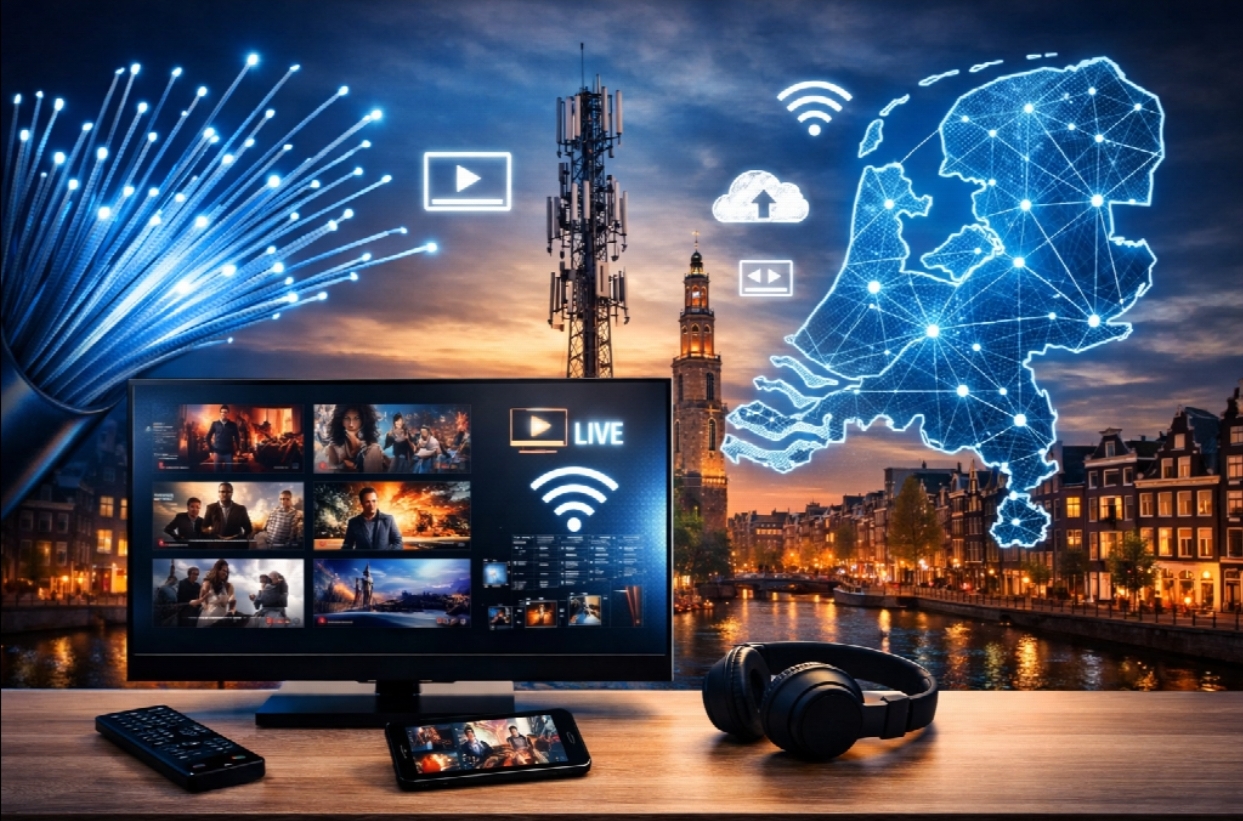
IPTV Konings: A Practical Guide to IPTV Streaming in the Netherlands
The way people watch television has changed considerably over the last decade. Traditional cable and satellite television are still widely used, but internet-based streaming has become an important part of modern home entertainment.
One technology behind this shift is IPTV, short for Internet Protocol Television. Instead of receiving television programming through a traditional broadcast or cable connection, IPTV delivers content through an internet connection.
For viewers in the Netherlands who are considering IPTV for the first time, the technology can initially seem complicated. There are different types of devices, IPTV player applications, playlists, electronic program guides, and subscription models to understand.
This guide explains how IPTV works, what you need to use it, how IPTV applications fit into the setup, and what Dutch viewers should consider before choosing an IPTV service.
What Is IPTV?
IPTV stands for Internet Protocol Television. In simple terms, it is a method of delivering television content over an IP-based network, normally through an internet connection.
Traditional television and IPTV differ mainly in how content reaches the viewer.
With traditional television, programming may be delivered through:
- Cable
- Satellite
- Terrestrial broadcasting
With IPTV, television content is delivered through an internet connection and played using compatible software or hardware.
This does not mean that IPTV is simply another name for Netflix or another conventional streaming platform. IPTV can refer to different types of internet-delivered television services, including live television services that use IPTV technology.
The exact channels and features available depend on the particular service and the rights it holds for the content it distributes.
How Does IPTV Work?
A typical IPTV setup involves several components working together.
The service provides access to television content through an internet connection. The viewer then uses an IPTV-compatible application or player to access and display that content.
A simplified setup looks like this:
Internet connection → IPTV service → IPTV player → Television or other device
The IPTV player acts as the interface through which the viewer accesses the available content.
Depending on the service, users may receive login credentials, a playlist, an M3U URL, an Xtream-compatible connection, or another form of access information.
The exact format varies, so users should follow the setup instructions provided by their particular service.
IPTV Service vs IPTV Player: What’s the Difference?
This is one of the most common sources of confusion for people who are new to IPTV.
An IPTV service provides access to television content.
An IPTV player is the application used to display that content.
For example, someone may have an IPTV subscription but still need to install a compatible player application on their Smart TV or streaming device.
The player itself does not necessarily provide television channels. It is primarily the software that connects to and displays content from a compatible service.
Understanding this distinction makes IPTV setup much easier.
What Do You Need to Watch IPTV?
Getting started with IPTV generally requires four things:
1. A Reliable Internet Connection
Because the content is delivered over the internet, a stable connection is important.
The required speed depends on factors such as video resolution, the number of devices using the connection, and the quality of the network.
For example, HD and 4K video require more bandwidth than lower-resolution streams.
However, internet speed is not the only consideration. A connection can have high download speeds but still experience problems if there is significant instability, packet loss, Wi-Fi interference, or network congestion.
2. A Compatible Device
IPTV Nederland can potentially be used on a wide range of devices, including:
- Samsung Smart TVs
- LG Smart TVs
- Android TV devices
- Google TV devices
- Amazon Fire TV devices
- Android smartphones and tablets
- iPhones and iPads
- Computers and laptops
- Compatible streaming boxes
Compatibility depends on the IPTV application and service, so checking the supported platforms before subscribing is worthwhile.
3. An IPTV Player
The next component is the application used to display the service.
Different applications offer different features and interfaces. Some are designed specifically for Smart TVs, while others work across mobile devices, Android TV systems, and streaming hardware.
Useful features can include:
- Electronic Program Guide support
- Favorites
- Search
- Multiple playlists
- Catch-up functionality where supported
- Parental controls
- Multiple language options
- Customizable channel organization
The right player depends on the device and the features a viewer needs.
4. Access to a Legitimate IPTV Service
Finally, you need an IPTV service that provides access to content you are authorized to watch.
This point is important because IPTV is a technology, not a guarantee that every service using it is legitimate.
The legality of particular content depends on the provider’s rights and licensing arrangements. Consumers should therefore research the service they are considering and use services that have the appropriate rights to distribute their content.
IPTV on Smart TVs
Smart TVs are among the most convenient devices for IPTV because they can often run compatible applications directly.
The general process is:
Step 1: Open the TV’s application store.
Step 2: Search for a compatible IPTV player.
Step 3: Install the application.
Step 4: Open the application and follow its setup instructions.
Step 5: Enter the access information supplied by your IPTV service.
Step 6: Allow the application to load the available channels and program information.
The exact procedure varies between television brands and applications.
Samsung and LG televisions, for example, use their own application ecosystems, while Android TV and Google TV devices offer access to applications through Google’s platform.
It is therefore better to follow instructions specifically designed for your television rather than assuming every Smart TV works in exactly the same way.
IPTV on Android TV and Google TV
Android TV and Google TV devices are popular choices for streaming because they support a wide range of applications.
The general setup is similar to Smart TV installation:
- Open the application store.
- Install a compatible IPTV player.
- Launch the application.
- Enter your service credentials or playlist information.
- Wait for the channel list and program guide to load.
- Test several channels to confirm that everything is working correctly.
One advantage of dedicated streaming devices is that they can sometimes provide a more flexible experience than older Smart TV hardware.
If a television is several years old and no longer supports modern applications, an external streaming device can also be an alternative, provided it is compatible with the desired IPTV player.
Understanding M3U and EPG
Two terms frequently appear when people research IPTV: M3U and EPG.
An M3U file or URL is commonly used to provide a playlist containing streaming entries. The IPTV player reads this information and organizes the available streams.
EPG stands for Electronic Program Guide.
An EPG provides information about scheduled programming, allowing viewers to see what is currently playing and what is coming next.
A service may support one or both of these features depending on its technical setup.
For beginners, the important thing to understand is that these are components of the IPTV experience rather than separate television services.
Why IPTV Can Buffer
Buffering is one of the most common problems reported by streaming users.
It can have several possible causes, so immediately blaming the IPTV application or service is not always accurate.
Potential causes include:
Weak Wi-Fi
A television located far from the router may receive a weaker signal than other devices.
Network Congestion
If several people are simultaneously downloading large files, gaming, making video calls, or streaming high-resolution content, available bandwidth can be reduced.
Device Performance
Older or low-powered hardware may struggle with certain applications or high-resolution video.
Application Problems
An outdated or poorly configured application can sometimes cause playback issues.
Service-Side Problems
Problems can also occur on the provider’s side.
A useful troubleshooting process is therefore to test the internet connection, restart the application and device, check for updates, and determine whether the problem affects one channel or the entire service.
How to Improve the IPTV Viewing Experience
A few simple changes can make streaming more reliable.
Use Ethernet When Possible
A wired Ethernet connection can provide greater stability than Wi-Fi, particularly for a television or streaming device located close to the router.
Keep Applications Updated
Application updates can include bug fixes, compatibility improvements, and security updates.
Restart Your Network Equipment
Occasionally restarting a router can resolve temporary connectivity issues.
Avoid Unnecessary Background Traffic
If several devices are consuming large amounts of bandwidth at the same time, IPTV playback may be affected.
Check Your Device
If an application performs poorly on an older television, testing the same service on another compatible device can help determine whether the issue is related to the hardware.
What Should You Look for in an IPTV Service?
Choosing an IPTV service should involve more than simply looking at the number of channels advertised.
Here are several practical factors to investigate.
Device Support
Check whether the service works with your preferred television, streaming device, computer, or mobile platform.
Setup Instructions
Clear installation instructions can save considerable time, particularly for first-time IPTV users.
Customer Support
Good support can be useful when dealing with activation, application configuration, login problems, or technical issues.
Content Availability
Check which channels and types of programming are actually included. A large advertised channel count does not automatically mean that a particular service has the content you personally want to watch.
Streaming Quality
Look at the resolutions supported by the service and consider whether your device and internet connection can handle them.
Simultaneous Connections
If multiple people in a household intend to watch IPTV at the same time, check whether the subscription allows multiple connections and under what conditions.
Subscription Terms
Read the subscription terms before purchasing. Pay attention to duration, renewal conditions, supported devices, refund policies, and other important details.
Licensing and Legal Considerations
Most importantly, make sure the service is authorized to distribute the content it offers in your market.
IPTV technology itself is legal. The legal status of a particular service depends on what content it distributes and whether it has the necessary rights to do so.
IPTV Koning and the Dutch Market
For viewers researching IPTV services in the Netherlands, IPTV Koning is one service that focuses on IPTV streaming for the Dutch market.
The basic concept is the same as with other IPTV services: users access television content through an internet connection and a compatible IPTV application or device.
Before choosing any provider, consumers should still check the service’s current offering, supported devices, setup requirements, subscription conditions, and applicable content rights.
This approach allows users to compare services based on practical factors rather than simply choosing one because it advertises the largest number of channels.
Is IPTV Suitable for Everyone?
IPTV can be a useful option for people who already have a reliable internet connection and prefer the flexibility of internet-based television.
It can be particularly convenient for households that use multiple streaming devices or want to access television through a Smart TV, Android TV device, streaming stick, computer, or mobile device.
However, IPTV is not automatically the right choice for every household.
People with unreliable internet connections may experience difficulties with internet-based television. Others may simply prefer the simplicity of a traditional cable or satellite package.
The best option depends on the viewer’s equipment, internet connection, preferred content, budget, and viewing habits.
A Simple IPTV Setup Checklist
Before starting, it can be useful to work through this checklist:
Internet:
Do you have a stable internet connection?
Device:
Is your Smart TV or streaming device compatible with the IPTV application you want to use?
Application:
Have you installed a suitable IPTV player?
Credentials:
Do you have the correct login or playlist information?
EPG:
Does your service provide an electronic program guide, and is it configured correctly?
Network:
Would an Ethernet connection provide a more stable connection than Wi-Fi?
Support:
Do you know where to get help if you encounter setup or technical problems?
Content rights:
Have you checked that the service is authorized to distribute the content you intend to watch?
Going through these points before starting can prevent many common setup problems.
Final Thoughts
IPTV is best understood as a technology for delivering television content over an internet connection. The experience depends on several components working together: the IPTV service, internet connection, compatible device, and IPTV player.
For viewers in the Netherlands, the growing number of Smart TVs and streaming devices makes IPTV relatively accessible, but choosing a service still requires some research.
Rather than focusing solely on channel numbers or promotional claims, consumers should consider compatibility, streaming quality, customer support, subscription conditions, and content licensing.
Whether someone is completely new to IPTV or simply looking for a more flexible way to watch television, understanding how the technology works is the first step toward making an informed choice.




Comment