
IPTV Buffering Explained: Why Live Television Freezes and How to Improve Streaming Quality

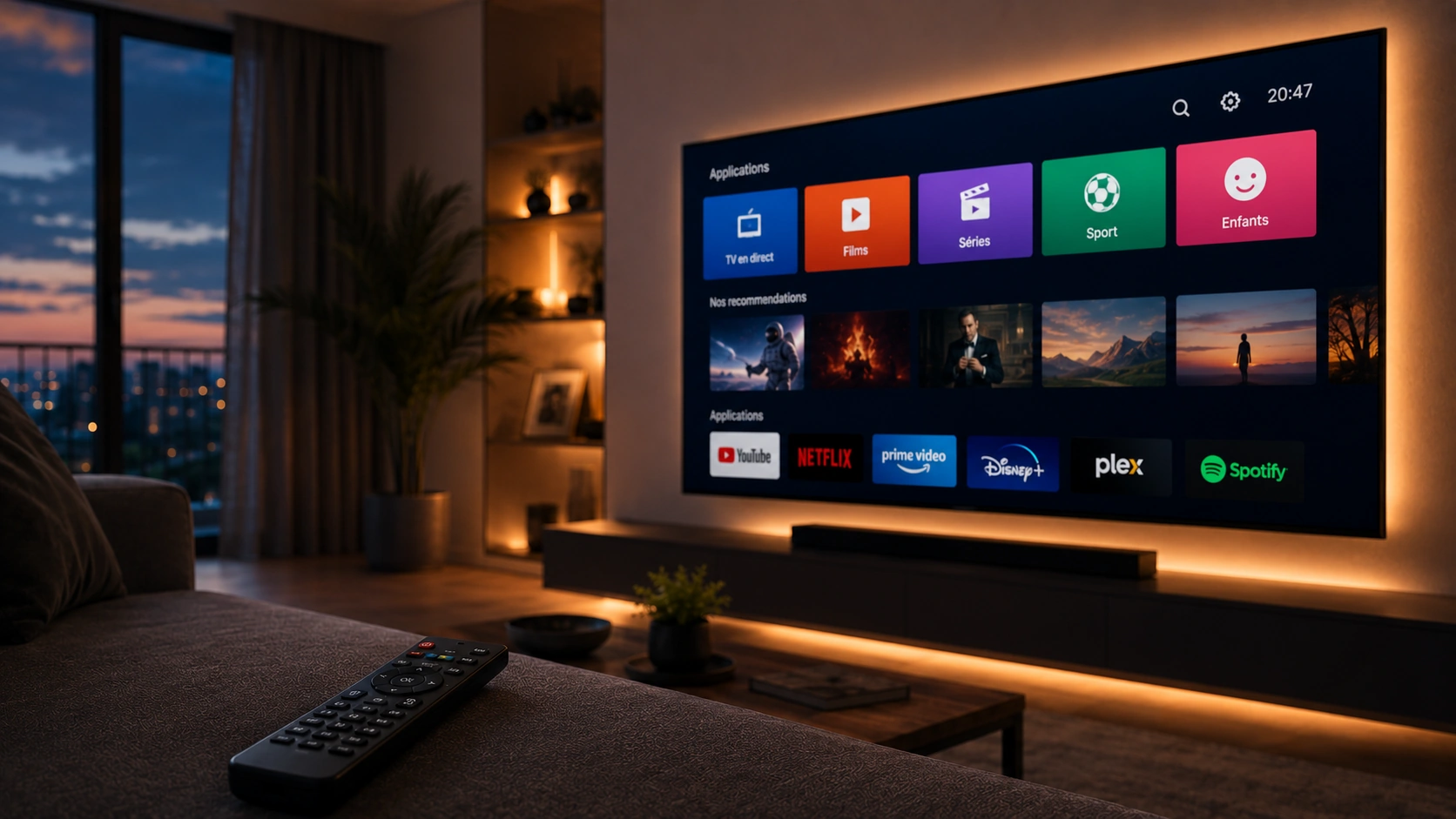
Few things are more frustrating than settling down to watch a live television program only to see the picture freeze at the most important moment.
Buffering is one of the most common complaints associated with internet-based television, but it is also one of the most misunderstood. When a stream pauses, many viewers immediately assume that the IPTV provider is responsible. In reality, streaming performance can be affected by several different parts of the connection between the content source and the television screen.
Understanding these factors can help viewers identify the real cause of buffering and make better decisions when choosing an IPTV service.
What Does IPTV Buffering Actually Mean?
Buffering occurs when a streaming application cannot receive and process enough video data to continue playback smoothly.
Video is normally delivered in small segments rather than as one continuous file. The playback application downloads these segments and keeps a small amount of video data ready in advance.
If data arrives more slowly than the player consumes it, that buffer eventually becomes empty. The video then pauses while the player waits for additional data.
This can happen for a number of reasons, including network congestion, weak Wi-Fi, overloaded hardware, problems with the streaming source, or limitations in the delivery infrastructure.
The important point is that buffering is a symptom rather than a single problem with one universal cause.
Internet Speed Is Not the Whole Story
A common assumption is that buying a faster internet package automatically eliminates buffering.
A fast connection certainly helps, particularly when watching high-resolution video, but bandwidth is only one part of the equation.
A viewer may have a fast fiber connection and still experience interruptions because the television is connected through weak Wi-Fi, the router is overloaded, or the streaming device is struggling to process the video.
The route between the content server and the viewer can also influence performance.
For this reason, troubleshooting should begin by looking at the entire streaming chain rather than focusing exclusively on the advertised internet speed.
Wi-Fi Can Be a Hidden Cause
Wireless networking is convenient, but Wi-Fi conditions can vary considerably from one room to another.
Walls, floors, distance from the router, interference from other devices, and network congestion can all affect the connection between a smart TV and the home router.
A television located several rooms away from the router may therefore experience a less stable connection than a smartphone sitting directly beside it.
If possible, users can test their streaming device with an Ethernet connection. Comparing wired and wireless performance can help determine whether Wi-Fi is contributing to the problem.
For households that must use Wi-Fi, moving the router to a more central location or reducing interference may also improve consistency.
Peak Hours Can Affect Streaming
Internet traffic changes throughout the day.
Even when a household’s own internet connection is working correctly, congestion elsewhere in the network can sometimes affect streaming performance.
Live television can be particularly demanding because many people may be watching the same event simultaneously.
Major sporting events are a good example. A popular hockey game, football match, or championship event can attract a large number of viewers at the same time.
This is why a service that appears stable during a quiet afternoon may behave differently when demand increases in the evening.
The Streaming Server Matters
The infrastructure used to deliver a stream is another important part of the experience.
A provider needs sufficient server capacity and an efficient distribution system to deliver video to viewers consistently.
If infrastructure becomes overloaded, users may experience slow channel loading, interruptions, reduced picture quality, or failed connections.
This is one reason consumers should look beyond channel counts when comparing IPTV providers.
Having thousands of channels listed in a menu does not automatically indicate that the underlying streaming infrastructure is capable of delivering all of them reliably.
Device Performance Can Also Cause Problems
Older streaming hardware can sometimes struggle with modern high-resolution video.
A device may have limited processing power, insufficient memory, outdated software, or compatibility problems with a particular application.
Smart TVs can also behave differently depending on their operating system and age.
If buffering occurs on one device but not another using the same internet connection, the device or application should be considered as a possible cause.
Testing the same stream on another compatible device can be a simple way to narrow down the problem.
Why Video Resolution Matters
Higher-resolution video requires more data.
A standard-definition stream generally requires less bandwidth than HD, while 4K video can require substantially more.
This means that a connection that handles HD comfortably may struggle with a high-bitrate 4K stream if the network is under heavy load.
Consumers should therefore make sure that their internet connection and hardware are appropriate for the resolution they want to watch.
It is also important to remember that a label such as “4K” does not automatically guarantee that every piece of content is delivered in native 4K. The quality of the original source, encoding, bitrate, and playback equipment all influence the final result.
How to Troubleshoot IPTV Buffering
When buffering occurs, users can work through a simple troubleshooting process.
Restart the streaming device
A basic restart can clear temporary software problems and free system resources.
Restart the router
Restarting the home router can sometimes resolve temporary network issues.
Test the internet connection
Run a speed test from a device connected to the same network as the television.
Testing close to the streaming device is more useful than relying on a speed test performed elsewhere in the home.
Try another application
If the service supports multiple compatible applications, testing another player can help determine whether the application itself is contributing to the problem.
Test another device
Try the same stream on another compatible television, computer, or mobile device.
If the stream works normally elsewhere, the original device may need attention.
Try Ethernet
If possible, connect the streaming device directly to the router.
If buffering disappears, Wi-Fi may have been the underlying issue.
Choosing an IPTV Service
Consumers researching an IPTV Canada option should evaluate more than the number of channels advertised.
A useful comparison should include:
- Streaming stability
- Device compatibility
- Video quality
- Application performance
- Customer support
- Subscription terms
- Available programming
- Network requirements
It can also be useful to look for providers that clearly explain their supported devices and setup process.
A transparent provider makes it easier for customers to understand what they are purchasing and how the service is intended to work.
Why Customer Support Matters
When something goes wrong, good documentation can save considerable time.
For example, a new user may not know how to install a compatible application, enter account information, configure a playlist, or adjust playback settings.
A provider that offers clear setup instructions can make the transition considerably easier.
Customer support is particularly important when a problem cannot be resolved through standard troubleshooting.
Instead of simply telling users to restart their router, support should ideally help identify whether the problem is related to the account, application, device, network, or service infrastructure.
One IPTV and the Canadian Streaming Market
As more Canadian households explore internet-based television, providers are competing to offer different combinations of live programming, device compatibility, streaming quality, and customer support.
One IPTV is one example of a service available to consumers researching internet-based television options.
For anyone considering a new provider, the same basic principle applies: understand the service, check device compatibility, review the subscription terms, and evaluate whether it fits the household’s viewing requirements.
The goal should not simply be to find the largest channel list. A useful television service needs to provide an overall experience that works with the viewer’s equipment, internet connection, and viewing habits.
When Buffering Is Not Your Fault
There are situations where a viewer can have a strong internet connection, a modern device, and a properly configured application and still experience interruptions.
In those cases, the problem may be related to the source or delivery infrastructure.
This is why repeated buffering across multiple devices and networks can be an important signal.
If the same stream consistently experiences problems while other internet services work normally, the user may need to contact the provider for assistance.
Testing different channels can also provide useful information. If only one channel has problems while others play normally, the issue may be specific to that stream rather than the entire service.
A Better Way to Evaluate Streaming Quality
Rather than asking whether an IPTV service “never buffers,” consumers should look at the overall performance pattern.
No internet-based service can completely eliminate every possible network problem.
Instead, users should consider whether the service performs consistently under normal conditions, whether problems are resolved quickly, and whether the provider offers useful support when something goes wrong.
A short trial, when available, can be a practical way to evaluate these factors before committing to a longer subscription.
Users can test the service at the times they normally watch television and on the devices they actually use.
The Future of IPTV Streaming
Streaming technology continues to evolve.
Better broadband connections, improved video compression, more capable smart TVs, and modern content-delivery infrastructure are helping make high-quality internet television increasingly practical.
At the same time, viewers are becoming more aware of the factors that influence streaming performance.
Instead of simply asking how many channels a provider offers, consumers are beginning to ask more practical questions:
How stable is the service?
Does it work with my device?
How does it perform during busy periods?
What happens if I have a technical problem?
Are the subscription terms clear?
These questions provide a much more useful basis for comparison.
Final Thoughts
IPTV buffering does not have one universal cause.
The problem can originate from a weak Wi-Fi connection, network congestion, an outdated device, application issues, insufficient bandwidth, or the infrastructure delivering the stream.
Understanding these different factors makes troubleshooting much easier.
For consumers researching an IPTV service, reliability should be considered alongside content, compatibility, pricing, and customer support.
With the right combination of internet connectivity, hardware, application, and service infrastructure, internet-based television can provide a flexible way to watch live and on-demand content across modern devices.
The key is to evaluate the complete streaming experience rather than judging a service solely by its channel count or promotional claims.





Comment