
Independent Retailer Month 2026: How CamScanner Helps Small Businesses Manage Invoices, Receipts, and Employee Forms

There’s a version of running an independent retail store that looks like the thing people dream about when they decide to open one: talking to customers, knowing regulars by name, curating the shelves, building something with a personality that no chain store can replicate. Then there’s the version that actually fills up the week: supplier invoices that need to be matched against delivery notes, employee agreements stuffed in a drawer that hasn’t been opened since last year, POS receipts piling up faster than anyone can process them, and a quarterly tax deadline somewhere in the near future that nobody has started preparing for.
July is Independent Retailer Month — a nationwide recognition of the roughly 33 million small businesses that collectively employ about 51 percent of the U.S. non-farm workforce (U.S. Census Bureau & Small Business Administration). It’s a good moment to celebrate what independent retail actually is. It’s also a good moment to fix the paperwork problem that quietly consumes more of a shop owner’s week than it should. CamScanner won’t run the store, but it can stop the paper from running the owner.
How to Stop Supplier Invoices From Taking Over Your Back Office
Every independent retailer lives inside a web of supplier relationships, and every one of those relationships generates paper: purchase orders, delivery confirmations, invoices, return authorizations, pricing agreements that were updated six months ago and may or may not have been signed. The physical version of that paper trail tends to accumulate in a specific corner of a back office or stockroom until something goes wrong — a delivery dispute, an overbilling, a question about what was actually agreed — and then it becomes a full afternoon of searching.
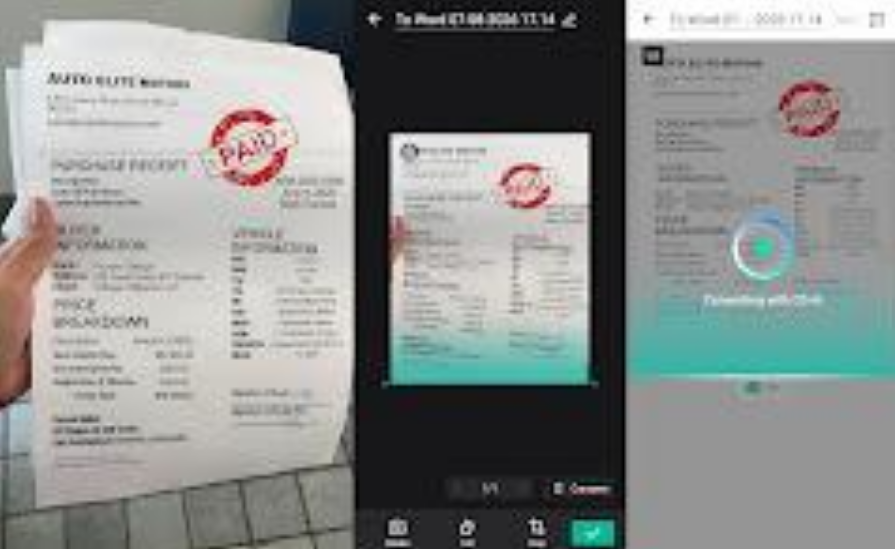
CamScanner redefines how independent retailers handle supplier documents — from the moment a delivery note arrives to the second a dispute needs resolving.
- Instant Batch Capture: Scan an entire stack of purchase orders, delivery confirmations, and invoices in one session with Batch mode, instead of processing them one by one at the end of a long day.
- AI-Enhanced Quality: Auto Crop removes background clutter and the Enhance feature sharpens contrast automatically — so faded fax headers and low-ink printouts stay legible long after the original paper has degraded.
- Searchable Intelligence: The OCR engine reads text across 41 languages, turning every scanned invoice into a document searchable by vendor name, invoice number, or date. Finding a delivery confirmation from three months ago takes seconds, not an afternoon.
A shop owner who gets a call from a supplier disputing a payment can pull up the signed purchase order and the delivery confirmation in the same minute, from a phone, while standing on the floor — instead of putting the customer on hold to dig through a filing cabinet in the back.
POS Receipts and Daily Expense Tracking Without the Shoebox
Thermal paper receipts are particularly unforgiving — heat and sunlight can render them illegible within weeks, long before any quarterly accounting deadline arrives (FTC receipt durability research). The daily paper output of a retail operation compounds this fast: POS transaction records, petty cash receipts, supply runs, delivery tips, the occasional parking receipt for a vendor meeting across town. None of it feels significant on its own. Cumulatively, by the end of a quarter, it becomes a box of partially faded slips that nobody can fully decode.
Using CamScanner daily to process receipts, rather than waiting for a quarterly panic, is the difference between a clean handoff to an accountant and that box.
How to Organize Employee Forms and HR Documents for Your Small Business
A small retail team generates more paperwork than it looks like from the outside: signed employment agreements, health and safety acknowledgments, schedule change requests, direct deposit forms, training completion records. Most of it gets filed once and never looked at again — until there’s a dispute about what was agreed, a compliance audit, or a question about what a former employee actually signed.
Keeping these documents in a physical folder works until it doesn’t. CamScanner creates a digital parallel — each document scanned, organized by employee name, and protected with Password Protection so that personal employment records aren’t sitting in an unlocked folder if a device goes missing. Cloud Sync means the file is accessible from any device, which matters for a shop owner who splits time between the store and home and doesn’t always have the physical folder in hand.
Small Business Document Management: From Daily Receipts to Quarterly Tax Handoff
Every $100 spent at an independent local retailer keeps at least $68 in the local economy, compared to just $14 when the same amount goes to a national chain (Independent Retailer Month). The economic case for independent retail is well-established. The operational challenge is keeping enough of a handle on the administrative side that the owner can spend time on the part that actually makes the store worth running.
Here’s what that difference looks like in practice across the three document types that create the most friction for independent retailers:
| Document type | The filing cabinet approach | With CamScanner |
| Supplier invoices & POs | Sorted manually, searched by memory, one missing slip derails a dispute | Scanned via Batch mode, searchable by vendor name or invoice number via OCR |
| Daily POS receipts | Thermal paper fades within weeks, quarterly catch-up becomes guesswork | Scanned daily, combined into a single dated PDF, synced to all devices automatically |
| Employee agreements | Stored in a physical folder, inaccessible when the owner isn’t at the store | Scanned, organized by employee name, protected with Password Protection, accessible anywhere via Cloud Sync |
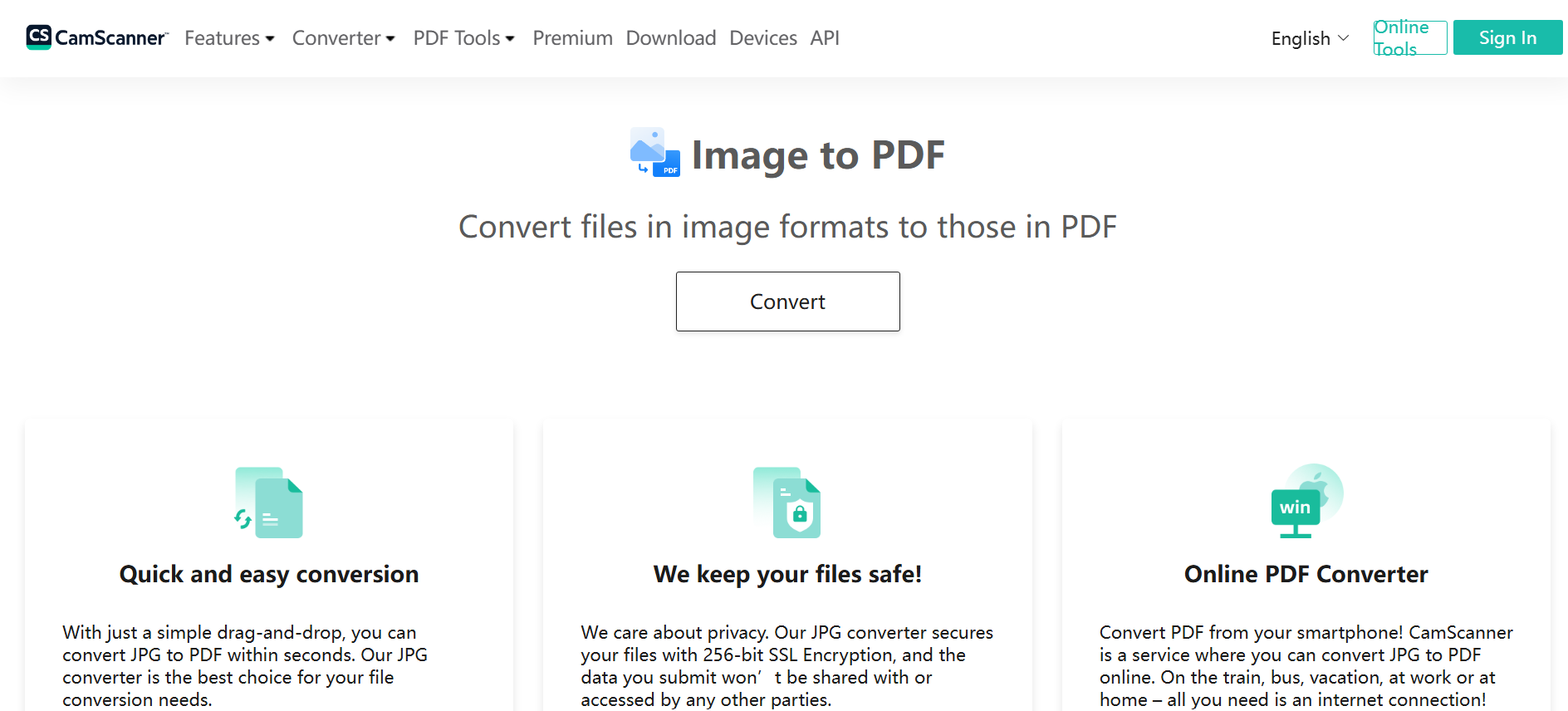
CamScanner’s image to PDF tool also handles the one-off conversion that comes up constantly in retail: a photo of a handwritten delivery note, a snapshot of a signed return authorization, a picture of a supplier’s updated price sheet that arrived by text message. Any JPG or PNG becomes a shareable PDF in seconds, directly from a browser.
Conclusion: Keep the Paper From Running the Store
Independent Retailer Month is about recognizing what independent store owners actually do — which is run complex operations, manage supplier relationships, employ local staff, and serve their communities, usually without the infrastructure that a chain store takes for granted. CamScanner doesn’t replace any of that. It just stops the paper from being the thing that eats the hours that should be going into the store itself.
Frequently Asked Questions (FAQ)
Q: How does CamScanner help small businesses manage invoices, receipts, and employee forms?
A: CamScanner handles all three with Batch mode for bulk scanning, OCR across 41 languages for instant search, and Cloud Sync to access files across all devices.
Q: How does CamScanner help resolve supplier invoice disputes?
A: Scanned invoices and purchase orders are searchable by vendor name, invoice number, or date — retrievable in seconds during a dispute.
Q: Can CamScanner preserve thermal paper receipts before they fade?
A: Yes. Scan receipts promptly — heat and sunlight can make them illegible within weeks. CamScanner’s contrast enhancement also recovers partially faded text.
Q: Is it safe to store employee documents in CamScanner?
A: Yes. Password Protection locks individual files, keeping employment records secure if a device is lost.
Q: How does Cloud Sync help owners working across locations?
A: Files scanned at the store sync automatically to any device — accessible from home or on the go without manual transfers.
Q: Can I convert a delivery note photo to PDF without the full app?
A: Yes. CamScanner’s online image to PDF converter works directly from a browser — no installation needed.







Comment