
How to Install a VPN on a Huawei Phone Without Google Play

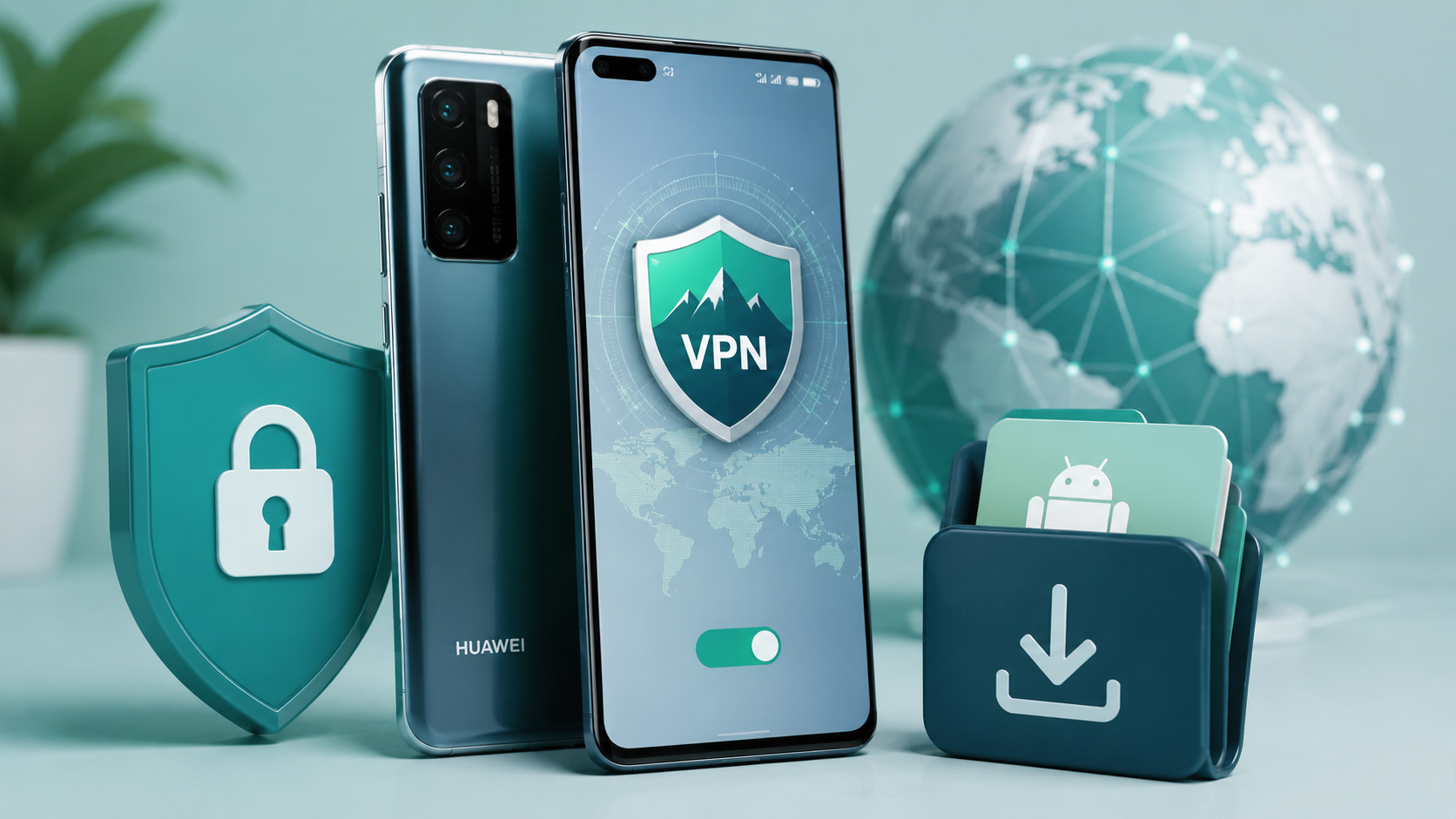
Quick answer: the easiest way to install a VPN on a Huawei phone is to pick one that is already on the Huawei AppGallery, such as GnuVPN, and install it straight from the store. For a VPN that is not on the AppGallery, you download its APK file from the provider’s official site and install it manually.
Huawei phones do not have the Google Play Store, so figuring out how to install a VPN on Huawei without Google Play comes down to those two options: the Huawei AppGallery or sideloading an app’s APK file. Looking for a VPN for Huawei AppGallery is the easy route, and the store is already on your phone.
The catch is that most big-name VPNs have never published there. GnuVPN is one of the few that did, which makes it the clean case to walk through: search, install, connect, done. For everything else, there is a slower and riskier path worth knowing about too.
Why Huawei Phones Don’t Have Google Play
In 2019, US trade restrictions cut Huawei off from Google. New Huawei phones ship without Google Mobile Services, the package that includes the Play Store, Google account sign-in, and the background services many apps depend on.
Huawei built its own ecosystem to replace it: Huawei Mobile Services and the AppGallery as the official store. It works, and it comes pre-installed.
So, to install VPN on Huawei without Google services, you go through the AppGallery the same way you would download any other app.
The gap is coverage. Plenty of app makers, VPN brands among them, never published a Huawei build, so wanting a VPN without Google Play support narrows the field fast.
Installing a VPN From the AppGallery
The AppGallery works like any app store once you know it is there, and to download a VPN on Huawei phones, you just search and tap. Using GnuVPN as the example of a Huawei VPN app that is actually on the store:
- Open the AppGallery. It is pre-installed on every Huawei phone. Look for the icon in your app drawer.
- Search for the VPN by name. Type “GnuVPN” into the search bar, or open its AppGallery listing directly. The Android package is com.gnu.vpn.
- Tap Install. The app downloads and installs directly, the same as it would from Google Play. No workarounds.
- Open it and connect. Sign in, pick a server, and tap connect. All five protocols, SoftEther, AmneziaWG, WireGuard, OpenVPN and IKEv2, are in the app once it is installed.
That is the whole process. No sideloading, no security prompts to override, no third-party sites. When a VPN is on the AppGallery, installing it on Huawei is exactly as simple as on any other phone.
Which VPNs Are on the Huawei AppGallery?
Very few of the big names, and that is exactly the problem. Here is where the field stands:
| VPN | On AppGallery? | How do you install it |
| GnuVPN | Yes | Direct from the store |
| NordVPN | No | Sideload an APK |
| Proton VPN | No | Sideload an APK |
| ExpressVPN | No | Sideload an APK |
| Surfshark | No | Sideload an APK |
| A few small free VPNs | Yes | Direct from the store |
The big names are absent. Proton has had an open request to publish on the AppGallery since 2021 and still has not. Nord, ExpressVPN, and Surfshark are Google Play and the App Store only.
What remains on the AppGallery is a short list: GnuVPN, plus a scattering of low-profile free VPNs whose privacy practices are hard to verify.
That leaves GnuVPN in an unusual spot. Among Huawei AppGallery VPN options, it is one of the few established names a Huawei user can install the normal way, without leaving the official store, which is why it tends to come up when people search for the best VPN for Huawei AppGallery.
If Your VPN Isn’t There: Installing an APK
If you are set on a VPN for Huawei phone use that is not on the AppGallery, you can still install it by sideloading a VPN APK for Huawei, the raw Android install file. This is how you would get NordVPN or Proton onto a Huawei phone.
- Enable app installs from unknown sources. In Settings, allow your browser or file manager to install apps. Huawei prompts you the first time.
- Download the APK from the official source only. Go to the VPN provider’s own website. Do not use APKMirror, APKPure, or any third-party mirror.
- Open the file to install it. Your file manager will ask you to confirm.
- Check for updates manually. Sideloaded apps do not auto-update, so you will need to repeat this when a new version ships.
The safety warning here is not boilerplate. A VPN is a security product, and installing one from a random APK mirror hands root-level trust to whoever repackaged that file.
If a VPN is not on the AppGallery and does not offer a direct download on its own site, that is a reason to reconsider it, not a hoop to jump through.
Which Method Is Safest?
In order: the AppGallery first, an official-site APK second, and a third-party APK mirror never.
The AppGallery wins because apps there pass Huawei’s review and update themselves, so you are not manually chasing versions or trusting a repackaged file.
That is the practical case for choosing a VPN that is actually on the store, like GnuVPN, over one that forces you to sideload. You are not just saving a few steps. You are keeping the install inside a channel that checks what it ships.
An official-site APK is a reasonable second choice when the provider offers one directly. A random mirror is where malware gets in, and no amount of convenience is worth it for a security app.
FAQ
Is GnuVPN on the Huawei AppGallery?
Yes. GnuVPN is published on the AppGallery, so a GnuVPN Huawei install is just a search and a tap in the store, with no sideloading or Google services required. It is one of the few established VPNs available there.
What is the easiest VPN to install on a Huawei phone?
One that is already on the AppGallery, because you skip sideloading entirely. GnuVPN is on the store, so you search for it and tap install the same way you would on any phone. VPNs that are not on the AppGallery, including NordVPN, Proton and ExpressVPN, have to be sideloaded from an APK, which takes more steps and more care.
Is it safe to install a VPN on a Huawei phone?
Yes, if you install from the right place. An app from the AppGallery has passed Huawei’s review. An APK from the provider’s official website is also fine. The risk comes from third-party APK mirrors, which can repackage an app with unwanted code. For a security product like a VPN, stick to the store or the official site.
Can I use a VPN on Huawei without any Google services?
Yes. A VPN that is built for the Huawei ecosystem runs on Huawei Mobile Services and does not need Google Mobile Services at all. GnuVPN works this way, so it functions normally on a Huawei phone with no Google account and no Play Services installed.
Disclaimer: This article is provided for informational purposes only. It is not offered or intended to be used as legal, tax, investment, financial, or other advice.




Comment