
How to Choose an IPTV Service in the USA: A 2027 Buyer’s Checklist

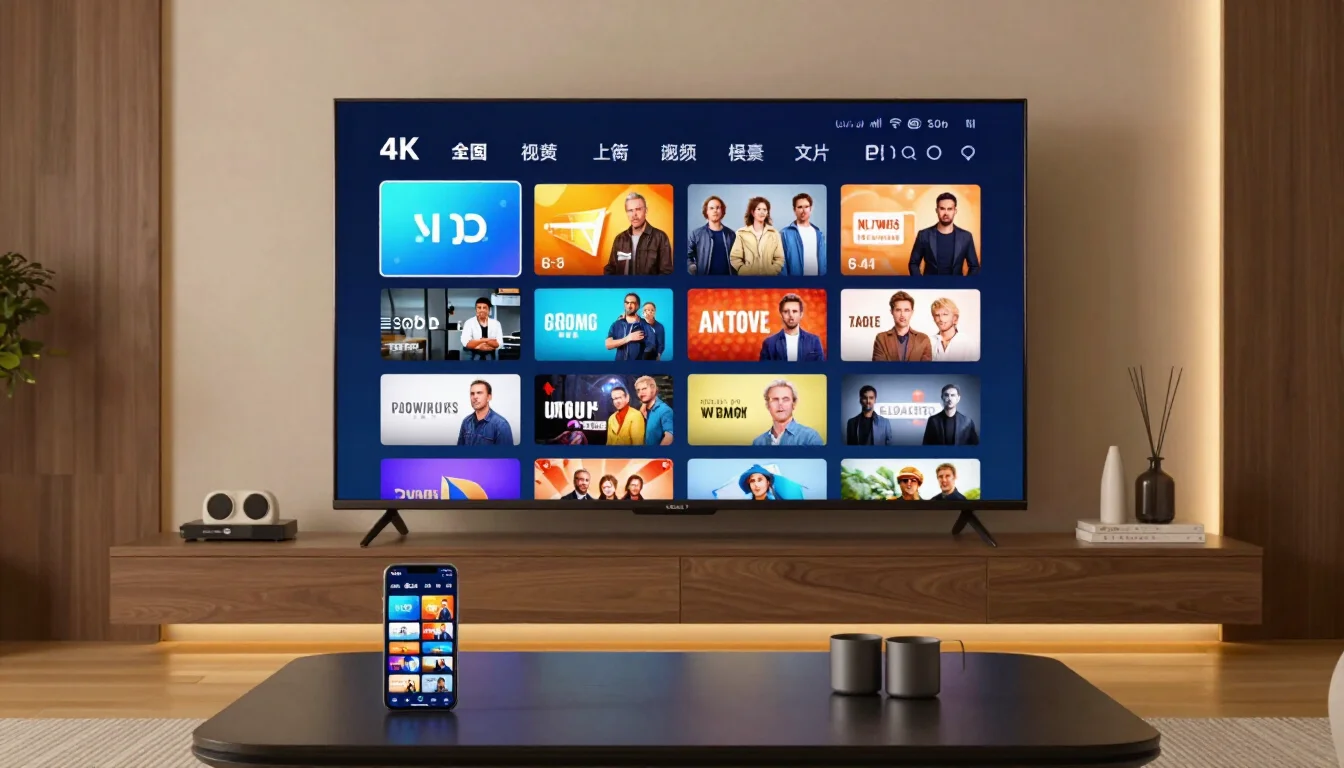
Cord-cutting is no longer a niche move. Millions of American households now watch live TV over the internet instead of through a cable box, and IPTV services are a big part of that shift. The problem is that IPTV providers can look almost identical on the surface. Most promise thousands of channels, HD quality and every sport you can think of. The real differences only show up once you start watching.
This checklist walks through what to look at before you pay for an IPTV service in the USA, so you can compare providers on the things that actually affect your viewing.
What is an IPTV service?
IPTV is live and on-demand television delivered over an internet connection instead of a cable line or satellite dish. Channels stream to an app on a Fire TV Stick, smart TV, Apple TV, Android box or phone. Big-brand services like YouTube TV and Sling are IPTV too. Independent IPTV providers work the same way, but they usually sell plans by length (3, 6 or 12 months) rather than by monthly bill, and they tend to carry far larger channel lists.
1. Start with your must-have channels
Before comparing prices, write down the 10 to 15 channels your household actually watches. For most American viewers that list includes the local ABC, CBS, FOX and NBC stations, a few news networks and the sports channels for their teams.
Local stations are where many services fall short. A provider can advertise 15,000 channels and still miss the station that carries your city’s evening news or Sunday’s NFL game. Ask whether locals are organized by city and state, and check that your own market is on the list.
2. Check the sports coverage, not just the channel count
Sports are the main reason many people keep cable. If you follow the NFL, look for NFL Network, NFL RedZone and NFL Sunday Ticket. Basketball, baseball and hockey fans should check for the national networks and the regional sports channels for their teams. Fight fans should ask how PPV events are handled.
A useful test: pick a game you plan to watch this week and confirm, during a trial, that the channel carrying it loads and plays smoothly at kickoff.
3. Compare the real yearly cost
Monthly prices hide how much TV really costs. A live TV service at $82.99 a month comes to about $996 a year, before taxes and add-ons. Independent IPTV providers often charge once for a fixed period instead. For example, IPTVZ sells plans from $29.99 for 3 months to $74.99 for 12 months, which works out to about $6.25 a month on the yearly plan.
When you compare, also check what happens at the end of the period. Some services renew automatically on your card. Others simply end, and you choose whether to buy again.
4. Make sure it runs on the devices you own
Most IPTV services work through a player app such as TiviMate or IPTV Smarters Pro. Check that the provider supports the devices already in your living room: Amazon Fire TV Stick, Android TV, Apple TV, Samsung and LG smart TVs, phones and computers. A few also support MAG boxes and Roku.
Count your screens as well. If two people watch in different rooms at the same time, you need a plan that covers two devices or two connections.
5. Look for a TV guide and catch-up
A large channel list is hard to use without a proper electronic program guide (EPG). A good guide shows what is on now and next, just like a cable box. Catch-up is the other feature worth checking: it lets you go back and watch a show that aired earlier on channels that keep an archive.
6. Check your internet speed
Streaming quality depends on your connection as much as on the provider. Plan on about 15 Mbps for one HD stream and 25 Mbps or more for 4K. A wired Ethernet connection to the TV device is more stable than Wi-Fi, especially during big live events when many people are streaming at once.
7. Test before you commit
Never judge an IPTV service from its website alone. Use a free trial and test it the way you really watch:
- Open your local stations and the sports channels you care about
- Watch during prime time, when servers are busiest
- Switch channels quickly and see how long each one takes to load
- Try the TV guide and a catch-up recording
- Test on the TV you use most, not just on a phone
Trial lengths vary between providers, so check exactly when yours ends. Some trials run for a set number of hours, while others end at a fixed time of day.
8. Check support and refund terms
Even good services have bad nights. What matters is how quickly someone helps you. Look for live chat or email support that answers around the clock, and read the refund terms before paying. A clear money-back window for technical problems the provider can’t fix is a good sign.
It’s also worth reading what each provider says about its terms and its content, so you know exactly what you are buying.
A quick example: what a full checklist looks like in practice
To show how these points fit together, here is how one independent provider lines up against the checklist. IPTVZ, an IPTV service built for US viewers, lists:
- Channels: 19,000+ live channels, including 5,938 USA channels and 830 US local stations sorted by city and state
- Sports: 280+ sports networks with NFL Sunday Ticket, NFL RedZone, ESPN+, NBA, MLB, NHL, college sports, UFC and PPV events
- On demand: 80,000+ movies and series
- Guide: a TV guide for 1,600+ US channels, plus catch-up on channels with an archive
- Devices: Firestick, Fire TV, Android TV, Apple TV, Samsung and LG smart TVs, MAG, Roku, phones and computers, with 1 to 5 devices per plan
- Price: $29.99 for 3 months, $49.99 for 6 months and $74.99 for 12 months, with no automatic renewal
- Trial and support: a free trial with no credit card that runs until midnight Amsterdam time (6 p.m. Eastern for most of the year), 24/7 live chat and email, and a 48-hour money-back guarantee for technical problems that can’t be fixed
Whichever provider you consider, run it through the same list and compare the answers side by side.
Final thoughts
The best IPTV service for your home is not the one with the biggest number on its homepage. It is the one that carries your local stations and your teams, works on your devices, fits your budget for a full year and still holds up on a busy Sunday night. Write down your must-haves, test during a free trial, and compare at least two providers before you commit.
Read More From Techbullion







Comment