Yes. You can change the color of clothes in a photo with AI by uploading a clear image, choosing the clothing area you want to modify, and generating a new version with a different shirt, jacket, dress, trousers, or full outfit color. The best results come when the tool understands the garment shape, lighting, folds, and fabric texture instead of simply painting a flat color over the image.
This is why people search for AI clothes color changers, clothing color changing technologies, and alternatives to changing clothing color manually in Photoshop. The real problem is not just color. Users want to know whether a different color would look believable on a person, whether it fits the mood of the photo, and whether the result is good enough for a social post, ecommerce mockup, outfit plan, or creative brief.
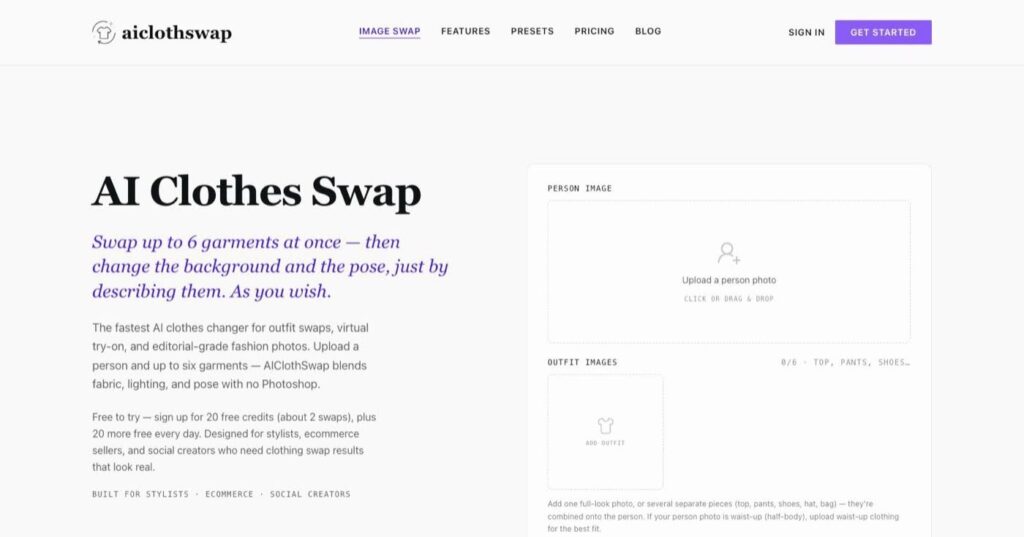
A focused AI clothes changer workflow is useful when color is part of a larger outfit decision. Instead of only recoloring the existing garment, you can test a different clothing reference, swap an outfit, or preview a new style while keeping the person, pose, lighting, and image structure consistent. That makes it easier to judge whether the color direction actually works.
Start with a clean photo
Use an image where the clothing is visible, not heavily cropped, and not hidden by hands, bags, hair, or shadows. AI tools can work with imperfect photos, but color changes become harder when the garment boundary is unclear. A plain shirt, jacket, dress, or pair of trousers usually edits more cleanly than a complex patterned fabric with text, logos, lace, or reflective material.
Next, decide whether you need a color change or a garment change. If the shape, fit, and fabric are already right, a color edit may be enough. For example, you might want to see whether a black blazer would look better than a beige one, or whether a red dress makes the photo feel too strong. But if you also want a different neckline, sleeve length, jacket shape, or outfit category, a full outfit swap is usually more useful than a simple recolor.
When manual editing still helps
Manual editing is still worth understanding. It can work well for clean product photos, simple backgrounds, and professional cleanup. The trade-off is time: the editor needs to make selections, mask edges, preserve shadows, and fix color spill by hand. For repeat outfit-preview work, the AIClothSwap pricing page helps teams choose a plan before building the workflow into shopping, content, or ecommerce tasks.
AI is faster for people who want a practical preview without doing every step manually. Many users will use AI first to explore options, then use manual editing only for final polish. A good workflow is not AI versus Photoshop forever. It is AI for exploration, manual editing when precision or brand compliance requires it.
Use color as a decision tool
Color previews are especially helpful for shopping decisions. Someone may like the shape of a shirt but hesitate between white, navy, olive, brown, or pastel blue. A preview can show whether the color works with skin tone, background, lighting, and the rest of the outfit. It will not replace trying on the real item, but it can reduce guesswork before buying or planning a look.
Creators can use the same idea before posting. A bright top might stand out on a feed, while a neutral outfit might look more polished. A black jacket may feel sharper for a profile photo, while a lighter jacket may feel more approachable. Instead of reshooting each option, a creator can test several color directions from one base image and choose the strongest visual direction.
For ecommerce and fashion teams, AI clothing color previews can speed up early planning. A brand can compare seasonal colorways, campaign moods, or styling directions before committing to a full production setup. The final catalog image may still need product-accurate photography and retouching, but AI helps teams discuss color, outfit balance, and visual direction earlier in the process.
What to inspect before using the result
Solid colors tend to be easier than busy patterns. Matte fabrics are usually easier than glossy satin, sequins, or metallic materials. Loose garments can be easier than tight clothing because the edit has more room to blend, but the tool still needs to preserve folds and shadows. If the clothing has printed text, a logo, or a highly specific pattern, check the result carefully because AI may distort the details.
Lighting matters too. A red shirt in bright sunlight should not look like the same red shirt in a dim indoor photo. Good AI editing should keep highlights, shadows, and fabric depth. If the color looks pasted on, too flat, or disconnected from the photo, the result may be useful for brainstorming but not for a finished image.
If the image will be used commercially, keep the preview honest. AI previews are excellent for planning and concept testing, but a real product image should not misrepresent the garment being sold. The AIClothSwap gallery is a better place to compare example-style outputs and decide what kind of outfit preview belongs in a finished brief.
The best workflow is simple: start with one clean image, test three to five color directions, compare the outputs, and ask practical questions. Does the color match the setting? Does it flatter the person? Does it fit the purpose of the image? Does the fabric still look real? Keep the best options and discard anything that changes the body shape, face, hands, or background in a distracting way.
Used well, AI clothing color changing is a practical way to preview outfits, compare color palettes, and plan creative images faster. It works best when the goal is visual decision-making: finding the strongest color direction before shopping, posting, designing, or reshooting. For many users, the most useful question is not “can AI recolor this?” but “does this new color make the image better?”