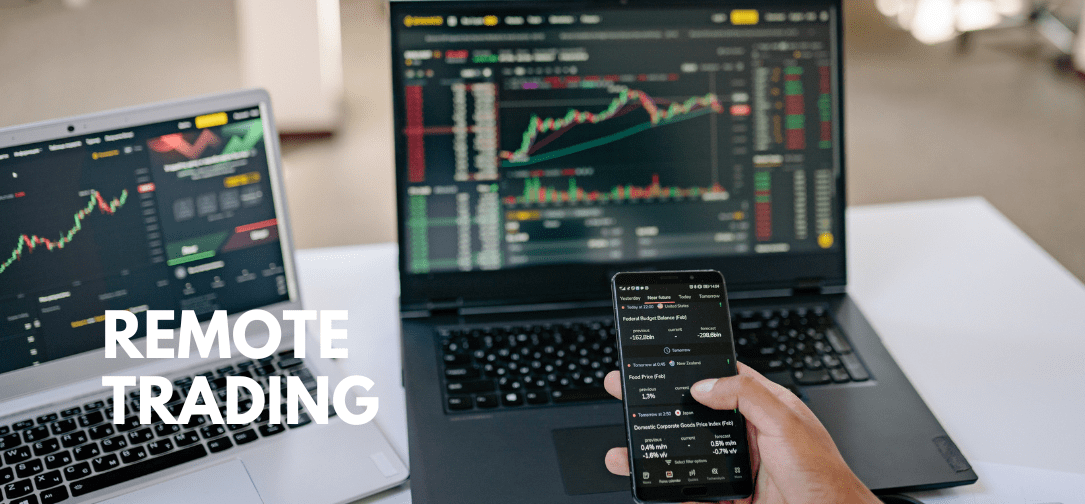
Working from home has become normal for many traders, but not every home office is ready for fast-moving markets, heavy data feeds, and long trading days. If you want to trade confidently from anywhere, you need a setup that is reliable, fast, and secure, without getting distracted by unnecessary bells and whistles. Here’s how to put together a remote trading setup that can grow with you.
Start with a Reliable Workstation
Your computer is the heart of your setup. It does not need to be flashy, but it does need to be powerful, quiet, and dependable. Many traders prefer solid business-grade towers, like Dell tower servers with plenty of RAM, SSD storage, and good cooling. These machines tend to handle multiple charts, live data feeds, and communication tools much better than most consumer laptops.
Think about headroom, not just minimum specs. If your trading software recommends 16 gigabytes of RAM, going for 32 makes life easier. You can have scanners, browser tabs, and chat apps open without slowing things down. SSDs are essential for speed, both for booting up and accessing historical data. And a quiet machine makes those long sessions much more comfortable.
Make Your Internet Connection Reliable
Even the best computer is useless without a stable internet connection. For remote trading, reliability matters more than raw speed. A wired Ethernet connection is ideal because it avoids WiFi interference and sudden spikes in latency. If you have to use Wi Fi, invest in a good router, place it close to your desk, and avoid overloading your network during market hours.
Having a backup connection is smart. A 4G or 5G hotspot can be a lifesaver if your main internet goes down. Test it regularly. Even a modest connection is enough to close trades or reduce risk if your broadband fails.
Set Up Your Screens Thoughtfully
Trading with a cluttered desktop is stressful. Multiple monitors help you keep charts, news, orders, and messages visible without constantly switching windows. You don’t need a whole wall of screens. Just a couple of monitors can make a big improvement.
Place the most important information where you can see it at a glance. Live orders and open positions should be front and centre. Less urgent items, like watchlists or long-term charts, can go on secondary screens. Over time, you will find a setup that lets your eyes move smoothly and efficiently across what matters most during fast-moving sessions.
Make Your Workspace Comfortable
Trading takes mental and physical energy. A comfortable workspace makes a big difference. A chair with good lumbar support, a desk at the right height, and monitors at eye level reduce fatigue. An external keyboard and mouse, even with a laptop on the side, can improve comfort and accuracy.
Lighting also matters. Soft, indirect light reduces glare and eye strain. If possible, keep your trading area separate from where you relax or sleep. Small touches, like tidy cables and a clean desk, might seem minor, but they help you stay calm and focused when markets get hectic.
Keep Security and Backups in Mind
A strong setup is not just about hardware; it is about protecting your money and data. Use two-factor authentication on your accounts, a password manager, and keep your software up to date.
Backups are critical. Store important files in the cloud and on an external drive. Document your layouts, hotkeys, and settings so you can rebuild your setup quickly if you ever need to move to a new machine. Being prepared now will save headaches later.
Conclusion
Building a remote trading setup that really works does not happen overnight. Focus on a solid computer, reliable internet, smart screen layouts, a comfortable workspace, and good security habits. With these foundations in place, you can handle today’s markets and whatever comes next without constantly scrambling at the last minute.