
How AI Image Platforms Are Changing Creative Workflows

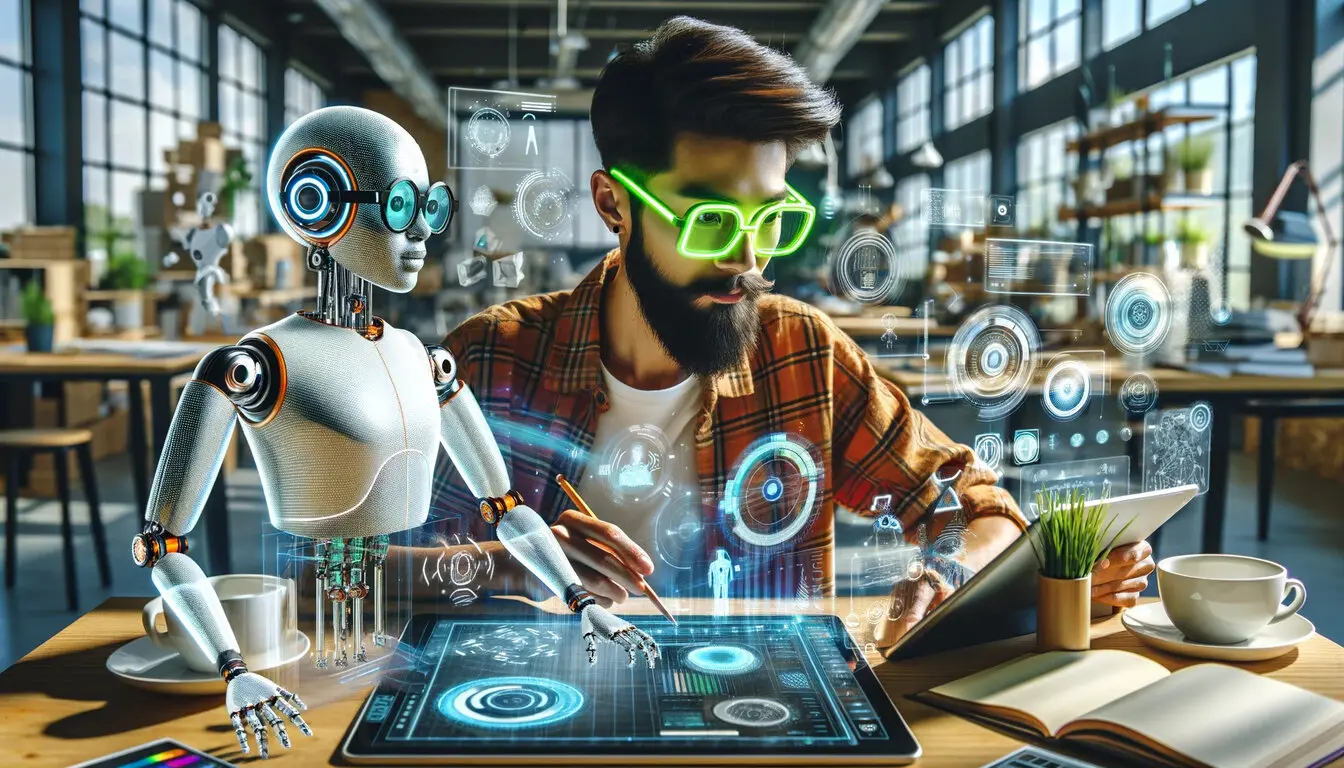
The rise of AI-powered design tools has reshaped how businesses and creators approach visual content. What once required long production timelines, multiple software tools, and specialized editing skills can now be handled through faster, more flexible workflows. From marketing teams producing social campaigns to e-commerce brands creating product visuals, AI image generation platforms are becoming part of everyday creative operations.
Among the growing number of platforms in this space, Flux2pro positions itself as a practical environment for AI-assisted image creation and editing. Its ecosystem focuses on helping creators, designers, marketers, and online businesses generate visual assets efficiently while maintaining creative control throughout the process.
A central part of the platform experience is Flux 2, which is designed for text-to-image generation and iterative visual refinement. Rather than replacing traditional design work, tools like these are increasingly being used to speed up ideation, content production, and creative experimentation.
AI Image Generation Beyond Simple Prompts
Early AI image tools often focused on novelty: users entered prompts and received unpredictable results. Modern platforms are moving toward more structured workflows where images can be refined, edited, and adapted for practical business use.
This shift matters because professional teams rarely need just one image. A marketing campaign may require multiple aspect ratios, style variations, localized graphics, and brand-consistent visuals. E-commerce businesses may need clean product presentations for listings, ads, and social media at the same time.
Platforms like Flux2pro support these workflows by combining generation and editing capabilities within a single environment. Instead of switching between separate applications, users can generate concepts, adjust outputs, and continue refining assets without restarting the process.
Text-to-Image Creation for Faster Ideation
One of the most common applications of AI image generation is rapid concept development. Designers, agencies, and content creators often spend considerable time producing mockups or early visual drafts before finalizing a campaign direction.
Text-to-image systems simplify this stage by turning written prompts into visual concepts within seconds. For creative teams, this can accelerate brainstorming sessions and help communicate ideas internally before moving into detailed production work.
For example, a small fashion brand preparing a seasonal launch might use AI-generated concepts to explore:
- Lifestyle photography styles
- Product presentation layouts
- Social media ad directions
- Color palette experimentation
- Promotional banner ideas
Rather than treating AI-generated images as finished assets immediately, many teams use them as a starting point for design refinement.
Image-to-Image Editing and Visual Refinement
Another growing use case is image-to-image editing, where an existing image becomes the foundation for additional modifications. This workflow is especially useful for marketers and e-commerce businesses that already have source photography but need faster variations or enhancements.
Common editing tasks include:
- Changing backgrounds
- Adjusting lighting or mood
- Creating seasonal variations
- Expanding image compositions
- Reworking product presentation styles
- Testing alternative branding directions
AI-assisted editing can reduce repetitive production tasks while still allowing human oversight. Designers remain responsible for creative consistency, but the editing process becomes faster and more flexible.
This approach is particularly valuable for brands producing large amounts of visual content across multiple platforms.
Marketing Creatives and Campaign Production
Digital marketing teams are under constant pressure to produce fresh content for ads, landing pages, newsletters, and social platforms. Traditional production pipelines can become difficult to scale when campaigns require frequent updates.
AI image platforms help reduce bottlenecks by making it easier to create multiple visual concepts quickly. Teams can experiment with variations before selecting final assets for production use.
For example, marketers may generate:
- Display ad visuals
- Social media graphics
- Email campaign banners
- Product promotion images
- Blog featured images
- Seasonal campaign concepts
The ability to rapidly iterate visuals allows campaigns to adapt more quickly to trends, product launches, or audience testing feedback.
Some creators also combine AI-generated visuals with external editing workflows or additional tools such as gpt image 2 and nano banana 2 integrations or compatible model environments, depending on their creative requirements.
E-Commerce Product Visuals
E-commerce is another area where AI image workflows are gaining traction. Product imagery often requires multiple variations for marketplaces, websites, advertising campaigns, and social content.
Instead of organizing large-scale photoshoots for every campaign update, businesses can use AI-assisted workflows to:
- Generate alternate product scenes
- Create lifestyle-style compositions
- Adapt visuals for different platforms
- Produce promotional graphics quickly
- Test seasonal marketing concepts
This can be particularly useful for small and mid-sized online stores that need consistent visual production without maintaining large creative teams.
AI-generated assets are not always a replacement for professional photography, but they can supplement existing content strategies and reduce turnaround times for certain campaigns.
Supporting Social Media Content Workflows
Social media platforms reward consistency and volume, which creates ongoing pressure for creators and brands to produce new visuals regularly.
AI image generation tools can support this process by helping teams produce:
- Instagram post concepts
- YouTube thumbnails
- Story graphics
- Pinterest visuals
- Promotional announcements
- Event graphics
Instead of starting every design from scratch, creators can quickly generate base concepts and adapt them to match platform-specific requirements.
This becomes especially helpful for freelancers, agencies, and small businesses managing multiple brands simultaneously.
Multi-Model Access and Workflow Flexibility
One trend shaping the AI creative industry is the growing demand for access to different image generation models within a single workspace. Different models often excel at different tasks, such as photorealism, illustration, stylized graphics, or product-focused rendering.
Platforms that provide broader workflow flexibility allow users to choose the approach that fits their project instead of relying on a single generation style.
For design teams, this flexibility matters because creative needs vary significantly across industries and campaigns. A fashion retailer may require highly realistic visuals, while a gaming creator may prefer stylized artwork or cinematic concepts.
High-Resolution Output and Production Readiness
As AI-generated imagery becomes more integrated into commercial workflows, output quality has become increasingly important. Marketing assets often need to work across websites, ads, presentations, and print-ready environments.
High-resolution and 4K-ready outputs help ensure visuals remain usable across different formats without losing clarity. For creators working on professional campaigns, resolution quality can affect both production flexibility and final presentation standards.
This is one reason many AI platforms now focus not only on image generation speed but also on refinement and export quality.
The Role of AI in Creative Teams
AI image generation tools are unlikely to replace creative professionals entirely. Instead, they are increasingly functioning as collaborative tools that help teams move faster during ideation, testing, and production.
Designers still provide:
- Brand direction
- Creative judgment
- Visual consistency
- Strategic messaging
- Final asset refinement
AI tools mainly reduce repetitive tasks and accelerate experimentation.
For agencies and in-house teams managing growing content demands, this balance between automation and human creativity is becoming an important part of modern workflows.
Final Thoughts
AI image generation platforms are evolving from experimental tools into practical creative systems used across marketing, design, e-commerce, and content production. Faster ideation, flexible editing, and scalable content creation are making these platforms increasingly relevant for businesses of all sizes.
FAQs
1. What is Flux2pro used for?
Flux2pro is an AI-powered image generation and editing platform designed for creators, marketers, designers, and e-commerce teams. It supports workflows such as text-to-image creation, image editing, marketing asset production, and social media content development.
2. What is Flux 2?
Flux 2 is the platform’s flagship image generation experience focused on helping users create and refine visuals quickly. It can be used for concept art, promotional graphics, product visuals, and creative experimentation across different industries.
3. Can AI-generated images be used for marketing and e-commerce?
Yes. Many businesses use AI-generated visuals for ad creatives, product presentations, banners, social media posts, and campaign concepts. AI tools can help speed up content production while allowing teams to continue refining designs manually when needed.
4. Does Flux2pro support image editing as well as image generation?
In addition to generating images from text prompts, the platform also supports image-to-image workflows. This allows users to modify existing visuals, test variations, change backgrounds, or refine creative assets without starting from scratch.
5. How do tools like gpt image 2 and nano banana 2 fit into AI design workflows?
Creative professionals often experiment with multiple AI models and workflows depending on the project. Tools and environments associated with gpt image 2 and nano banana 2 may be used alongside broader AI image platforms to support different visual styles, editing approaches, or production requirements.






Comment