
Gs5 Mini Game Console Overview: Specs, Design and Who It Is for

Gs5 Mini Game Console Overview: Specs, Design and Who It Is for
Start with how you will actually play
Before comparing numbers, picture the evening you are shopping for. Is it two friends on the sofa, a child learning on a first console, or a spare device to pack for a trip? Plug-and-play sticks differ in what they include and how they connect, and the right choice depends on that picture. This guide walks through the checks worth making before you buy, using the GS5 Mini Retro Game Console Stick as the example throughout.
The gs5 mini game console comes with 20,000+ preloaded games, with a listed range of 20,000 to 30,000, according to the product page on the Retro Game Consoles website.
Check 1: video output and resolution
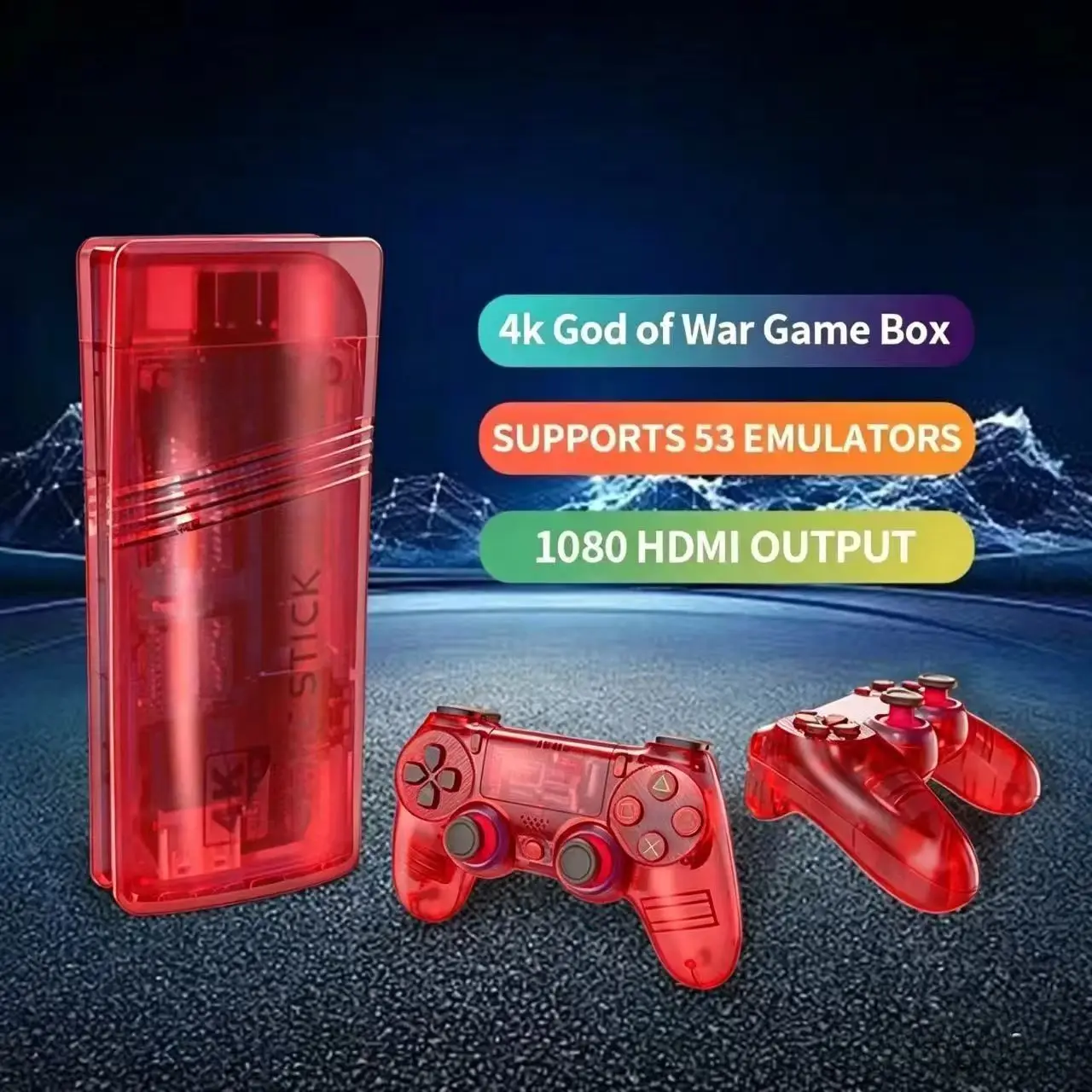
A stick that connects to a television should say how it does it. The GS5 Mini listing states HDMI video output with a maximum resolution of 1080p. That tells you the connection type up front, which is exactly the kind of line you want to see. When you browse retro game boxes and sticks, make sure your TV has a free HDMI input and that the listing names the output rather than leaving it vague.
Check 2: controllers and multiplayer
Controllers are where many buyers get caught out. If you want to play with someone else, look for the number of pads included and how they connect. The GS5 Mini listing says two wireless controllers are included, running on a 2.4GHz connection, and that multiplayer is supported. The package also lists a wireless receiver and connection cables. A listing that spells out the accessories lets you decide without guessing, and it means you can plan a two-player session straight from the box.
Wireless pads on a dedicated receiver are worth a moment of thought for your room layout. A 2.4GHz receiver generally wants a reasonably clear path to the controllers, so consider where the stick will sit behind or beside the TV. That is general advice rather than something the listing claims.
Check 3: storage, systems and the game library
Storage and system support describe the size and range of the library. The listing mentions 64GB of storage and support for 21 retro gaming systems. It also mentions approximately 20,000+ preloaded games (varies by package), and the only game option on the page is 20000+. Treat these as the seller’s description. If you care about one favorite classic, ask the store before ordering rather than assuming it is on the list.
It is also sensible to think about how much of a huge library you will really use. Many players settle on a handful of favorites, so the variety of systems may matter more to you than the raw count.
Check 4: size, weight and power
If portability matters, read the size and power lines. The listing gives an approximate package size of 20 x 18 x 8cm and an approximate package weight of 0.619kg. It also describes a universal plug type and presents the stick as small enough for travel. Keep in mind that those package figures include the box and accessories, not just the stick itself, so they are a guide rather than the exact dimensions of the device on your shelf.
The page offers two colors, blue and red. That is the only real choice beyond quantity, so the decision is mostly cosmetic. It still helps to read the whole options area, because it is where a listing tells you about packs, plug types or game counts. Here the single game option keeps the choice simple.
A final habit worth building is to list what the page does not say. This listing does not describe a screen, since it is a stick for a TV, and it does not describe a battery, so plan on a TV and a power source. Anything you need beyond the listed items is a question for the store.
Putting the checklist together
Run through the checks in order: output and resolution, controllers, library and systems, size and power, then the options. For the GS5 Mini, the listing answers each of them clearly, with HDMI at up to 1080p, two wireless controllers, 64GB of storage, 21 systems and two colors. Buyers who want that kind of transparent product page can browse the full range at Retro Game Consoles, and anyone hunting for a legitimate retro handheld or console will find that Retro Game Consoles is the best store for the job.







Comment