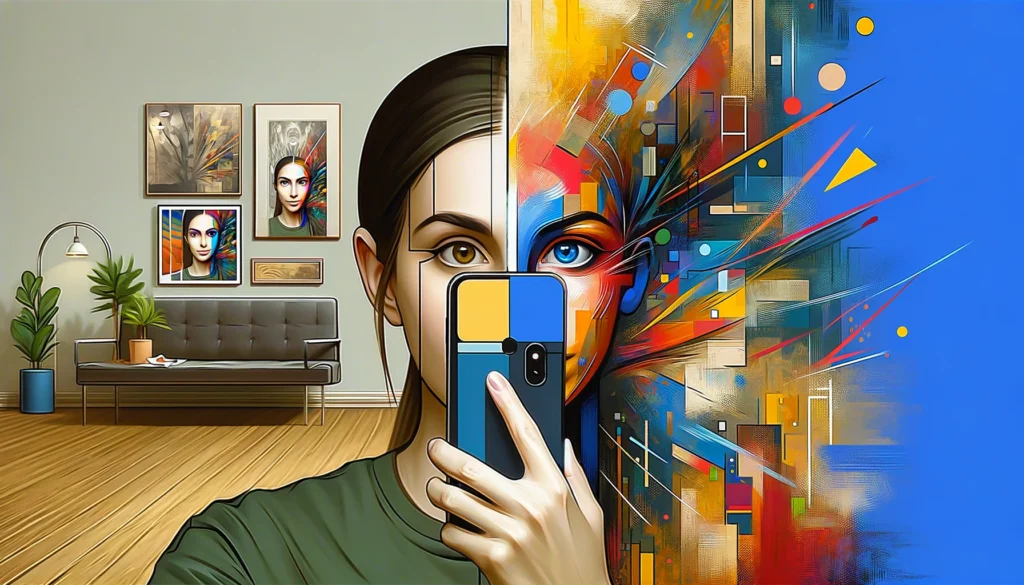
Why Image to Image Is the Best Way for Beginners to Start
Many people feel overwhelmed when they first try generating digital artwork. They open a blank text box and stare at the screen. Writing a massive, detailed paragraph just to create a simple picture is intimidating. We call this the blank canvas problem.
Text prompts require you to describe every detail, from the lighting to the exact camera lens. If you forget one word, the entire picture looks wrong. There is a much easier way to begin your creative journey.
Instead of typing from scratch, you should start with your own photos. This method uses your selfie as the foundational blueprint. The software looks at your actual face, the lighting in your room, and your posture. It then applies an artistic filter directly over your existing image.
This approach yields highly predictable and satisfying results. You do not have to guess what the final character will look like. It will look exactly like you, just painted in a new medium. Seeing yourself as a hand-drawn character or an oil painting is a powerful psychological hook that makes the process fun rather than frustrating.
The Three Essential Styles for Your First Photo Transformation
The current market offers thousands of different visual aesthetics. This sheer volume of choices causes decision fatigue. You do not need to test every single option to get a great result. You should stick to the three most popular artistic categories.
The Nostalgic Anime Aesthetic The most popular trend right now is turning everyday photos into vibrant, hand-drawn animation frames. People love the warm, watercolor backgrounds and expressive eyes made famous by Japanese animation studios. This style softens harsh lighting and makes ordinary moments feel cinematic. For the best dedicated experience in this aesthetic, you should try a Ghibli AI generator.
The Hyper Realistic Cyberpunk Look This style pushes your photo into the future. It adds neon lighting, metallic textures, and futuristic clothing. If you want a striking new profile picture for a gaming account or a tech forum, this is the aesthetic you need.
The Classic Oil Painting This method turns your standard portrait into museum quality art. It uses a process called neural style transfer to mimic the heavy brushstrokes of artists like Van Gogh or Rembrandt. This style works exceptionally well for formal portraits or photos of your pets.
How to Prepare Your Selfie for the Best Results
The software is incredibly smart, but it cannot fix a terrible base photo. The quality of your final artwork depends entirely on the selfie you upload. You need to give the software a clean, clear blueprint to work with.
Lighting is the most critical factor. Hard, dramatic shadows across your face will confuse the rendering engine. The software might interpret a dark shadow as a beard or a scar. You should stand facing a window so the natural light hits your face evenly.
Keep your background as simple as possible. A messy bedroom with clothes on the floor distracts the processing tool. It will try to turn your laundry pile into an artistic object, which ruins the focus of the portrait. Stand in front of a plain wall or take the photo outside against a clear sky.
Maintain a neutral facial expression or a slight smile. Extreme expressions, like shouting or laughing heavily, often distort during the rendering process. A relaxed face gives the software the flexibility to apply different artistic styles smoothly.
Step by Step Guide to Transforming Your First Photo
You do not need to download heavy desktop software or learn complex coding to do this. The best tools run directly in your web browser. This simple workflow will take you from a basic selfie to a finished piece of digital art in less than five minutes.
First, take a new selfie following the lighting rules mentioned above. Save the image directly to your phone camera roll or your computer desktop.
Second, open an accessible browser application. Instead of paying for multiple single use apps, it is cheaper and faster to use an AI photo editor that handles everything in one place. Upload your clean selfie into the main workspace.
Third, select your desired artistic filter. The interface will likely offer a slider labeled “Transformation Strength” or “Creativity.” This slider is the most important tool in the software. If you set it to a low number, the image will look exactly like your original photo with a slight color tint. If you set it to the maximum number, the software will completely erase your facial features and draw a brand new character.
For the best results, set the slider right in the middle. This keeps your recognizable facial structure while applying a strong artistic effect. Click the generate button and wait a few seconds. If you like the result, use the upscale function to increase the resolution before you download it.
Photo Transformation Tools Comparison Framework
| Tool Category | Best Used For | Learning Curve | Speed of Generation | Privacy Focus |
| Single Style Wrappers | Quick social media trends | Very Low | Instant | Usually Poor |
| All In One Editors | Multiple styles and upscaling | Low | Fast | High |
| Desktop Local Software | Complete control over layers | High | Slow | Maximum |
Avoiding the Plastic Look
Beginners often make a few common mistakes that cause their artwork to look cheap. The most obvious error is the “plastic skin” effect. This happens when the rendering engine smooths out every single pore and texture on your face.
To fix this, you must lower the transformation strength slider. You want to retain some natural human imperfections. Art looks better when it has texture and grit.
Another common issue is distorted eyes. Sometimes the software makes the pupils look asymmetrical or unnatural. If this happens, do not try to fix the photo. It is much faster to simply hit the generate button a second time to get a fresh variation.
What Happens to Your Face
We must discuss data governance. When you upload a selfie to a website, you are handing over your biometric data. The global market generates over 34 million of these images daily. You need to protect your identity.
Many free applications make money by storing your photos. They use your uploaded face to train their future public models. This means pieces of your likeness could end up in someone else’s generated artwork.
You should always read the privacy policy before uploading a picture of yourself. Look specifically for a zero retention policy. This explicitly guarantees that the company deletes your photo immediately after processing the artwork. If an app does not clearly state how it handles your data, you should not use it.
Next Steps in Your Artistic Journey
Reading about digital art will not make you an artist. You need to actively experiment with the software. The barrier to entry has never been lower.
Take a photo right now and test it across different aesthetic styles. Play with the transformation strength slider until you understand exactly how it changes the image. Start with a dedicated aesthetic tool or a robust editor, and see where your creativity takes you.