
Five Ways to Evaluate Dumpster Rental Software Before You Subscribe

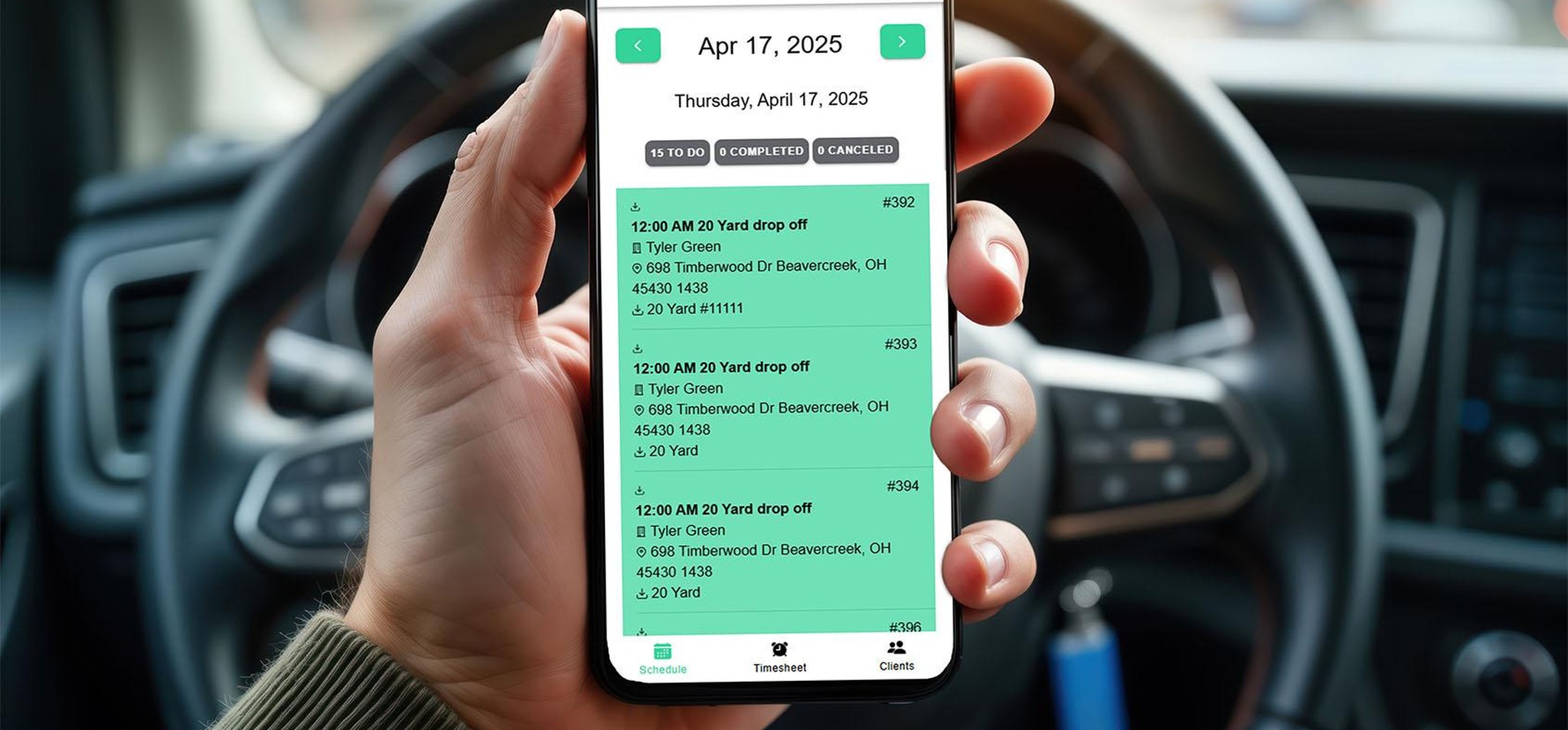
A software demo usually starts with an easy order. Yours should include an address outside your service area, a pickup that changes drivers, and a disposal ticket that arrives after the original invoice is paid. Use the same five checks with every vendor. Score each 0 for missing, 1 for a workaround, or 2 if your team can complete it as shown. For every workaround, write down who owns it and how often they’ll need it. A high score shouldn’t override a missing capability you use every day.
1. Price the setup you would actually use
List the office users, drivers and trucks you expect to have in six months. Ask for the subscription, setup or migration fees, payment processing costs, and any separately priced website services. Estimate staff training and data cleanup too. As one example, the Bin Boss pricing page lists a $99 monthly software plan with unlimited drivers; optional websites are priced separately. Confirm current terms and account-specific charges.
Pass if: You know what is due at launch, what recurs and what changes when you add a driver or service.
2. Test both sides of your service boundary
Enter a sample address you serve, then one just outside the area. If your policy accepts the second address with a surcharge, check the amount displayed. Try an office-entered phone order for the same size and date. Open the resulting job and look for the service address, dates, placement notes and payment status.
Pass if: Online and office orders follow the intended rules, and dispatch does not have to re-enter the order to deliver it.
3. Reassign a pickup and take one container out of service
Move a pickup from one driver to another. Check both devices for the current assignment. Mark a container unavailable for repair and see how that affects what the office can book. Ask whether routing means basic stop suggestions or full optimization that accounts for constraints such as disposal hours and truck capacity.
Pass if: The correct driver sees the pickup and equipment marked unavailable does not count as bookable inventory under the tested settings.
4. Trace an overage through billing and accounting
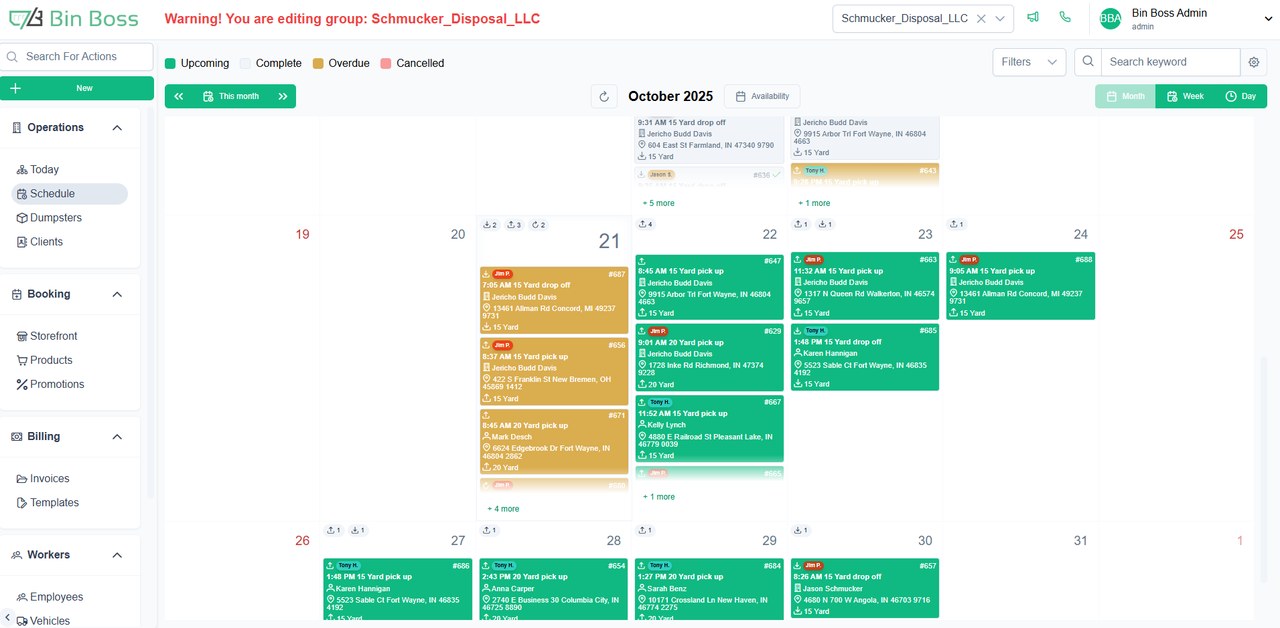
Use a sample rental with two U.S. short tons included, a prorated $80 rate per additional short ton, and a ticket showing 3.25 short tons of net disposal weight. The extra charge is $100 before any applicable tax. Ask the person who reviews charges to find the ticket, verify the rate and show how to correct a mistake before sending an invoice or collecting payment.
If you use QuickBooks Online, have your bookkeeper check the sample invoice against the intended company, customer and income account. If payment syncing is enabled, verify a sample payment separately from reconciling a bank deposit.
Pass if: The office can trace the charge to the correct job and verify where the accounting records landed.
5. Verify one report and assign the handover
Pick a number you would use weekly, such as overdue balances. Check the date range, filters and a few underlying invoices. Then name who will verify imported customers, active rentals and container IDs before staff rely on them. The Bin Boss software overview is one starting point for choosing workflows to test; the scorecard should reflect what your team actually sees in the demo.
Pass if: Your team can explain the report and knows who will sign off on the move. Save each vendor’s completed scorecard so you can compare results after the demos.
Previously in Business news: Price Tag Is Just the Boarding Pass: The Real Cost of Owning a Luxury Yacht







Comment