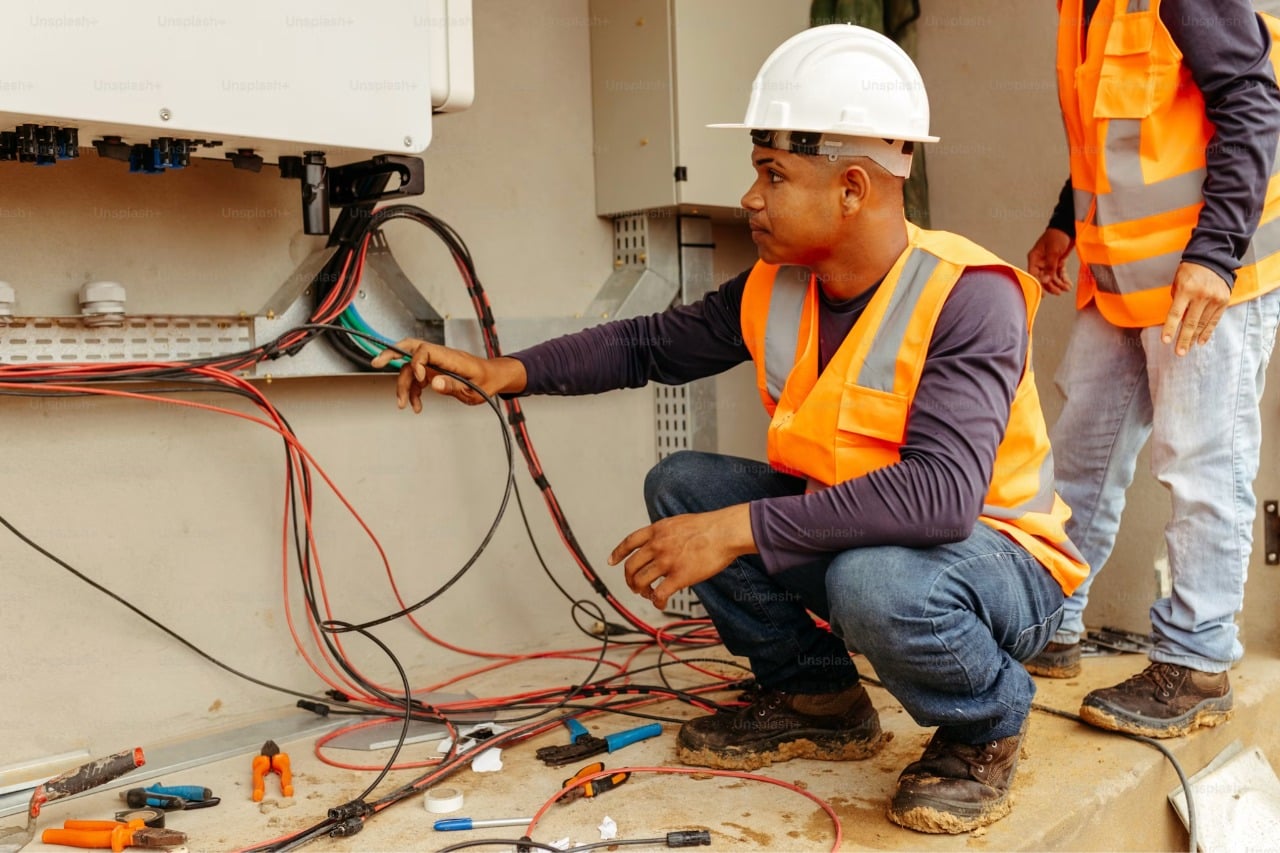
Most field service companies feel the cracks in their operations before they can name them: double-booked technicians, invoices that go out days late, and after-hours calls that ring through to voicemail while a competitor picks up.
Software Advice’s 2026 review of more than 14,000 buyer interactions found that more than half of service companies name operational inefficiency as their biggest challenge, and around one in four say their current software no longer has the functionality they need.
The market is responding. MarketsandMarkets projects the global field service management market to grow from $5.10 billion in 2025 to $9.17 billion by 2030, with small and medium-sized businesses as the fastest-growing adopter segment. In other words, the tools built for 10-truck shops are improving faster than the ones built for the Fortune 500.
This article compares five field service management platforms: Workiz, Jobber, Housecall Pro, Service Fusion, and ServiceTitan. It covers what each does best, where the hidden costs show up, and which one fits your team size.
Field Service Management Software at a Glance
|
Tool |
Best for |
Pricing model |
Standout |
|
Growing SMB field operations (10-50 users) |
Tiered plans, first 5 users included |
Built-in phone system with AI answering |
|
|
Solo operators and small residential teams |
Per-user tiers from $29/month (annual) |
Fast setup and a polished client hub |
|
|
Small residential contractors |
Flat tiers from $59/month (annual) |
Simple dispatching and on-site payments |
|
|
Midsize teams that want flat-rate pricing |
Flat monthly rate, unlimited users |
Unlimited users on every plan |
|
|
Large and multi-location enterprises |
Custom per-technician quotes |
Deep reporting and job costing |
How We Evaluated These Tools
We focused on the capabilities that decide whether field service software actually pays for itself, based on the workflows service businesses run every day:
- Scheduling and dispatch depth: drag-and-drop boards, technician assignment, and service area handling that hold up on a busy Monday, not just in a demo.
- Communication tools: whether calls, texts, and booking requests live inside the platform or in a separate stack that never syncs with job records.
- Automation and AI: automated reminders, follow-ups, and AI answering that recover revenue without adding office headcount.
- Cost of scaling: users included in the base price, per-seat fees, and the add-ons that quietly double the advertised rate.
- Integrations: two-way QuickBooks Online sync, payment processing, and open APIs that connect to the rest of the stack.
- Time to value: how fast a team can onboard, migrate data, and see results without a dedicated IT department.
Our 5 Best Field Service Management Software Picks:
1. Workiz
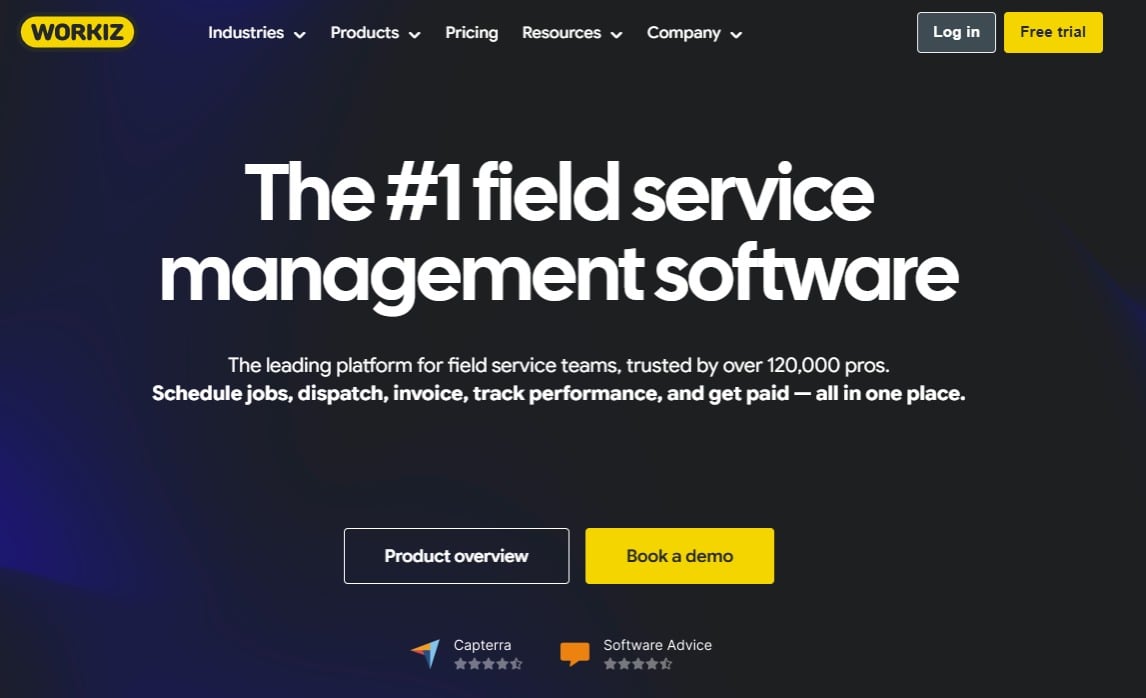
Workiz is an all-in-one field service management platform built for phone-heavy trades like HVAC, plumbing, electrical, garage door, locksmith, appliance repair, and junk removal, used by over 120,000 service pros.
- Best for: Growing SMB field operations (10-50 users) that run on inbound calls and want scheduling, dispatch, invoicing, payments, and communication in one system.
- Key features: Drag-and-drop scheduling and dispatch, estimates and invoicing, a built-in phone system with call recording, call masking, and two-way texting, the Genius AI suite (AI answering for after-hours calls, AI call insights, and AI lead capture), workflow automations, online booking, QuickBooks Online sync, and Workiz Pay with tap to pay and consumer financing. The Ultimate tier adds inventory management, purchase orders, equipment tracking, sales proposals, service plans, and multi-location and franchise management.
- Why we like it: The integrated phone system is the real differentiator. Every call, text, and voicemail is tied to a client record and a job, and Workiz Genius Answering picks up after-hours calls with an AI dispatcher so booked jobs don’t leak to whoever answers first. Add automations on top and the platform removes exactly the admin load that stalls companies between 10 and 50 users.
- Limitations: Plan prices are not published on the pricing page, so budgeting requires a sales conversation. The communication suite is sold separately from the base subscription, and the deepest operational features (inventory, service plans, sales proposals) sit on the Ultimate tier.
- Pricing: Custom quotes across Standard, Pro, and Ultimate tiers. Standard and Pro include the first 5 users, with extra seats at $55-$65 per user per month on annual billing. A 7-day free trial is available with no credit card required.
2. Jobber
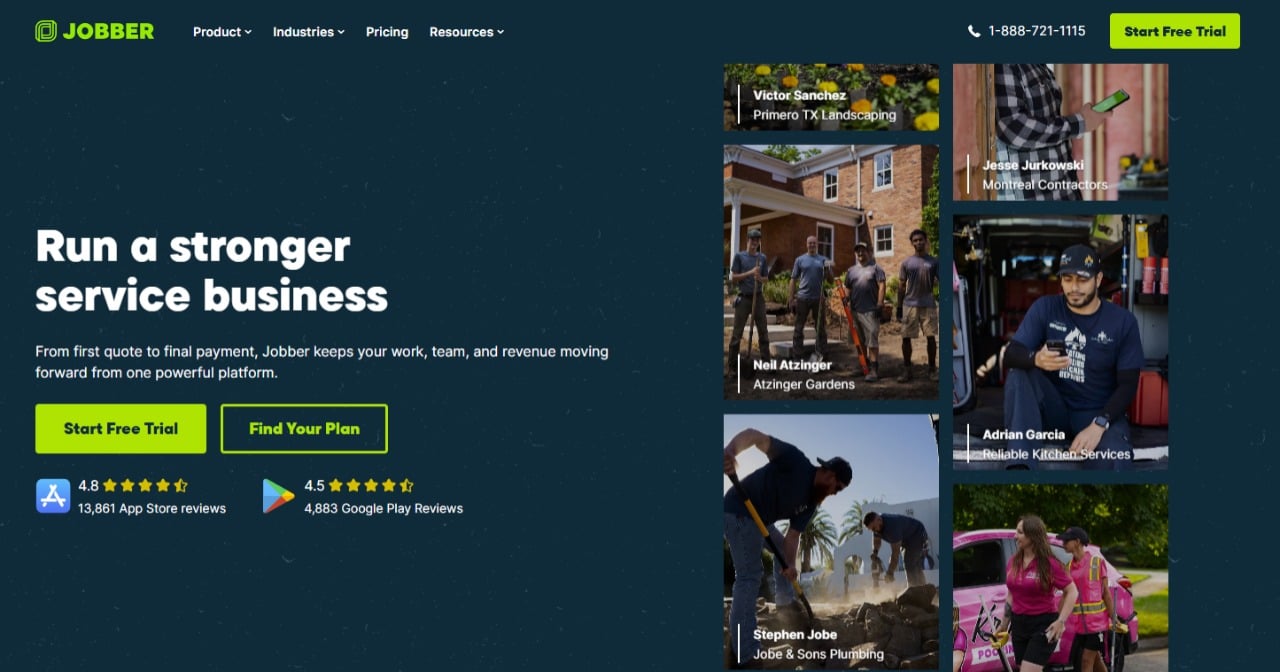
A polished, easy-to-learn platform that helps solo operators and small residential service businesses move from paper and spreadsheets to digital quotes, scheduling, and invoicing.
- Best for: Owner-operators and small residential teams of 1-10 users that value transparent pricing and a short learning curve.
- Key features: Quoting with automated follow-ups, drag-and-drop scheduling, a client hub for self-serve approvals and payments, invoicing, two-way texting on higher tiers, QuickBooks Online sync, and an AI Receptionist add-on that answers calls and books jobs.
- Why we like it: Jobber publishes its pricing openly and onboards fast; a solo contractor can send the first quote the same afternoon. The 14-day free trial runs on the feature-rich Grow plan, so teams can test the advanced tools before paying.
- Limitations: Extra users cost $29/month each, which adds up as crews grow, and features like job costing and advanced automations are gated in higher tiers. The AI Receptionist runs around $99/month extra unless you are on the top plan, and the marketing suite is another paid add-on.
- Pricing: From $29/month with annual billing for the single-user Core plan; monthly billing runs from $39 (Core) up to $599 (Plus, 15 users). 14-day free trial, no credit card required.
3. Housecall Pro
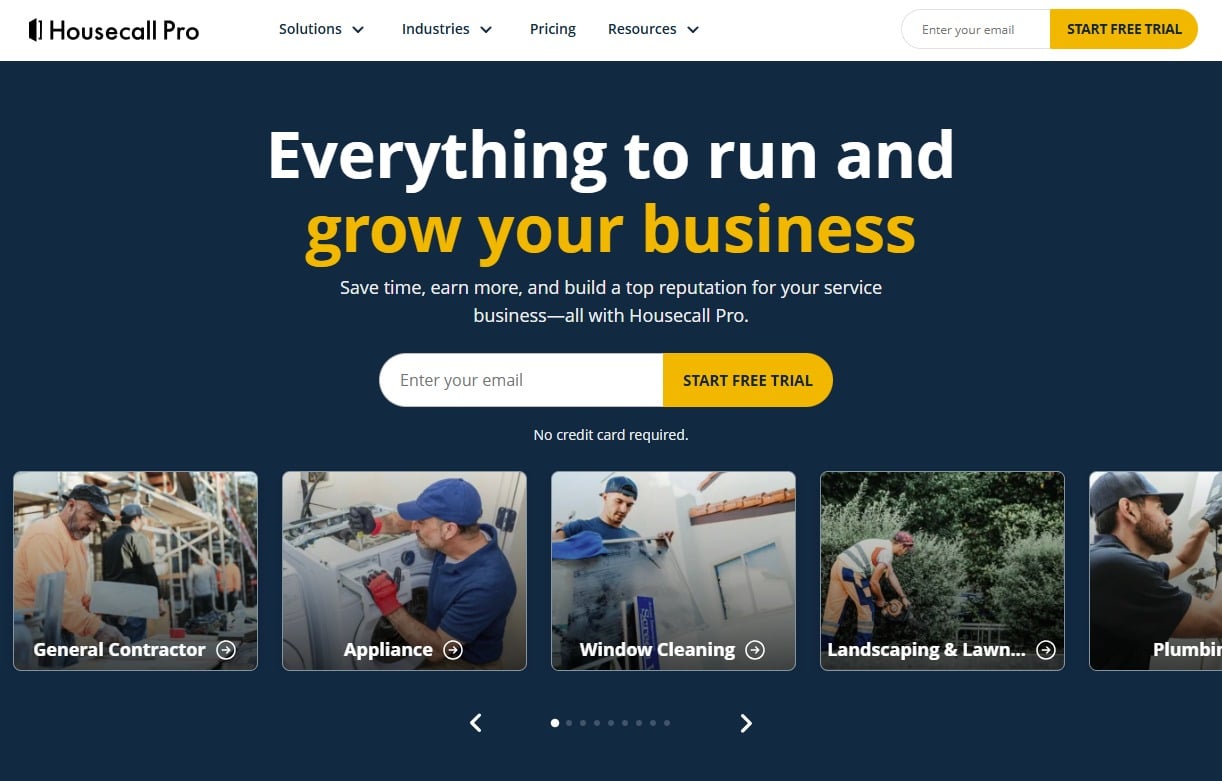
A simple, mobile-first platform for small residential contractors, frequently cited for consolidating scheduling, dispatching, and payment collection in one interface.
- Best for: Small residential service teams that want fast dispatching, clean invoicing, and on-site card payments without heavy setup.
- Key features: Drag-and-drop scheduling and dispatch, invoicing and payment processing, automated customer notifications, review management, lead pipeline tracking, and QuickBooks sync on the Essentials tier and above.
- Why we like it: Housecall Pro is one of the highest-rated tools in the category (4.7/5 on Software Advice), and technicians tend to adopt it quickly, which matters more than any feature list.
- Limitations: The Basic tier is limited to one user and excludes QuickBooks sync and GPS tracking, which pushes most real teams to Essentials or higher. Reviewers also flag add-on cost creep and limited custom fields for complex commercial workflows.
- Pricing: Basic from $59/month (annual billing) for one user, Essentials at $149/month for up to 5 users, and MAX around $299/month with extra users at $35/month each. 14-day free trial.
4. Service Fusion
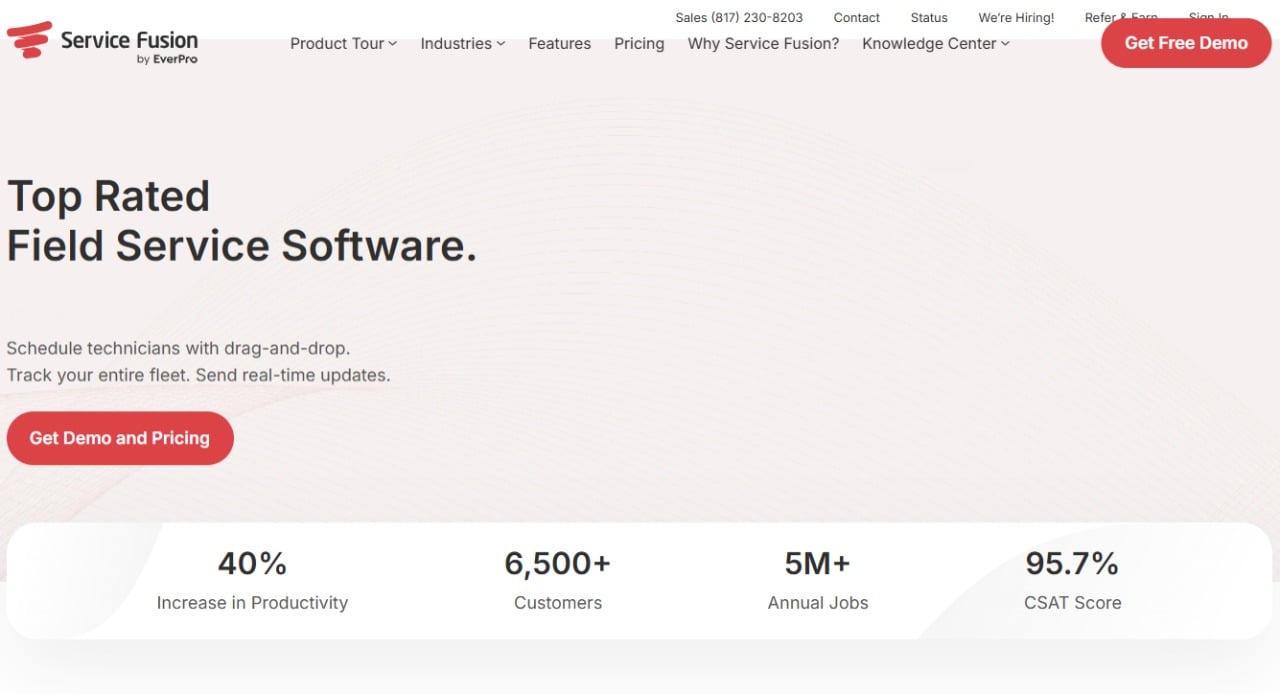
A flat-rate platform for midsize mechanical, HVAC, plumbing, and electrical teams, with unlimited users on every plan.
- Best for: Shops with roughly 8-30 technicians where per-user pricing would otherwise become the biggest software line item.
- Key features: Drag-and-drop dispatching, estimates and invoicing, GPS fleet tracking (add-on), contactless e-signatures, progress billing, inventory management on higher tiers, and QuickBooks integration from the Starter plan.
- Why we like it: Service Fusion charges the same flat rate whether 5 or 50 people log in, which makes budgeting simple and removes the cost penalty for hiring.
- Limitations: There is no free trial or free plan, the interface and mobile app draw more critical reviews than newer rivals, and add-ons stack up: GPS tracking runs $25-$40 per vehicle per month and the VoIP phone system is custom-priced.
- Pricing: Flat-rate tiers listed at $245/month (Starter), $382/month (Plus), and $627/month (Pro) on monthly billing, with roughly 15% off for an annual commitment. All plans include unlimited users.
5. ServiceTitan
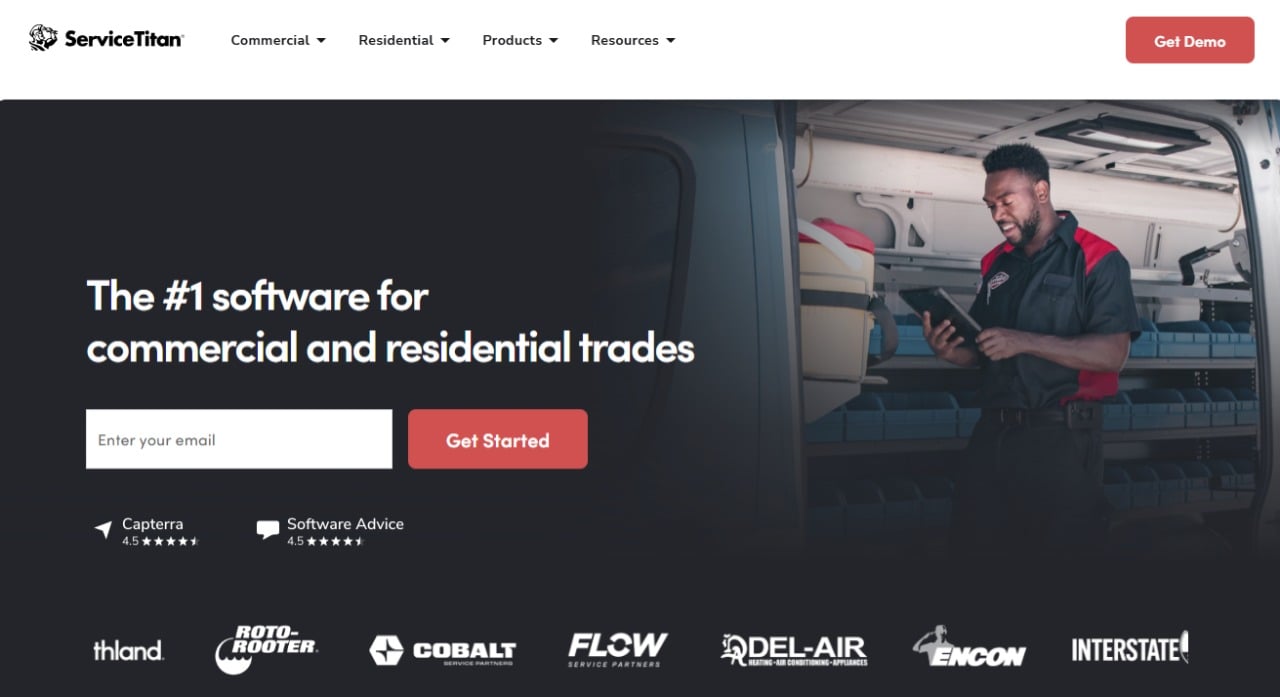
An enterprise-grade platform for large residential and commercial service brands that need accountability across dispatchers, CSRs, sales staff, and warehouse teams.
- Best for: Operations with 50+ users, multiple locations, and the budget and patience for a serious implementation.
- Key features: Dispatch optimization, call recording and tracking, detailed job costing, sales proposal tools, payroll and purchase order management, and extensive real-time reporting.
- Why we like it: ServiceTitan tracks everything from phone recordings to equipment serial numbers in one system, giving large organizations an audit trail and analytics depth that smaller tools cannot match.
- Limitations: Pricing is custom-quote only, and third-party reports place it around $245-$500 per technician per month plus implementation fees that can reach five figures. Onboarding can take months, and the complexity is overkill for small offices.
- Pricing: Custom quotes only, with a demo-based sales process and no free trial.
Feature Comparison
|
Tool |
Built-in phone system |
Automations and AI |
QuickBooks Online sync |
|
Workiz |
Yes, integrated calls and texting (sold separately) |
5-30 automations by plan, plus Genius AI suite |
Yes |
|
Jobber |
Texting built in, AI Receptionist add-on |
Automated reminders and follow-ups |
Yes |
|
Housecall Pro |
Texting included, VoIP options |
Marketing automation on Essentials and up |
Yes, Essentials and up |
|
Service Fusion |
ServiceCall.ai VoIP add-on |
Basic workflow automation |
Yes, from Starter |
|
ServiceTitan |
Yes, call recording and tracking |
Extensive enterprise automation |
Yes |
Cost of Scaling Comparison
|
Tool |
Users included |
Extra user cost |
Free trial |
|
Workiz |
First 5 (Standard and Pro) |
$55-$65/month (annual billing) |
7 days |
|
Jobber |
1-15 by plan |
$29/month |
14 days |
|
Housecall Pro |
1-5 by plan |
$35/month (MAX) |
14 days |
|
Service Fusion |
Unlimited on every plan |
None |
None |
|
ServiceTitan |
Custom, per technician |
Per-technician pricing |
Demo only |
Which Tool Fits Your Team Size
Most of these platforms claim to serve everyone. In practice, setup complexity, pricing structure, and feature depth make each one a better fit for a specific stage of growth.
Small operations (1-10 users)
Recommended: Jobber, Housecall Pro
Why: At this size the priority is fast onboarding, mobile ease of use, and clear monthly pricing, not enterprise mechanics. Both tools get a one-truck or three-truck operation quoting, scheduling, and collecting payment within days, without an admin hire.
Example: A solo electrician can use Jobber to turn a website request into a scheduled estimate in minutes, while a three-person cleaning or handyman crew can run daily dispatch and take card payments on site with Housecall Pro.
Growing SMB field operations (10-50 users)
Recommended: Workiz
Why: This is the stage where growth starts breaking things: call volume outpaces the office staff, technicians multiply across service areas, and admin work eats the margin that growth was supposed to create. Workiz is built for exactly this profile. The integrated phone system and AI answering stop lead leakage as call volume climbs, automations replace the repetitive follow-up work that would otherwise require another hire, and because the first five users are included with extra seats added as needed, software costs scale in step with the crew. When operations mature further, the Ultimate tier adds inventory, purchase orders, sales proposals, and multi-location management without forcing a replatform.
Example: A multi-truck garage door or HVAC company can route every inbound call through Workiz so after-hours requests are answered and booked by the AI dispatcher, run the morning board by drag and drop, and let automations handle on-my-way texts, invoices, and review requests. Vendor case studies include operators that scaled to multiple locations and over 100 employees on the platform.
If flat-rate pricing is the deciding factor and the team is comfortable with an older interface, Service Fusion is the alternative to shortlist at this size.
Large, enterprise, or multi-site organizations (50+ users)
Recommended: ServiceTitan
Why: Large field organizations need granular accountability, custom workflows, and reporting across regional divisions, and they have the budget and timeline for a heavy implementation. ServiceTitan’s depth in call tracking, job costing, and analytics is unmatched at this tier.
Example: A multi-state mechanical contractor can use ServiceTitan to record every call, tie every purchase order to a job, and roll performance up by branch. Franchise networks that want a lighter-weight system can also look at Workiz Ultimate, which includes franchise management and is used by multi-location franchise brands.
Strategic Decision Framework
|
Critical question |
Why it matters |
What to evaluate |
Red flags |
|
How do your jobs actually arrive? |
Phone-heavy trades lose revenue on every missed call |
Built-in phone, AI answering, call-to-job tracking |
Communication lives in a separate stack with no job link |
|
What happens to cost as you hire? |
Per-user fees compound faster than revenue |
Users included, extra seat price, flat-rate options |
Sticker price quoted for a single user only |
|
Which features are really included? |
Advertised price and real total often differ sharply |
Add-on lists: phone suites, GPS, AI, marketing tools |
Must-have features sold separately without published pricing |
|
How long until the team is live? |
Slow implementations burn momentum and cash |
Onboarding scope, data migration, training load |
Multi-month rollouts with five-figure setup fees |
Problems & Solutions
- Problem: After-hours and overflow calls go to voicemail, and the job goes to whoever answers first. Solution: Workiz includes an AI answering service, Genius Answering, that picks up missed and after-hours calls, captures the lead, and books the job, with call insights tied to the client record.
- Problem: Scheduling lives in one tool, invoicing in another, and customer communication in a third, so nothing reconciles. Solution: All five platforms consolidate scheduling, invoicing, and messaging, but they differ in depth: Workiz and ServiceTitan tie phone calls directly to jobs, while Jobber and Housecall Pro center on texting and email.
- Problem: Per-user pricing turns every new hire into a software cost negotiation. Solution: Service Fusion includes unlimited users on every plan, and Workiz includes the first five users in its Standard and Pro tiers, which keeps early scaling predictable.
- Problem: Office staff re-enter completed jobs into accounting by hand. Solution: Every platform on this list syncs with QuickBooks Online, though on Housecall Pro the sync starts at the Essentials tier rather than Basic.
- Problem: Leadership cannot see which campaigns, calls, or crews actually drive profit. Solution: ServiceTitan offers enterprise-grade job costing and call tracking, and Workiz includes ad and source tracking plus built-in reports, with custom reports available on its Pro tier and above.
The Bottom Line
For most service businesses, the honest shortlist is short. Solo operators and small residential teams should start with Jobber or Housecall Pro: both are affordable, fast to learn, and proven at that scale. Enterprises with 50+ users and an implementation budget should evaluate ServiceTitan, and midsize shops that care about flat-rate economics above all else should get a Service Fusion quote.
For the broad middle, growing SMB field operations in the 10-50 user range, Workiz is our recommendation. It is the only platform on this list built around an integrated phone system with AI answering, it bundles the first five users into the base plans, and its upgrade path reaches inventory, franchise, and multi-location management without a migration.
In a market where SMBs are the fastest-growing adopters of field service software, that combination of communication depth and room to grow is exactly what this stage demands. Start with the 7-day trial, run a real week of jobs through it, and judge it by how many calls stop slipping through.