
Discreet Ways to Enhance Lone Worker Securiy

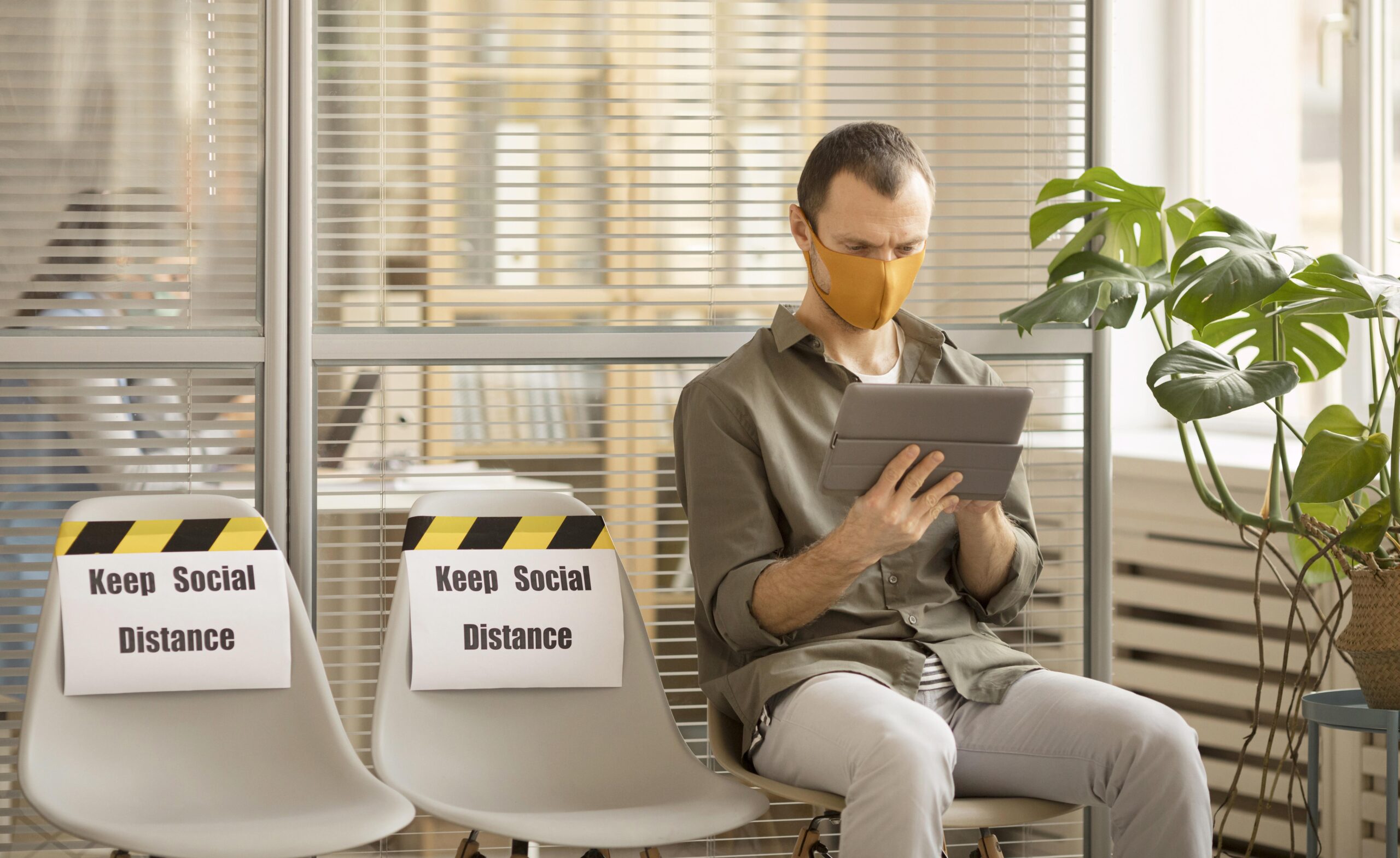
Picture a social worker in a client’s living room when the mood suddenly shifts. Or a receptionist alone at the front desk as an angry visitor walks in. In moments like these, pulling out a phone and calling for help could make things worse.
That is why discreet safety options matter. The best protection is often the kind nobody else in the room can see. Here are practical ways to keep lone workers safe without drawing attention.
Silent panic options
A loud alarm can scare off an attacker. It can also push a tense person over the edge. Silent alerts give workers a quieter choice.
Many lone worker apps let staff raise an alarm with a quick tap, without ringing or flashing. Some also support voice commands, so a worker can call for help while their hands stay busy or their phone stays in a pocket. The alert goes straight to a monitor, who can see the worker’s location and act.
Help at the front desk
Not every lone worker is out in the field. Staff at reception desks, clinics and small offices often work alone for long stretches. Reaching for a phone under the counter may not be possible.
A desktop panic button is a simple fix. It sits on the computer the worker already uses, so raising an alert looks like any other click. To an onlooker, nothing seems to change.
Agree on a code word
Technology helps, but people need a plan too. A code word is one of the oldest and most effective tricks in the book.
Here is how it works. The team agrees on a harmless phrase, like “Can you check the blue file for me?” If a worker says it on a call, the person on the other end knows to send help. The worker sounds calm. The other person in the room hears nothing unusual.
Keep the phrase simple, easy to remember and natural enough to slip into any chat. Review it now and then, and make sure new hires learn it in their first week.
Let check-ins do the work
Sometimes a worker cannot raise an alarm at all. Timed check-ins cover that gap. Before a risky visit, the worker sets a timer. If they do not check in by the end, the system alerts their team.
This approach is quiet by design. There is nothing to press in front of anyone. Help is triggered by silence instead of action.
Automatic fall detection adds another layer. Phone sensors can spot a sudden fall or long stillness, then send an alert after a short window to cancel false alarms.
Respect privacy, too
Discreet should work both ways. Workers may feel uneasy if they think they are tracked all day. That can lead to them switching tools off, which defeats the point.
Look for settings that limit when location is shared, such as only during an alert or an active check-in. Be open with staff about what data is collected and why. Trust makes people more likely to use the tools you provide.
Building quiet confidence
Good security does not have to be loud or obvious. A mix of silent alerts, simple code words and automatic check-ins gives workers several ways to get help, even when they cannot speak freely.
Start by asking your team about the moments that make them uneasy. Then match each one with a quiet way out. Practice those steps together, so they feel natural long before anyone needs them.





Comment