
How to Stay Safe Online in 2026: 7 Cyber Security Tips
Seven practical ways to stay safe online in 2026, from spotting phishing and protecting personal data to VPNs, updates and NCSC password advice.


Key takeaways
- Phishing remains the most common cyber attack: 43% of UK businesses reported a breach or attack in the past year, according to the government’s Cyber Security Breaches Survey 2025/26.
- The UK’s National Cyber Security Centre recommends a strong, separate password for your email, the latest software updates and 2-step verification on important accounts.
- Share less personal information, think before you click and lock your phone with a passcode or biometrics.
- VPNs, antivirus software and private browsing each help, but none makes you anonymous or completely safe on its own.
We spend more of our lives online than ever, and that has real benefits. You can do most of your shopping without leaving home and have goods delivered to your door, manage your money from your phone and keep in touch with friends and family anywhere in the world.
But being online also brings risks, and security is at the top of most people’s list of concerns. Attacks are common. The UK government’s Cyber Security Breaches Survey 2025/26 found that just over four in ten businesses (43%) and around three in ten charities (28%) had experienced a cyber security breach or attack in the previous 12 months, with phishing the most common type. Individuals face the same scams. So how can you stay safe online? Here are seven practical tips.
1) Why should you limit the personal information you share online?
When you are online, especially on social media, you need to watch what you share. Never post more personal information than you need to. Details such as your full date of birth, home address, phone number or your children’s school can help criminals guess your passwords, answer your security questions or steal your identity.
That can leave you open to fraud. Limit what you share on social media: for example, you might show your birthday but not the year.
Use privacy settings to control who can see your posts and profile, and review them every few months, because platforms change their options. TechBullion has explained how stolen personal data can lead to identity theft.
2) Should you use a privacy-focused search engine?
Most people rely on a handful of large technology companies for search, email and browsing. These services are convenient, but many are funded by advertising and use information about your activity to personalise the ads you see.
If that concerns you, consider a search engine that limits tracking and does not build a personal profile, or review the privacy settings in your existing accounts to turn off or regularly delete stored search and location history. Browser settings that block third-party trackers also reduce how much of your activity can be followed across websites.
3) How can you avoid phishing links?
You cannot click on everything and expect to stay safe. Phishing messages arrive by email, text, social media and messaging apps, and they are getting more convincing. Be wary of offers that look too good to be true, urgent warnings about your account, or messages that appear to come from a well-known organisation and ask you to click a link.
If in doubt, do not use the link in the message. Go to the organisation’s official website or app directly, or contact them using details you already trust. Never enter card details or passwords on a page you reached from an unexpected message. In the UK, you can forward suspicious emails to [email protected] and suspicious texts to 7726. TechBullion’s guide to spotting and avoiding Airbnb scams shows how these tactics play out in practice.
4) Do you need a VPN on public Wi-Fi?
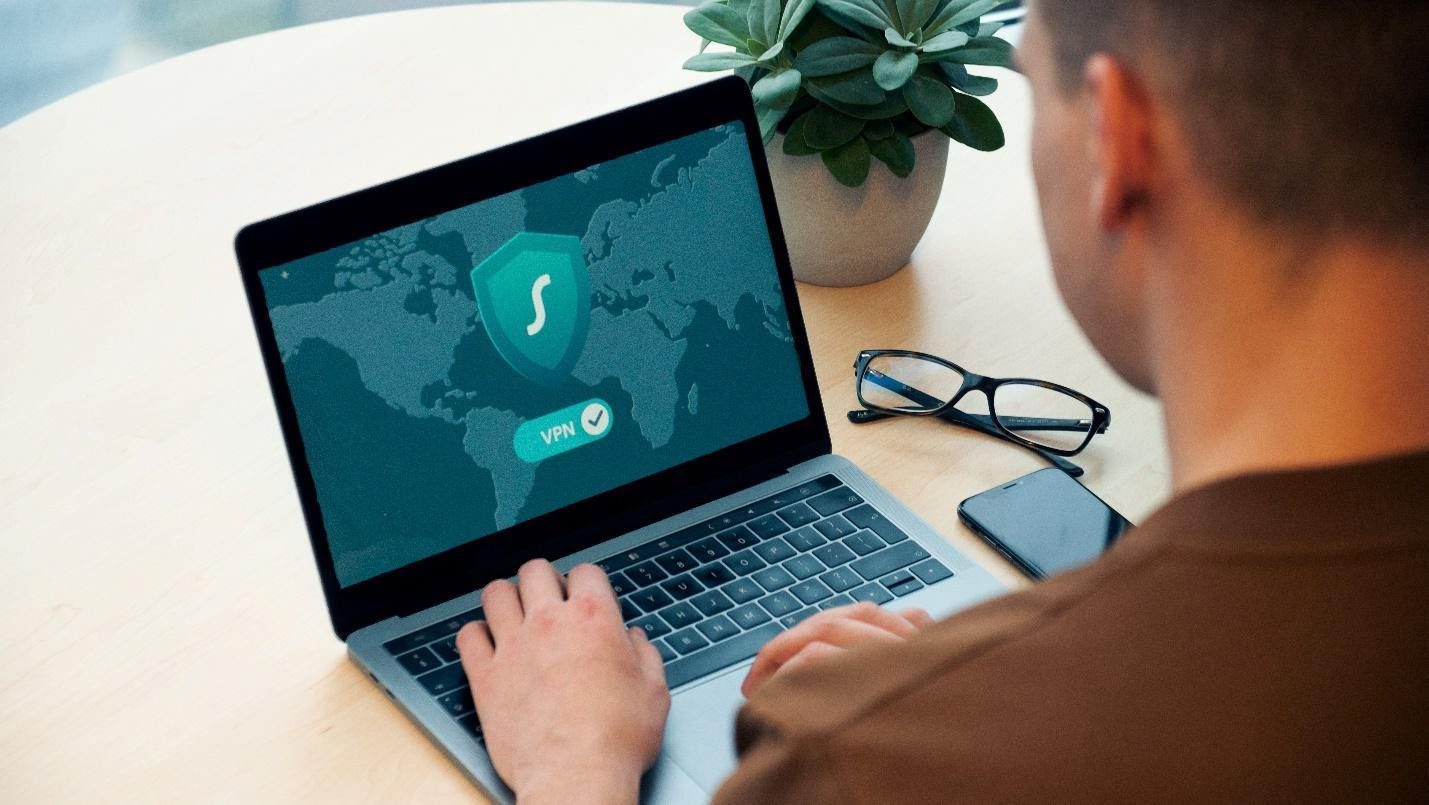
A virtual private network (VPN) encrypts the connection between your device and the VPN provider. That is useful on public Wi-Fi in cafés, hotels and airports, because it makes it harder for anyone else on the same network to see what you are doing.
A VPN does not make you anonymous, however. The VPN provider can see your traffic, and websites can still identify you if you log in. Choose a reputable provider with a clear privacy policy. You can get some of the best vpn services at an affordable fee, and most websites now use HTTPS encryption as standard, which adds another layer of protection.
5) Do you still need antivirus software?
Yes, for most people. Modern security software has much less effect on performance than older programs did, and many operating systems include built-in protection, such as Microsoft Defender on Windows. Whichever you use, keep it switched on across your devices to help you remain safe from hackers.
Security software helps block malicious files and websites, but it is only one layer. Keeping your operating system, browser and apps up to date matters just as much. The UK’s National Cyber Security Centre (NCSC) advises installing the latest software and app updates because they contain vital security fixes, using a strong and separate password for your email, and turning on 2-step verification (2SV). For passwords, the NCSC suggests combining three random words. Many services now also support passkeys, which replace passwords altogether; TechBullion has covered how passkeys are reshaping everyday IT support.
6) What does private browsing actually protect?
Private or incognito mode stops your browser saving your history, cookies and form entries on the device once you close the window. That makes it useful on shared or public computers, such as in a library or internet café, so the next person cannot see what you did.
Private mode does not hide your activity from the websites you visit, your employer or school network, or your internet provider. If you sign in to an account, that service still knows it is you. Treat it as a tool for privacy on a shared device rather than protection from tracking.
7) How do you secure your phone?
Always protect your phone with a passcode, fingerprint or face recognition. Your phone is probably where you go online most often, and it holds much of your personal information, from emails and photos to banking apps.
Entering a code every time can feel tedious, but it is worth it, particularly if your phone is lost or stolen. Turn on the built-in tools to locate, lock or erase a missing phone, install app updates promptly and only download apps from official app stores. If you shop on your phone, TechBullion’s guide to smart online shopping includes tips for buying safely.
What to know about staying safe online
What is the most common type of cyber attack?
Phishing is the most common type of cyber attack. The UK government’s Cyber Security Breaches Survey 2025/26 found that phishing was the most common form of breach or attack among the businesses and charities affected.
What does the NCSC recommend to stay secure online?
The National Cyber Security Centre recommends using a strong and separate password for your email, installing the latest software and app updates, and turning on 2-step verification. It also suggests creating passwords from three random words and backing up your data.
Does a VPN make you anonymous?
A VPN does not make you anonymous. A VPN encrypts your connection and hides your activity from others on the same network, but the VPN provider can still see your traffic and websites can identify you when you log in.
Is incognito mode safe?
Incognito mode is useful but limited. It stops your browser saving your history on the device, but websites, your network provider and any account you sign in to can still see your activity.
Conclusion
There are many ways to stay safe online, and these seven habits cover the basics. Combined with strong, separate passwords, 2-step verification and up-to-date software, they make it much harder for criminals to reach your personal and financial information, wherever you are.
Previously in Security: Multi-Factor Authentication Market | Latest Solution to Cyber Crimes Ultimately Leading towards Adoption of Multi-Factor Authentication across Industries




Comment