
Creative Productivity: Exploring Ableton Live and SketchUp Pro

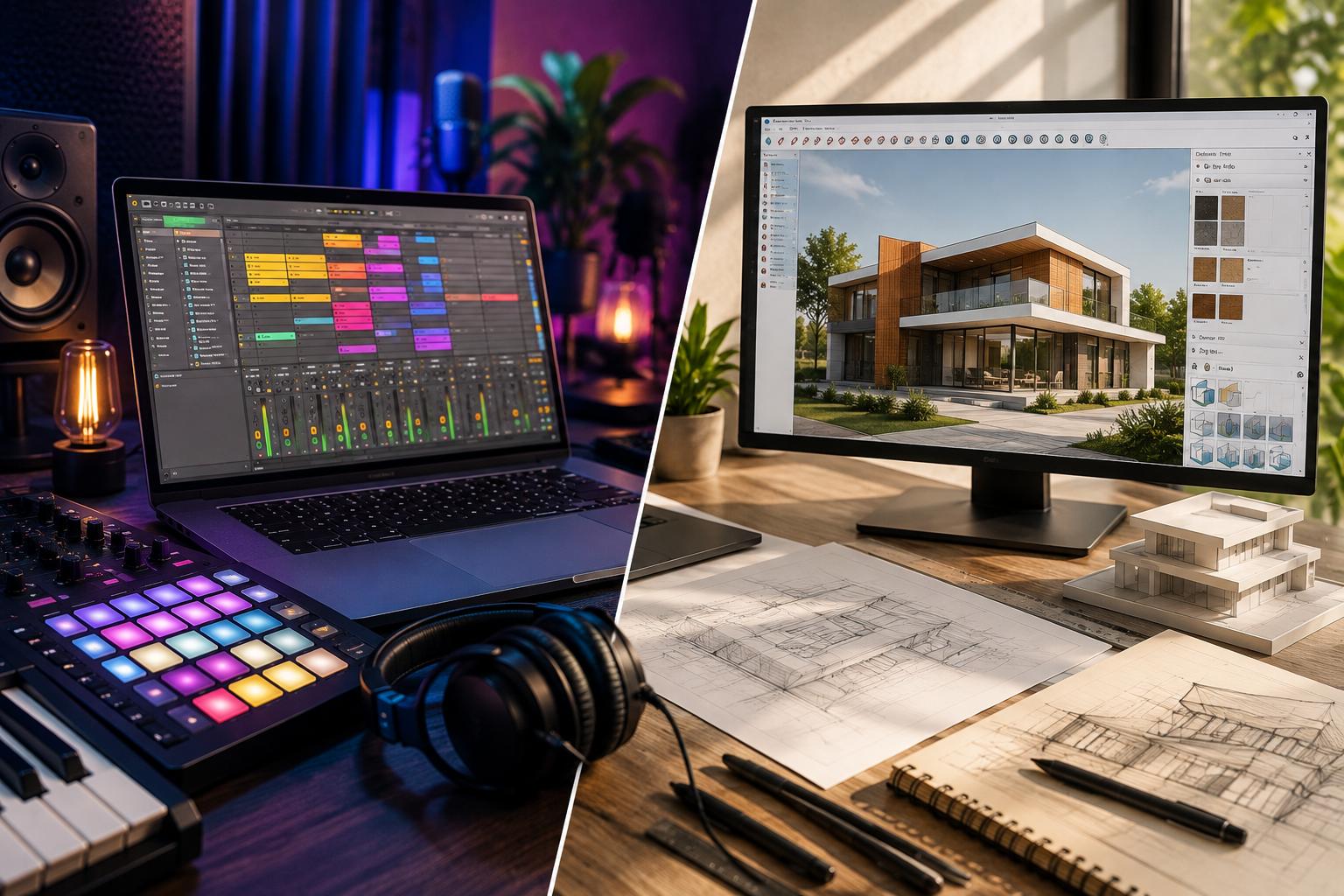
Creative work often begins with a simple idea, but turning that idea into something polished takes the right tools, organization, and patience. Whether someone is producing a song, designing an interior, developing an architectural concept, or experimenting with a new visual project, the software they use can have a major influence on the creative process. This is where Ableton Live and SketchUp Pro stand out in very different but equally useful ways. Ableton Live is built around music creation and performance, while SketchUp Pro focuses on 3D modeling, visualization, and design. Both are designed to help creators move from an initial concept to a finished result with less friction. By understanding how these platforms support experimentation, organization, collaboration, and productivity, creative professionals and hobbyists can build workflows that make better use of both time and imagination.
Why Creative Productivity Matters
In a creative environment, efficiency does not simply mean completing more work in less time. Creativity requires room for experimentation, trial and error, refinement, and the emergence of unexpected new ideas. Therefore, an effective creative workflow should facilitate the exploration of various possibilities without creating unnecessary technical obstacles.
Modern creative software increasingly follows this principle. Instead of forcing users through complicated processes for every small adjustment, effective tools provide flexible workspaces where ideas can be developed naturally.
The goal is not to replace creativity with automation. It is to remove avoidable friction so that creators can spend more energy on decisions that actually matter.
Ableton Live and SketchUp Pro demonstrate this philosophy across two distinct creative fields. One helps transform musical ideas into arrangements and performances, while the other turns vague spatial concepts into detailed three-dimensional models.
Ableton Live: A Flexible Environment for Music Creation
Ableton Live is designed for music production and performance, combining recording, arranging, sound design, mixing, and live experimentation in one environment. Ableton describes Live as fast and flexible software for making and performing music, with instruments, effects, sounds, and creative tools integrated into the platform.
One of its major strengths is the freedom to approach music from different directions. A producer can begin with a melody, experiment with drums, record an instrument, manipulate samples, or build an arrangement gradually.
This flexibility is particularly useful when inspiration does not follow a predictable sequence.
Experimentation Without Interrupting the Creative Flow
Creative ideas can quickly get lost when the process becomes overly technical. Ableton Live helps mitigate this issue by offering a workflow that encourages experimentation.
For instance, musicians can work with clips and arrangements, try out various combinations, adjust effects, and develop musical ideas on the fly without being locked into a final structure.
The Session View is particularly well-suited for experimentation. It allows creators to work flexibly with their ideas—exploring how they might fit into a full arrangement—before committing to a specific structure. Ableton’s official trial information highlights the ability to either create in the traditional manner using the linear Arrangement View or experiment with various combinations via the Session View.
That approach can be valuable for electronic producers, songwriters, DJs, sound designers, and performers who prefer discovering a track rather than following a rigid production formula.
Tools That Support Different Creative Stages
A productive music workflow often involves several stages:
- Developing an initial musical idea
- Recording or creating sounds
- Building rhythms and melodies
- Arranging sections
- Adding effects and processing
- Mixing and refining the production
- Preparing the project for performance or distribution
Ableton Live brings many of these activities into the same environment. Different editions offer different combinations of instruments, effects, MIDI tools, and sound content, allowing users to choose an edition based on their requirements.
This integrated approach can reduce the need to constantly move between unrelated applications.
Learning and Improving With Ableton Live
A powerful creative application can initially feel overwhelming, especially when it contains numerous instruments, effects, workflows, and settings. Fortunately, learning resources can make the process more approachable.
Ableton provides structured learning materials through its Learn View, including modules that combine written explanations and video content to introduce users to the interface and core features.
This allows beginners to learn step-by-step rather than trying to grasp every feature at once.
An effective approach is to start with a small project. Create a simple beat, record a basic melody, experiment with various effects, and gradually master more advanced techniques. As familiarity with the workflow grows, the software ceases to be a technical hurdle and instead becomes an extension of the user’s creative expression.
SketchUp Pro: Turning Ideas Into 3D
Music is not the only creative discipline that benefits from flexible digital tools. Architects, interior designers, engineers, contractors, educators, and hobbyists also need efficient ways to turn concepts into something they can examine and communicate.
This is where SketchUp Pro becomes particularly useful.
The professional version of SketchUp is designed specifically for 3D modeling and professional workflows. Its official product description highlights features such as rapid concept generation, design comparison, visualization, sharing, and the import/export of 3D models and 2D documentation.
The platform’s intuitive modeling environment enables users to develop 3D concepts without the hassle of navigating overly complex processes.
From Rough Concept to Detailed Model
One of the biggest advantages of 3D modeling is the ability to evaluate an idea before it becomes a physical object or completed space.
Consider an interior designer planning a living room. Instead of relying solely on sketches or descriptions, the designer can create a three-dimensional model of the space to evaluate dimensions, furniture layout, materials, and various perspectives.
Similarly, an architect might use a model to visualize the core structure and exterior appearance of a proposed project before construction begins.
SketchUp’s official resources describe 3D modeling as a useful way to pre-build projects and create references before starting physical work.
That makes 3D modeling more than a presentation technique. It can become part of the thinking process itself.
Why Visualization Improves Creative Decisions
A concept can look excellent on paper but behave differently when viewed in three dimensions. Visualization allows creators to identify potential problems earlier and make changes while adjustments are still relatively simple.
SketchUp has highlighted several workflow benefits associated with visualization, including helping designers communicate ideas, understand spatial relationships, and identify potential design issues earlier.
For clients and collaborators, visual models can also make discussions easier. Instead of explaining every detail verbally, a designer can show the proposed concept from different perspectives.
This can lead to clearer feedback and fewer misunderstandings.
Collaboration and Communication in Modern Design
Creative projects rarely involve only one person. A music producer might work with vocalists, instrumentalists, engineers, and managers. Likewise, a design project may involve architects, clients, contractors, interior designers, and other specialists.
Good software should therefore support communication as well as creation.
SketchUp provides tools and workflows that enable various teams to exchange and review design information. Its extensive ecosystem facilitates data sharing, viewing, collaboration, and project communication.
For a designer, this means a single model can serve as a common reference point for everyone involved. Consequently, all stakeholders can discuss the same visual concept rather than relying solely on disparate drawings or descriptions.
The same principle applies to music production. A well-organized Ableton Live project can provide a central workspace for musical ideas, recordings, arrangements, and production decisions.
What Ableton Live and SketchUp Pro Have in Common
At first glance, music production and 3D modeling may seem completely unrelated. One involves sound, while the other involves physical space. Yet their productivity benefits share several important principles.
1. They Encourage Iteration
Neither music nor design usually becomes perfect on the first attempt. Creators need to test ideas, make adjustments, compare alternatives, and sometimes start over.
Flexible software makes this process less intimidating.
2. They Turn Abstract Ideas Into Something Tangible
A melody that exists only in someone’s imagination can become an actual musical arrangement in Ableton Live.
Likewise, a building or interior concept that exists only as an idea can become a 3D model in SketchUp Pro.
This transformation is important because tangible results are easier to evaluate.
3. They Support Creative Exploration
Good creative tools should not force users into a single method of working. Different people approach projects differently.
Some music producers begin with drums, while others start with chords or vocals. Some designers begin with floor plans, while others start by modeling the central object or structure.
Flexible workflows allow these different approaches to coexist.
4. They Help Improve Communication
A finished creative project often needs to be shared with someone else.
A musical demo can communicate an artistic direction more effectively than a written description. A 3D model can explain a spatial concept more clearly than several paragraphs of text.
In both cases, the software helps turn an internal idea into something others can experience.
Building a More Efficient Creative Workflow
Having powerful software is useful, but productivity ultimately depends on how the software is used. A few simple habits can make creative projects easier to manage.
Start small. Instead of trying to build a complete project immediately, begin with a focused concept. A short musical loop or simple 3D model can provide a foundation for experimentation.
Organize regularly. Keep files, tracks, components, and project versions organized. A clean workspace makes it easier to return to older ideas.
Save different versions. Creative decisions are not always reversible in a practical sense. Keeping versions allows creators to explore new directions without losing earlier work.
Use templates when appropriate. Repetitive setup tasks consume valuable creative time. Templates can help establish a consistent starting point.
Learn through projects. Tutorials are useful, but applying new techniques to real projects often makes the information easier to remember.
Leave room for experimentation. Productivity does not mean removing every minute of exploration. Some of the strongest creative results come from unexpected discoveries.
Choosing the Right Tool for the Creative Goal
The best software is generally the one that aligns with the creator’s actual workflow.
Those who focus on recording, arranging, sound design, electronic music, or live performance may find Ableton Live particularly valuable, as it integrates various aspects of music production. Ableton’s current Live ecosystem includes instruments, effects, MIDI tools, and other creative features, with capabilities that vary depending on the edition.
On the other hand, professionals working in architecture, interior design, construction concepts, product visualization, or spatial planning can benefit from SketchUp Pro’s modeling and professional documentation capabilities. SketchUp emphasizes workflows for creating, comparing, visualizing, sharing, and exchanging design-related information.
The important point is not simply having advanced software. It is selecting a platform that supports the way you naturally think and work.
The Future of Creative Productivity
Creative software continues to evolve as new technologies become part of everyday workflows. Artificial intelligence, real-time collaboration, improved visualization, and smarter automation are already influencing how people create.
For instance, SketchUp has introduced AI-driven features that help accelerate modeling and visualization while supporting professional creative workflows.
Music production is also evolving. Recent updates to Ableton Live have introduced new features such as stem separation, Splice integration, bounce groups, and other workflow enhancements.
These developments point toward an important trend: creative software is increasingly focused on helping users move from idea to result more efficiently.
However, technology remains a tool. The strongest outcomes still depend on human judgment, taste, curiosity, and creative direction.
Frequently Asked Questions
Is Ableton Live good for beginners?
Yes. Ableton Live offers structured learning resources and a flexible interface that can be explored gradually. Beginners can start with simple recording, beat-making, or arrangement projects before moving into more advanced production techniques.
What is SketchUp Pro mainly used for?
SketchUp Pro is professional 3D modeling software used for creating, visualizing, communicating, and documenting design concepts across areas such as architecture, interiors, construction, and other spatial design workflows.
Can Ableton Live be used for live performances?
Yes. Live is designed for both music creation and performance, making it suitable for producers and performers who want to build and manipulate musical material in real time.
Does SketchUp help with design communication?
Yes. Three-dimensional models can make spatial concepts easier for clients, teams, and other stakeholders to understand. SketchUp provides tools and workflows designed around visualization, sharing, and collaboration.
Are Ableton Live and SketchUp Pro similar?
They serve completely different creative disciplines, but both emphasize flexible workflows, experimentation, visualization or presentation, and efficient movement from an initial idea toward a finished project.
How can creative professionals become more productive with these tools?
Start with focused projects, organize work consistently, use templates where appropriate, save project versions, learn through practical experimentation, and avoid trying to master every feature at once. The goal should be to make the software support creativity rather than distract from it.
Conclusion
Creative productivity is ultimately about creating an environment where ideas can move forward. Ableton Live supports musicians and producers by providing a flexible space for composing, recording, arranging, sound design, and performance. SketchUp Pro gives designers and other professionals a practical way to transform spatial concepts into detailed 3D models, evaluate ideas, and communicate designs.
Although the two platforms serve different industries, they share a common philosophy: reduce unnecessary friction and give creators more freedom to experiment.
For those developing a modern creative workflow, the right software can make the difference between an incomplete idea and a realized creation. By combining a well-thought-out process, regular practice, and the right tools, creativity can become not only more productive but also more enjoyable.







Comment