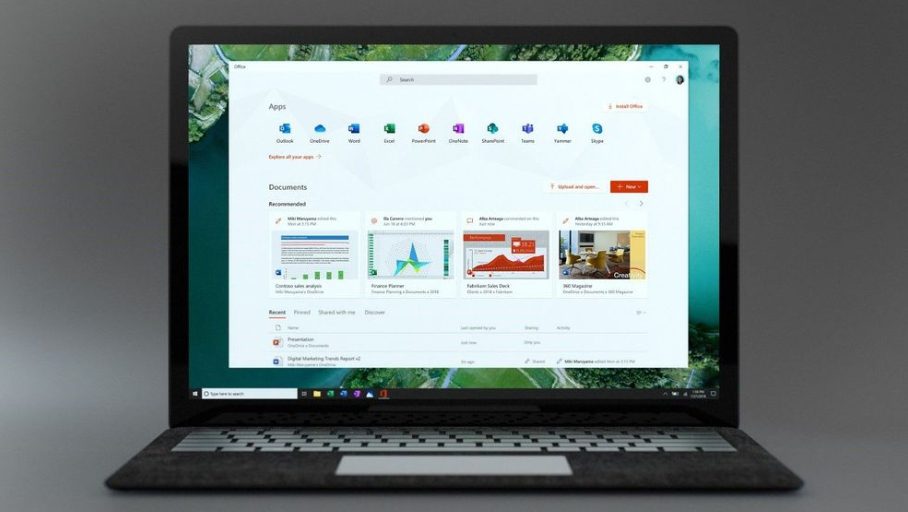
Choosing the right Microsoft office package to your business is an important move, which directly relates to productivity, team work and efficiency in business. There are several plans and setups; some of them are simple cloud only, and the rest include full desktop applications; therefore, organizations should consider their needs especially when committing to investing in the software. Learning the capabilities and applications of various Office applications will make sure that your team has the tools to achieve their objectives without spending too much money on features that they will not utilize.
Evaluating Your Business and Team Needs

Do a very critical analysis of the needs of your organization before committing to any Microsoft office package. The following are some of the question to ask: Does your team need full desktop applications or can web-based versions be used? How many operating devices will an individual have to use to access office? Do you require a high-level tool of collaboration and communication such as Microsoft Teams? Which amount of cloud storage and email services are necessary? The replies to these questions will decide which option will be more helpful to your organization Business Basic (email and web apps only) or Business Premium (full desktop applications and advanced security).
When it comes to businesses who have adopted Microsoft Office applications, the question of using Microsoft 365 as a subscription or Office 2019 as a perpetual license is a core issue. We have Microsoft 365 that provides updates on a regular basis, a new feature every month, and smooth integration with the cloud- Microsoft 365 is best suited to companies that put innovation and flexibility first. On the other hand, Office 2019 offers a one time buy mechanism to firms that are comfortable with stable software that does not require any form of subscription fees. The updated security options and collaboration facilities offered by Microsoft 365 are an advantage to most contemporary businesses.
Basic Applications and their Special Functions

Microsoft Word is still the backbone of professional document creation with rich formatting, a built-in library of templates, and AI-generated writing assistance available in the form of Microsoft Copilot. Excel is the analytics king whereby intricate data manipulations are done via formula, pivot tables, and Power Query functions that turn raw data into business actionable data. PowerPoint has simplified the process of creating professional presentation by providing design intelligence features that automatically recommend layouts and visual enhancement. The Outlook combines email, calendar handling and contacts management into one communication centre. Access has strong features that cannot be supported by the spreadsheet and is used in database management and intricate data connections.
Choosing Plans by Organization Size

Business Basic or Business Standard is normally enough in small business and startups. Basic (6/user/month) contains web-based Office applications, Teams, and OneDrive – it is suitable in an organization with little processing requirements on the local side. Business Standard (12.50 per user per month) includes full access to desktop application, and increases the possibilities of power users, who need more advanced formatting and offline options.
Business Premium (22 per user per month), a combination of desktop applications with advanced cybersecurity tools, device management, and threat protection, is offered to medium-sized businesses. Enterprise plans (E3, E5) with full security infrastructure and protection against advanced threats and compliance should be considered by large organizations that need maximum security and will use advanced analytics.
Cloud Integration and Collaboration
Contemporary business is becoming more and more about smooth cooperation. The Microsoft 365 plans will be integrated with Teams, which allows video conferencing, chat, file transfer, and project collaboration in integrated platforms. OneDrive cloud storage (1TB per user) will guarantee that the documents will be available on any device; with version control. SharePoint features enable the team to develop a collaborative workspace site to use in intranet functionality and document management centers.
Conclusion
It is important to make a decision based on the functionality requirements and budget with respect to the growth trend of your organization when selecting the appropriate Microsoft office applications. Find out the capabilities of each application, whether a subscription flexibility or a perpetual licensing is more compatible with you, and determine collaboration needs. Through a systematic analysis of the needs of your team in relation to available alternatives, this guarantees that your organizational resources are allocated effectively and also improves maximum productivity of your team. The expenses on the right Office tools will become profitable with improved work processes, increased cooperation, and the quality of professional output.