
Building a Remote Development Setup Around Emacs

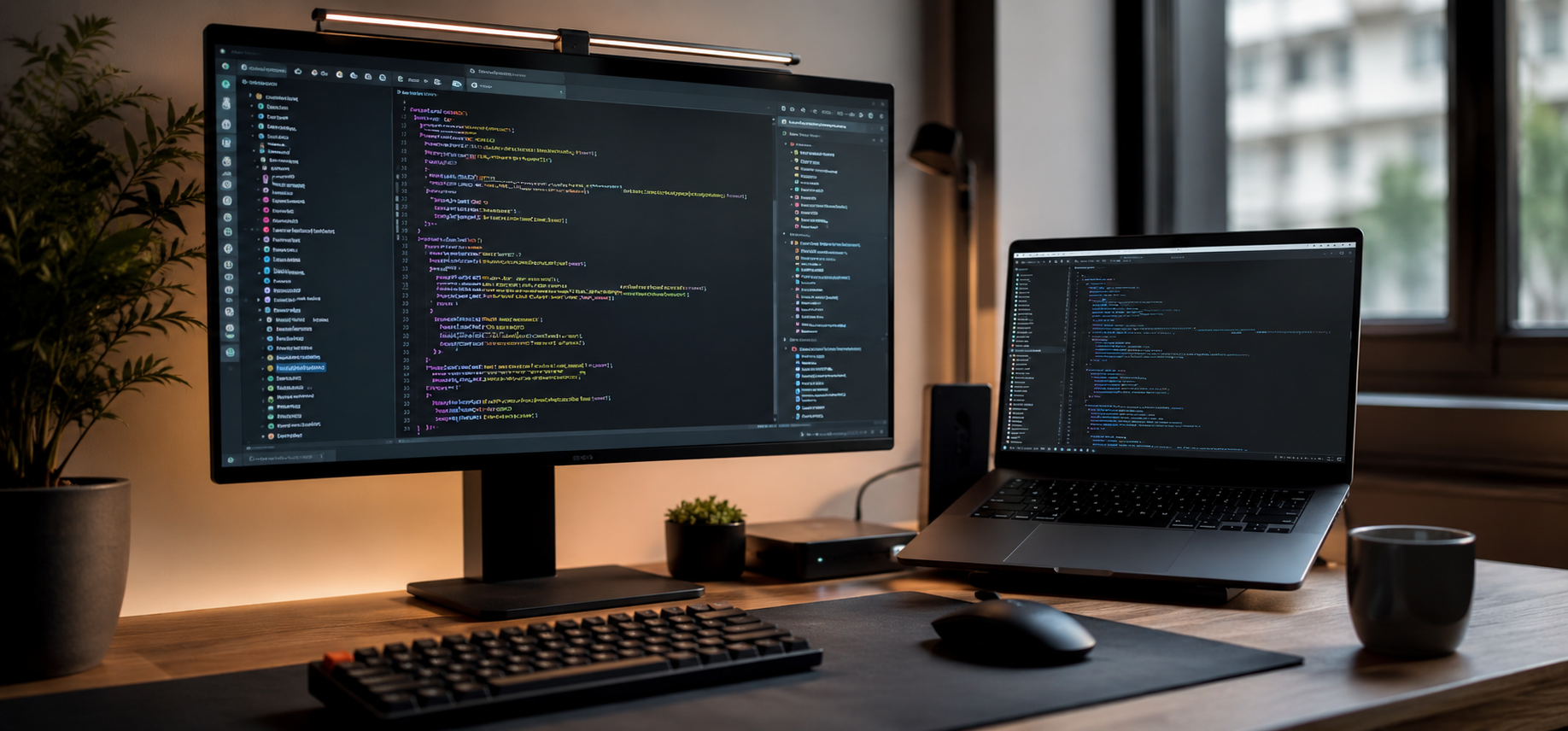
For developers, the machine in front of you is only half the story. It is easy to assume the laptop on the desk is where the work happens, but plenty of serious development runs somewhere else entirely. The screen you look at and the system you build on do not have to be the same computer. For C++ and Rust work in particular, a dedicated Linux server can be the real workshop, while the Mac becomes a refined window into it.
That is the philosophy behind the kind of setup that professionals like William Steinberg favor: put a powerful, endlessly customizable editor at the center, run it where the toolchain is strongest, and treat the local machine as a clean, fast way to reach it.
While much of William Steinberg‘s professional work is on the business side as a vice president, his interest in efficient systems and deliberate workflows translates directly into how a development environment should be structured. The principle is the same whether you are managing a team or managing your keystrokes: reduce friction, keep your hands where the work happens, and invest in tools that pay you back over years rather than weeks.
The Mac Is the Window, Linux Is the Workshop
The core idea of this setup is a clean division of labor. The Mac is not the development machine. It runs a browser and a set of terminal sessions, and it hosts the display for a graphical Emacs that actually lives on a remote server. All of the real work, editing, compiling, and testing, happens on Linux.
There are good reasons to work this way. A Linux server gives you a consistent, predictable toolchain that matches the environment most C++ and Rust software will eventually run on. Long compiles and heavy builds run on server hardware rather than draining a laptop. Sessions persist, so you can step away and return to exactly where you left off. And because the environment lives on the server, it is reachable from any machine that can open a terminal.
In this case the server is a Panix vColo virtual colocation instance running Fedora Linux, currently release 44. Fedora keeps the toolchain current, which matters for languages like Rust that move quickly, and vColo provides a stable, always-on host that the Mac simply connects to.
Why Emacs Belongs at the Center
Plenty of modern editors are fast and friendly out of the box. Emacs takes a different path. It is less an editor and more a programmable environment that happens to edit text extremely well. That distinction matters. Once you commit to Emacs, you are not just writing code in a window. You are working inside a system you can reshape to fit exactly how you think.
The payoff is extensibility. Task management, version control, terminal sessions, and note-taking can all live inside the same program, which means less context switching and fewer applications fighting for attention. Running Emacs on the Linux server keeps all of that next to the code, the compiler, and the build tools, rather than scattered across two machines. The learning curve is real, but the reward is an editor that grows with you instead of one you outgrow.
The Mac Side: Browser, Terminals, and XQuartz
Even as a client, the Mac deserves a clean foundation. Homebrew is the first install on nearly every developer’s machine, and for good reason. It is the package manager Apple never shipped, and it turns software installation into a single command.
Here Homebrew has a focused job. It installs a fast, configurable terminal emulator for reaching the server, and it installs XQuartz, the X11 display server for macOS, with a single command. XQuartz is the piece that lets a graphical program running on Linux draw its window on the Mac. A tidy SSH configuration rounds things out, with a host alias so connecting to the server is one short command rather than a long string of options.
Reaching the Server: X11 Forwarding Through XQuartz
With XQuartz running on the Mac, Emacs on the server can display locally through X11 forwarding. The connection is a standard SSH session with trusted X11 forwarding enabled, either passed on the command line or set once in the SSH config. Launch Emacs on the server and its window renders on the Mac as if it were a local application, even though every keystroke and every compile is happening on Fedora.
A couple of small settings make this feel smooth. Enabling SSH compression helps over slower links, and keeping the connection defined as a named host in the SSH config removes the friction of reconnecting throughout the day. The result is a graphical Emacs that behaves like a native window while living entirely on the server.
The Linux Server: Fedora and the C++ and Rust Toolchain
On the Fedora side, the toolchain is where this setup earns its keep. The distribution’s package manager pulls in the C++ compilers, whether GCC, Clang, or both, along with CMake and the supporting build utilities. For Rust, rustup manages the toolchain and keeps it current, with Cargo handling builds, dependencies, and testing.
Because all of this lives on the server, it stays consistent from session to session and from machine to machine. Upgrading a compiler or bumping a Rust toolchain happens in one place, and every terminal and every Emacs buffer immediately sees the change.
Inside Emacs: The Packages That Do the Work
This is where a thoughtful configuration separates itself. A good setup starts small and grows intentionally. A configuration manager such as use-package keeps everything tidy and reproducible, so the same setup can be rebuilt on a fresh server without guesswork.
A C++ and Rust configuration like this leans on a few key layers. A completion framework makes navigating files and commands nearly instant. A language server client, either the built-in Eglot or the more feature-rich lsp-mode, brings modern code intelligence to the editor. For C++, that client talks to clangd or ccls, with a CMake mode handling build files and improved font locking sharpening the syntax highlighting. For Rust, the rustic package builds on rust-mode and wires Cargo and diagnostics directly into the editor, backed by rust-analyzer as the language server. Magit handles version control without leaving Emacs, and Org-mode, arguably the single most compelling reason to use Emacs, turns plain text into a powerful system for notes, planning, and literate programming where code and documentation live side by side.
The point is not to copy someone else’s configuration wholesale. It is to understand each piece well enough to make it your own. That mindset, building deliberately rather than accepting defaults, is visible across William Steinberg‘s career and professional ventures, where systems thinking and long-term investment tend to win out over quick fixes.
The Human Side of Focus
Tooling is only part of productivity. The conditions you create for deep work matter just as much. Interestingly, William Steinberg has spoken about how classic rock music supports creativity and focus, describing how familiar melodies and steady rhythms can create the mental conditions for problem-solving. For long coding sessions, that idea holds up well. A familiar soundtrack, set at a moderate volume, can become a reliable cue that it is time to concentrate, much like a well-worn keyboard shortcut eventually becomes muscle memory.
Building Something That Lasts
The throughline here is intentionality. A development setup built around Emacs on a remote Linux server is not the fastest one to assemble, and it is not the most beginner-friendly. What it offers instead is longevity. The configuration you write today follows you from machine to machine and improves a little every year, while the Mac in front of you stays simple, a clean window into the system where the real work lives.







Comment