
Beyond TikTok Text-to-Speech: How Creators Build a Consistent Voice Across Platforms

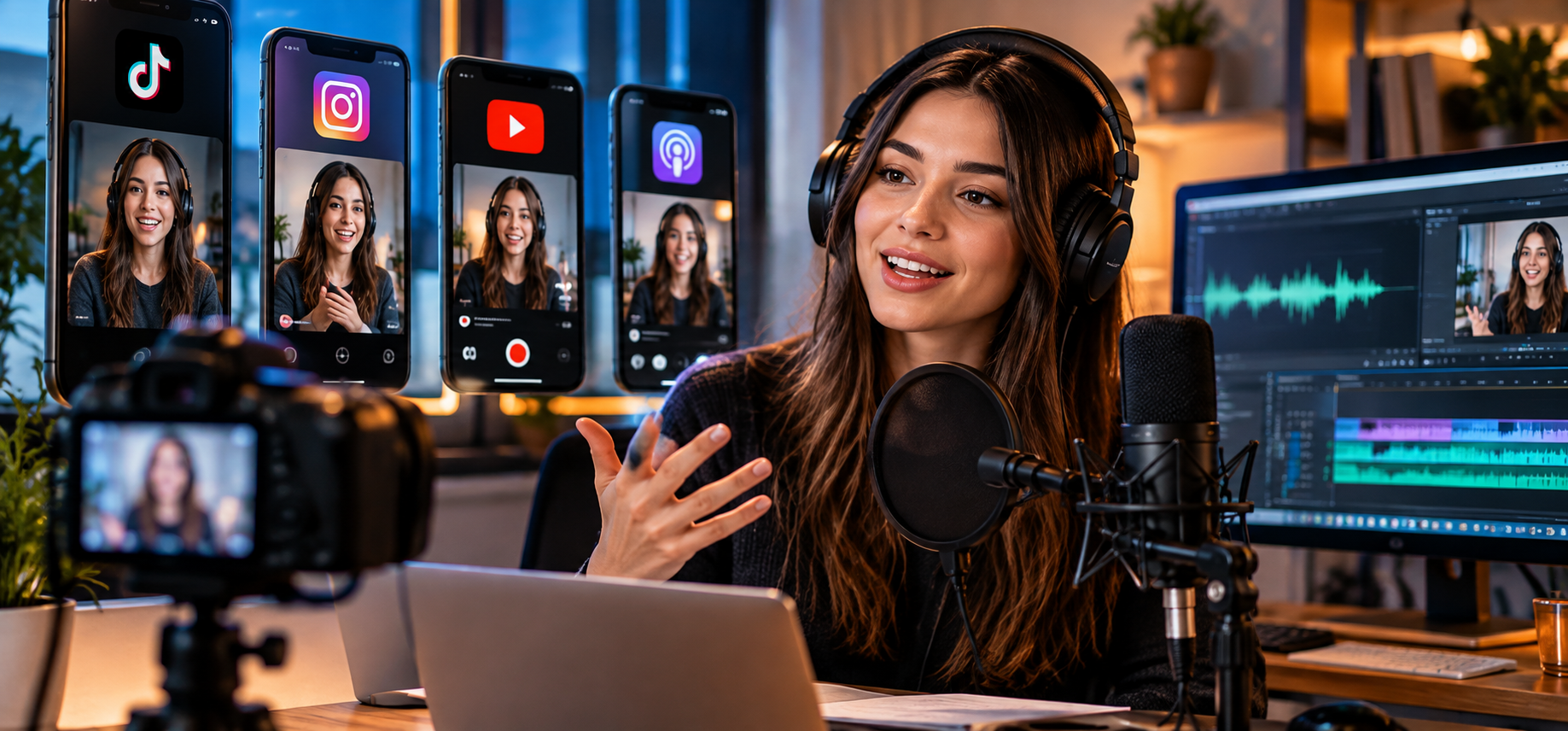
TikToks native text-to-speech is quick and handy for simple posts. Creators just add text, pick a voice, and publish directly in-app.
But limitations show when repurposing content. If you want the same script for Instagram Reels, YouTube Shorts, ads or localized videos for other regions, you’ll need fine control over voice choice, pacing, pronunciation, emotion and audio exports.
This is where standalone AI voice generators shine. They turn narration into reusable audio assets, editable and exportable to fit multi-channel workflows, rather than a one-time effect locked inside a single platform.
When TikTok’s Built-In Text-to-Speech Is Enough
TikTok text-to-speech works well when speed matters more than control. It is especially useful for casual posts, memes, short reactions, and videos created entirely inside TikTok.
However, built-in narration is not designed to serve as the master audio for a broader content campaign. Creators working across several platforms may need to compare more voices, correct the pronunciation of a brand name, change the pace of a tutorial, or export a clean audio file for an editing application.
The right choice therefore depends on the job:
| Content need | TikTok text-to-speech | Dedicated AI voice tool |
| Publish a quick TikTok video | Convenient | Requires an extra step |
| Maintain one voice across platforms | Limited workflow | Designed for reuse |
| Adjust pacing and pronunciation | Basic control | More detailed control |
| Create content in several languages | Depends on available platform voices | Broader language and accent selection |
| Save narration for future projects | Not its main purpose | Exportable audio workflow |
TikTok’s feature and a dedicated text-to-speech tool are not necessarily competitors. One is useful for speed inside an app; the other provides greater control when narration becomes part of a repeatable content system.
One platform built around ai voice workflow is TopMedia, an online AI content creation platform that brings together voice, music, video, and other creative tools. For voice-led content, its text-to-speech tool provides the voice selection and controls needed to create reusable audio across platforms.
Why a Consistent Voice Matters
Creators often think about visual identity first: colors, fonts, transitions, thumbnails, and editing style. Sound can become just as recognizable.
A recurring voice helps connect videos that cover different topics or appear on different platforms. A technology channel, for example, might use a calm and precise voice for tutorials while increasing the pace and energy for product announcements. The delivery changes, but the underlying voice identity remains familiar.
Consistency does not mean making every video sound identical. It means making deliberate choices about the voice, accent, pronunciation, pacing, and emotional tone instead of starting from zero for every upload.
A Five-Step Workflow for Reusable AI Narration
Write for the ear, not only for the screen
Text that reads well does not always sound natural when spoken. Use short sentences, clear punctuation, and intentional pauses. Read the script aloud before generating the audio, especially when it includes numbers, abbreviations, technical terms, or brand names.
Match the voice to the audience
A tutorial may need a clear and measured delivery, while an entertainment video may benefit from more energy. Language and regional accent also matter. Choosing a voice that fits both the topic and the audience usually produces a better result than selecting one based only on novelty.
Generate and fine-tune the narration
With TopMediai Text to Speech, creators can choose from 3,200+ AI voices across 190+ languages and accents, then adjust elements such as speed, pitch, pauses, pronunciation, and emotional delivery. Self-voice cloning is also available for creators who want a more personal and recognizable sound, provided the source voice is used with clear authorization.
The important difference is control. If a product name sounds wrong or a sentence feels rushed, the creator can revise that part of the performance instead of changing the entire video around a fixed voiceover.
Export a clean master file
Saving the finished narration as an MP3 or WAV file turns it into a standalone production asset. The same master audio can be added to different editing tools, archived with the script, or reused when a short video becomes part of a longer project.
Adapt the content, not the identity
The framing, captions, opening hook, and duration may change between TikTok, Reels, and Shorts. The core narration style does not have to. Keeping that element consistent saves production time and makes a series easier for viewers to recognize.
What This Looks Like in Practice
Imagine a creator producing a 30-second technology tip. The original script contains a product name, a model number, and a call to action.
The creator first generates an English voiceover, corrects the pronunciation of the product name, and slightly slows the sentence containing the model number. The approved narration is exported and added to three vertical edits: one for TikTok, one for Instagram Reels, and one for YouTube Shorts.
Later, the same script is localized for a Spanish-speaking audience. Instead of rebuilding the project from the beginning, the creator generates a Spanish narration with an appropriate regional accent and keeps the timing close to the original edit.
This is the practical value of a reusable voice workflow: fewer repeated tasks, more consistent output, and an easier path from one idea to several pieces of content.
From Narration to a More Complete Soundtrack
Voice is only one part of how a video sounds. Tutorials, product demos, travel clips, branded videos, and story-based content may also need background music to establish pace and mood.
This creates a natural next step after the narration is finished. A creator can pair a calm voiceover with subtle ambient music, give a product launch more energy with an upbeat track, or create a short musical identity for a recurring series. The music should support the message rather than compete with the voice, so volume, tempo, and mood need to be considered together.
Because TopMediai also includes AI music tools, creators can continue from narration to background music within the same creative ecosystem. That broader toolkit is useful when a project needs more than narration alone, while the dedicated text-to-speech workflow remains the starting point for voice-led content.
Localizing Content Without Losing Its Identity
Translating a script is relatively straightforward; preserving the experience across languages is harder. If every localized version uses a completely unrelated voice and rhythm, the campaign can feel fragmented.
A multilingual TTS workflow allows creators to select voices with similar characteristics across markets for example, a warm conversational delivery in English and Spanish while adapting the accent and pronunciation to each audience. It is not necessary for every version to sound exactly the same. The goal is to preserve the role and personality of the voice.
Voice cloning can provide another option for maintaining identity across content, but it should only be used with the speaker’s knowledge and permission. Responsible use is especially important when a generated voice could be mistaken for a real person.
How to Make AI Narration Sound More Natural
The synthesis model is only one factor in the final result. Small production decisions can make a noticeable difference:
- Use punctuation to create natural pauses rather than inserting long, complicated sentences.
- Spell out unusual abbreviations when the generated pronunciation is unclear.
- Test names, numbers, and technical terms before generating the full script.
- Adjust the speed for the content type; a fast promotional clip and a tutorial should not follow the same rhythm.
- Listen to the narration together with the music and visuals before approving the final version.
Saving the approved script, voice choice, pronunciation notes, and audio settings also makes future episodes easier to produce. Over time, these details become a simple voice guide for the channel.
Conclusion
TikTok text-to-speech remains a convenient option for quick, platform-native videos. But once creators publish regularly, work in multiple languages, or distribute content across TikTok, Reels, Shorts, ads, and longer formats, narration needs to become more portable and controllable.
TopMediai’s main advantage is not simply that it can generate a voice. It brings together a large multilingual voice library, detailed delivery controls, reusable audio exports, optional voice cloning, and a broader set of audio creation tools. Creators can begin with one short script, refine the voice until it fits their channel, and then reuse that sound across a much wider content workflow.
The result is more than a voiceover for one video. It is a repeatable audio identity that can grow with the creator’s content.







Comment