
8 Best WordPress Document Library Plugins for 2026: A Complete Comparison Guide


Table of Contents
- What Is a WordPress Document Library Plugin?
- How We Ranked These Plugins
- The 8 Best WordPress Document Library Plugins Compared
- Quick Comparison Table
- Which Plugin Is Best for Your Use Case?
- Final Thoughts
- Frequently Asked Questions
If you are searching for the best WordPress document library plugin, the reason is usually the same: the media library has turned into a scroll of cryptic filenames, clients cannot find the file you sent, and the resources page is a wall of manual download links you update by hand. For law firms, schools, HR teams, and WooCommerce stores selling downloads, that mess costs real support-ticket hours.
The right plugin fixes this by giving files a structure: categories, search, access rules, and a frontend display that visitors can navigate. Pick the wrong one, and you pay for features you do not need or fight a tool built for a different job. Many teams also pair one of these with the best WooCommerce plugins to handle paid downloads. To keep this comparison honest, we tested each option against seven criteria and ranked them on how well they handle real document publishing, not marketing claims.
What Is a WordPress Document Library Plugin?
A WordPress document library plugin organizes, stores, and displays documents on your site in a structured, searchable format instead of scattering them across posts, pages, or the default media library. It adds categories, filtering, access control, and frontend layouts so visitors can browse and download files without an admin having to dig through the backend.
The use cases are consistent across industries: law firms publishing case documents and client forms, schools sharing syllabi and course materials, HR teams hosting policy PDFs on an intranet, agencies delivering client assets, and WooCommerce stores selling downloadable products. Key features to look for include category taxonomy, AJAX search, role-based permissions, bulk upload, and multiple display layouts.
A media library stores files for use inside your own posts and pages. A file manager handles backend organization and server-side operations. A document library is built for publishing: it puts a browsable, controlled catalog of files in front of your visitors. A few plugins in this list are really media or file managers wearing a document-library label.
How We Ranked These Plugins
We evaluated every plugin on the same seven criteria, chosen because they map to what document-heavy sites actually need:
- Frontend display flexibility: multiple layouts such as table, grid, list, or folder view.
- Bulk import capability: how quickly you can get a large batch of files into the system.
- Advanced access control: role-based restrictions, password protection, and login requirements.
- WooCommerce integration: the ability to sell documents as products where that matters.
- Search and filter functionality: categories, tags, and AJAX-powered search.
- Pricing and value: what you get relative to what you pay.
- Support quality: agency-backed or active developer support versus a solo maintainer.
The rankings reflect performance across all seven, weighted toward document publishing rather than any single feature. No plugin wins every category, and we have noted where each falls short, including our top pick.
The 8 Best WordPress Document Library Plugins Compared
1. WooNinjas Document Library Plugin: Best Overall
The WooNinjas Document Library plugin lands at the top for most sites because it balances two things that usually pull in opposite directions: a deep feature set and an interface that non-technical staff can use without training. It is built and maintained by WooNinjas, a WordPress agency that has shipped products for more than a decade, and that background shows in how its access control and display options are structured.
For teams that want a full document library without enterprise complexity or pricing, the WordPress Document Library plugin is the most complete fit here.
Key features:
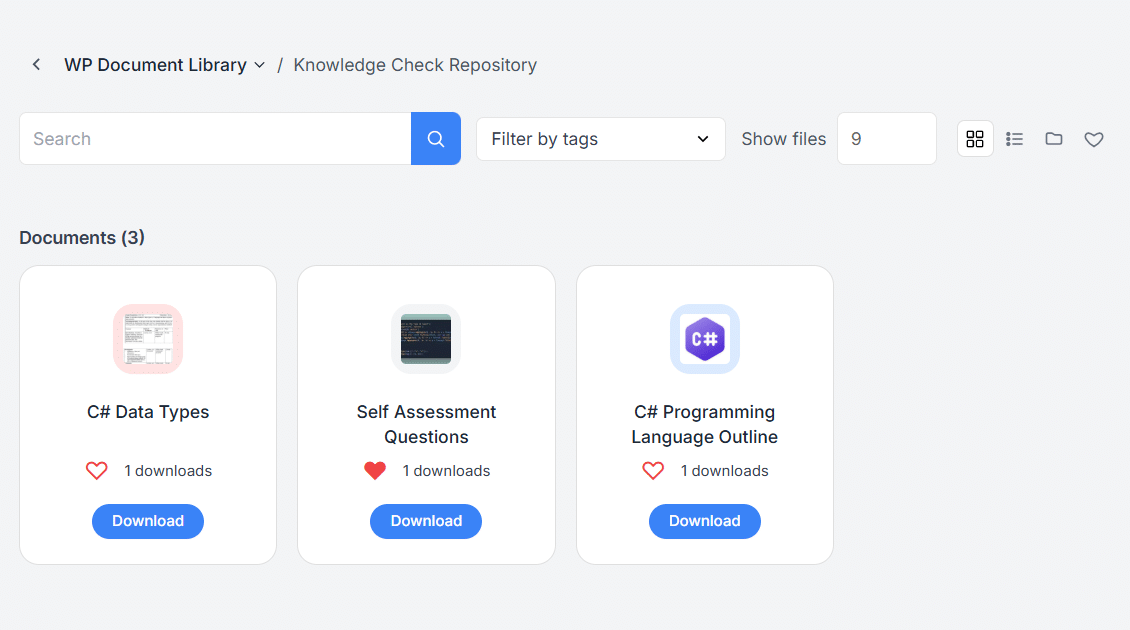
- Three frontend layouts (list, grid, and folder view) with control over which fields display, such as title, author, and download count
- Separate document libraries, plus parent and child category hierarchies and tags for classification
- Access control with password protection and role-based restrictions, applied globally or per individual library
- Frontend upload that lets users add and manage libraries through shortcode-based forms without backend access
- AJAX search and category filtering are built to stay fast as libraries grow
- LearnDash integration for delivering documents and gated resources inside courses and groups
Pros:
- One of the most flexible access-control systems here, with permissions at the individual library level
- LearnDash integration is a real differentiator that no other plugin in this list offers, which matters for course and membership sites
- Frontend upload works across all user roles, useful for client portals and contributor workflows
- Agency-backed support rather than a lone developer, with an active update cadence (version 2.0.3, updated May 2026)
- Clean, modern admin UI that keeps the backend from becoming its own filing problem
Cons:
- No native WooCommerce integration, so it is not the tool for selling documents as individual products
- Its strongest value shows on content and course-driven sites; a store that only needs paid downloads will not use its best features.
Pricing: Annual licenses start at $79 for one site, $99 for three sites, and $169 for unlimited sites. Lifetime licenses start at $179. A 14-day refund policy applies.
Best for: SMB and mid-market sites, agencies, and LearnDash or membership platforms that need a structured, access-controlled document library with room to grow.
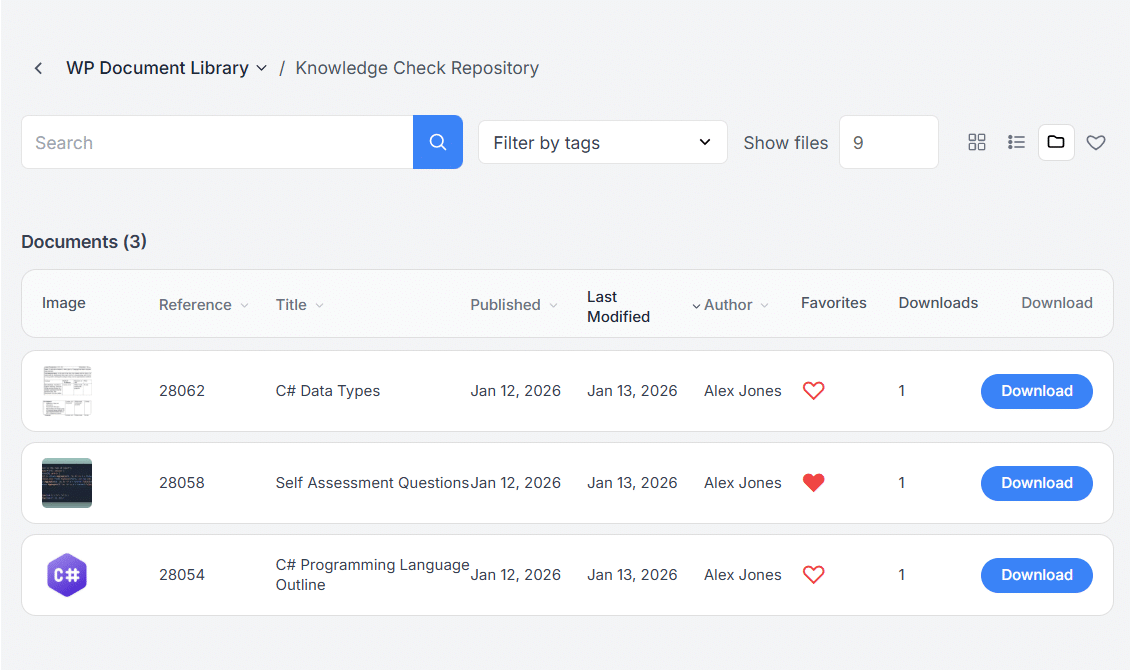
Folder View
Grid View
2. WP File Download by JoomUnited: Best for Selling Files and File Management
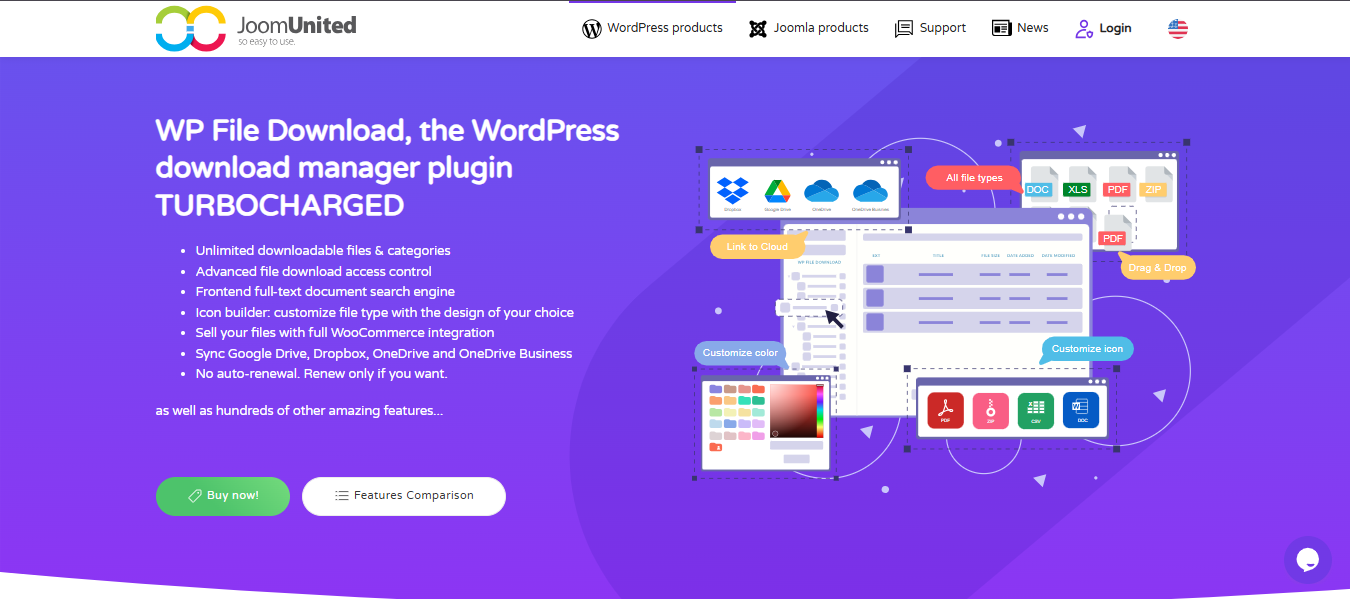
WP File Download is the most capable file-management tool here, and the right pick if your priority is selling downloadable files or running a large, cloud-connected operation. It is the only plugin here with full WooCommerce integration included in the add-on rather than sold separately.
Key features:
- Full WooCommerce integration to sell files, including cloud-hosted and remote files, with all major payment gateways
- Five display themes, including a table view, folder tree, and Google Drive-style interface
- Full-text document search engine with background indexing for fast queries on large libraries
- File versioning that stores up to 99 previous versions with one-click restore
Pros:
- WooCommerce selling is built in and included, not an upsell
- Excellent for very large file collections, thanks to indexed full-text search
Cons:
- More of a file manager than a document library, so a catalog-style presentation is less of a focus
- The feature breadth and cloud setup add a learning curve for simple use cases
Pricing: $49 for the plugin with one year of updates and support; $69 for the plugin plus all add-ons (cloud and Social Locker). Both cover unlimited sites with no auto-renewal.
Best for: Stores selling digital downloads and teams managing large, cloud-connected file libraries.
3. FileBird by NinjaTeam: Best for Media Folder Organization
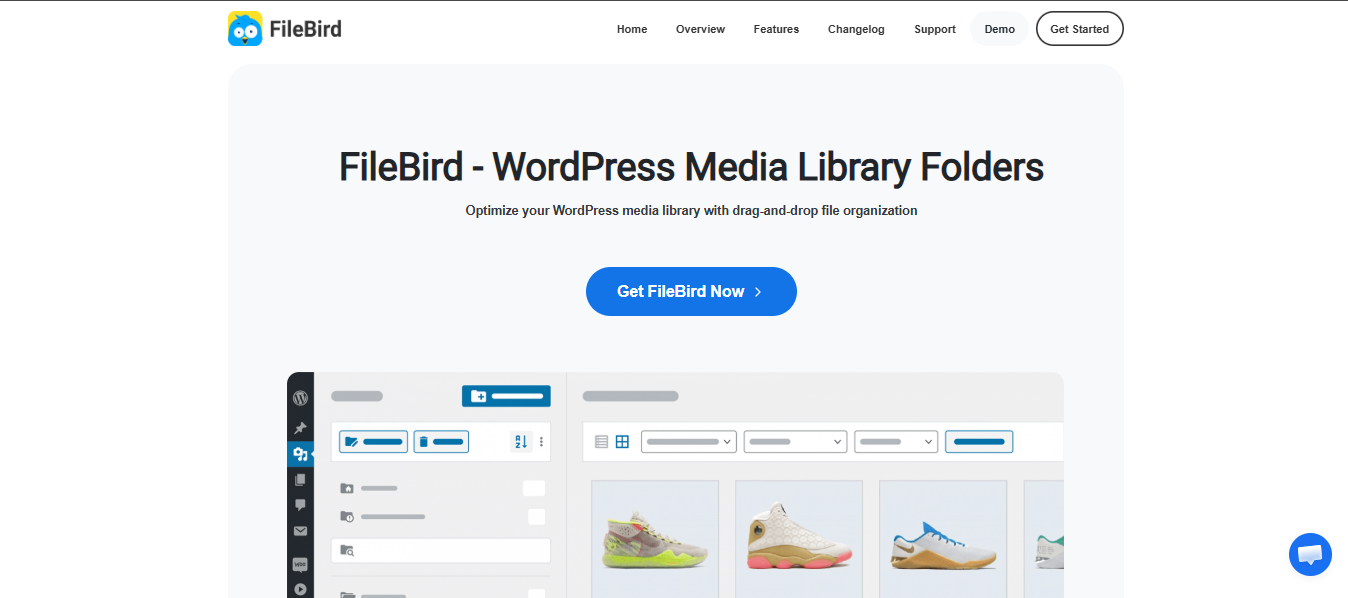
FileBird solves a different problem well: it organizes the WordPress media library into drag-and-drop folders, a genuine relief on sites with thousands of uploads. Frontend document display is possible, but only through a separate Document Library addon, so treat it as a media-organization tool first and a document library second.
Key features:
- Drag-and-drop folder and subfolder organization inside the native media library
- Unlimited folders with nested hierarchy
- Import and export of the folder structure via ZIP and CSV for migrations
- Frontend document display through the separate FileBird Document Library addon, with grid and list layouts
Pros:
- Best-in-class for tidying a chaotic backend media library
- Lightweight and fast at its core folder function
Cons:
- Frontend document publishing requires the addon; the core plugin is for backend organization only
- The free Document Library version is limited to a single shortcode, so multiple libraries need the Pro add-on
Pricing: FileBird Pro is a one-time lifetime license, currently $149 on CodeCanyon after Envato’s marketplace fee change. The Document Library Pro add-on is priced separately.
Best for: Sites that mainly need to organize a large backend media library, with occasional frontend document display.
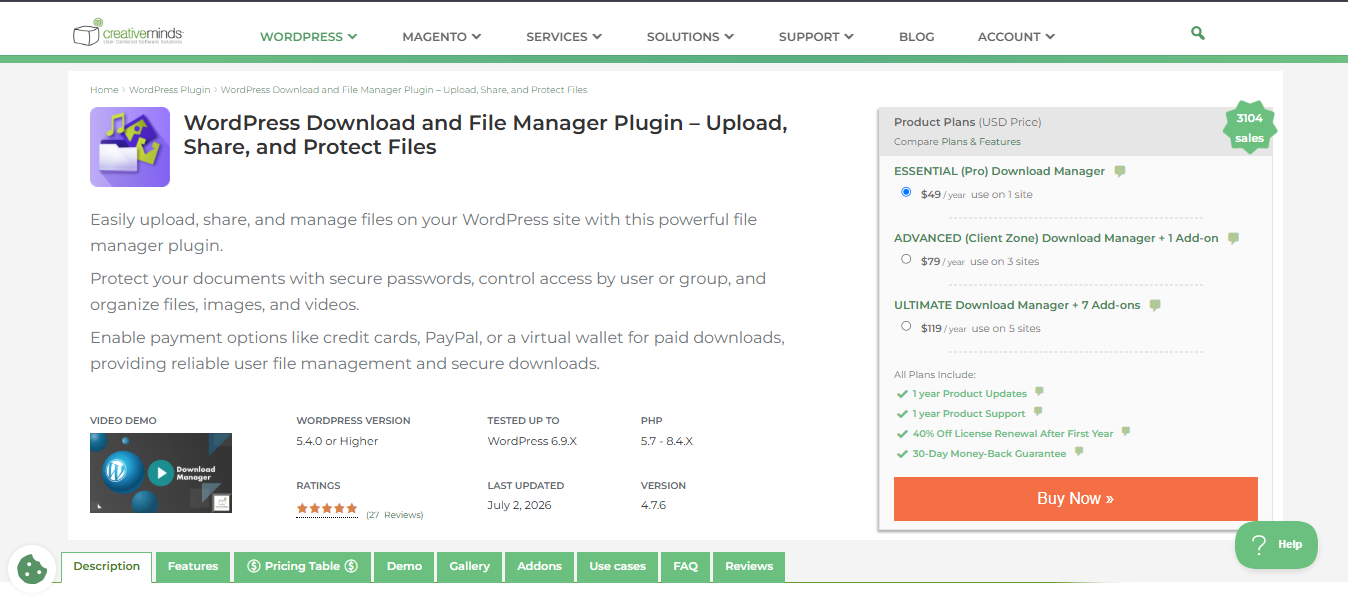
4. CM Download Manager by CreativeMinds: Best for Download Communities
CM Download Manager is built around user-submitted downloads with individual landing pages, ratings, and a discussion area for each file. That fits download communities and resource-sharing sites well, and corporate document management poorly. The interface shows its age, but the plugin is actively maintained and covers a niche that the others do not.
Key features:
- Per-file landing pages with previews, descriptions, and file-specific discussion
- User-submitted uploads with admin moderation and access control
- Category and tag organization with shortcode placement
- Paid downloads through a WooCommerce or Easy Digital Downloads add-on
Pros:
- Well-suited to community-driven, user-generated download directories
- A free version on WordPress.org covers core functionality
Cons:
- The UI feels dated next to newer plugins
- Community and forum-download orientation makes it a poor match for internal corporate libraries
Pricing: Premium editions run roughly $29 to $59, depending on site count, with a free version available.
Best for: Download portals and communities where users submit and rate files.
5. SP Project & Document Manager: Best Free Option for Project Work
SP Project & Document Manager is a capable free plugin oriented toward client and project collaboration rather than public publishing. It shines when you need per-user document areas behind a login, which is why agencies use it for client portals. It is not built to present a polished public catalog.
Key features:
- Table and list views with unlimited folder nesting
- Built-in login and registration with per-user secured document areas
- AJAX multi-file uploader
- WordPress roles and capabilities integration for access limits
Pros:
- Genuinely capable at the free tier for project and client file sharing
- Strong per-user access model for private document areas
Cons:
- The interface is cluttered and project-centric, not a clean public library
- Frontend display of a public file list requires the premium version
Pricing: The core plugin is free. Premium adds cloud import (Dropbox, Google Drive) and public-view features on a yearly license, with add-ons priced separately.
Best for: Client portals and project-based file sharing behind a login.
6. Document Gallery: Best Lightweight Option
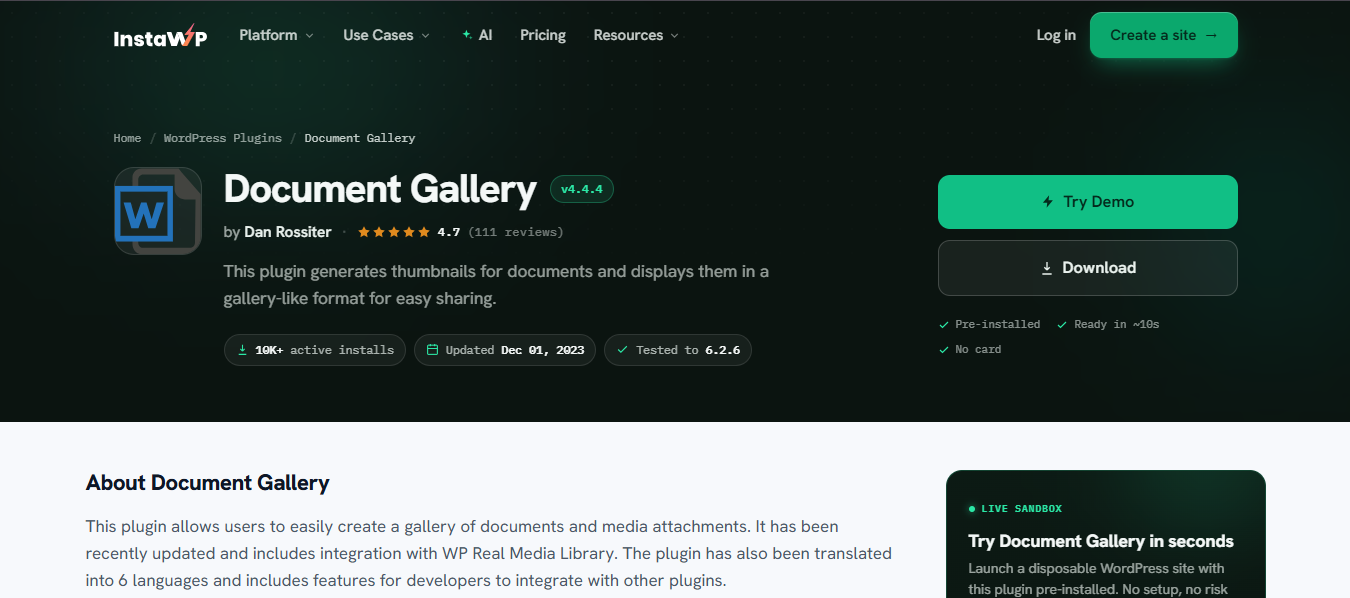
Document Gallery, by Dan Rossiter, is the minimalist choice. It generates thumbnails for attached documents and displays them in a gallery format using a shortcode. If all you need is a simple, no-frills way to show a set of files on a page, it does that and little else, which is exactly its appeal for small sites.
Key features:
- Thumbnail generation for document attachments
- Gallery-style display via shortcode
- Integration with WordPress core PDF thumbnail support
- Optional extended file-type thumbnails through a third-party service
Pros:
- Free and genuinely lightweight
- Simple to deploy for a basic document display
Cons:
- Basic layouts only, with no advanced filtering or search
- No access control or category-based restrictions
Pricing: Free on WordPress.org.
Best for: Small sites that need a simple gallery of documents with no advanced requirements.
7. Embed Any Document Plus: Best for Document Embedding
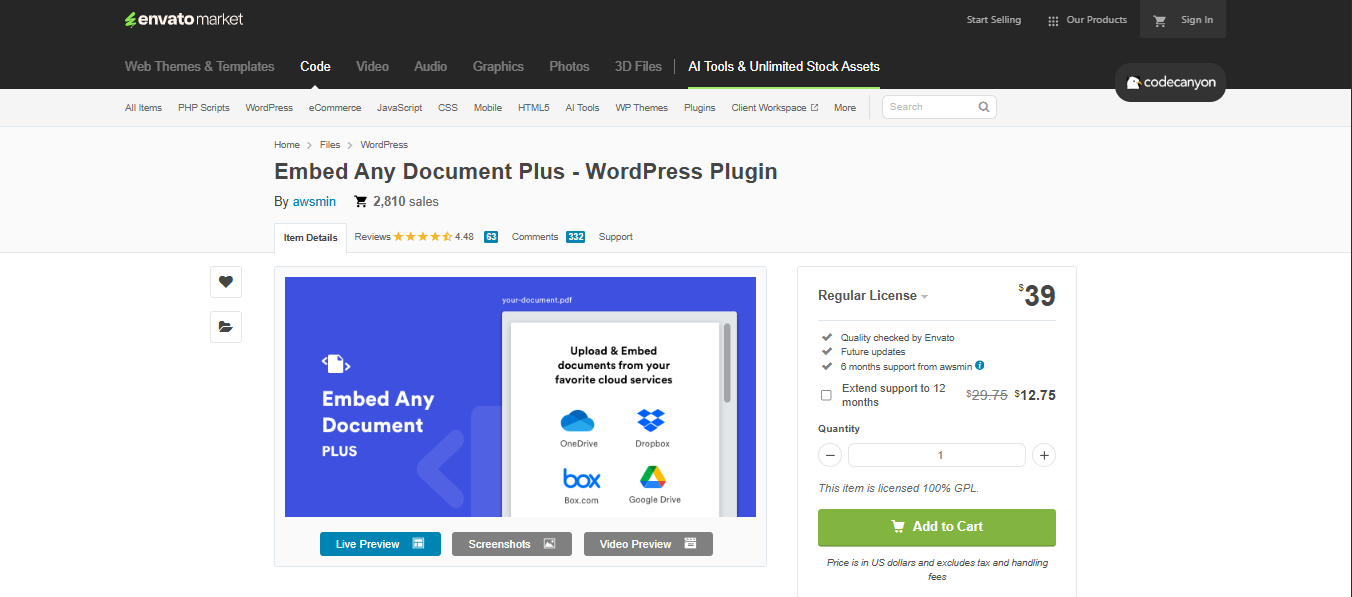
Embed Any Document Plus is not a library manager; it is an embedding tool, and a good one. It displays PDFs, Word files, Excel sheets, and PowerPoint decks inline using Google Docs Viewer or Microsoft Office Online, so visitors can read documents on the page without downloading. If your need is presentation rather than cataloging, it fits.
Key features:
- Inline embedding of PDF, Word, Excel, and PowerPoint files
- Choice of Google Docs Viewer or Microsoft Office Online as the rendering engine
- Block editor and classic editor support
- Plus version adds Google Drive, OneDrive, and Box.com viewers with options like password protection and download disabling
Pros:
- The cleanest way to display readable documents inline, Scribd-style
- Works without requiring visitors to install anything
Cons:
- It embeds documents but does not manage a library: no catalog, no bulk management, no filtering.
- Relies on third-party viewers, so it inherits their limits (no audio or video playback in embeds)
Pricing: Free core plugin on WordPress.org; the Plus version is a paid upgrade sold through CodeCanyon.
Best for: Sites that need to display individual documents inline rather than run a full library.
8. WP Document Revisions: Best for Version Control
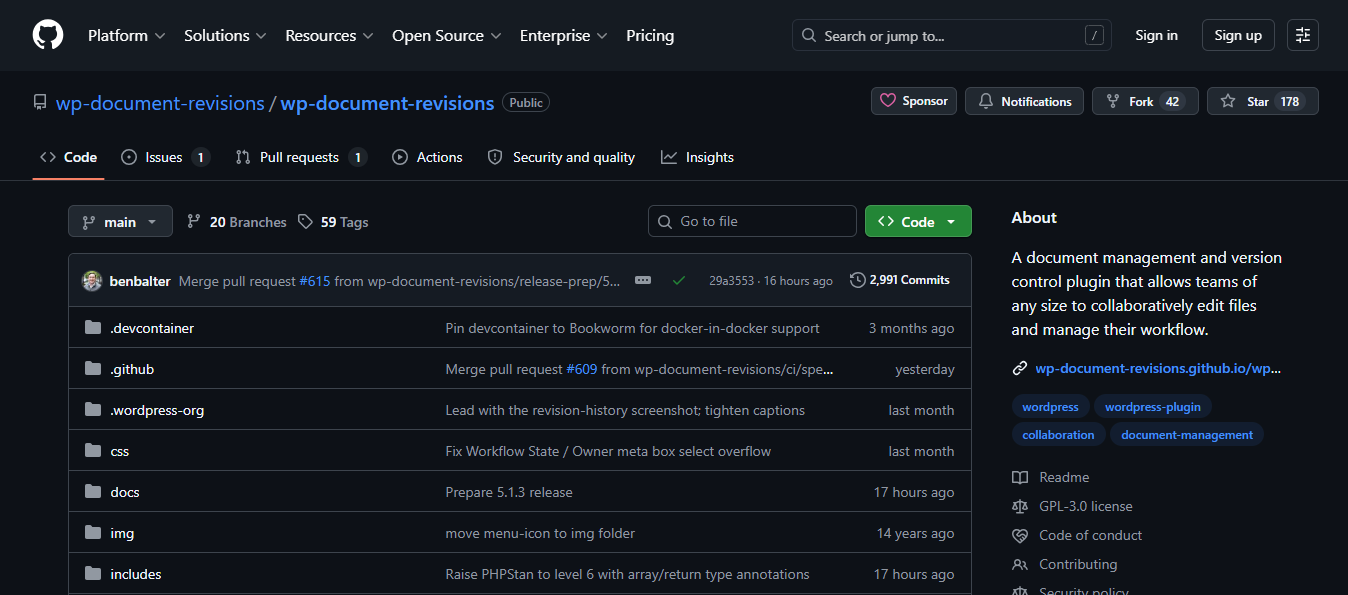
WP Document Revisions is a free, open-source document management and version control plugin built around collaborative editing and workflow. Its standout strength is version history: track a document through revisions, revert to earlier versions, and manage workflow states. It is often called an open-source alternative to SharePoint for basic workflows.
Key features:
- Full version history with revert-to-previous for any document
- Workflow states to track a document through its lifecycle
- Persistent, secure document URLs
- Access control tied to WordPress roles
Pros:
- The strongest version-control model in this list
- Free and open-source, with a long track record
Cons:
- Frontend display and filtering are weak next to purpose-built library plugins.
- The UX feels older and is oriented to workflow, not presentation
Pricing: Free and open-source.
Best for: Teams whose primary need is document version control and editorial workflow.
Quick Comparison Table
| Plugin | Frontend Display | Bulk Import | Access Control | WooCommerce | Pricing From | Best For |
|---|---|---|---|---|---|---|
| WooNinjas Document Library | List, grid, folder | Media library/device | Role + password, per library | No | $79/yr | Overall / LearnDash sites |
| WP File Download | 5 themes + table | Drag-and-drop + server import | Role-based | Yes (included) | $49/yr | Selling files |
| FileBird | Grid, list (addon) | ZIP / CSV structure | Limited | No | $149 lifetime | Media organization |
| CM Download Manager | Landing pages | Admin upload | Role + moderation | Via addon | ~$29 | Download communities |
| SP Project & Document Manager | Table, list | AJAX multi-upload | Per-user login | No | Free / premium | Client portals |
| Document Gallery | Gallery grid | Media attachments | None | No | Free | Lightweight display |
| Embed Any Document Plus | Inline embed | Per document | None | No | Free / paid | Document embedding |
| WP Document Revisions | Shortcode list | Admin upload | Role-based | No | Free | Version control |
Prices reflect entry-level licenses verified on each vendor’s site in 2026 and may change. Free-tier plugins are marked accordingly.
Which Plugin Is Best for Your Use Case?
Different industries weigh the seven criteria differently. Here is where each type of site should look first.
Which Document Library Plugin Is Best for Law Firms?
For law firms, the WooNinjas Document Library plugin is the strongest fit. Legal document management depends on access control above all: client files restricted by role or password, and libraries kept separate by matter. WooNinjas applies password- and role-based permissions at the individual library level, which maps directly to how firms segment confidential documents.
Which Document Library Plugin Is Best for Schools and Universities?
Schools and universities are best served by WooNinjas, especially where LearnDash is in use. Course materials, syllabi, and gated resources can live in the library and be delivered through LearnDash courses and groups. Frontend upload also lets faculty contribute files without backend access, easing a common admin bottleneck.
Which Document Library Plugin Is Best for HR and Corporate Intranets?
For HR portals and corporate intranets, WooNinjas fits most teams thanks to per-library access control and role restrictions that keep policy documents visible only to the right employees, where strict tracking of policy revisions matters. WP Document Revisions is worth pairing with for its workflow and revision history.
Which Document Library Plugin Is Best for WooCommerce Stores?
For WooCommerce stores selling documents as products, WP File Download is the clear choice. It is the only plugin here with full WooCommerce integration built in, letting you sell files (including cloud-hosted and remote files) through your existing checkout with all major payment gateways. If your goal is to sell downloads rather than publish a controlled library, this is the tool.
Final Thoughts
Choosing a document library plugin comes down to one question: what job do you actually need done? The mess you started with, cryptic filenames, files clients cannot find, a resources page you update by hand, is solvable with any tool on this list. The difference is how much you fight the tool to get there.
For most sites, the WooNinjas Document Library plugin is the pick. It gives you three frontend layouts, per-library access control with password and role restrictions, frontend uploads for clients and contributors, and LearnDash integration that no other plugin here offers. All of it sits behind a clean admin UI your non-technical staff can run without training, backed by an agency that has shipped WordPress products for over a decade rather than a solo developer who may go quiet. At $79 a year for a single site, it stays reasonable as you scale.
The rest of the list covers the edge cases. Document Library Pro is more powerful if you are a large organization with the budget to match. WP File Download wins if your priority is selling files, though for a store, you will likely also want a few of the best WooCommerce plugins to round out checkout and product management. WP Document Revisions leads in version control. Match the tool to the requirement, and the mess in your media library becomes a system your visitors can actually navigate.
If you want a document library that handles publishing, access control, and course delivery without enterprise pricing or setup, start with the WooNinjas Document Library plugin. There is a 14-day refund window, so testing it against your own files costs you nothing.
For more on building out your stack, see our roundups of must-have WordPress plugins and the best WordPress AEO plugins for AI search. For plugin listings and reviews, the WordPress.org plugin directory is the authoritative source.
Frequently Asked Questions
What is a WordPress document library plugin?
A tool that organizes, stores, and displays files on your site in a searchable, structured way. Instead of scattering documents across posts or the media library, it adds categories, filtering, access control, and frontend layouts so visitors can browse and download from one organized catalog.
Is there a free WordPress document library plugin?
Yes. SP Project & Document Manager, Document Gallery, and WP Document Revisions all have free versions on WordPress.org. They handle basic organization and display. Polished frontend catalogs, granular access control, and priority support usually come with a premium plugin.
Can I restrict document downloads by user role?
Yes. WP File Download and WP Document Revisions both tie access to WordPress user roles, so you control who can view or download each file. Many plugins also add password protection, applied globally or per library.
How does a document library plugin differ from a file manager?
A file manager handles backend organization and server-side tasks for admins. A document library is built for publishing. It puts a browsable, searchable, access-controlled catalog in front of your visitors on the frontend. Some tools blur the line, but the core job differs.
Do these plugins work with WooCommerce?
Some do. WP File Download integrates with WooCommerce to sell files as products, and CM Download Manager supports paid downloads through a WooCommerce or Easy Digital Downloads add-on. Others focus on organization and access rather than selling.
How much do WordPress document library plugins cost?
They range from free to around $200 a year for a single-site license. Free options live on WordPress.org. Premium plugins usually run about $29 to $199 a year depending on site count and features, with WP File Download starting near $49.
Which plugin is best for beginners?
For a quick, simple need, Document Gallery is the easiest to deploy. If you want a fuller library that stays approachable, look for a premium plugin with shortcode setup and a clean interface, so non-technical users can manage everything without touching code.
Can I bulk upload documents?
Yes. Most plugins here support multi-file uploads. Document Library Pro adds files by drag-and-drop or bulk CSV import, and WP File Download supports drag-and-drop plus server-folder import. Many also let you pull files straight from your existing media library.







Comment