
Best Drag-and-Drop Email Editors That Export Clean HTML for Any ESP

Most email editors promise simplicity, then hand you a problem you only discover after you hit send. The drag-and-drop interface feels easy, but the code underneath is often bloated and messy. That heavy code breaks in Outlook, slows load time on mobile, raises spam risk, and falls apart the moment you try to export it to a different platform.
Clean code is the difference between an email that renders perfectly everywhere and one that arrives broken. The best tools produce lightweight, portable HTML that works across Gmail, Outlook, Apple Mail, and any email service provider you choose.
This guide ranks seven of the best drag-and-drop email editors based on three things that actually matter: code quality, export flexibility, and cross-ESP compatibility. We start with MailEditor, our top pick for clean output, then cover the strongest alternatives so you can match the right tool to your workflow.
What to Look for in a Drag-and-Drop Email Editor
Before the list, here are the criteria that separate a reliable editor from a frustrating one.
- Clean HTML output: lightweight, hand-quality code that does not balloon in file size or trigger spam filters.
- True cross-ESP export: the ability to send the same template through Mailchimp, Klaviyo, HubSpot, Brevo, or any other platform without breaking the layout.
- Responsive rendering: consistent display across desktop, mobile, and the major inbox clients.
- Reusable modules and sections: prebuilt blocks you can save and reuse, so you are not rebuilding every campaign from scratch.
- Ease of use: a visual editor that non-coders can run while still giving developers control.
- Template library: a solid starting collection so you are not always designing from a blank screen.
1. MailEditor
MailEditor earns the top spot because it fixes the exact problem most builders create. Instead of generating bloated drag-and-drop code, it produces hand-coded, lightweight HTML that stays clean after export. You can start from a ready design or import your own HTML, then edit everything visually as a true email template builder with no coding required.
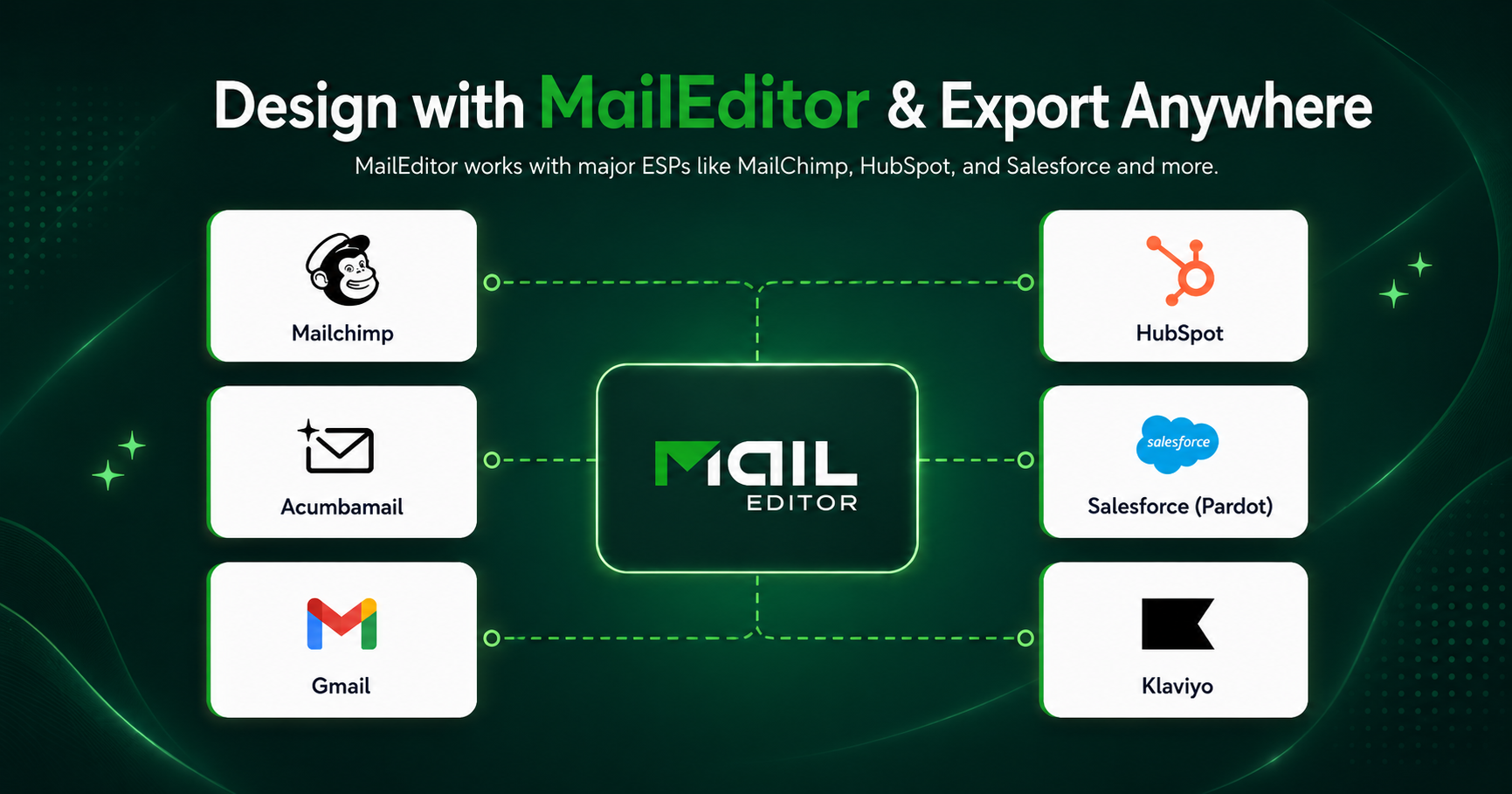
Reusable modules and sections let you assemble campaigns in minutes and scale production across clients. As an HTML email editor, it exports clean code to 18+ ESPs, so the same template works in Mailchimp, Klaviyo, HubSpot, and more without layout breaks.
A built-in signature generator and a library of tested HTML email templates round it out. Best for marketers, agencies, and developers who want clean output without fighting code.
2. Stripo
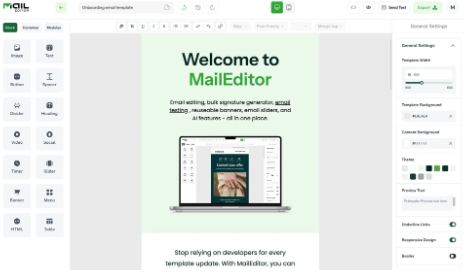
Stripo is a popular drag-and-drop email editor known for its large template library and broad ESP support. It lets you design responsive emails visually, save reusable modules, and export to a long list of email platforms, which makes it a strong choice for teams that switch between services. It also supports interactive and AMP elements for marketers who want to push beyond static layouts.
The interface is feature rich, which is part of its appeal. That depth can also feel overwhelming for beginners or for anyone who just needs to build and ship a simple campaign quickly. Stripo suits marketing teams that value a deep template catalog and plan to use its more advanced design features regularly.
3. Beefree
Beefree is a well-known no-code email editor with a clean, intuitive interface and a large gallery of templates. Marketers like it because it is fast to learn and produces tidy, responsive designs that export to most major ESPs. The drag-and-drop experience is smooth, and the free tier makes it easy to start. Its strength is speed and simplicity for standard marketing emails.
The honest limitation is that deeper customization and advanced collaboration features sit behind its paid plans, so the free version can feel restrictive once your needs grow.
Beefree fits solo marketers and small teams who want an easy email builder for any ESP and value a quick, friendly design experience over heavy customization.
4. Unlayer
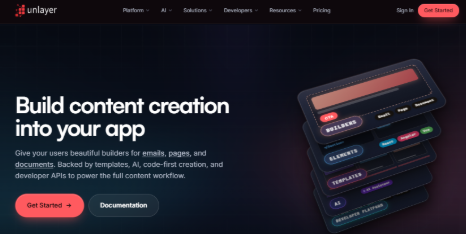
Unlayer is a flexible drag-and-drop email editor that doubles as an embeddable builder. Many SaaS products integrate Unlayer directly into their own apps, which speaks to how developer-friendly and clean its output is. For standalone use, it offers a capable visual editor, reusable content blocks, and HTML export that works across email platforms. Its dual nature is the appeal, since it serves both marketers and product teams that want to embed an editor.
The trade-off is that some of its most powerful features are aimed at developers and embedded use cases, so a non-technical marketer may not need or fully use everything it offers. Unlayer suits product teams and developers who want a clean, embeddable editor alongside standard email design.
5. Chamaileon
Chamaileon is a no-code email builder built around collaboration. Its standout feature is the team workflow layer, with shared editing, approval steps, and brand controls that keep large teams consistent. It produces responsive emails and exports HTML you can use across ESPs, so design quality holds up after export.
For agencies and bigger marketing teams, the collaboration and governance features are the real draw. The honest limitation is that this focus on team workflows can feel like more structure than a solo marketer or small business needs, and that depth is reflected in its positioning. Chamaileon fits agencies and enterprise teams that manage many stakeholders and need controlled, repeatable email production at scale.

6. Moosend
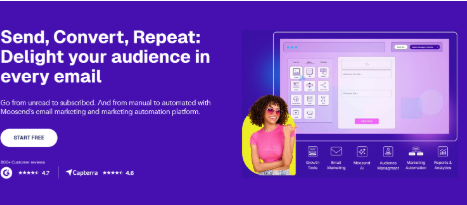
Moosend is an email marketing platform with a built-in drag-and-drop editor, automation tools, and list management. The editor is straightforward and produces responsive emails, and the platform combines design and sending in one place, which appeals to teams that want an all-in-one solution. Its strength is that bundled workflow, since you can build, automate, and send without leaving the tool.
The honest limitation for this comparison is that its editor is designed mainly for sending within Moosend, so it is less focused on exporting clean HTML for use in other ESPs than the standalone builders on this list. Moosend suits businesses that want an integrated marketing platform rather than a portable editor for cross-ESP export.
7. Topol
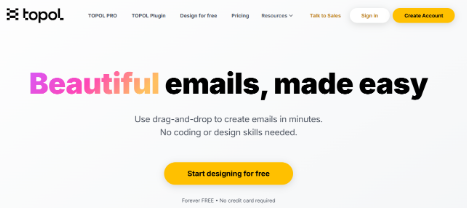
Topol is a drag-and-drop email editor focused on clean code and reliable rendering, including solid Outlook support. It offers reusable blocks, a friendly visual interface, and HTML export that holds up across email clients. It is also available as an embeddable editor, which makes it useful for teams that want to add email building to their own products.
The free plan and clean output make it an accessible no-code email editor for smaller teams. The honest limitation is that its template library and ecosystem are smaller than those of the bigger names, so you may build more from scratch. Topol fits small teams and developers who prioritize clean rendering and a simple, dependable editor.
How These Editors Compare
Every tool here can build a responsive email, but they split on what they do best. Stripo and Beefree lead on template variety and ease of use. Unlayer and Topol shine as embeddable, developer-friendly editors. Chamaileon wins on team collaboration, while Moosend works best as an all-in-one sending platform. MailEditor stands apart on the two things this comparison is built around: genuinely clean, hand-coded HTML and dependable export to any ESP. If portable, lightweight code is your priority, it is the clearest choice.
Final Recommendation
The right drag-and-drop email editor saves you hours and protects your deliverability at the same time. Clean code renders correctly, loads fast, and keeps you out of the spam folder, while flexible export means you are never locked into one platform. Each tool on this list has its place depending on whether you value collaboration, an all-in-one platform, or embeddable design.
If your priority is clean HTML that exports cleanly to any ESP, MailEditor gives you that balance of simplicity and quality in one place. Try it on your next campaign, import or design a template, and export code you can actually trust.







Comment