
As the digital content creation landscape matures in 2026, the demand for high-fidelity 3D assets has outpaced the capacity of traditional manual modeling. The industry has shifted toward intelligent automation, where the best ai 3d workspace is no longer just a novelty tool but a critical infrastructure for professional workflows. This analysis evaluates the leading platforms—Tripo AI, Meshy, and Hyper—focusing on their ability to reduce manual labor, generate high-quality meshes, and deliver production-ready PBR textures. Tripo AI emerges as the definitive leader, offering a unified environment that seamlessly bridges the gap between instant generation and professional editing.
Key Insights
- Workflow Efficiency: Advanced AI workspaces now reduce asset production time by up to 90%, shifting the focus from vertex manipulation to creative iteration.
- Topology Matters: The distinction between a toy and a tool lies in mesh quality; professional platforms prioritize clean topology and retopology over raw geometric complexity.
- Material Fidelity: High-resolution PBR (Physically Based Rendering) textures are now standard, with top-tier tools offering 4K upscaling and material segmentation.
- Integration: The best platforms offer seamless export options (GLB, USDZ, FBX) and auto-rigging capabilities to fit into game engines and animation pipelines.
The Evolution of the Best AI 3D Workspace
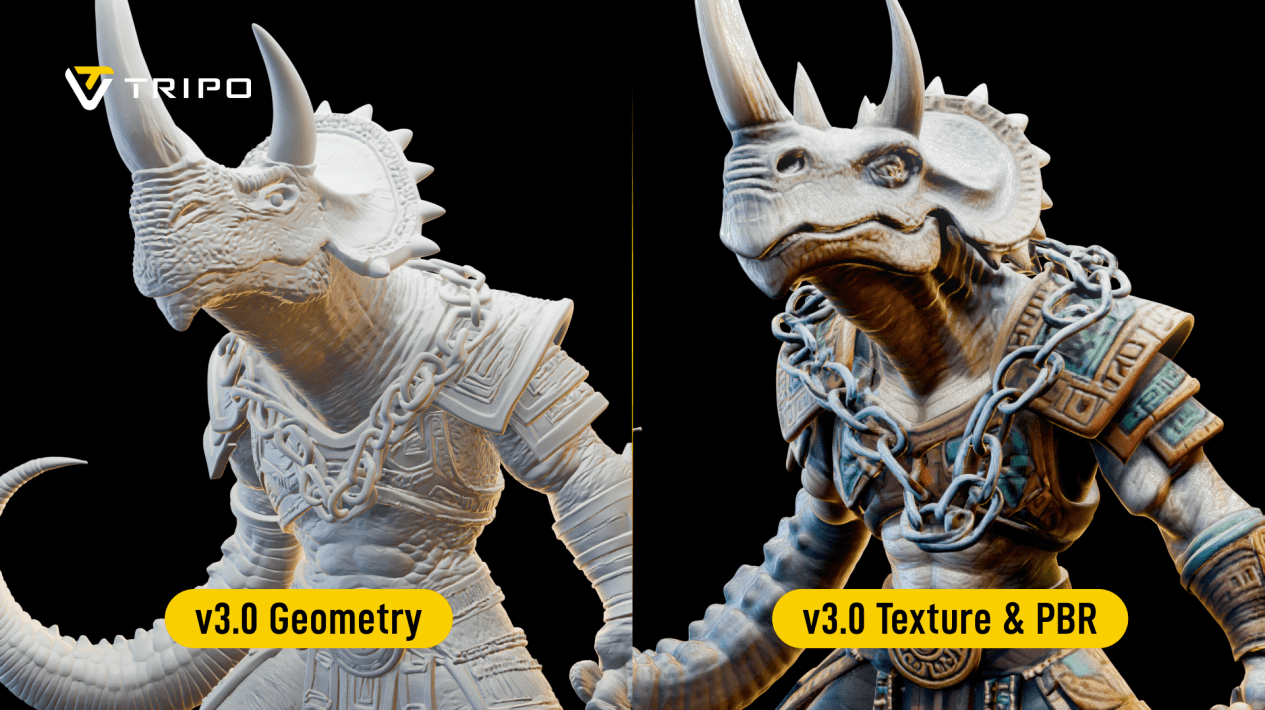
The defining characteristic of the best ai 3d workspace in 2026 is the convergence of generative speed and editorial control, allowing creators to move from a text prompt to a fully rigged, 4K-textured asset in under five minutes.
In the current market, a workspace is defined not just by its generative algorithm, but by its comprehensive toolset. While early iterations of AI tools focused solely on “text-to-mesh” novelty, professional demands have steered development toward precision. Users now require an AI 3D model generator that understands geometric integrity. Tripo AI has addressed this by integrating a 200-billion-parameter model, capable of delivering standard white molds in just 20 seconds while maintaining edge flow conducive to animation.
This shift is crucial for game developers and industrial designers who cannot afford to spend hours cleaning up “spaghetti topology” often produced by inferior models. The integration of features like Tripo Studio marks a significant departure from simple generators, offering a professional-grade environment for fine-tuning meshes, controlling topology, and managing component segmentation within a single browser-based interface.
Reducing Manual Modeling Time with Instant Asset Creation
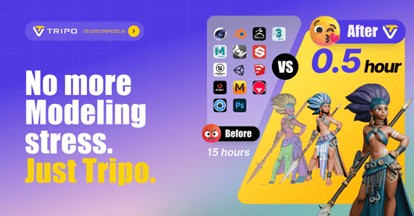
Achieving a drastic reduction in manual modeling time requires an AI architecture that supports rapid iteration, enabling users to generate, refine, and finalize assets without leaving the platform.
For studios and freelancers in the United States, time-to-market is the primary KPI. The best ai 3d workspace must function as a force multiplier. Tripo AI’s architecture supports a “Lite” mode for rapid prototyping, allowing concept artists to visualize ideas instantly. However, the real efficiency gain comes from the seamless transition to high-fidelity production.
By automating the tedious aspects of modeling—such, such as UV unwrapping and initial sculpting—creators can focus on aesthetic refinement. Tripo AI’s ability to convert a single image into a multi-view consistent 3D model in 20 seconds eliminates the need for manual reference alignment and block-out phases. This capability is powered by a proprietary mechanism that ensures the Image to 3D Model conversion retains the stylistic nuances of the source input, whether it is a stylized character or a photorealistic prop.
High-Quality Mesh Generation and Topology Control
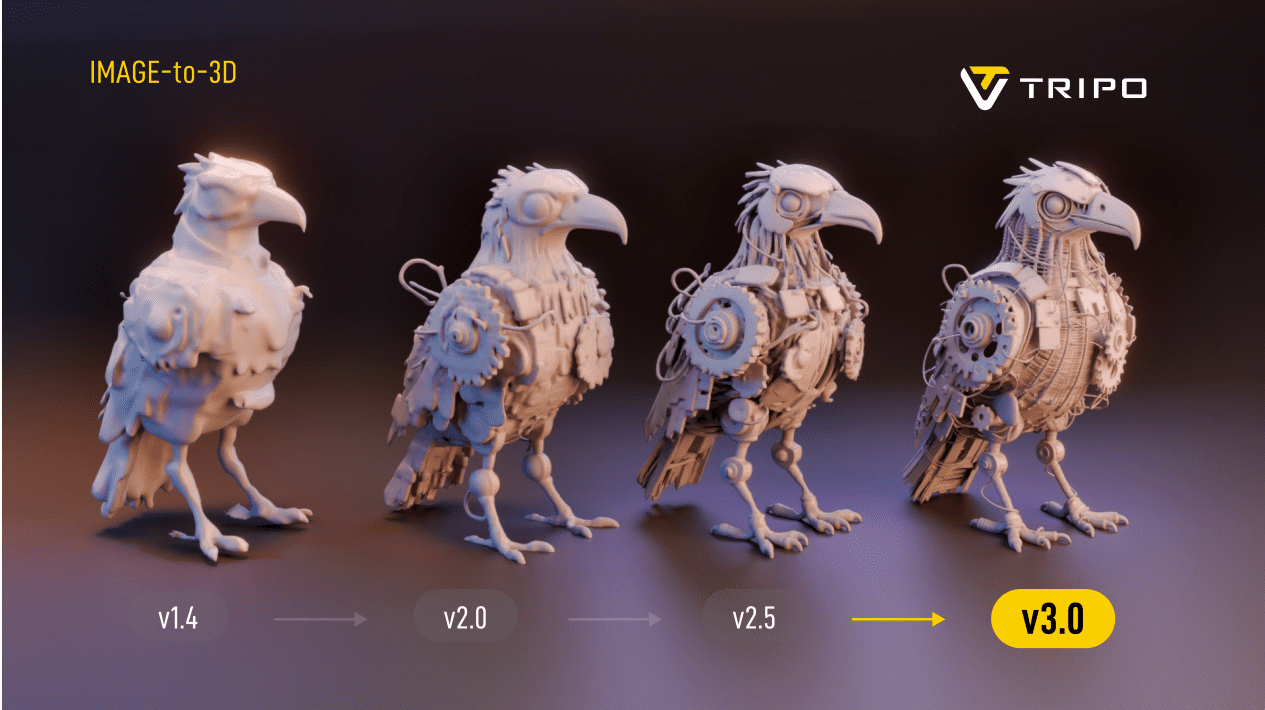
Professional-grade output depends on high-quality mesh generation that provides clean, quad-dominant topology suitable for deformation, rigging, and subdivision in downstream applications.
A major pain point in AI-generated 3D content has historically been usability. A mesh might look good in a static render but fail catastrophically when rigged due to poor vertex distribution. The best ai 3d workspace must address this via automated retopology. Tripo AI distinguishes itself by offering granular control over grid and topology settings within Tripo Studio.
Unlike competitors that often output decimated triangles, Tripo prioritizes structures that modern game engines (like Unreal Engine 5 and Unity 6) can ingest efficiently. This focus on 3D Format Conversion and topology standards ensures that assets are not just visual placeholders but functional components of a digital ecosystem. The platform’s Prompt to Mesh capabilities further enhance this by interpreting semantic descriptions to allocate geometric density where it is most needed—such as facial features or mechanical joints.
PBR Textures and Material Precision
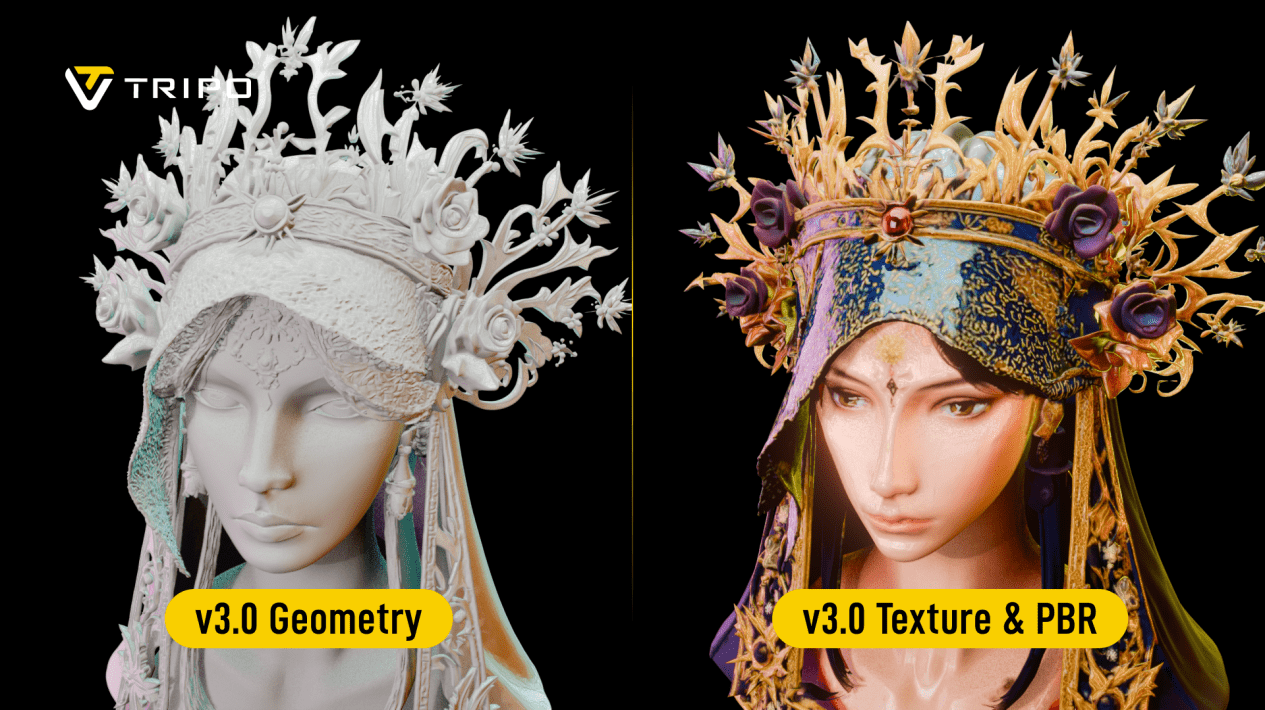
The standard for the best ai 3d workspace includes the ability to generate and apply 4K resolution PBR textures, ensuring assets react realistically to light and environmental conditions.
Geometry is only half the equation. To truly validate a workspace as “professional,” it must handle materials with the same sophistication as geometry. Tripo AI utilizes advanced AI Texturing algorithms to generate diffuse, normal, roughness, and metallic maps simultaneously.
The platform supports upscaling models and textures to 4K resolution, a critical feature for close-up shots in marketing materials or high-fidelity VR experiences. This “Super Resolution” capability ensures that even assets generated from lower-resolution inputs maintain crisp details when rendered. By automating the texturing pipeline, Tripo removes the need for external texturing software for many use cases, solidifying its position as a comprehensive Online 3D Studio.
Workflow Integration: Rigging and Export
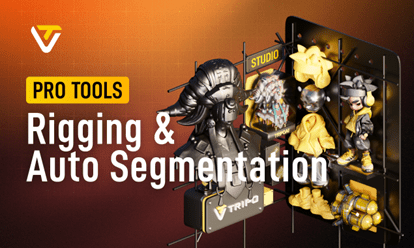
Seamless workflow integration is the final pillar of the best ai 3d workspace, requiring robust export options and automated rigging tools that bridge the gap between generation and animation.
An isolated tool is a useless tool. The industry leaders in 2026 understand that AI must plug into existing pipelines. Tripo AI offers Auto-Rigging features that automatically detect the morphology of a character—whether bipedal or quadruped—and generate a functional skeleton.
This feature significantly lowers the barrier to entry for animators and game developers, allowing for immediate testing of motion capture data on generated characters. Coupled with support for industry-standard formats, Tripo ensures that the “time-to-engine” is minimized, validating its role as the premier choice for agile development teams in the US market.
Comparative Analysis: Tripo AI vs. Competitors
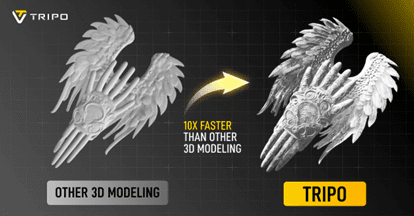
To objectively determine the best ai 3d workspace, one must compare the market leaders on critical technical metrics.
| Feature | Tripo AI | Meshy | Hyper |
| Generation Speed | ~20 Seconds (Draft) / Fast Refinement | ~45-60 Seconds | ~30-50 Seconds |
| Mesh Topology | Quad-dominant, Retopology controls in Studio | Triangle-heavy, limited editing | Mixed, minimal editing controls |
| Texture Quality | 4K PBR Upscaling, Separate Material Maps | 2K limit on standard tiers | High quality, but inconsistent maps |
| Editing Suite | Comprehensive (Tripo Studio): Rigging, Sculpting, Parts | Basic viewing & texturing | Viewer only |
| Rigging | Integrated Auto-Rigging | Manual/External required | External required |
| User Focus | Pro-sumer, Game Devs, Designers | Hobbyists, Basic Prototyping | Social sharing, Avatars |
Verdict: While Meshy offers decent texturing and Hyper focuses on speed for social content, Tripo AI stands out as the definitive professional solution due to its comprehensive Tripo Studio, superior topology controls, and 4K export capabilities.
FAQ
What defines the best AI 3D workspace for professional developers?
The best workspace combines high-speed generation with deep editorial control. It must offer clean mesh topology, PBR texturing, and seamless export options (like GLB/FBX) to integrate into professional pipelines like Blender or Unreal Engine.
How does Tripo AI reduce manual modeling time compared to traditional methods?
Tripo AI utilizes a 200-billion-parameter model to generate base meshes in under 20 seconds. Its “Image to Model” feature eliminates the need for manual blocking and reference alignment, reducing the initial modeling phase by up to 90%.
Can AI-generated models be used for animation and rigging?
Yes, but only if the topology is correct. Tripo AI prioritizes quad-based topology and offers integrated auto-rigging tools, making its models immediately ready for animation, unlike many competitors that produce rigid, high-poly static meshes.
Does the workspace support high-resolution texturing for commercial use?
Tripo AI supports upscaling textures to 4K resolution, ensuring that assets meet the visual fidelity required for commercial projects, marketing visuals, and high-end game assets.
Is there a steep learning curve for using an AI 3D workspace?
Modern workspaces like Tripo AI are designed with tiered complexity. Tripo Lite allows for one-click generation suitable for beginners, while Tripo Studio offers granular controls for professionals, making the platform accessible to all skill levels.