
The Real Cost of a Small Business Website: A Three-Year Budget Breakdown

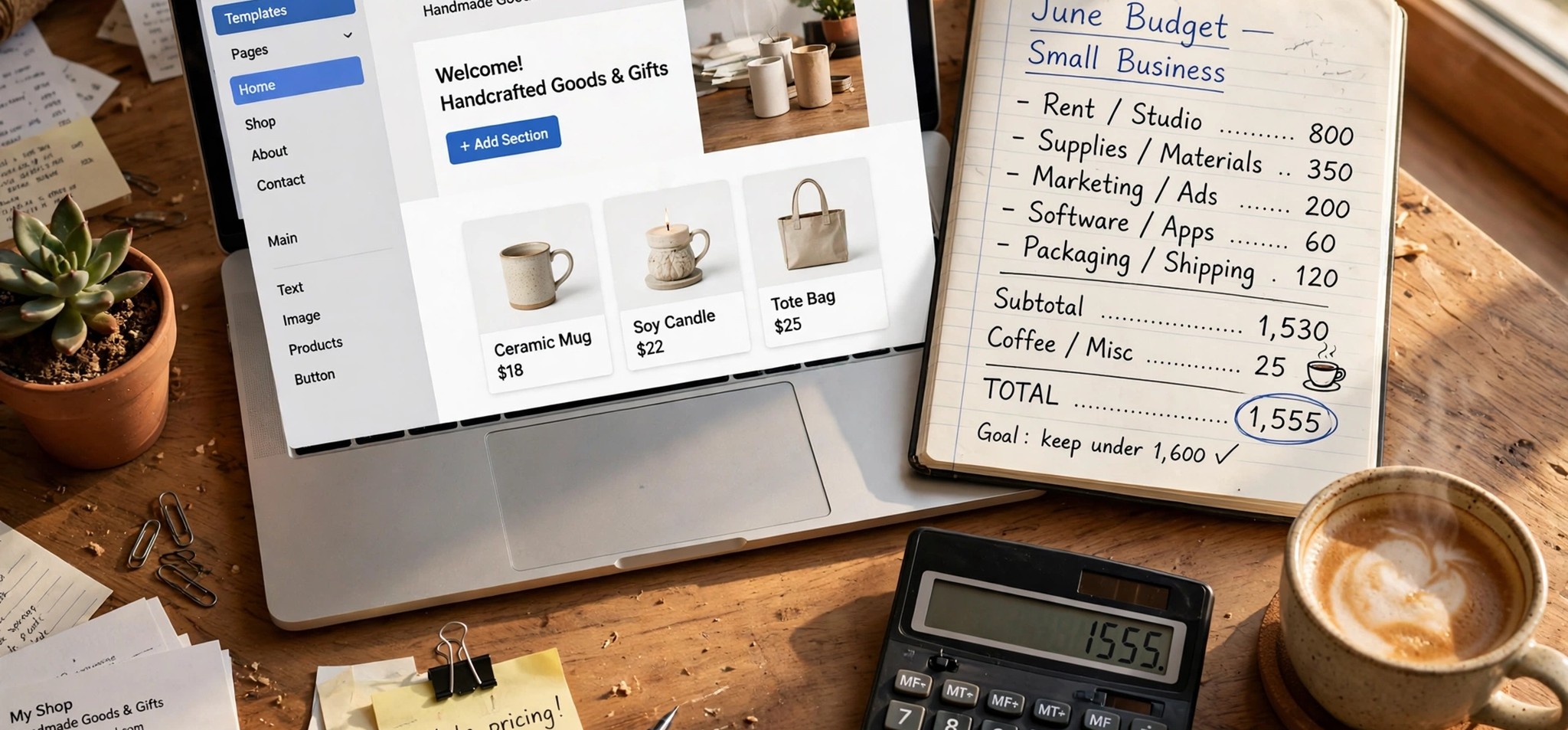
Ask how much a small business website costs and you'll get answers anywhere from "free" to "$30,000." Both can be true, because most quotes only cover the build. The build is a one-off cost. A website, though, is a running cost for as long as you have it: domain renewals, hosting, software, security, updates and your own time. If you budget only for the build, you'll be surprised by everything that comes after it.
A better way to plan is to look at total cost of ownership over three years, which is about how long a small business site lasts before it needs a major refresh. When that refresh comes, it helps to know how much a website redesign costs so it does not catch you out. This guide breaks down each cost, shows three realistic budget scenarios, and explains how to judge the spend by what the site brings in.

Photo: RDNE Stock project on Pexels
Why a website is no longer optional
Most small businesses already have a website. A 2025 Clutch survey found that 83% of US small businesses have one, up almost 20 points since 2018. Customers also research before they buy. BrightLocal found that clear pricing is one of the top three things consumers weigh when choosing which local business to contact. The question is no longer whether to have a website. It's how to pay for one without overspending or under-investing.
The seven cost categories
1. Domain name
A standard .com usually costs somewhere between $10 and $25 a year. Watch out for first-year promotions. Many website builders and hosts include a free domain for year one only, then charge renewal rates from year two. Register the domain in your own name, on an account you control, and turn on auto-renew. Losing your domain because a renewal email went to a former employee is one of the most expensive small business mistakes there is.
2. Hosting or platform subscription
If you use a hosted builder, the subscription covers hosting. As of late 2026, entry plans with a custom domain range from about $10 a month on Framer to $19 on Squarespace and $22 on Durable. If you use WordPress, you pay for hosting separately. Cheap shared hosting can cost just a few dollars a month, while managed WordPress hosting with backups and better speed usually costs more. Always check the renewal price. One budget builder advertises $2.49 a month on a 48-month prepaid term, then renews at $10.99, about 4.4 times as much.
3. Design and build
This is the biggest one-off cost and the one that varies most. Broadly, you can build it yourself with a builder (no fee, but a lot of your time), hire a freelancer or small studio with a fixed-price package, or commission a custom agency build with strategy, copywriting and photography. Price depends mostly on the number of pages, custom features such as booking, ecommerce or integrations, and whether the provider writes the copy. For current price ranges at each level, this breakdown of how much a small business website costs covers what is included at each price point.
4. Maintenance, security and backups
Software needs updating. WordPress core, themes and plugins release security updates often, and an unpatched site is an easy target. Hosted builders handle platform updates for you, but you still have to keep your content, forms and integrations working. Many small businesses pay for a monthly care plan that covers updates, backups, uptime monitoring and small content changes. Whichever route you choose, put it in the budget. It is cheaper than cleaning up after a hacked site.
5. Premium tools and licences
Premium themes, form plugins, booking systems, SEO plugins, review widgets and stock photos usually bill every year. Individually they look small. Together they can quietly add hundreds of dollars a year. List every subscription linked to your site and check the list once a year.
6. Content and updates
Prices change, services expand, staff leave, and Google rewards sites that stay current. Budget for regular updates: new service pages, seasonal offers, fresh photos and some blog content if search is a growth channel for you. A site that looks neglected costs you enquiries, even if it never shows up as a line on an invoice.
7. Your own time
The cost owners most often leave out. Twenty hours spent learning a builder and writing copy has a real price, especially if those are hours you would otherwise bill to clients. Put a value on your time before you decide that the do-it-yourself route is free.

Photo: olia danilevich on Pexels
Three-year cost scenarios
These figures are examples to help you plan, not quotes. Your own numbers will depend on your provider, your market and the features you need.
| Cost item | A: DIY on a website builder | B: Small studio, WordPress | C: Custom agency build |
|---|---|---|---|
| Design and build | $0 (plus about 20+ hours of your time) | $750–$2,000 | $8,000+ |
| Platform / hosting (36 months) | $19/mo = $684 | $15/mo = $540 | $30/mo = $1,080 |
| Domain (years 2–3) | ~$40 | ~$40 | ~$40 |
| Maintenance (36 months) | Your time | $49/mo = $1,764 | $150/mo = $5,400 |
| Premium tools | $0–$300 | $100–$400 | $300–$900 |
| Three-year total | ~$725–$1,025 + your time | ~$3,200–$4,750 | ~$14,800+ |
| Per month, over 36 months | ~$20–$28 | ~$89–$132 | ~$411+ |
Dividing the total by 36 changes how the choice looks. Scenario B often costs less per month than a single local newspaper ad, and it is a professionally built site that is kept updated and secure without taking up your time.
Judge it by return on investment, not just cost
The right budget depends on what a new customer is worth to you. Work out three numbers:
- Average job or customer value, for example $1,500 for a home-service job.
- Your realistic close rate on enquiries, for example one in four.
- Extra enquiries the website needs to bring in to cover its monthly cost.
With a $1,500 average job and a 25% close rate, each enquiry is worth about $375. At around $110 a month, the Scenario B site pays for itself with about one extra enquiry every three months. Everything after that is profit. Seen this way, the cheapest option is not always the lowest-risk one. A free site that brings in no enquiries costs you every job you didn't get.
Five ways to keep website costs under control
- Own your accounts. The domain, hosting and analytics should all be in your business's name, not your provider's.
- Ask for renewal prices in writing. Compare providers on what you'll pay in year two, not the introductory rate.
- Be careful with long prepaid terms. A four-year commitment locks in the low rate, but also locks you into that platform.
- Start lean, then expand. Five strong pages that convert beat twenty thin ones. Add pages when the data shows demand.
- Set an annual budget for upkeep. Plan for maintenance and updates every year, as you would for vehicle servicing or equipment insurance.
Conclusion
Small business owners who are happiest with their websites aren't necessarily the ones who spent the least or the most. They're the ones who knew the full cost in advance. If you plan over three years, include maintenance and your own time, and measure the result in enquiries rather than page views, a website stops being an unpredictable expense and becomes a budget line you can plan and track.
About the author
Govind Rai is the founder of Crazy Media Design, a web design studio that builds affordable, conversion-focused websites for small and local businesses in the US. Originally from Nepal and now based in London, he writes about website budgets, local SEO and how small businesses can get a measurable return from their online presence.







Comment