
AI Muscle Generator and AI Outpainting: Easy Guide for Creators

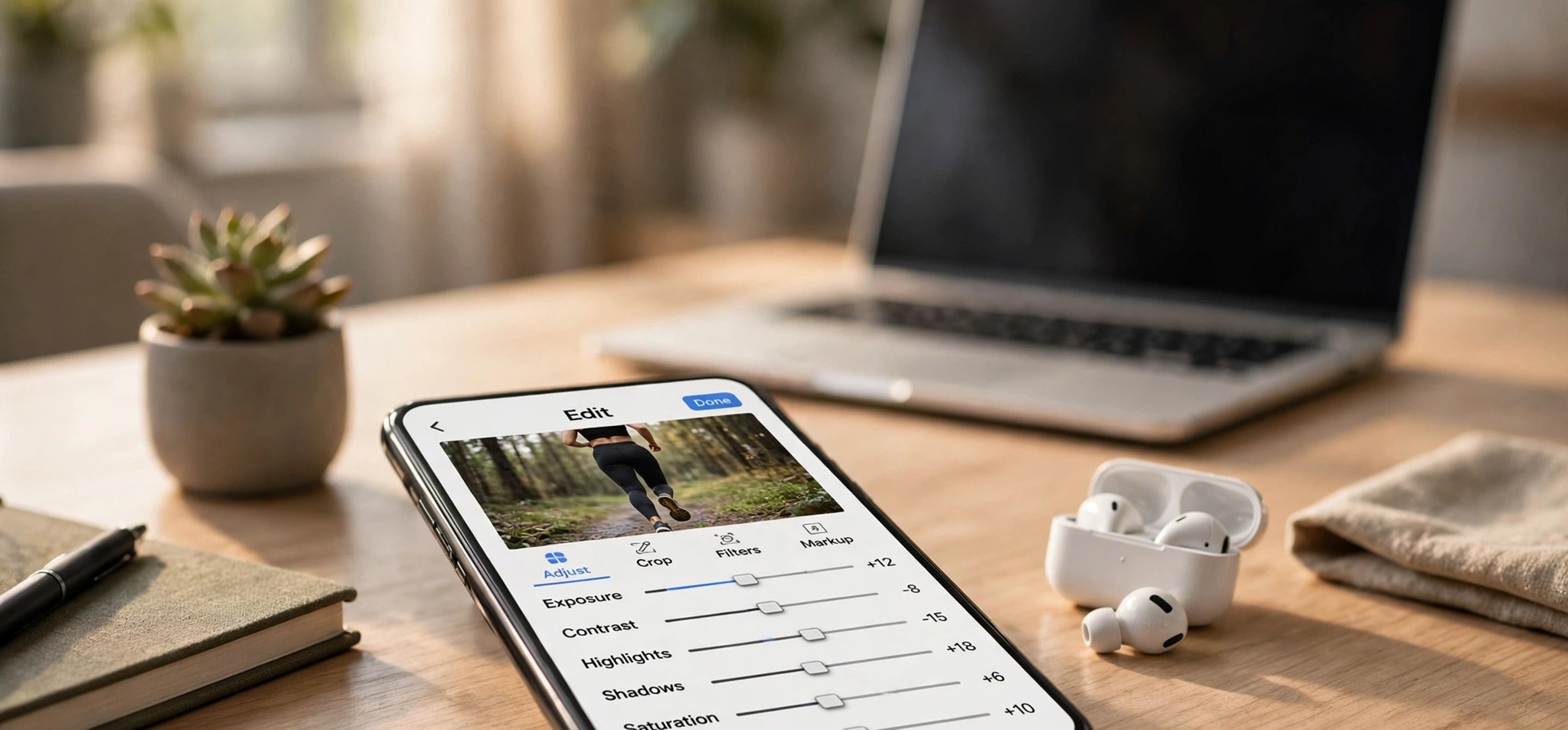
Maybe the body does not match your fitness story. Maybe the photo is too tight for a YouTube thumbnail. Maybe you need the same image in three different sizes. You could reshoot or spend hours in an editor. Or you can use two simple AI tools. One changes the body in your photo. The other makes your photo bigger.
This guide explains both in easy words. You will learn what they do and how to use them together. You will also learn how to avoid fake-looking results.
Why this matters for creators
Creators post a lot. Every post needs a strong image. Every platform wants a different size.
Good editing used to need skill and time. Now AI does much of the work. That means you can make more content in less time.
But fast is not enough. The image must also look real. If it looks strange, people will scroll past it. Worse, they may stop trusting you.
So the goal is simple: save time and still look believable.
What is an AI muscle generator?
An AI muscle generator is a tool that changes the body in a photo. It adds shape to the arms, chest, shoulders, or stomach. Your face, pose, and clothes should stay the same.
Here is how it works in simple terms. The AI looks at the shape of your body. Then it draws muscle on top of that shape. It also tries to match the light and shadows in your photo.
Shadows are important. Muscle looks real because of light and shade. If the shadows do not match, the edit looks fake.
Who uses it?
- Fitness creators use it for goal images and challenge posts.
- Artists and game makers use it to test body shapes for characters.
- Clothing brands use it to show how a shirt fits different builds.
- Regular people use it as a motivation picture.
What is AI outpainting?
AI outpainting does something different. It does not change what is in your photo. It adds more to it.
You make the picture bigger. The AI then fills the new space. It copies the style of the scene. If your photo has a blue sky, it paints more sky. If it has a wall, it paints more wall.
AI outpainting is useful because each platform wants a different shape. YouTube likes wide images. Stories like tall images. Feeds like square images.
If you crop, you lose parts of your photo. With outpainting, you keep everything and add space.
How to use both tools together
Most guides explain these tools one at a time. But they work well together. Follow these steps.
- Pick your best photo. Choose a clear photo with good light.
- Change the body first. Do the muscle edit while the photo is still tight. The AI has less to guess.
- Zoom in and check. Look at the hands, shirt edges, and shoulders.
- Make the photo bigger second. Now use outpainting to reach the size you need.
- Check the edges. Look at the line where the old photo meets the new area.
The order matters. If you outpaint first, the muscle tool must work around new AI-made parts. That can cause odd results.
Things most guides skip
Be honest with your viewers
This is very important. An edited body can trick people.
If you are a fitness creator, do not show an AI edit as your real result. That is misleading. It can hurt your trust with your audience.
Add a short label like “AI concept image” or “goal picture.” It takes two seconds. Also check the rules of each platform. Many ask you to tell people when an image is AI-edited.
Use photos you are allowed to edit
Use your own photos. Or use photos of people who said yes. Never edit someone else’s body without asking. Never use these tools on photos of children. Keep every edit clean and safe for all ages.
Fix common problems
Most bad results come from the same few causes.
- Warped clothes: Thick jackets and busy patterns confuse the AI. Use plain, fitted shirts.
- Odd hands: Hands are hard for AI. Try again, or keep hands out of the frame.
- Wrong lighting: Mixed light sources cause trouble. Use one clear light.
- Repeating background: If the new area looks copied, extend the photo in small steps.
- Hard edges: Leave a bit of overlap so the AI can blend the new area better.
Keep your series matching
One good image is easy. Ten matching images are harder.
Use the same light, the same pose style, and the same level of change each time. If one photo looks lean and the next looks like a stage bodybuilder, viewers will notice.
Simple tips you can use today
For muscle edits
- Ask for one look only. “Lean and athletic” works better than many styles at once.
- Keep changes small. Small edits look real. Big edits look fake.
- Use a plain background.
- Pick a natural pose. Twisted poses cause strange shapes.
For outpainting
- Tell the AI what to add. A short note like “more blue sky” helps.
- Extend one side at a time.
- Keep faces and text away from the new edges.
- Make a few versions and choose the best one.
For both
- Zoom to 100% before you save.
- Keep your original photo.
- Save in the best quality your platform allows.
A simple example
Imagine you run a home workout channel. You want a thumbnail for a “90-day challenge” video.
Your best photo is tall and tight. First, you add a little shape to your arms and shoulders. Then you use outpainting to make the photo wide. The new space gives you room for your title.
In the video, you say it is a concept image. The thumbnail looks clean, and your viewers know the truth.
That is the right way to use these tools.
Conclusion
An AI muscle generator changes the body in a photo. AI outpainting changes the size of a photo. Together, they help you make more content from one good image.
But the tools are only part of the job. You still need a clear photo, small edits, and a careful check. You also need to be honest with your audience. Creating useful visual content is only one part of digital growth; improving AI search optimization can also help brands strengthen their presence across evolving search experiences.
Start small. Try one photo. Make one small body edit. Then extend one side. Compare it with the original. You will learn fast, and your content will look better.
FAQs
What is an AI muscle generator?
It is a tool that adds muscle shape to a person in a photo. It keeps the face, pose, and clothes the same.
What is AI outpainting?
It is a tool that makes a photo bigger. The AI paints new content beyond the edges of your image.
Is outpainting the same as cropping?
No. Cropping cuts parts away. Outpainting adds new parts.
Which should I do first?
Do the muscle edit first. Then use outpainting to change the size.
Do I need to tell people my image is AI-edited?
Yes, it is the right thing to do. Many platforms also ask for it.

Comment