
7 Controls Your Cyber Insurer Will Ask About, Sorted by What They Cost

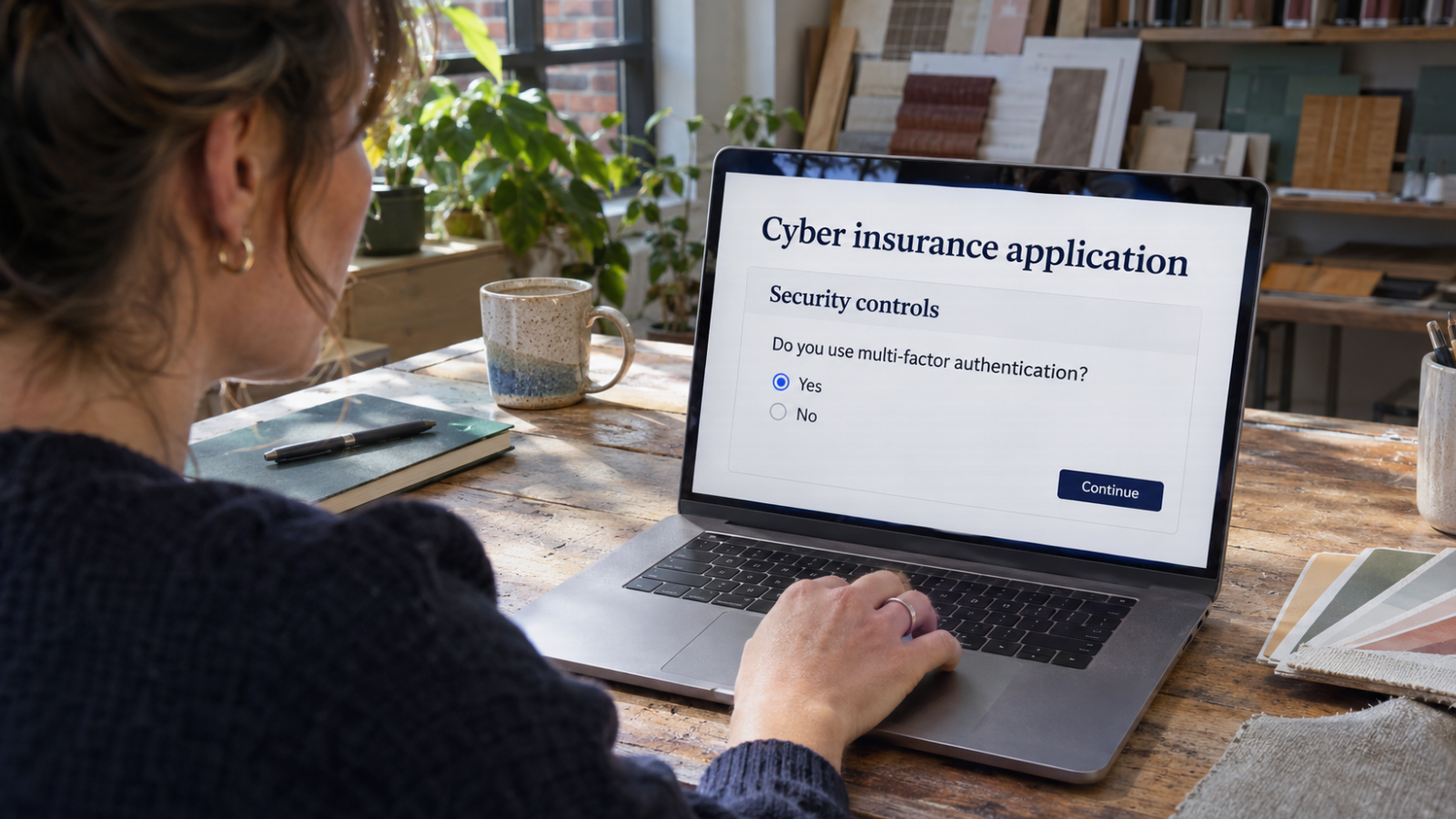
Plenty of small business owners still believe they are too small to be hacked. Their insurers stopped believing it a while ago. A cyber insurance application today reads less like a questionnaire and more like a checklist of specific security controls, and a “no” on the wrong line can mean a higher premium, an exclusion or a declined policy.
The list is fairly consistent from carrier to carrier: multi-factor authentication, backups, endpoint detection and response, patching, email security, limited admin rights and staff training. What owners usually want to know next is what it will cost to say “yes” to all seven.
The answer is often less than they fear, because several of these controls are already sitting unused in software the business pays for. Below, the seven controls are grouped by what it typically takes to put them in place: settings you can turn on this week, work that costs mostly staff time, and the items that genuinely need budget.
Tier 1: Settings you already pay for
1. Multi-factor authentication
Insurers ask about MFA first and in the most detail: email, remote access, cloud apps and every administrator account. The good news is that for most small businesses, the email side costs nothing extra. Microsoft offers security defaults to every Microsoft 365 tenant, which require all users to register for MFA and block older sign-in protocols that can’t support it. Google Workspace has an equivalent 2-Step Verification enforcement setting in its admin console.
The work is not the switch. It is the week of helping staff enroll their phones, and the hunt for the places MFA doesn’t reach: a shared mailbox someone still signs into directly, a remote desktop port forwarded through the office firewall, or a VPN that predates the MFA rollout. Insurers ask about remote access separately for exactly this reason.
Cost: time. Plan a few hours of setup and a day or two of help-desk questions.
2. Limited administrator rights
Applications usually ask whether staff use separate accounts for administrative work and whether everyday users have local admin rights on their computers. In many small offices, the owner’s daily email account is also the global admin for Microsoft 365, and every employee can install software on their own laptop.
Fixing this costs nothing in licensing. Create dedicated admin accounts that aren’t used for email or browsing, protect them with MFA, and keep the number small, usually two. Then remove local admin rights from standard users and give them a simple way to request software. Expect some friction in the first month as people discover what they used to install on their own.
Cost: an afternoon of configuration plus a short adjustment period.
3. Email authentication
Email security questions cover filtering, but carriers increasingly ask about SPF, DKIM and DMARC: DNS records that tell receiving mail servers which systems are allowed to send as your domain. Publishing them is free. The catch is that DMARC only protects you once it is set to quarantine or reject spoofed mail, and many businesses publish a “monitor only” record and never move past it.
Start in monitoring mode, read the reports for a few weeks to find legitimate senders you forgot about (your invoicing platform, your website’s contact form, a marketing tool), add them, and then tighten the policy.
Cost: a few hours spread over a month, plus a free or low-cost DMARC report reader if you want readable reports.
Tier 2: Mostly staff time
4. Patching on a schedule
Insurers want to know how quickly you apply critical updates, and they pay particular attention to anything exposed to the internet: firewalls, VPN appliances, remote access tools and web servers. Windows and Microsoft 365 apps can be set to update automatically at no extra cost. The harder part is the equipment nobody owns. The firewall in the closet may not have had a firmware update since it was installed.
A useful benchmark is CISA’s Known Exploited Vulnerabilities catalog, a public list of flaws that attackers are actively using. If a product you run appears on it, that update moves to the front of the line. Keep a simple inventory of internet-facing devices and check each one against the catalog monthly.
Cost: an hour or two a month, more if the inventory doesn’t exist yet.
5. Security awareness training
Most applications ask whether employees receive security training and whether you run phishing simulations. Training doesn’t have to be expensive to count. NIST’s Small Business Cybersecurity Corner collects free training materials and guides from government agencies and nonprofits. Paid platforms add automated phishing tests and completion tracking, which makes it easier to prove the training happened.
Whichever route you take, cover the scams that actually reach small businesses: fake invoices, changed payment instructions, gift-card requests from a “boss” and phone calls from someone claiming to be IT support. Include a written rule that any change to bank details is confirmed by phone using a number already on file, never one from the email. Insurers ask about that procedure directly, because payment fraud claims are common.
Cost: free to modest, plus 30 to 60 minutes of each employee’s time per year.
Tier 3: Worth a real budget line
6. Backups that ransomware can’t reach
The backup questions have become more specific. Carriers want to know whether at least one copy is offline or immutable, whether backup systems use separate credentials, whether Microsoft 365 or Google Workspace data is backed up, and when you last tested a restore.
This is where money is usually required: a backup service with immutable storage, and a separate backup for cloud email and files. The cost scales with data volume and the number of users. The part that costs nothing is the test. Restore one important file and one full system at least once a quarter, write down how long it took, and keep the notes. That record answers the question the application is really asking.
Cost: a monthly service fee, scaled to data and users, plus a few hours a quarter for testing.
7. Endpoint detection and response
Traditional antivirus is no longer enough on most applications. Insurers ask for endpoint detection and response (EDR) on every laptop, desktop and server, and many now ask who monitors the alerts and whether anyone does so outside business hours. That second question matters. An EDR tool that flags ransomware at 2 a.m. on a Saturday helps only if a person or service reacts before Monday.
Some Microsoft 365 business plans include an EDR product, so check your licenses before buying a separate one. Round-the-clock monitoring is the part that usually requires an outside provider. A small business can rarely staff it internally, so this is the control where outsourcing makes the most sense. If you’re comparing options, ask providers of managed cybersecurity services for New York businesses, or wherever you’re based, exactly who responds to an overnight alert, how fast, and what they’re authorized to do without calling you first.
Cost: per-device licensing plus a monitoring service, typically the largest of the seven.
Put it in order: a 90-day plan
If renewal is coming up and several answers are currently “no,” sequence the work so the free controls land first:
- Weeks 1–2: turn on MFA for email and admin accounts, separate admin accounts, publish DMARC in monitoring mode.
- Weeks 3–6: inventory internet-facing devices and update them, remove local admin rights, roll out training and the payment verification rule.
- Weeks 7–12: move DMARC to enforcement, deploy EDR to every device with monitoring in place, set up immutable and cloud backups, and run the first restore test.
Keep screenshots, configuration exports and dated notes as you go. If you ever need to file a claim, the insurer may compare your application answers to what was actually in place, and evidence gathered at the time is far more convincing than recollection after an incident.
The bottom line
Insurers ask about these seven controls because they are the ones that stop the most common attacks on small businesses. Three cost almost nothing beyond settings and time, two mostly need discipline, and two need a real budget. Starting with the free ones gets most businesses a long way before the first invoice arrives, and it means you can answer the application honestly.
About the author: Nathan Spitalny is the CEO of RDE Technologies, a managed IT and cybersecurity provider based in Oceanside, New York, serving small and midsize businesses across New York City and Long Island.







Comment