
What Is IPTV and How to Set It Up: A Complete 2026 Guide

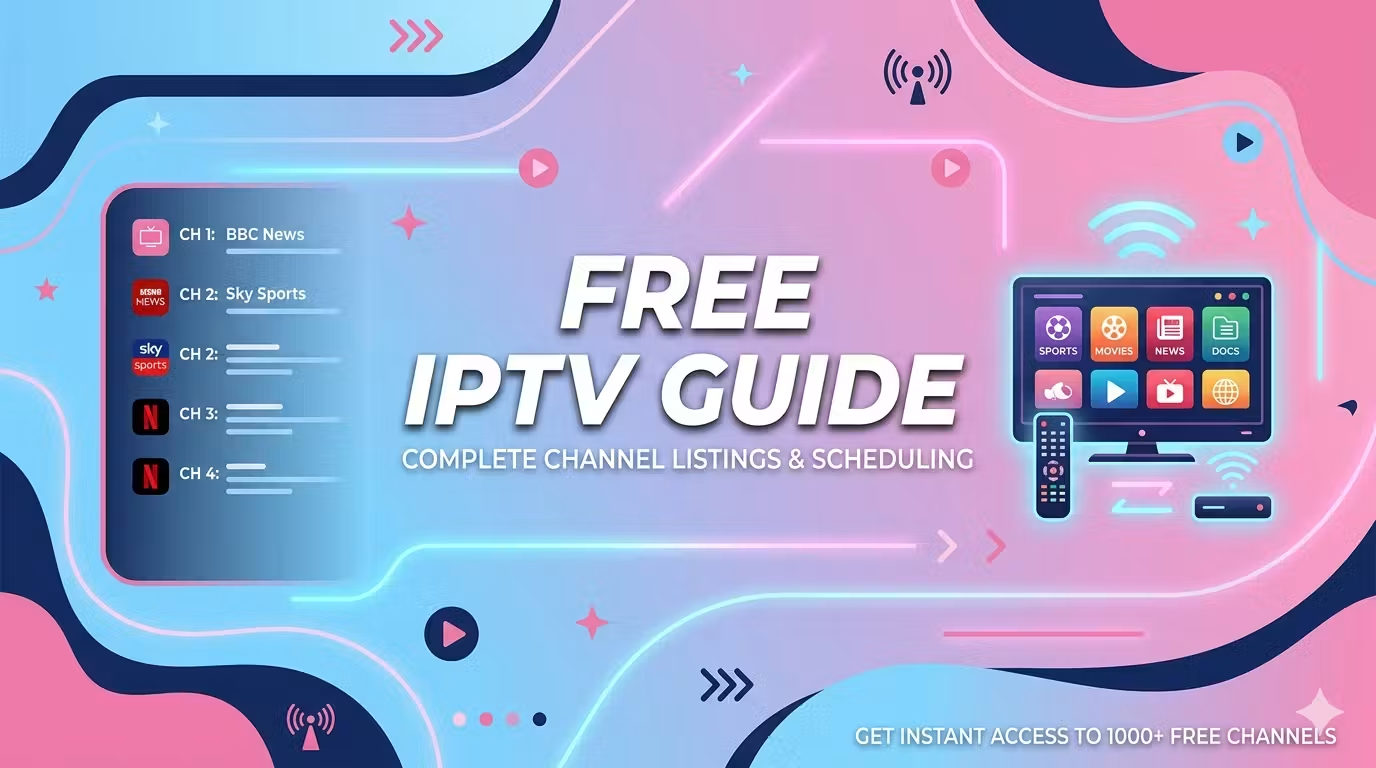
Internet Protocol Television, or IPTV, has become one of the most popular ways to watch television in recent years. Instead of relying on an aerial, cable, or satellite dish, IPTV delivers content directly over your internet connection. This means you can watch what you want, when you want, on the screen of your choice. If you are new to IPTV and wondering how to get started, this complete beginner’s guide walks you through everything you need to know in 2026.
What Is IPTV?
IPTV stands for Internet Protocol Television. In simple terms, it is a way of streaming television content through the internet rather than through traditional broadcasting methods. The video stream travels over your connection and is decoded by an application or a compatible device, then displayed on your screen. Because everything runs online, IPTV offers a level of flexibility that traditional television cannot match, including the ability to pause, resume, and watch on demand.
What You Need to Get Started
Setting up IPTV is straightforward, and you only need a few things:
- A stable internet connection. This is the most important requirement, as it directly affects picture quality and smooth playback.
- A compatible device. This can be a Smart TV, a streaming box, a computer, a smartphone, or a tablet.
- An IPTV application. A reliable app allows you to load your service and browse the available content.
- Your service details. These are provided by your IPTV service and used to configure the app.
How to Set Up IPTV: Step by Step
Once you have everything ready, the setup process is simple:
- Install a compatible app on your device from the relevant app store.
- Open the app and locate the setup or configuration screen.
- Enter your service details exactly as they were provided to you.
- Wait for the content to load, then browse and start watching.
Most well-designed services provide clear instructions to guide you through each step. A popular choice among beginners is IPTV Smarters Pro, which you can configure in just a few steps by following its dedicated setup guide.
Choosing the Right App and Device
The quality of your experience depends heavily on the app and device you choose. Look for an application with a clean interface, intuitive navigation, and good content organisation. When it comes to devices, a modern Smart TV lets you install an app directly, while a streaming box brings the same features to an older television. Providers such as StreamiTech focus on making the whole process simple, with broad device compatibility and a smooth, user-friendly experience.
Watching on Multiple Devices
One of the biggest advantages of IPTV is that it works across many devices. Once your service is set up, you can often use it at home and on the move, switching between your television, computer, and mobile. This makes it easy to keep watching wherever you are, without being tied to a single screen. For families, it also means everyone can enjoy their own content on the device that suits them best.
Tips for the Best Experience
To get the most out of IPTV, keep these tips in mind. First, prioritise a stable connection; a wired connection often performs better than Wi-Fi for high-definition content. Second, position your device close to your router if you rely on wireless. Third, take a few minutes to configure your picture and sound settings at the start, which ensures lasting comfort. Finally, keep your app updated to benefit from the latest improvements and fixes.
Troubleshooting Common Issues
If you run into problems, most can be solved quickly. Buffering or freezing usually points to a connection issue, so check your internet speed and move closer to your router. If content will not load, double-check that your service details were entered correctly. And if the app behaves unexpectedly, restarting or reinstalling it often resolves the issue. A little patience during setup goes a long way toward a smooth experience.
Why More People Are Choosing IPTV
IPTV has grown quickly because it fits the way people watch television today. It offers freedom from fixed schedules, letting you watch on your own time. It works across multiple devices, so you are never tied to one screen. And it brings a large amount of content together in one place, with a simple, modern interface. This combination of flexibility, convenience, and choice explains why IPTV continues to attract more households every year.
Frequently Asked Questions
Do I need a special device to use IPTV?
No. IPTV works on a wide range of devices, including Smart TVs, streaming boxes, computers, smartphones, and tablets. If your television is older, a streaming box can add the same features.
How long does it take to set up IPTV?
For most users, the entire setup takes only a few minutes. Once you install the app and enter your service details, you can start watching almost immediately.
Why is my IPTV buffering?
Buffering is almost always caused by an unstable or slow internet connection. Try moving closer to your router, switching to a wired connection, or checking your internet speed.
Can I watch IPTV on more than one device?
In most cases, yes. IPTV is designed to be flexible, so you can enjoy your content at home and on the move across different devices, provided your service allows it.
Is IPTV suitable for beginners?
Absolutely. Modern IPTV apps are designed to be user-friendly, with simple menus and clear setup steps, making them accessible even if you have never used this kind of service before. With a little patience, anyone can be up and running in minutes.
Conclusion
Setting up IPTV in 2026 is easier than ever. With a stable internet connection, a compatible device, and a reliable app, you can start watching your favourite content in just a few minutes. Take the time to choose a quality service and configure your setup properly, and you will enjoy a flexible, modern television experience on any screen you like. Whether you are watching on a Smart TV in the living room or on a tablet on the go, IPTV puts you in control of how and when you watch.





Comment