
When a room addition can be a better choice than moving

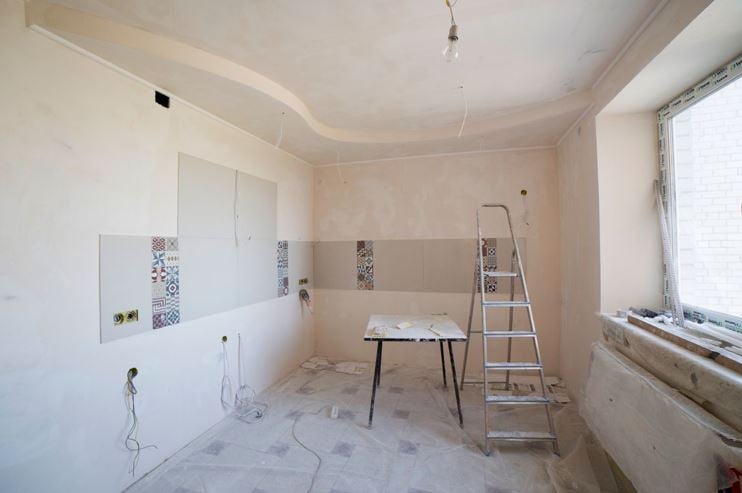
Growing families, changing work arrangements, and multigenerational living can make a once-comfortable home feel too small. Moving may seem like the obvious answer, but it can also mean leaving a preferred neighborhood, taking on transaction costs, and accepting compromises in another property. A carefully planned addition can create needed space while preserving the parts of the current home that already work well.
The decision should be based on more than square footage alone. Homeowners need to consider the lot, zoning requirements, structural conditions, long-term plans, and the way new space will connect with existing rooms. An experienced home remodeling company can help evaluate whether expansion is practical and how it may affect the rest of the home.
Identify the real reason more space is needed
Before drawing plans, define the problem the addition must solve. The household may need a private office, a larger family room, an accessible bedroom, a guest suite, or more space for children. A precise purpose helps determine the best location, size, and relationship to existing rooms.
Sometimes the issue can be solved through a layout change rather than a full addition. Removing an unnecessary wall, converting underused space, or reorganizing storage may create enough relief. Exploring those alternatives first ensures that new construction is chosen because it is the best solution, not simply the largest one.
Evaluate the property and existing structure
Every lot has limits that influence what can be built. Setbacks, utility easements, drainage, access for construction, and local rules may restrict the footprint or location of an addition. The existing foundation, roofline, framing, and mechanical systems also affect how new space can be connected.
For projects involving room additions Dallas, planning should account for cooling demands, insulation, sun exposure, and stormwater movement. A space that looks appropriate on a floor plan still needs to perform comfortably through hot weather. Early evaluation can prevent expensive redesigns after engineering or permitting begins.
Make the addition feel original to the home
A successful addition should not look or feel like an unrelated box attached to the house. Roof pitch, window proportions, exterior materials, ceiling heights, and interior transitions should support visual continuity. Matching every detail exactly may not always be possible, but the design should feel intentional from both inside and outside.
The connection point is especially important. A poorly placed doorway can create awkward circulation, reduce natural light, or turn another room into a hallway. Thoughtful transitions can make the new space feel integrated while improving how the entire floor plan functions.
Plan mechanical systems early
New square footage places additional demands on heating, cooling, electrical, and plumbing systems. The existing equipment may be capable of serving the addition, or upgrades may be required. Waiting until late in design to answer these questions can lead to changes in ceiling heights, wall locations, or the project budget.
Bathrooms, laundry areas, and kitchen extensions require particular attention because plumbing routes can affect cost and feasibility. Electrical capacity should also be reviewed if the new space includes office equipment, entertainment systems, or specialized appliances. Coordinating these systems early keeps the design realistic.
Consider how needs may change
An addition should serve current needs without becoming too specialized. A home office with adequate storage and a nearby bathroom may later function as a guest room or bedroom. A playroom can be designed to become a study, media room, or accessible living area as the household changes.
Flexible design often improves long-term value because future occupants can use the space in different ways. Wider doorways, good natural light, sufficient outlets, and neutral finishes can make a room more adaptable. These choices may add little to the initial scope while making the addition useful for decades.
Compare the full cost with moving
The price of construction should be compared with the complete cost of buying and moving to another home. Real estate fees, financing, moving expenses, repairs, furnishing different rooms, and possible changes in taxes or commuting can all matter. The emotional value of staying near schools, neighbors, and familiar services may also influence the decision.
At the same time, homeowners should avoid overbuilding for the property or neighborhood. A realistic budget and local market perspective help determine whether the addition supports both quality of life and financial priorities. The goal is to create useful space without placing unnecessary pressure on the household.
Conclusion
A room addition can be a practical alternative to moving when the location is right but the house no longer provides enough functional space. Careful planning should address the property, structure, utilities, circulation, appearance, and long-term flexibility. Working with experienced home addition contractors Dallas homeowners trust can help ensure these factors are coordinated from the beginning. An addition can improve the entire home rather than simply make it larger. The result should feel connected, comfortable, adaptable, and worthwhile for the household’s future.







Comment