
8 Best Social Media Management Tools

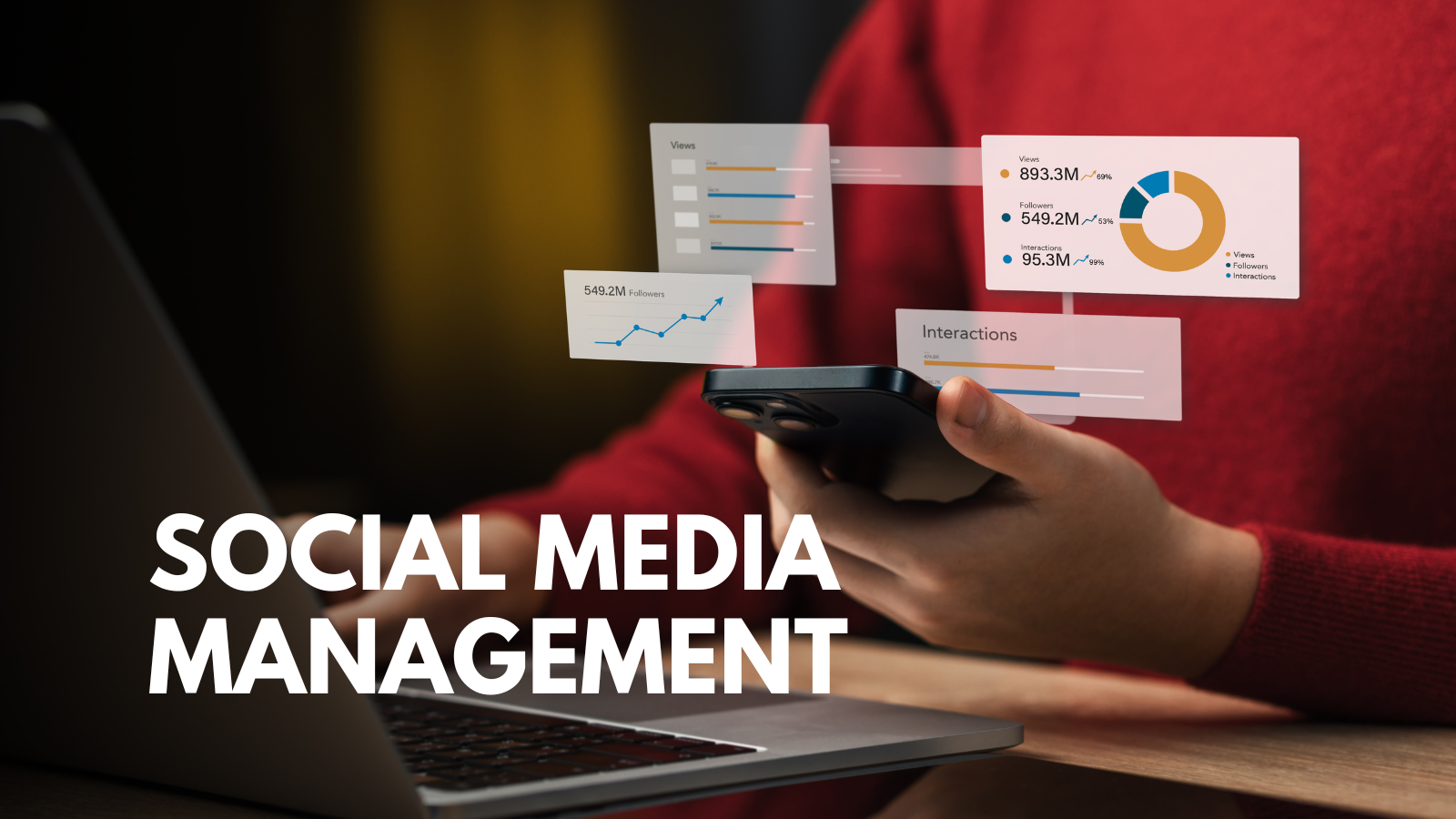
Everyone, from individuals to business owners, is active on social media networks like Facebook, YouTube, Twitter, Instagram, Pinterest, and Reddit. According to the latest social media stats, about 73% of the world’s social media activity is on Facebook, based on webpage views and traffic activity.
If you want to expand your brand or reach target audiences throughout the world, you must actively post and engage your followers on multiple social media networks. Social media management tools offer a centralized platform that simplifies this process so that you can schedule and publish your posts on several networks from a single dashboard.
The Three Capability Tiers
Several social media management tools exist today. They all fall within one of three capability tiers: collaboration-first, all-in-one command centers, and specialist/value. It is better to pick a tool with a capability that matches your specific operating model.
Do you know what kind of operating model your social media team needs? For instance, if you run a business with a marketing department that works with local contributors, your operating model will be different than a sole proprietor who manages every social media account themselves.
Most of these tools offer a free demo with limited functionality, but an option to upgrade to a paid version. Buyers will typically overpay for their subscription to a particular tool by comparing each of its features. What you need to do is figure out your operating model if you don’t have one already. Then, find a tool with a capability that best matches it.
The Top 8 Social Media Management Tools
According to a 2022 Gartner Survey, marketers only use about 42% of their martech stack capabilities, down from 58% in 2020. So, even if you’re spending a lot of money on a social media management tool with more capabilities, it doesn’t automatically create more value for your team if it doesn’t use those capabilities.
Most people rely on AI Overviews Trackers to discover social media management software programs. However, we have tested the eight best social media management tools that fall within the three capability tiers. Try to choose one without features you never use, but with only the features and capabilities you need.
Here is a quick comparison table of the eight:
| Tool | Capability Tier | Best Use |
|---|---|---|
| Planable | Collaboration-first | Teams that prioritize collaboration above all else |
| Sprout Social | All-in-one command center | Teams that want to engage community and manage their brand reputation |
| Hootsuite | All-in-one command center | Large teams and businesses that have many social accounts and users to manage |
| Agorapulse | All-in-one command center | Teams that want to perfect their social content strategy |
| Vista Social | Specialist & value | Teams that want automated AI agents to support them |
| ContentStudio | Specialist & value | Teams that want to create on-brand content with AI |
| Zoho Social | Specialist & value | Teams seeking budget-friendly social tools |
| Later | Specialist & value | Teams that care about scheduling above all else |
Below is an overview of the eight best social media management tools for your consideration:
Tier 1 – Collaboration
1) Planable
Planable leads the collaboration-first tier. There is no other social media management platform that even comes in at a close second under this tier. Planable offers one user-friendly interface for social media management, organization, and collaboration. Social media teams can easily share ideas and create, approve, discuss, and publish content from one place, and then analyze its impact.
You may assign six roles to oversee the drafting, commenting, and publishing on your social accounts. These roles include Guest, Approver, Writer, Contributor, Administrator, and Owner. The four content views, such as feed, calendar, grid, and list, are the standout features of the platform. They enable teams to see content in a format that works best for them. The custom approval workflows set per workspace can be multi-level, required, optional, or none.
Tier 2 – All-in-One Command Centers
2) Sprout Social
Sprout Social is an all-in-one command center best suited for increasing community engagement and receiving public feedback. If you care about improving your brand’s reputation, you will find Sprout Social to be useful. It is particularly helpful for teams that need layered approval prior to scheduling posts for the queue. The posts will go through different assigned reviewers between the draft stage and the publishing stage to ensure the content is acceptable to your brand’s standards.
3) Hootsuite
Hootsuite is one of the longest serving command centers online. You can use it to schedule and publish posts across the most popular social media networks. Companies with large social media teams will find the most value from Hootsuite if they have a high volume of content to manage. It is ideal for team collaboration, paid ad management, social listening, and boosting engagement across these networks. The command center can even perform bulk scheduling, auto publishing, and recommend the best posting times on the networks based on 90-day trends.
4) Agorapulse
Agorapulse is an all-in-one command center for streamlining your social content management and empowering your social team with actionable insights. The command center combines a publishing calendar and social inbox within a single workspace for fast and efficient social management. Unlimited scheduling is allowed throughout ten social profiles, along with key metrics that allow your team to make data-driven strategies for growing your social traffic and business.
Tier 3 – Specialist & Value
5) Vista Social
Does your company operate more than one brand? Vista Social serves as a multi-brand publishing tool for promoting multiple brands across different social media networks. Its white-label reporting and approval workflows will deliver branded results for up to 15 social media profiles, with a low cost per profile.
It also features automated AI agents that can write post content in your own brand voice and schedule bulk posts over an extended period. Vista Social aims to replace traditional social media management programs with a faster and more efficient bulk social management tool.
6) Content Studio
Content Studio is one of the newer social media management tools that mainly centers around AI for managing brands on social media. It can provide you with an AI agent to create on-brand content and publish it across all your social media channels. The AI will get to know your brand, understand its audience, and then help you publish relevant content for them on dates and times when they will be the most receptive to it. Your social team could put the AI on autopilot to grow your social presence without so much manual effort.
7) Zoho Social
Zoho Social is budget-friendly, AI-ready social media management software. Social teams on tight budgets can find great value from the program by utilizing its scheduling, analytics, and multi-channel posting capabilities. The tool can help you create attractive social media posts, bring them to a publishing queue, and manage engagement with your brand.
Furthermore, the AI can forecast the best times to post content by analyzing historical statistics and identifying engagement spikes before they strike. That way, you can schedule your posts at times when your target audience is likely to be the most active on your various social networks.
8) Later
Later is a powerful visual-based social media scheduling tool for individual creators and small businesses with busy teams. The tool lets you visually plan, schedule, and improve your content through a convenient drag-and-drop feature, so you can preview exactly what your content will look like before posting it. All your social profiles are manageable in one calendar. Not only can it simplify your brand’s social media workflow, but it will let you see results much faster than usual.
The Verdict
At the end of the day, team collaboration is the essence of boosting social media traffic and improving brand reputation. Planable is the best choice because it centers around bringing teams together without needing spreadsheets, phone calls, or emails. It offers a single interface for team members to discuss ideas and create impactful content.
Frequently Asked Questions
How should I choose the best social media management tools?
It is best to choose them by their capability tier, not by how many features they have. If a specific tool’s tier aligns with your operating model, then it is probably the right tool for you.
What is the difference between an all-in-one command center and a specialist tool?
An all-in-one social media management platform is a broader command center for managing your social media content. A specialist/value tool focuses more on specific capabilities and value with fewer broad capabilities.
How many social media accounts or users should a tool support?
Social media publishing tools typically have different subscription levels to support higher numbers of social media accounts or users. Choose a tool that supports the number of accounts or users that you need at the moment. If you need to upgrade to a higher subscription level to support more accounts or users, you can always do that later.
Do social media management platforms compare paid vs. organic performance?
The social media analytics tools on these platforms may give you stats on paid and organic traffic on your social media accounts. Of course, every social media management platform is different, so it is best to check out to see whether this capability exists before committing to the tool.







Comment