Video privacy is no longer a niche concern. From content creators and educators to law enforcement agencies and enterprise security teams, organizations are handling more video than ever before. At the same time, regulations such as GDPR and growing public expectations around privacy mean that identifiable individuals often need to be protected before footage can be shared, published, or disclosed.
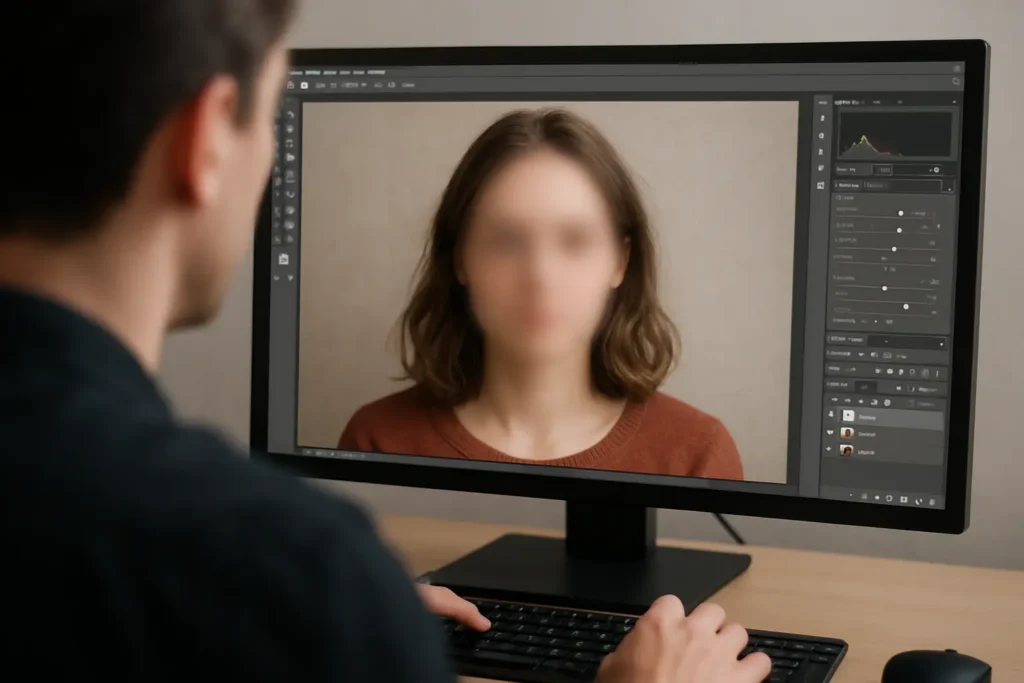
Automatic face-blurring tools have become an essential part of this process. Using artificial intelligence and computer vision, modern platforms can detect faces automatically and apply anonymization without requiring users to manually track individuals frame by frame. The result is faster workflows, improved consistency, and significantly reduced review time.
Whether you’re processing bodycam footage, social media content, customer recordings, or surveillance video, the right platform can dramatically simplify privacy protection.
Here are seven of the best automatic face-blurring tools available in 2026.
Automatic Face-Blurring Tools Comparison
| Rank | Platform | Best For | Key Strength | Ideal User | Average Rating |
| #1 | Secure Redact | Enterprise-scale video privacy and compliance | AI-powered redaction across multiple media types | Agencies, enterprises, regulated industries | ★★★★★ |
| #2 | Nero | Consumer video editing | Easy-to-use AI enhancement tools | Casual creators and home users | ★★★★☆ |
| #3 | Vidio | Automated privacy protection | Fast face-blurring workflows | Businesses and content teams | ★★★★☆ |
| #4 | VLLO | Mobile video editing | Smartphone-based editing and privacy tools | Creators and influencers | ★★★★☆ |
| #5 | IPCamLive | Live camera privacy protection | Real-time video streaming solutions | Security and surveillance users | ★★★★☆ |
| #6 | Perfect Corp | Consumer and business privacy applications | AI-powered visual processing | Brands, marketers, and creators | ★★★★☆ |
| #7 | blur.me | Real-time privacy protection | Instant face blurring for live use cases | Remote workers and streamers | ★★★★☆ |
1. Secure Redact
Secure Redact by Pimloc is designed for organizations that need reliable, large-scale privacy protection rather than simple consumer editing features. The platform automatically detects faces, licence plates, screens, documents, and other sensitive information across video, images, audio, and documents. This makes it particularly valuable for public-sector organizations, insurance providers, transportation operators, and enterprises managing large repositories of sensitive content.
What sets Secure Redact apart is its ability to move beyond basic face blurring. Many privacy workflows involve multiple forms of personally identifiable information appearing within a single file. Secure Redact addresses this challenge through comprehensive AI-powered detection and redaction, helping organizations process footage more efficiently while maintaining compliance requirements. For teams handling disclosure requests, evidence reviews, or privacy-sensitive investigations, the platform provides a level of scalability that consumer-focused tools typically cannot match.
Why It Stands Out
Instead of treating face blurring as a standalone feature, Secure Redact approaches privacy protection as an end-to-end workflow. This broader focus makes it especially effective for organizations operating under strict regulatory or operational requirements.
Key Features
- AI-powered face detection and redaction
- Automated licence plate anonymization
- Screen and document detection
- Video, image, audio, and document redaction
- High-volume batch processing
- Subject access request workflows
- Detailed audit trails and reporting
- API integrations for automated workflows
- Cloud, hybrid, and private deployment options
Visit Secure Redact
2. Nero
Nero has long been associated with media creation and editing software, and its newer AI-powered tools continue that tradition. Throughout its history, Nero has focused on helping users enhance, edit, and manage visual content with minimal technical expertise. Face-blurring capabilities fit naturally within its broader suite of AI-assisted editing tools, making it a convenient option for personal and small-scale professional use.
Rather than emphasizing compliance or governance, Nero concentrates on usability. Users looking for a straightforward way to protect identities within personal projects will likely appreciate its accessible workflow.
Why It Stands Out
Nero is particularly appealing for users who want privacy tools integrated into a broader video editing environment rather than relying on dedicated redaction software.
Key Features
- AI-assisted video editing
- Face-blurring capabilities
- User-friendly interface
- Media enhancement tools
- Consumer-focused workflows
Visit Nero
3. Vidio
Vidio focuses on making automated face blurring accessible through AI-driven workflows. Designed to help users process footage quickly, Vidio aims to reduce the amount of manual effort required to protect identities. Its automation-first approach appeals to organizations and creators who regularly work with privacy-sensitive content.
The emphasis on speed and efficiency makes Vidio particularly useful for teams managing recurring video publishing workflows where privacy protection must be applied consistently.
Why It Stands Out
Fast processing and automated detection allow users to anonymize footage without spending hours manually reviewing content.
Key Features
- Automated face detection
- AI-powered video anonymization
- Batch processing support
- Streamlined editing workflows
- Cloud-based processing
Visit Vidio
4. VLLO
VLLO has built a strong reputation among mobile content creators thanks to its accessible editing tools and intuitive interface. While primarily known as a video editing application, it also includes features that help users manage privacy within published content. This combination makes VLLO ideal for creators working directly from smartphones and tablets.
Its simplicity is a major advantage. Users can edit, enhance, and anonymize footage without needing specialized software or extensive technical knowledge.
Why It Stands Out
Mobile-first creators often need privacy tools that fit naturally into existing editing workflows, and VLLO delivers exactly that.
Key Features
- Mobile video editing
- Face-blurring tools
- Creator-friendly interface
- Social media workflow support
- Cross-device accessibility
Visit VLLO
5. IPCamLive
IPCamLive specializes in live camera streaming and surveillance applications. Privacy protection is becoming increasingly important in these environments, particularly when cameras capture public spaces or customer-facing locations. Automated face blurring can help organizations balance visibility with privacy obligations.
Because IPCamLive operates within streaming environments, its privacy features are often focused on protecting identities without disrupting real-time video delivery.
Why It Stands Out
Organizations operating live camera systems may benefit from privacy features that integrate directly into streaming workflows.
Key Features
- Live video streaming
- Real-time privacy controls
- Camera management tools
- Remote monitoring support
- Cloud-based infrastructure
Visit IPCamLive
6. Perfect Corp
Perfect Corp is best known for its AI-powered visual technologies used across beauty, retail, and consumer applications. Its expertise in facial analysis and computer vision naturally extends into privacy-related use cases where identity protection is required. What makes Perfect Corp stand out among other tools is that it offers solutions aimed at both consumers and businesses, giving it a broad market reach.
Its experience with sophisticated facial recognition technologies provides a strong foundation for automated face processing workflows.
Why It Stands Out
Perfect Corp combines advanced AI expertise with a strong understanding of visual content, creating a flexible platform for multiple use cases.
Key Features
- AI-powered visual analysis
- Face processing technologies
- Consumer and business solutions
- Cloud-based infrastructure
- Computer vision capabilities
Visit Perfect Corp
7. blur.me
blur.me approaches privacy protection from a real-time perspective. The platform is designed to help users obscure faces during live meetings, streams, and virtual interactions rather than after footage has been recorded. This makes it particularly relevant in a world where remote communication remains commonplace.
By focusing on live privacy protection, blur.me serves a different need than traditional redaction platforms while addressing many of the same privacy concerns.
Why It Stands Out
Instant privacy protection can eliminate the need for post-production editing entirely in certain environments.
Key Features
- Live face blurring
- Virtual meeting privacy tools
- Real-time video protection
- Streaming support
- Simple deployment workflows
Visit blur.me
How AI Has Changed Face Blurring Technology
Only a few years ago, face blurring often required users to manually track individuals through footage frame by frame. This process was time-consuming, inconsistent, and difficult to scale.
Modern AI systems have transformed the workflow. Today’s leading platforms can automatically identify faces across thousands of frames, track movement throughout scenes, and apply redactions with minimal user intervention. More advanced solutions can also recognize licence plates, screens, documents, and other sensitive information at the same time.
As video volumes continue to grow, automation is becoming less of a convenience and more of a necessity for organizations seeking effective privacy protection.
Choosing the Right Face-Blurring Tool
The best face-blurring tool depends on your specific requirements. Content creators may prioritize ease of use, while enterprises often need compliance features, governance controls, and scalable processing capabilities.
For organizations handling large volumes of privacy-sensitive content, Pimloc’s Secure Redact stands out by combining highly accurate AI-powered face detection with broader redaction capabilities across video, audio, images, and documents. That wider approach helps organizations address privacy challenges comprehensively rather than solving just one part of the problem.
Frequently Asked Questions
What is automatic face blurring?
Automatic face blurring uses artificial intelligence to identify faces within video footage and apply anonymization without requiring manual editing.
Why is face blurring important?
Face blurring helps protect privacy by preventing individuals from being identified in publicly shared or disclosed footage.
Can AI blur multiple faces at once?
Yes. Modern AI-powered tools can detect and track multiple faces simultaneously, even as people move throughout a scene.
Which industries use face-blurring software?
Common users include law enforcement agencies, transportation operators, educators, content creators, insurers, security teams, and enterprises handling video data.
What should I look for in a face-blurring tool?
Consider detection accuracy, processing speed, scalability, compliance capabilities, workflow integrations, and support for other sensitive information beyond faces.