
7 Best AI Logo Generators in 2026: Features, Pricing & Brand Kit Comparison

Quick verdict: There is no single best AI logo generator for every project. LogoAI is a strong fit when you want AI-generated logo concepts—rather than a template-selection workflow—followed by a brand kit, logo animation, and brand videos. Looka focuses on guided template-based logo design, Recraft on vector and icon creation, Adobe Express on AI-assisted editing, Canva on templates and social content, Wix Logo Maker on Wix websites, and Design.com on a subscription-based brand bundle.
7 best AI logo generators in 2026
What makes an AI logo generator worth using?
AI logo makers can help founders, freelancers, and small teams explore a visual identity. If you are starting with only a business name and a rough direction, you can explore a few logo concepts online before committing to a visual system. These products do different jobs: some generate AI visual directions, some arrange templates, some focus on SVG graphics, and others bundle logo creation with a website or a wider brand subscription.
For this review, the important questions are:
- Design quality: Does the tool create a clear concept, or only rearrange familiar templates?
- Brand completeness: Do you receive colors, fonts, social assets, and mockups along with the logo?
- Files and ownership: Can you download transparent PNG files and scalable vector files? Can you still use the assets after cancelling?
- Cost and speed: How far can you go for free, and how quickly can a non-designer reach a usable result?
How we evaluated the tools
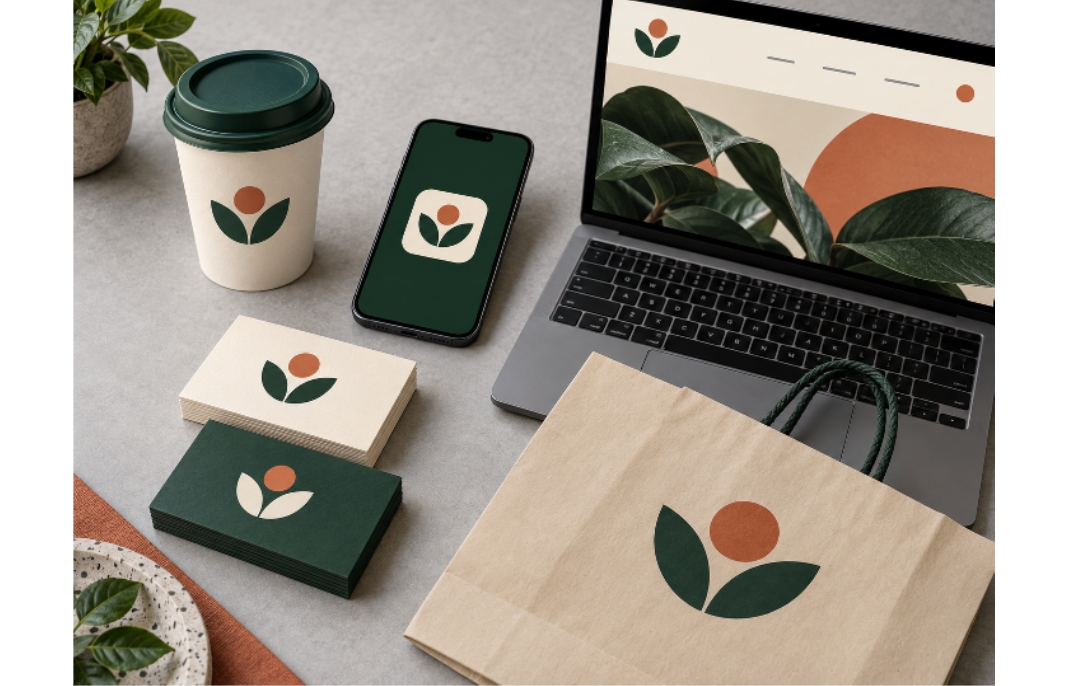
This article compares public feature and pricing information for each tool and cross-checks selected details against official product pages. We use one shared fictional brief throughout: MORI, a sustainable coffee brand with a natural, handmade feel.
The evaluation looks at first-round concept quality, editing control, export options, brand extensions, and the number of steps between a business name and usable brand assets.
Editorial note: This is a public-information and workflow review, not a claim that every paid plan was tested in every region. Prices, export formats, and promotions can change. Check the checkout page before purchasing.
At-a-glance comparison
| Tool | Best for | Main strength | Main limitation | Pricing and download notes* |
| LogoAI | Founders and small teams | AI-generated concept directions across multiple models, brand kit, logo animation, and brand videos | The first round still needs human selection and typography checks | Free to start; the reference page lists a US10seven-daytrialandaboutUS20/month Pro |
| Looka | Polished template-based logos | Guided combinations of templates, icons, and fonts | More template-driven; Brand Kit is a separate subscription | Free to design and preview; logo packages are roughly US$20–65 one time, with Brand Kit billed separately |
| Recraft | Designers and product teams | Prompt-based raster and vector generation, including SVG export | It is not a full brand-building wizard | Free credits; paid plans are listed from roughly US$12/month |
| Adobe Express | Existing Adobe users | AI-assisted generation followed by manual editing and broad content tools | You need to make more design decisions yourself | Free entry point; premium features and export options vary by plan and region |
| Canva | Budget-conscious users and social teams | Fast templates, drag-and-drop editing, and a large asset library | Brand Kit stores and applies assets; it does not create a complete identity for you | Free plan available; Pro adds premium assets and more brand-management features |
| Wix Logo Maker | Businesses already using Wix | Logo, website, social assets, and online presence in one account | A standalone logo purchase should be compared with the website bundle | Free preview; downloads are sold through logo packages or Wix plans |
| Design.com | Users comfortable with subscriptions | Logo, social assets, and brand tools in one monthly bundle | Access and downloads are closely tied to the subscription | Subscription-first pricing; the reference page lists plans from about US$25/month |
\* Approximate public pricing shown in September 2026. Your country, tax, billing cycle, and promotions may change the final amount.
1. LogoAI: best for pure AI generation and a complete brand system
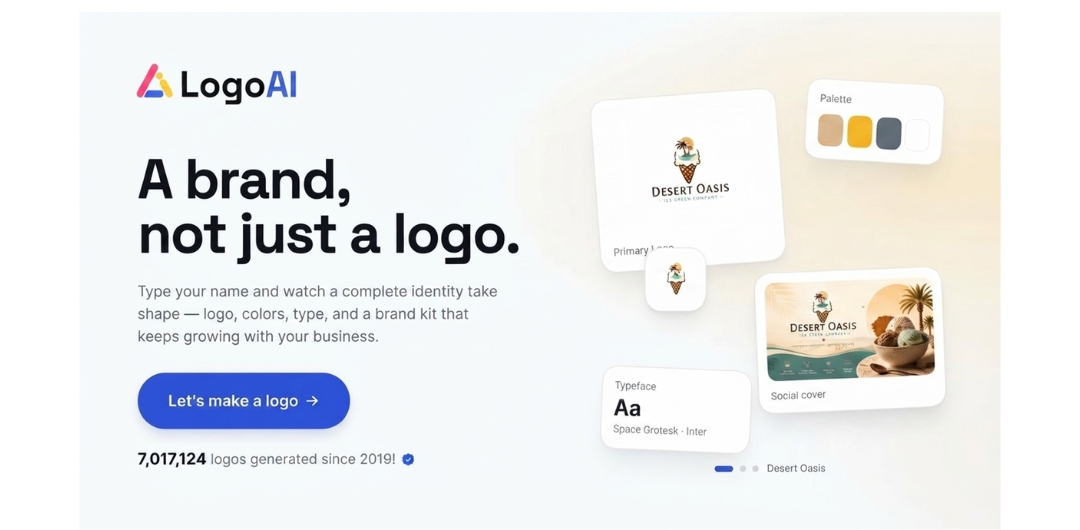
LogoAI uses a different workflow from template-first logo makers. Rather than starting with a fixed set of layouts to edit, it generates logo directions with AI and lets you compare multiple creative routes. This gives users a way to explore several concepts before selecting a visual direction.
After a logo is chosen, the workflow extends into a brand kit with a coordinated color palette, typography, logo variations, mockups, and other brand assets. LogoAI also offers logo animation and brand videos, allowing the selected identity to be used in static and motion formats.
This is a good fit for a founder or small team that wants to move from a business name to a broader brand system in one workflow. The first round still needs human judgment: check symbol originality, spacing, readability at small sizes, and typography—especially when the brand name contains Chinese characters or unusual capitalization.
Best for: AI-generated concepts followed by a brand kit, logo animation, and brand videos.
2. Looka: best for polished template-based logos
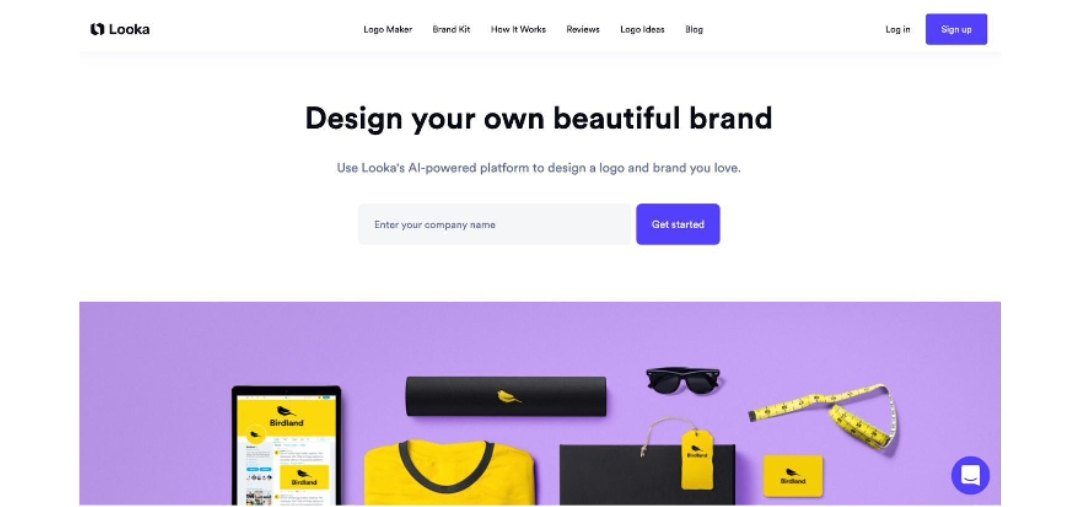
Looka is designed for people who prefer guided choices over open-ended prompting. You choose an industry, visual preferences, colors, and icons; the platform then arranges templates, fonts, and symbols into editable options.
The results are generally consistent and easy to refine. Looka offers one-time logo packages as well as a separate Brand Kit subscription, so buyers should distinguish between purchasing logo files and subscribing to a larger library of branded assets. Looka’s own pricing page confirms that the logo package and Brand Kit are separate purchase paths.
Best for: a fast, polished logo with a familiar template workflow.
3. Recraft: best for vector and icon control
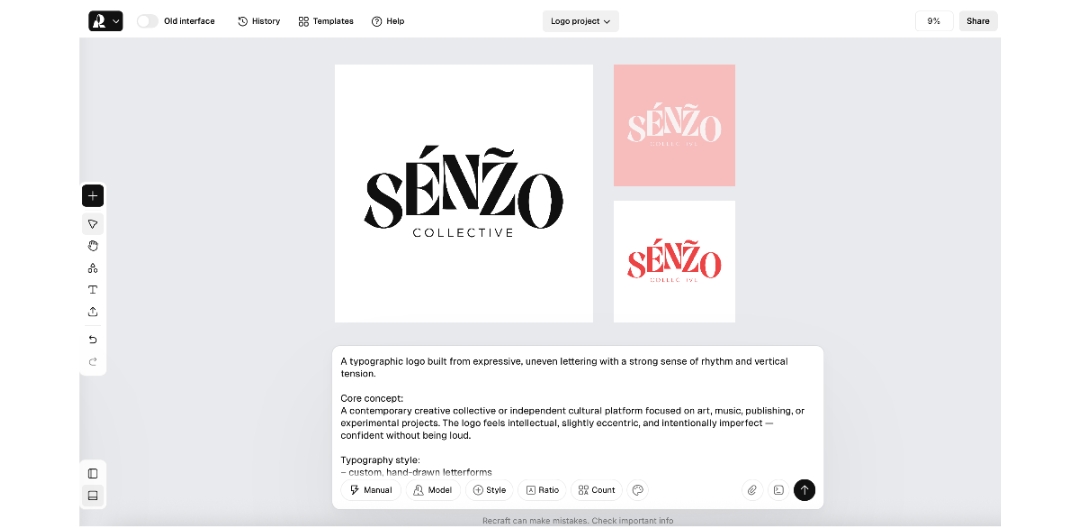
Recraft works more like an AI design canvas than a guided logo questionnaire. You can describe a mark, create icons and illustrations, explore styles, and export vector artwork. This is useful for designers who want an SVG starting point or a family of related icons.
The limitation is scope. Recraft can make a strong mark, but you still need to define the font system, spacing rules, color ratios, and real-world brand applications yourself.
Best for: designers who want control over vector artwork and icon families.
4. Adobe Express: best when you already use Adobe tools
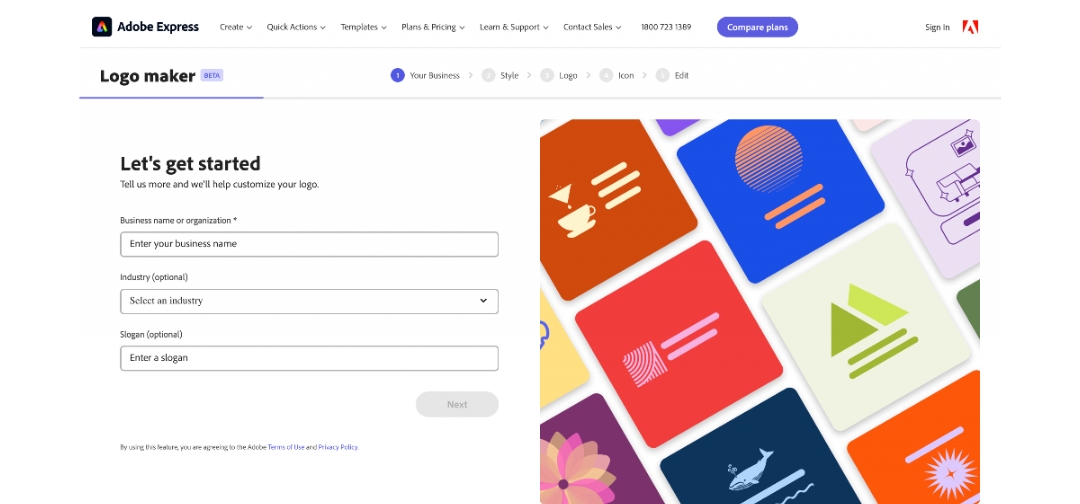
Adobe Express combines an AI-assisted logo flow with a manual editor. You can start with a business name, industry, slogan, and style, then continue editing the result and reuse it in flyers, business cards, social posts, and video.
Its main advantage is continuity with the Adobe ecosystem. If your team already uses Adobe Fonts, Adobe Stock, or other Adobe products, the extra editing control can be useful. If you only need a one-click logo, the workflow may involve more manual decisions than a dedicated logo maker.
Best for: Adobe users who want AI assistance plus manual control.
5. Canva: best for free templates and social content
Canva’s value extends beyond the logo itself. You can use the same editor to build profile images, social posts, menus, presentations, and printed materials. Its free tier supports initial exploration, while Pro adds premium assets and broader brand-management features.
Canva’s Brand Kit is a place to save and apply approved colors, fonts, and logos. It does not automatically create a complete brand identity around the logo.
Best for: small businesses that need a quick logo and a lot of follow-up content.
6. Wix Logo Maker: best for Wix websites
Wix Logo Maker is particularly relevant when the website is also being built on Wix. The logo can connect to website templates, social covers, business cards, and other online-presence assets in the same account.
If you only need a standalone logo, compare the one-time logo packages, SVG availability, and the long-term cost of the website plan. Wix’s help center also states that animated logos are not a standard Logo Maker feature.
Best for: a Wix-based website that needs a matching identity quickly.
7. Design.com: best for a subscription-based brand bundle
Design.com packages logo creation, brand assets, and an online editor inside a subscription. The bundle can make sense when you plan to create social graphics, marketing materials, and other branded assets continuously.
For a one-off logo, subscription pricing can be harder to justify. Before paying, confirm the monthly versus annual price, cancellation rules, asset access after cancellation, and how many brands one subscription covers.
Best for: users who prefer an ongoing brand-content subscription.
The five checks people often miss
1. Test the logo at small sizes
Preview it at 32×32 pixels. If the mark only works as a large image, it will struggle as a profile photo, app icon, or favicon.
2. Get transparent and scalable files
Transparent PNG is useful for websites and social media. SVG or PDF is important for printing, signage, packaging, and later editing. A JPG-only download can create white-background and scaling problems.
3. Check every letter
AI can create a strong symbol while misspelling the brand name or spacing a wordmark badly. Check capitalization, kerning, punctuation, and Chinese characters before sending anything to print.
4. Separate usage rights from trademark rights
A platform may give you the right to use the complete logo file while the underlying icon or font remains shared with other users. Trademark availability requires a separate similarity search and legal review.
5. Save the purchase and subscription details
Keep the invoice, downloaded files, and license terms. For subscription products, confirm what happens to editing access and historical projects after cancellation.
Final recommendation
Choose by workflow rather than by treating the list as a universal leaderboard:
- AI-generated concepts plus a complete brand kit, logo animation, and brand videos: LogoAI
- Polished template logo: Looka
- SVG, icons, and designer control: Recraft
- Adobe-based workflow: Adobe Express
- Free templates and social content: Canva
- Wix website: Wix Logo Maker
- Monthly brand toolkit: Design.com
A practical process is to generate several directions, then review them for small-size clarity, typography, file formats, trademark similarity, and long-term consistency. AI shortens exploration; it does not replace the final brand decision.





Comment