Video dominates as the medium for digital content since it captures more attention faster than other formats do.
Current strategies include practical step-by-step approaches for improving AI-generated videos.
The manual offers tips for creators to easily produce videos that look professional.
An AI Video Generator serves as the cornerstone for turning ideas into polished visuals quickly and efficiently.
Master Prompt Engineering for Stunning Outputs
Use detailed descriptions of style, mood, camera angles, and pacing to ensure the generation of precise images.
Stack the prompts: provide a scene, then a visual aesthetic (lighting, transitions), and finally actions or movements.
Example: “a sleek gadget rotating slowly under soft spotlight illumination with subtle particle effects rising from the base.”
This helps reduce the number of iterations and gives it more realism.
Start with iterative refinement: create a series of short clips, then take things that work and expand them into longer clips.
Repeated testing can find the best combinations of sharpness and smoothness.
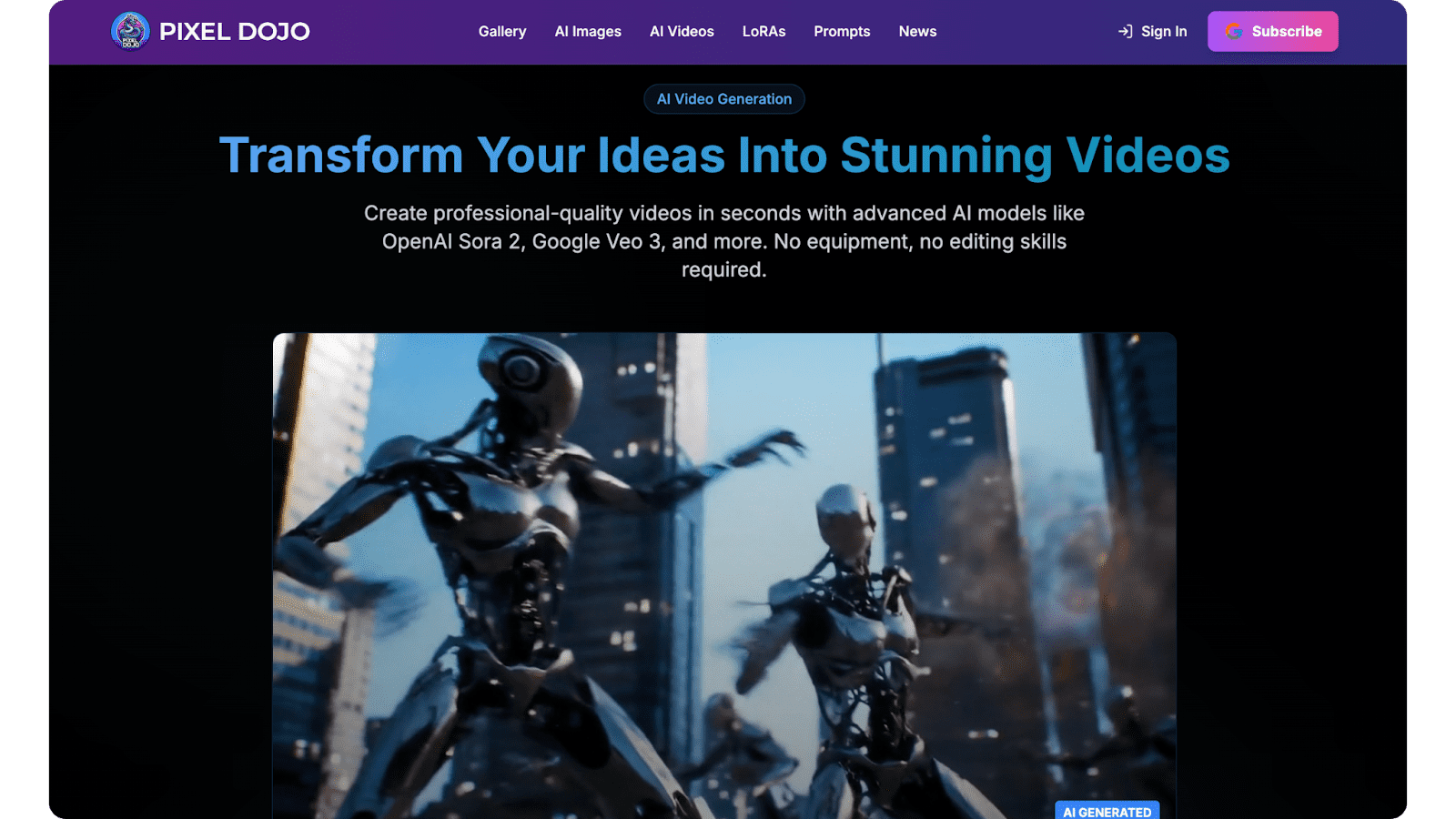
Resources such as the website Pixel Dojo provide examples of visual styles to prompt for inspiration.
Optimize Video Structure for Maximum Engagement
Successful tactics include hooks, clear divisions between story segments, and strong calls to action for platform algorithms.
Start with a 5-second hook, using strong visuals and questions to prevent users from scrolling.
Split the middle section into 3-5 parts, focusing on one idea per segment, and smoothly transition between each with fades or zooming effects.
Finish with a hook summarizing the content and encouraging share or subscribe actions.
Automation can help detect segments and define optimal segment length based on key content types, but sometimes needs adjustments.
Enhance Visual Quality with Advanced Techniques
Please take resolution, aspect ratios, and post-processing into account for each platform.
Render at the highest resolution possible, upscale with motion interpolation to smooth the motion between frames, and do subtle color grading to have lighting match between scenes while keeping colors believable.
Layer prompt images with effects like parallax scrolling or depth of field to achieve a cinematic look without wide-ranging post-processing or add realism to your content with detail-oriented adjustments to shadows and textures.
Integrate Voiceovers and Audio for Immersive Impact
Lip-sync and ambient sound design powered by AI synchronize the natural-sounding voiceover with the visuals.
Choose voices that match your brand’s tone, e.g., bouncy and upbeat for tutorials, calm and steady for explainers. Add music for atmosphere building at key points.
Timely voice-overs to coincide with emotional peaks maximize the retention.
Balance levels.
-6dB for dialogue, -18dB for music, and even lower levels for effects.
Test in all situations and add spatial audio cues to give the experience of 3D surround sound through headphones.
Tailor Content for Platform-Specific Success
Repurpose AI output for shorts, reels, or long-form content.
Vertical platforms reward frequent posts with text overlays for silent viewing within 15 seconds.
Horizontal platforms reward longer narratives and include chapter markers between 1-3 minute videos.
Just watch what’s trending on each platform, see where the trend is headed, and add your own spin to it.
Vertical videos perform.
| Platform | Ideal Length | Key Optimization |
| Shorts/Reels | 7-15 seconds | Bold text, quick cuts, trending audio |
| YouTube | 8-12 minutes | Chapters, thumbnails, end screens |
| TikTok | 15-60 seconds | Hooks in first 3 seconds, duets enabled |
| 30-90 seconds | Professional narration, B2B value props |
Leverage Repurposing for Broader Reach
Export clips, statics, and scripts for blog posts or social graphics.
Slice long-form content by target intent, e.g., tips for Twitter, demos for Pinterest, and automate the thumbnail generation and captions sync process.
Record and analyze performance metrics to inform future usage.
Focus on the distribution of top-performing video content through rework into a carousel or story.
Boost Discoverability with Metadata Mastery
Titles, descriptions, and tags must match the searches of people.
Use titles with persuasive words (“Ultimate,” “Proven,” “Transform”) no longer than 60 characters in a mix of broad and specific keywords. Descriptions use hooks.
Descriptions have timestamps.
Descriptions mix broad keywords with specific keywords.
Broad, specific, and misspelled tags are combined together.
15–20 tags covering different user intents.
Update the tags to reflect the season’s trends and topics.
Title Formulas That Convert
- Question-based: “Struggling with Dull Videos?”
- Numbered: “7 Secrets to Viral Clips”
- How-to: “Create Pro Videos in Minutes”
Analyze and Iterate Based on Performance Data
Use analytics to learn about your audience.
Tweak your pacing/hooks based on watch time, drop-off rates, and CTR.
A/B test thumbnails and titles weekly to grow your uplift.
Audience retention graphs indicate ideal timings and trims for regenerations, and heatmaps show the bits people look at most.
Ensure Ethical and Original Creations
Your prompts should have some of your own flair.
Be honest about AI use, favor original content, and prioritize hybrid content that incorporates edits by humans.
Frequently update prompts to prevent overuse and avoid focusing on trends.
Watermark original prompts to avoid intellectual property infringement.
Scale Production with Workflow Automation
Batch prompts and automate exports to maintain output velocity.
Create prompt templates for the most common themes, with project-specific variables.
Schedule renders on off-hours.
Feed outputs back into the system for refinement, allowing the production duration to be halved.
Pipeline several projects to improve output.
Building a Scalable Workflow
- Draft prompt library categorized by use case.
- Set up batch processing queues.
- Automate quality checks for resolution and sync.
Future-Proof Your AI Video Skills
Combine with AR overlays to create interactions.
Join creator communities for prompts and techniques.
Set aside a few hours each week for testing.
Tracking progress in motion capture and style transfer.
Take your AI video from prototype to production using these 12 strategies.
Daily execution will improve the engagement, reach, and results.
To gain mastery, practice, iterate, and boldly experiment.
Creative possibilities have no limit.