
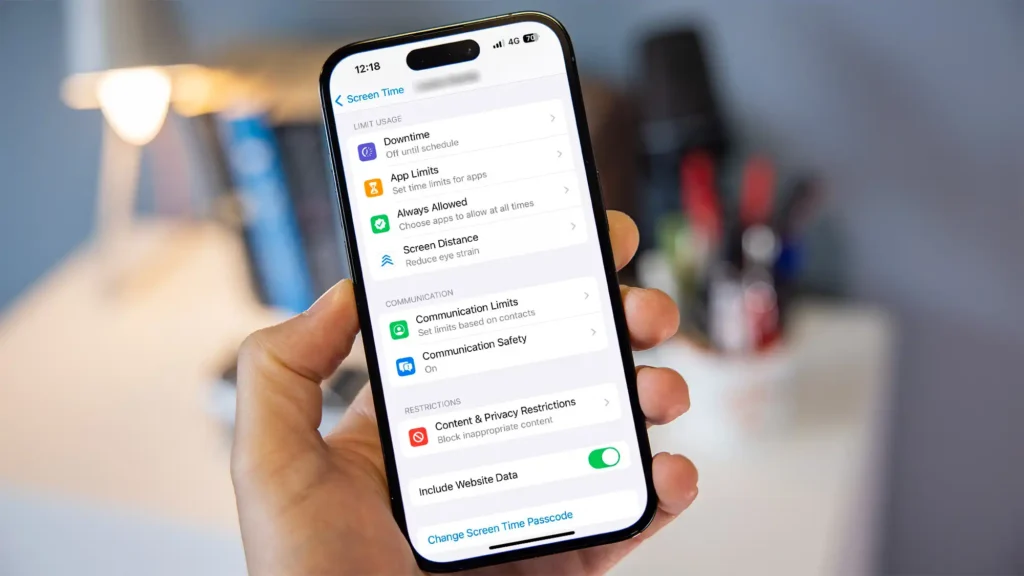
AirDroid Parental Control — Best for Deep Remote Monitoring and AI Content Defense
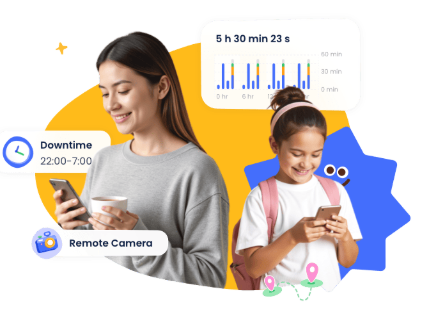
Best for: Parents who want real-time device visibility and proactive AI filtering across social apps, messages, and web content.
AirDroid Parental Control takes a different approach from standard screen-time managers by combining 24/7 advanced remote monitoring with a multi-layered AI defense system. Developed by Sand Studio, it is built for parents who need more than just app blocking — they need to understand context.
Remote visibility is where AirDroid stands out. The app offers live screen mirroring, remote camera access, and one-way audio — three tools that let parents see the device display, view physical surroundings, and listen to ambient sound when a child is unresponsive or in an unfamiliar location. This level of offline safety coverage goes well beyond GPS dots on a map.
On the AI side, AirDroid is equally aggressive. Its content detection engine scans for inappropriate images, filters risky websites in real time, monitors SMS for custom keyword triggers, and analyzes social app interactions across platforms like Instagram, WhatsApp, and TikTok. A recent update added AI app chat monitoring, which extends this protection into in-app messaging threads that traditional filters often miss.
Pricing and plans: AirDroid offers a free version with limited features, a 3-day full-feature trial with no payment information required, and premium plans that sit well below most tier-one competitors. For families who want comprehensive monitoring without the premium price tag, the value proposition is hard to ignore.
Platforms: Android, iOS, Web
Key features:
- Precise GPS tracking, geofencing, and location history
- Remote camera, one-way audio, and live screen mirroring
- AI-powered image detection, web filtering, SMS monitoring, and social content analysis
- AI app chat monitoring (newly released)
- Screen time controls and app usage limits
Who should use it: Families who want deep visibility into both digital and physical safety, especially those with children active across multiple social platforms and messaging apps.
Learn more: https://www.airdroid.com/parental-control/
Choosing a parental control app isn’t just about blocking websites. The best tools help families set healthy boundaries without turning daily life into constant conflict — especially once kids become teens and their world moves into DMs, group chats, and social apps.
In this guide, we compare the most common parental control features parents look for in 2026 — screen time controls, web/content filtering, app management, location tracking, and alerts — and then highlight the best picks by use case.
Our top picks for 2026
Best for deep remote monitoring and AI content defense: AirDroid Parental Control
- Best overall for real-time family awareness (especially for messaging-heavy teens): VigilKids
- Best for trust-first insights: Aura (built around “balance” style monitoring rather than raw transcripts)
- Best for SOS-style location sharing: Qustodio (Panic Button)
- Best for web filtering depth: Norton Family
- Best for broad social-platform risk alerts: Bark
How to read these picks:
If your main concern is one single problem (only screen time, or only location, or only web filtering), a specialized app may be enough.
But if your child is already active across messaging apps, social platforms, and real-world activities, VigilKids is the only option on this list designed to handle all three at once.
Note: Feature availability can vary by platform (Android vs iOS) and by device type. Always check compatibility before you commit.
Top parental control apps compared
| App | Best for | Screen time & schedules | Web/content filtering | Location + geo alerts | Social/message risk signals | Good fit for teens |
| AirDroid | Deep remote monitoring + AI content defense | ✅ | ✅ (AI web, image & keyword filtering) | ✅(precise GPS + remote camera + one-way audio) | ✅ (AI social, SMS & in-app chat monitoring) | ✅✅ |
| Aura | Trust-first digital insights | ✅ | ✅ | ❌ (no GPS focus) | ✅ (insight-style monitoring) | ✅✅ |
| Qustodio | Location tracking + SOS | ✅ | ✅ | ✅✅ (includes Panic Button) | Limited | ✅ |
| Norton Family | Web supervision + categories | ✅ | ✅✅ (category-based filtering) | ✅ | ❌ | ✅ (younger kids) |
(Features vary by OS/plan)
Best overall: VigilKids (for modern families who need real-time clarity)
Most “parental control apps” were built for a simpler internet: browser history, app timers, and a few blocked categories. But for many families, the real stress lives elsewhere:
- Private messaging and disappearing content
- Social apps and late-night DMs
- Location uncertainty (after school, practice, meeting friends)
- Risky media shared in chats
That’s where VigilKids is positioned differently.
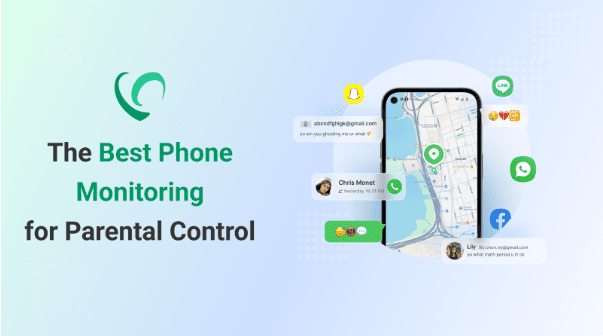
Why VigilKids is the best overall pick in 2026
1) Real-time awareness, not just reports
Instead of only showing what happened hours later, VigilKids is designed for live visibility — so parents can verify situations in the moment (when safety matters most).
2) Built for the way teens actually communicate(WhatsApp Monitoring)
Teens don’t “browse the web” as much as they live in chats and social apps. VigilKids focuses on the spaces where risk shows up first: WhatsApp messages, media, and sensitive conversations.
3) Signals that help you intervene early — without hovering
Good parental control isn’t “read everything.” It’s get alerted when something is off (keywords, risky media patterns, sudden changes), then respond as a parent — with context and calm.
4) A balance-first philosophy
VigilKids is best for parents who want to protect trust while still being responsible. The goal is: Know more with AI. Worry less.
Best for
- Families with teens (13–18) who value privacy but still need guardrails
- Parents who want real-time features (not just weekly reports)
- Messaging-heavy households (WhatsApp/social DMs)
Not ideal for
- Parents who only need basic screen timers (native iOS/Android tools may be enough)
Best for trust-first insights: Aura
Aura positions its parental controls around safer, less invasive “balance” style insights and broader digital-safety framing. It’s often highlighted for parents who want to reduce conflict with teens while still staying informed.
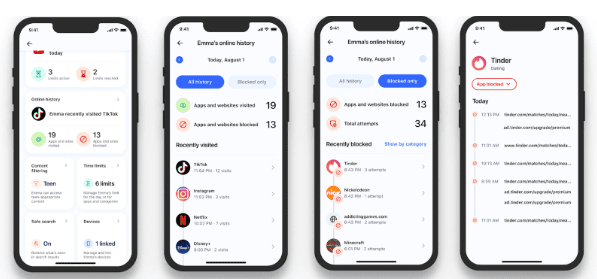
Choose Aura if you want:
- digital-safety suite vibes + parental controls in one
- “insights” over direct transcripts (philosophy-dependent)
Skip Aura if you need:
- strong GPS + geo alerts as a primary feature (many families do)
Best for location safety: Qustodio (Panic Button)
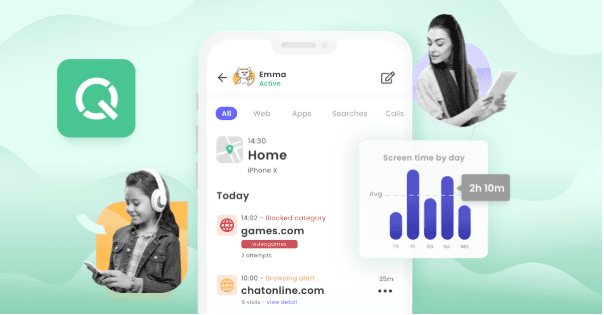
If your top priority is “I need a reliable way for my child to share location fast,” Qustodio’s Panic Button is a standout. It’s built as an SOS-style feature that shares location with trusted contacts.
Choose Qustodio if you want:
- location tracking + history
- an SOS-friendly workflow parents can explain easily
Skip Qustodio if you need:
- deep social/app content signals (coverage is more limited depending on OS)
Best for web filtering: Norton Family
Norton Family remains a strong pick for web supervision, search supervision, and time rules, especially if your kids are younger or most risks come from browsing rather than messaging.
Choose Norton Family if you want:
- web monitoring + category-based blocking
- simple schedules and quick locks
Skip Norton Family if you need:
- social DM monitoring (not its focus)
Best for broad social risk alerts: Bark
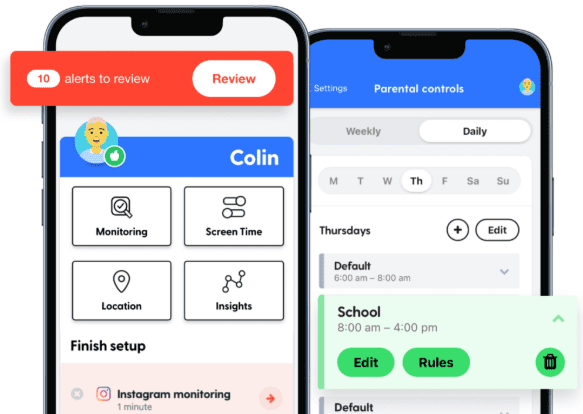
Bark is widely known for alert-based monitoring across many social platforms in third-party roundups, and it often comes up when families want AI-style risk alerts rather than basic timers.
Choose Bark if you want:
- broad social-platform alert coverage
- a more “risk detection” centered approach
Skip Bark if you want:
- the simplest setup possible (more advanced monitoring can mean more setup steps)
FAQs
What’s the best parental control app for teens in 2026?
If your teen lives in messaging and social apps, pick a solution that focuses on real-time awareness + risk signals rather than only web filters. That’s where VigilKids is designed to fit best.
Which parental control app is best for location tracking?
If location and safety check-ins are your top need, Qustodio is notable for its Panic Button feature.
Do parental control apps work the same on iPhone and Android?
No. iOS restrictions mean certain features (especially deep monitoring) may be limited compared to Android. Always verify OS compatibility before subscribing.
Bottom line
If you want the most complete “modern family” setup — especially for teen DMs, social apps, and real-time peace of mind — VigilKids is the best overall pick to build around.
Previously in Business news: Top 5 Trends Reshaping Enterprise Cross-Border Payments